
CRAFTYBOX
Preparing your block world
正在准备你的方块世界
First visit setup
首次访问设置
CRAFTYBOX
Preparing your block world
正在准备你的方块世界
First visit setup
首次访问设置
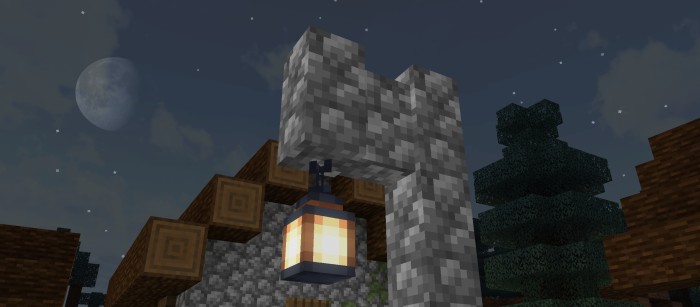
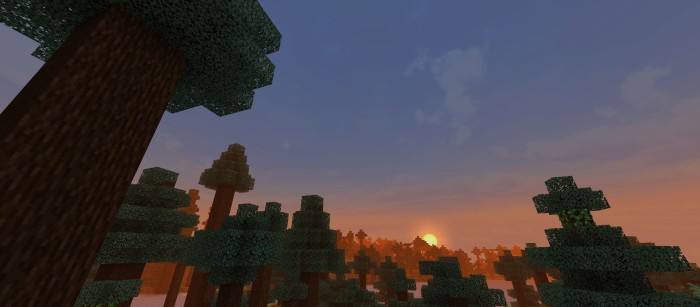
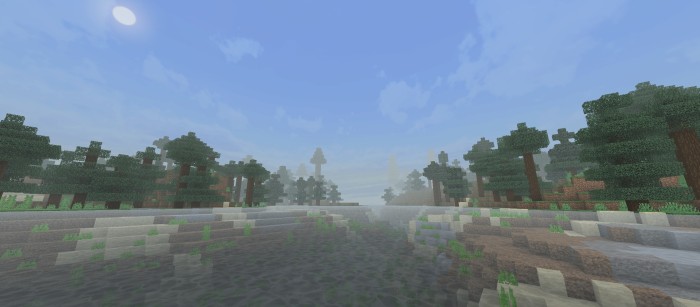
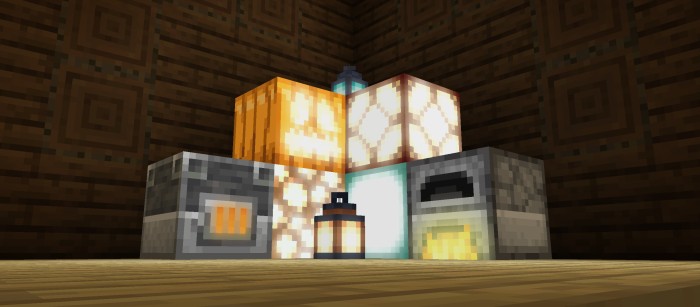
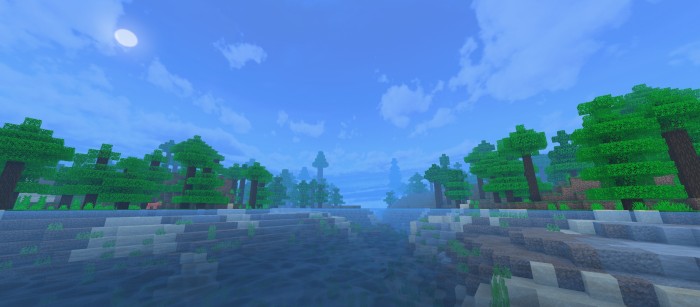
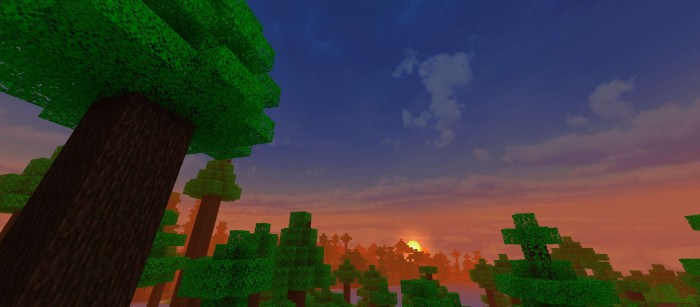
Realismo Graphics Renderdragon Shader Chase true realism on Bedrock — Realismo upgrades MCPE 1.26+ with lifelike lighting, natural skies and realistic tones on the RenderDragon engine. Features: Realistic color grading and natural light balance RenderDragon compatibility for modern Bedrock Convincing weather, fog and sky effects Grounded shadows that anchor your builds Why You'll Love It: 1 One of the most lifelike looks available on MCPE 2 Fantastic for realistic city and landscape builds 3 Stable on the latest game versions How to Get Started: 1 Download the Realismo Graphics Renderdragon Shader. 2 Install it in Minecraft PE. 3 Open your world and
Read the full details and screenshots
Open this resource in CraftyBox