
CRAFTYBOX
Preparing your block world
正在准备你的方块世界
First visit setup
首次访问设置
CRAFTYBOX
Preparing your block world
正在准备你的方块世界
First visit setup
首次访问设置
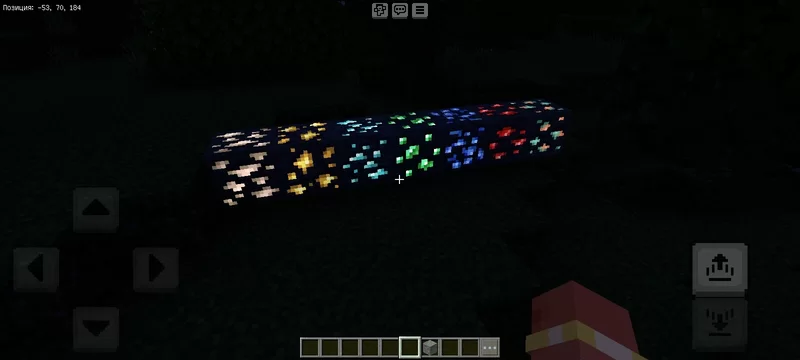
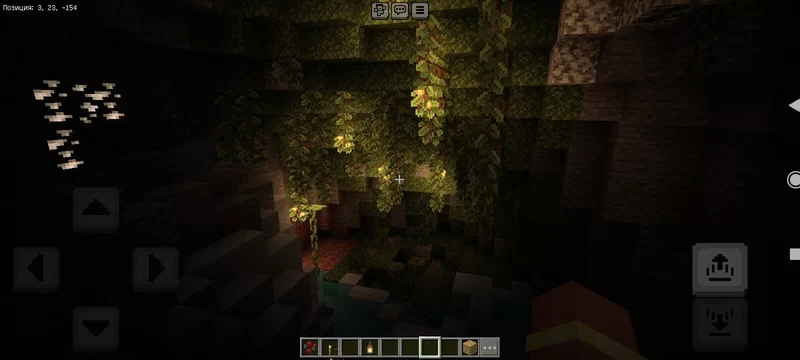
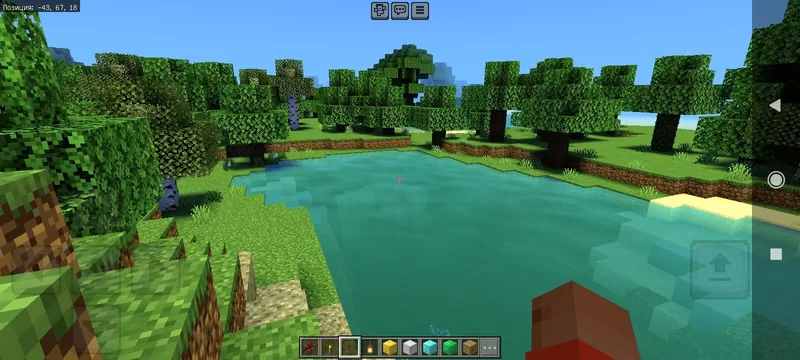
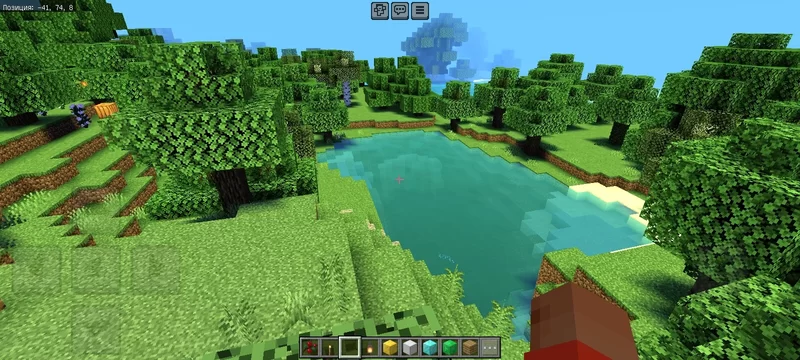
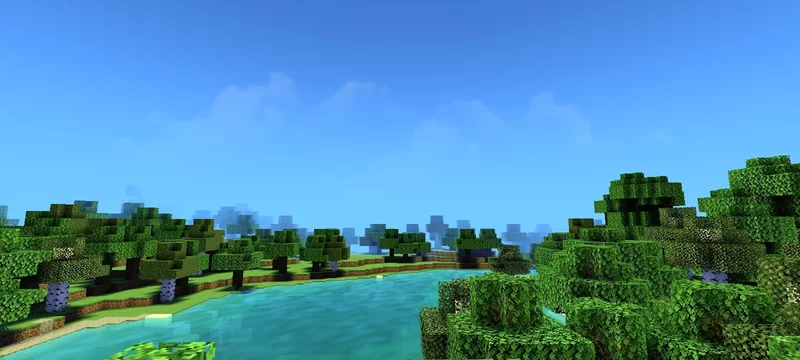
Realistic Shader Transform your Minecraft PE world into a lifelike landscape with the Realistic Shader for Bedrock 1.21+, bringing true-to-life lighting to every sunrise. Features: Natural sunlight and soft ambient lighting Realistic water reflections and wave motion Enhanced skies with dynamic clouds and fog Beautiful sunrise and sunset color grading Why You'll Love It: 1 Your builds and biomes look stunningly lifelike. 2 Works smoothly on Bedrock 1.21+ versions. 3 Every screenshot turns into a wallpaper-worthy shot. How to Get Started: 1 Download the Realistic Shader. 2 Install it in Minecraft PE. 3 Open your world and enjoy the new experience. S
Open this resource in CraftyBox