
CRAFTYBOX
Preparing your block world
正在准备你的方块世界
First visit setup
首次访问设置
CRAFTYBOX
Preparing your block world
正在准备你的方块世界
First visit setup
首次访问设置
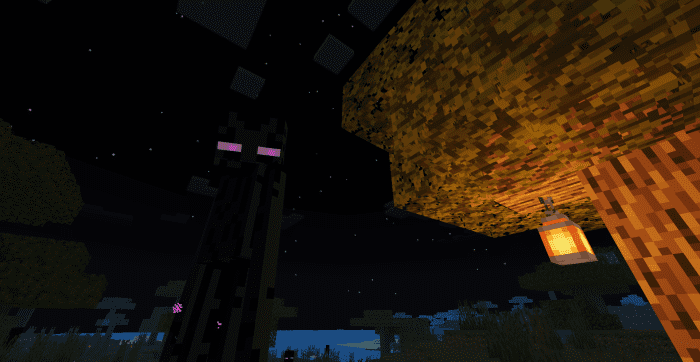
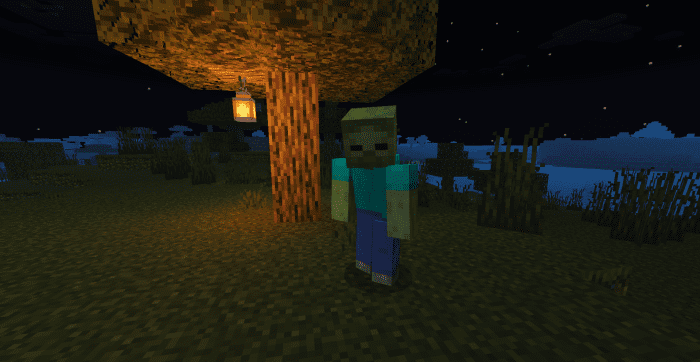
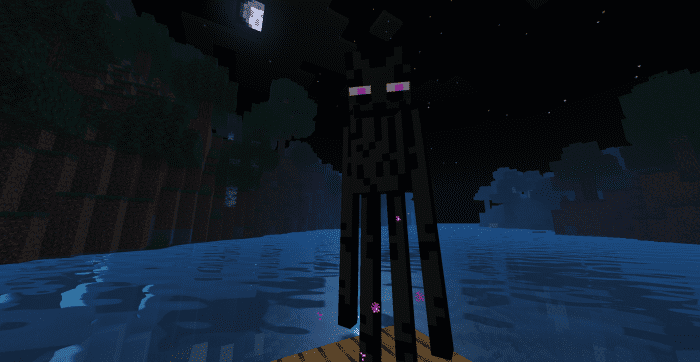
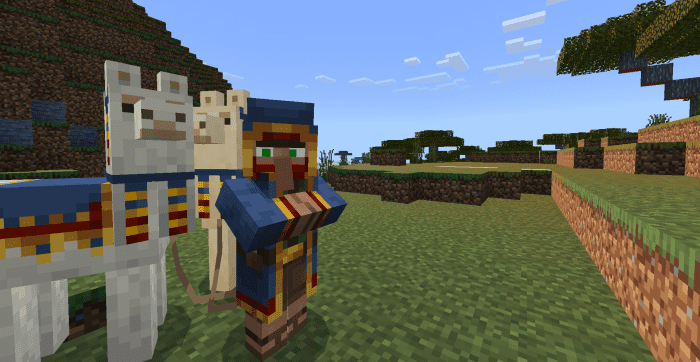
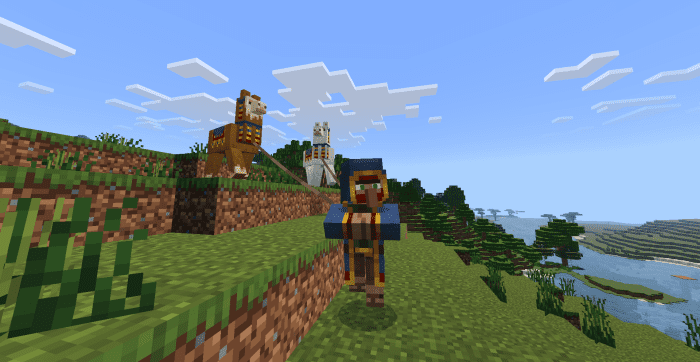
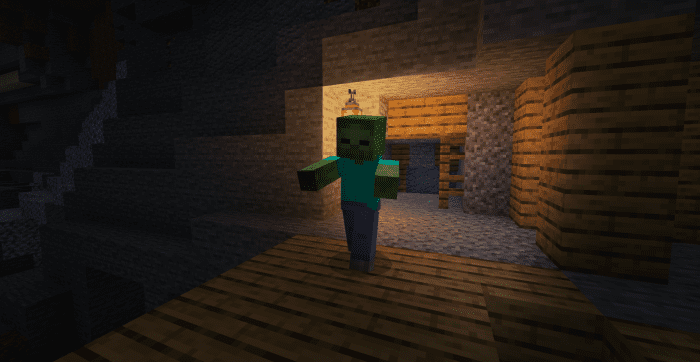
ReMotion+ Resource Pack Experience Minecraft with enhanced fluidity and subtle animations with the ReMotion+ Resource Pack, bringing more life to your blocky world! Features: Smoother environmental effects and water flow Gentle and realistic foliage movement Refined visual transitions and interactive elements Improves the overall aesthetic and immersion of the game Why You'll Love It: 1 Enjoy a more immersive and dynamic world experience 2 A subtle yet impactful visual upgrade for all biomes 3 Makes your Minecraft world feel more alive and responsive How to Get Started: 1 Download the ReMotion+ Resource Pack. 2 Install it in Minecraft PE. 3 Open your
Open this resource in CraftyBox