
CRAFTYBOX
Preparing your block world
正在准备你的方块世界
First visit setup
首次访问设置
CRAFTYBOX
Preparing your block world
正在准备你的方块世界
First visit setup
首次访问设置
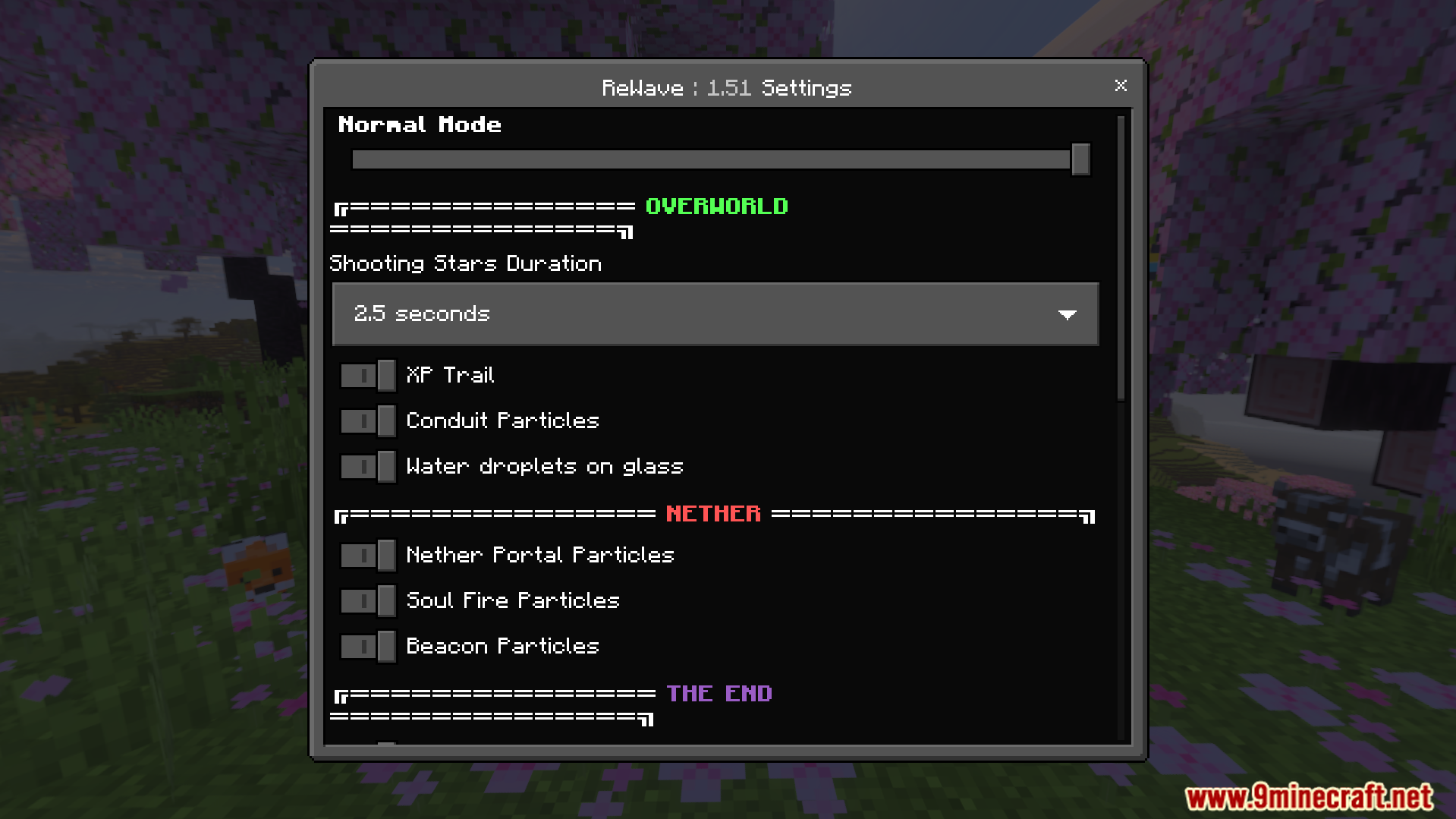
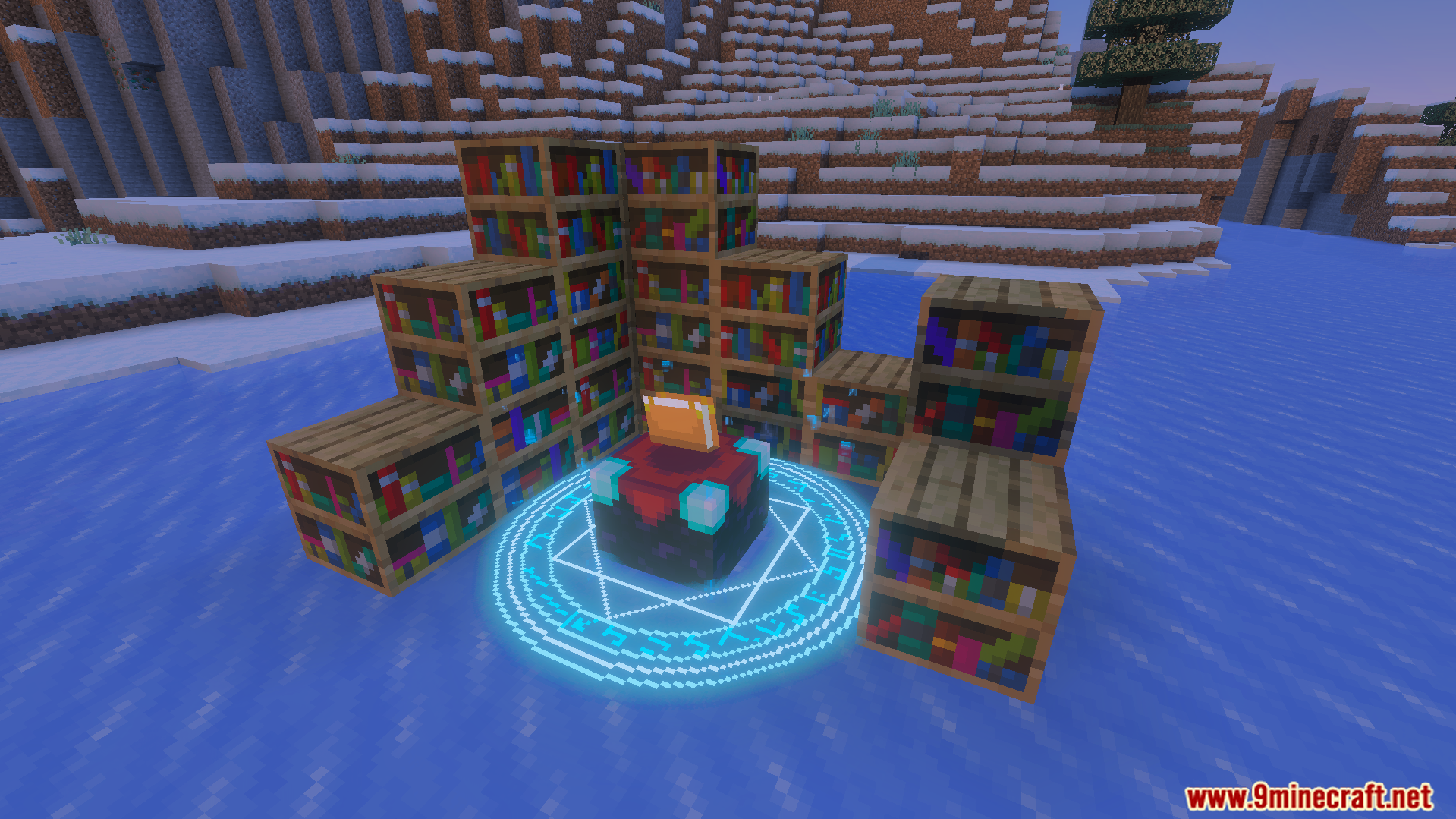
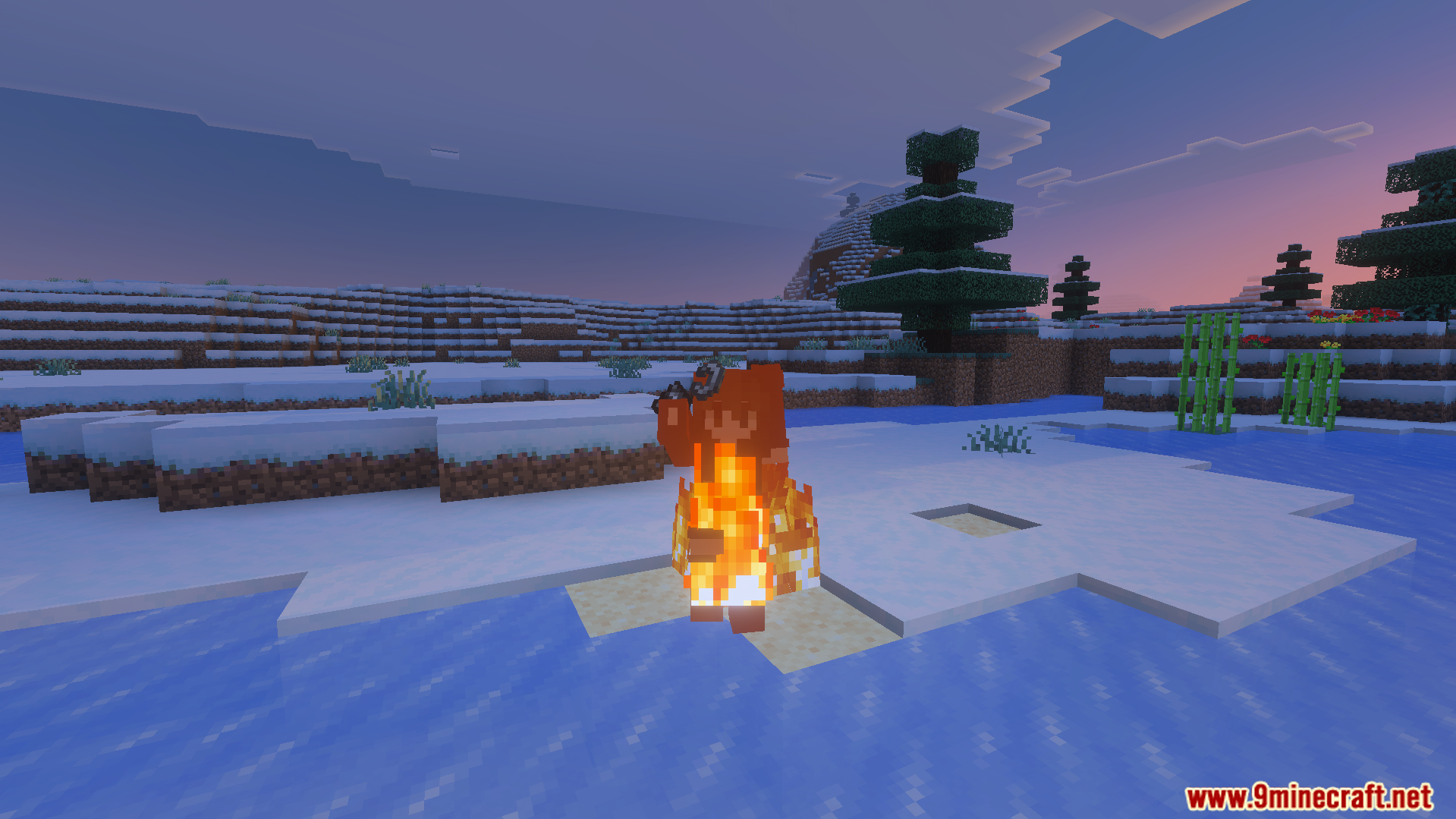
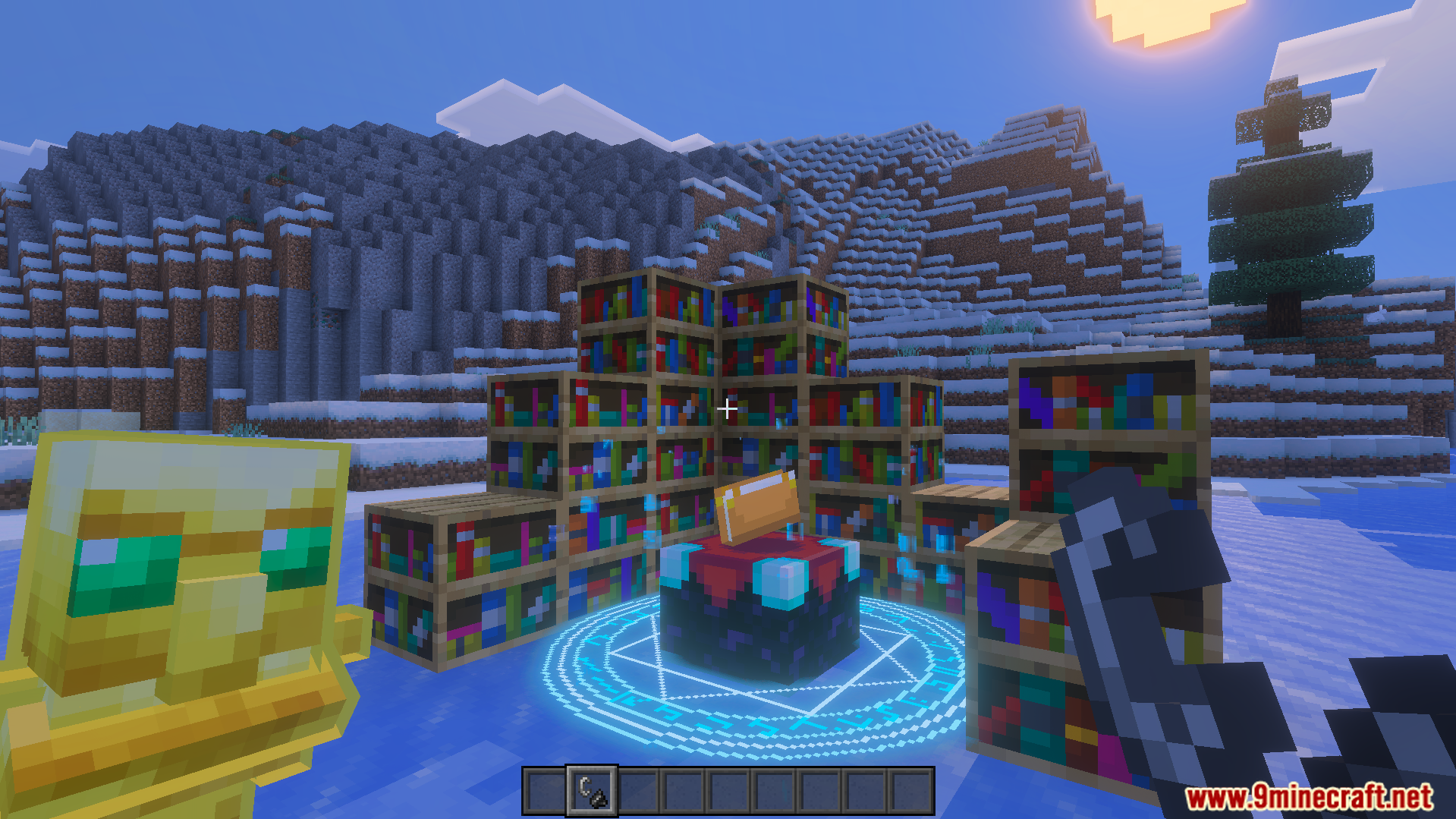
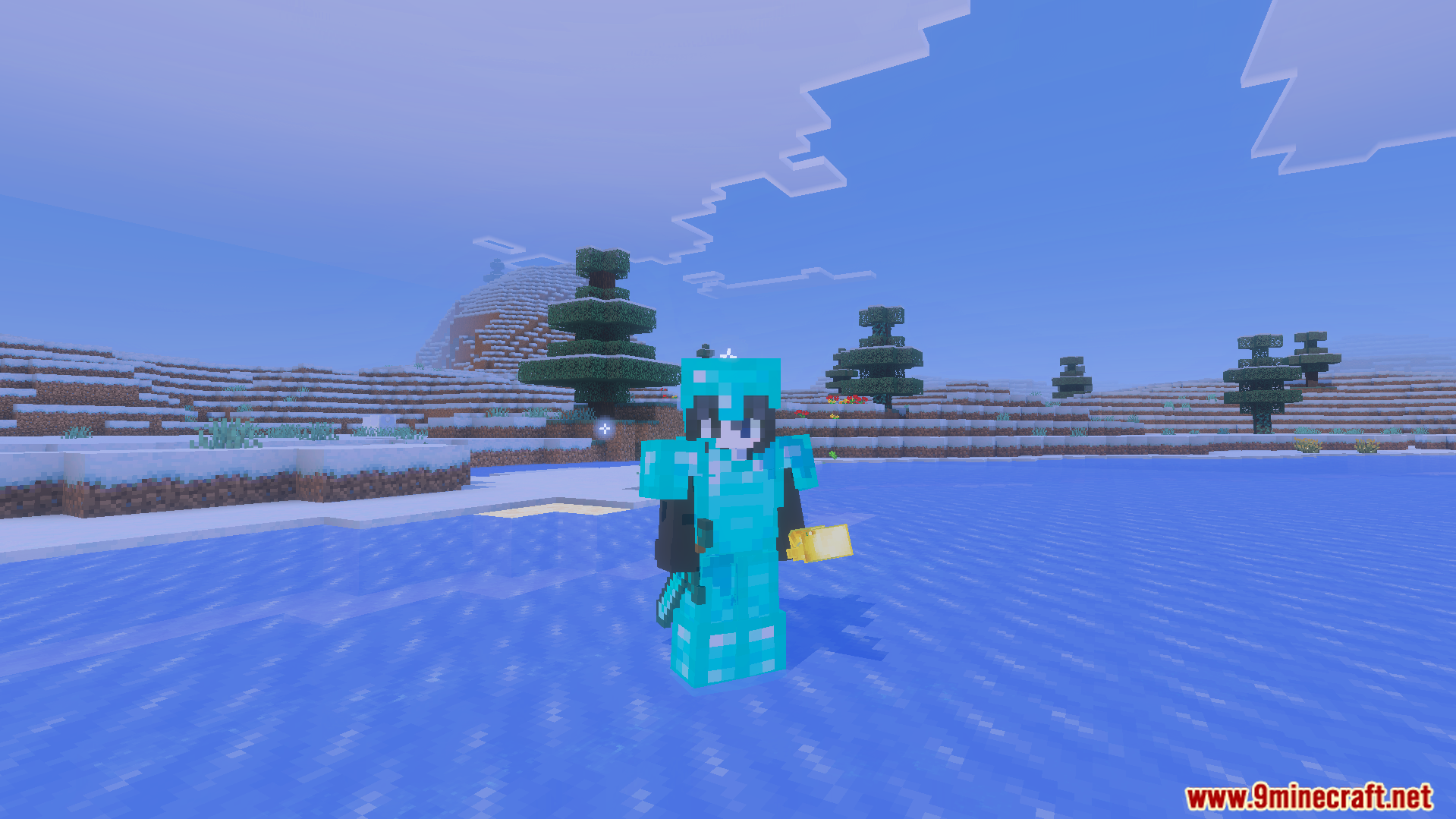
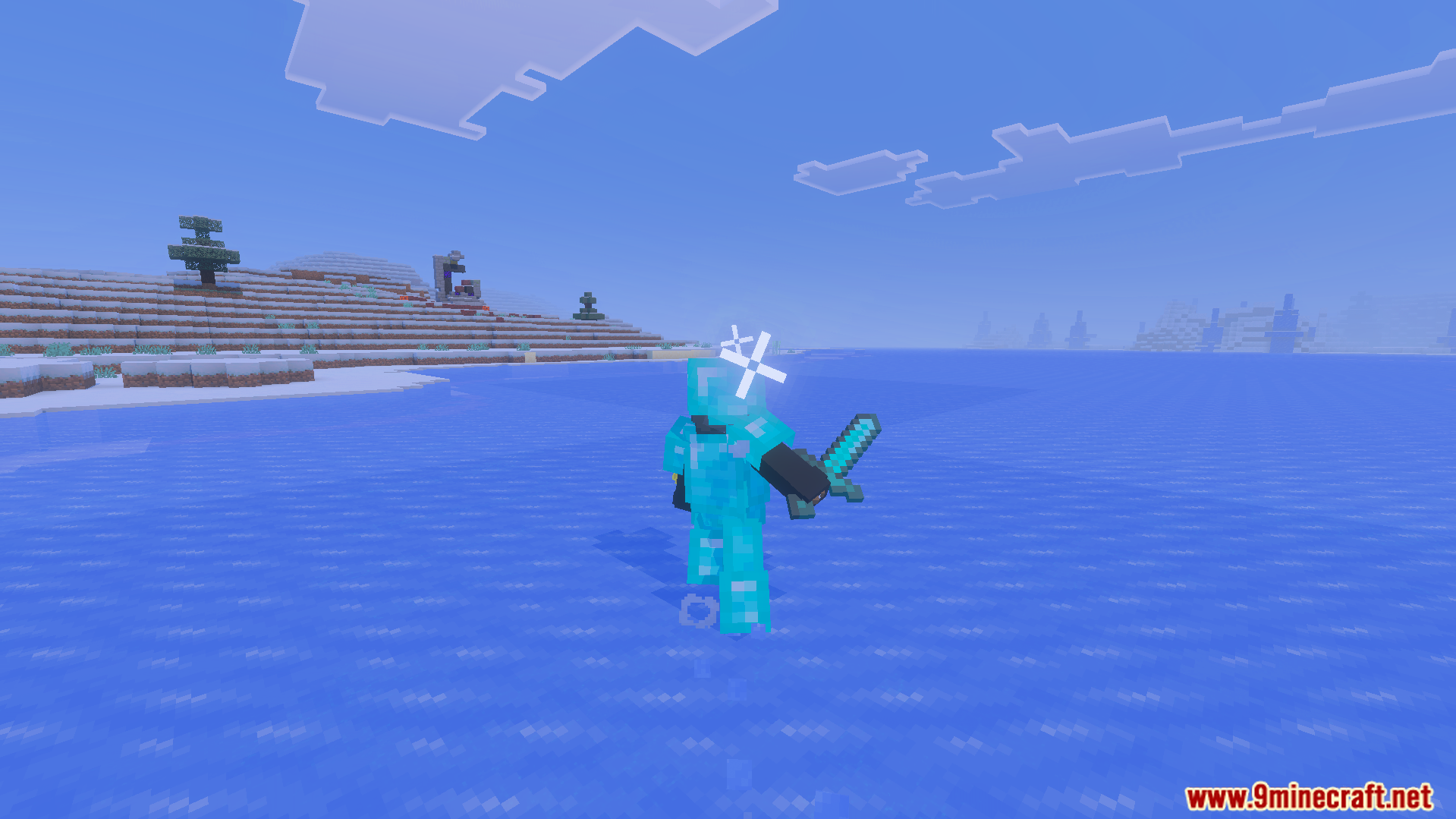
ReWave Texture Pack Refresh your entire world with ReWave — custom particle effects and stunning 3D items that make Bedrock feel brand new. Features: Redesigned particle effects for hits, explosions, and magic Beautiful 3D item models that pop in your hand A cohesive modern art style across the whole game Optimized for Bedrock 26.x Why You'll Love It: 1 Particles finally look as exciting as the action 2 3D items add depth without hurting FPS 3 Everything stays true to Minecraft's charm How to Get Started: 1 Download the ReWave Texture Pack. 2 Install it in Minecraft PE. 3 Open your world and enjoy the new experience. Ride the wave of visual upgrad
Read the full details and screenshots
Open this resource in CraftyBox