
CRAFTYBOX
Preparing your block world
正在准备你的方块世界
First visit setup
首次访问设置
CRAFTYBOX
Preparing your block world
正在准备你的方块世界
First visit setup
首次访问设置
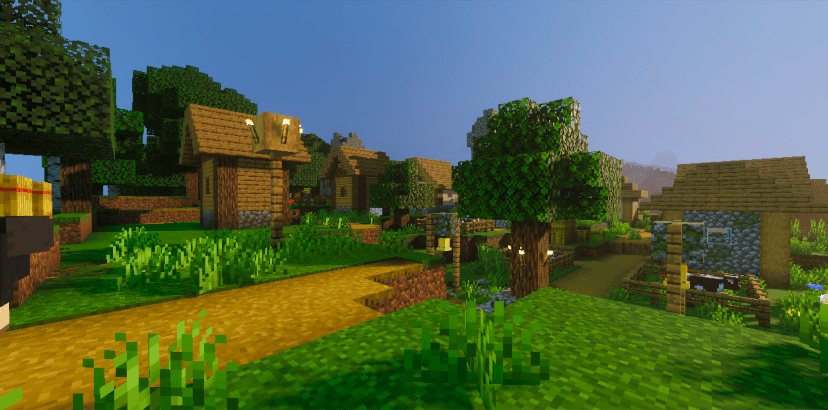
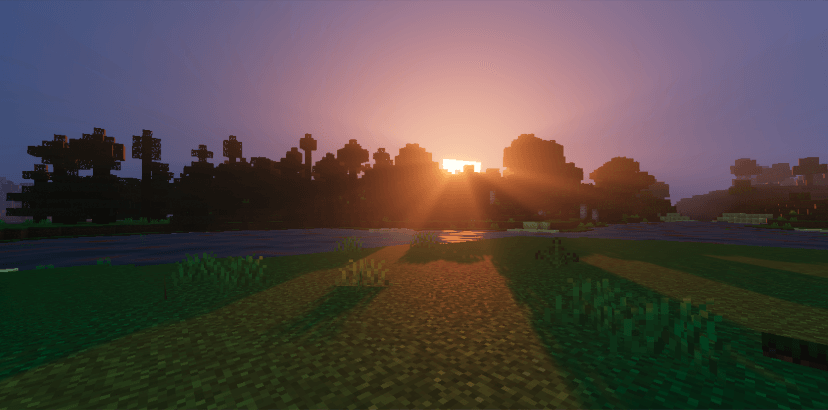
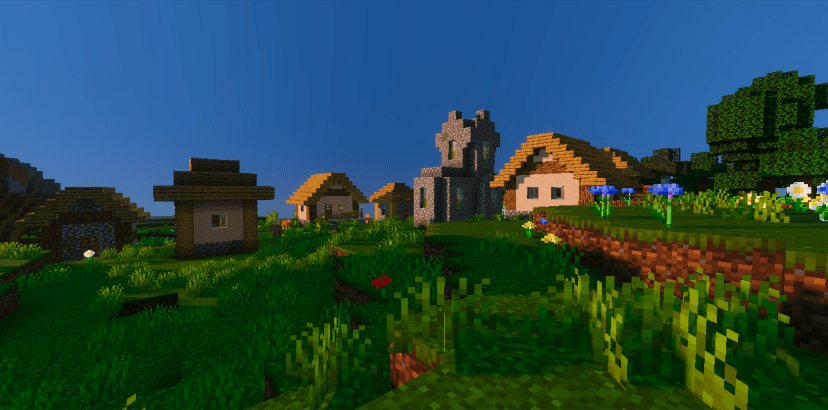
Simple Vibrant Visual Shader Brighten up your Minecraft world with the Simple Vibrant Visual Shader! Features: Enhanced colors and increased saturation Realistic lighting and improved shadows Smooth visual experience with good performance Brings a lively and dynamic feel to your world Why You'll Love It: 1 Makes your Minecraft environment pop with color. 2 Adds a touch of realism to lighting and shadows. 3 Easy to use and enhances gameplay visually. How to Get Started: 1 Download the Simple Vibrant Visual Shader. 2 Install it in Minecraft PE. 3 Open your world and enjoy the new experience. Experience a more vivid and beautiful Minecraft!
Open this resource in CraftyBox
More Vibrant Visuals resources