
CRAFTYBOX
Preparing your block world
正在准备你的方块世界
First visit setup
首次访问设置
CRAFTYBOX
Preparing your block world
正在准备你的方块世界
First visit setup
首次访问设置
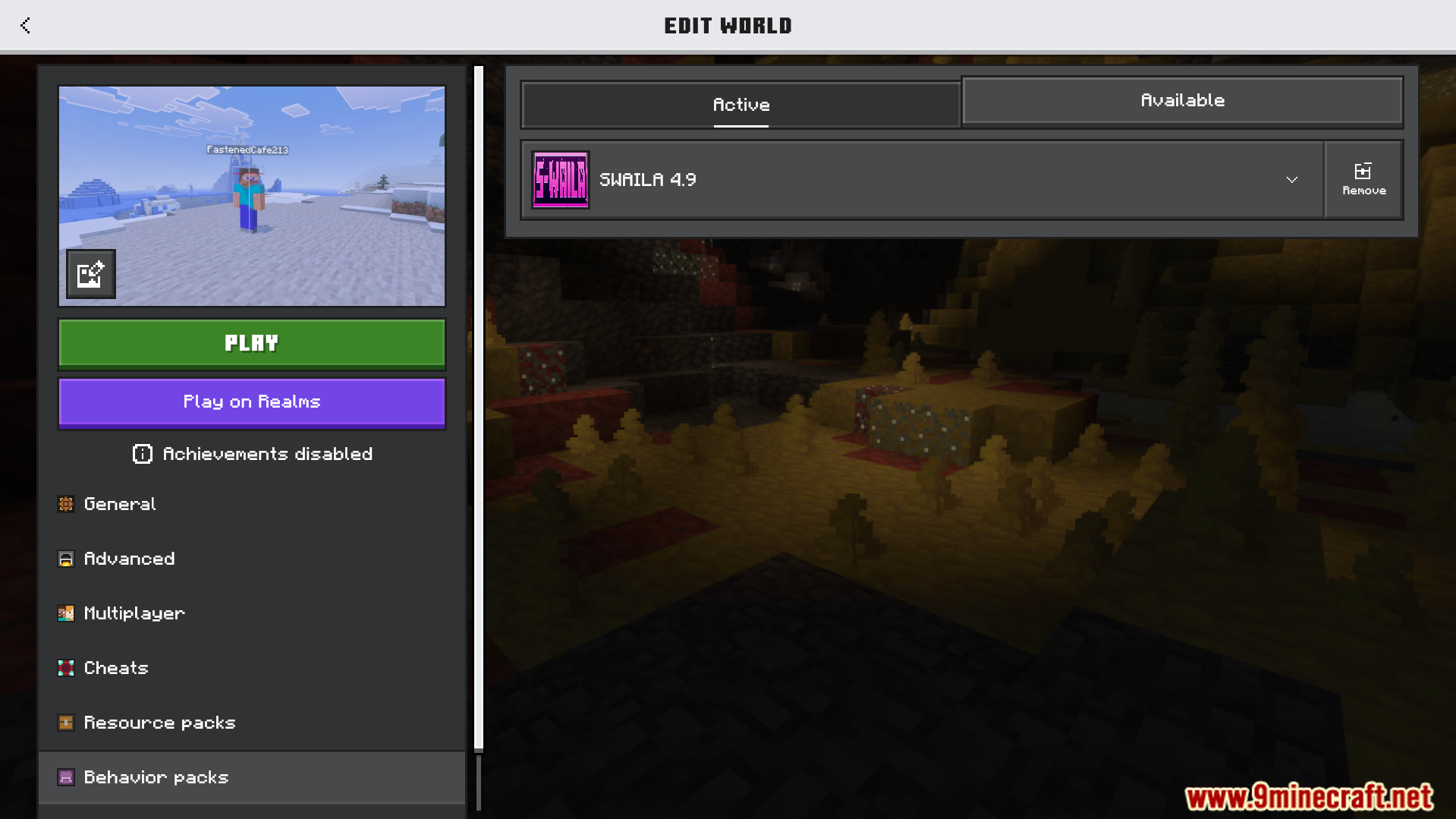
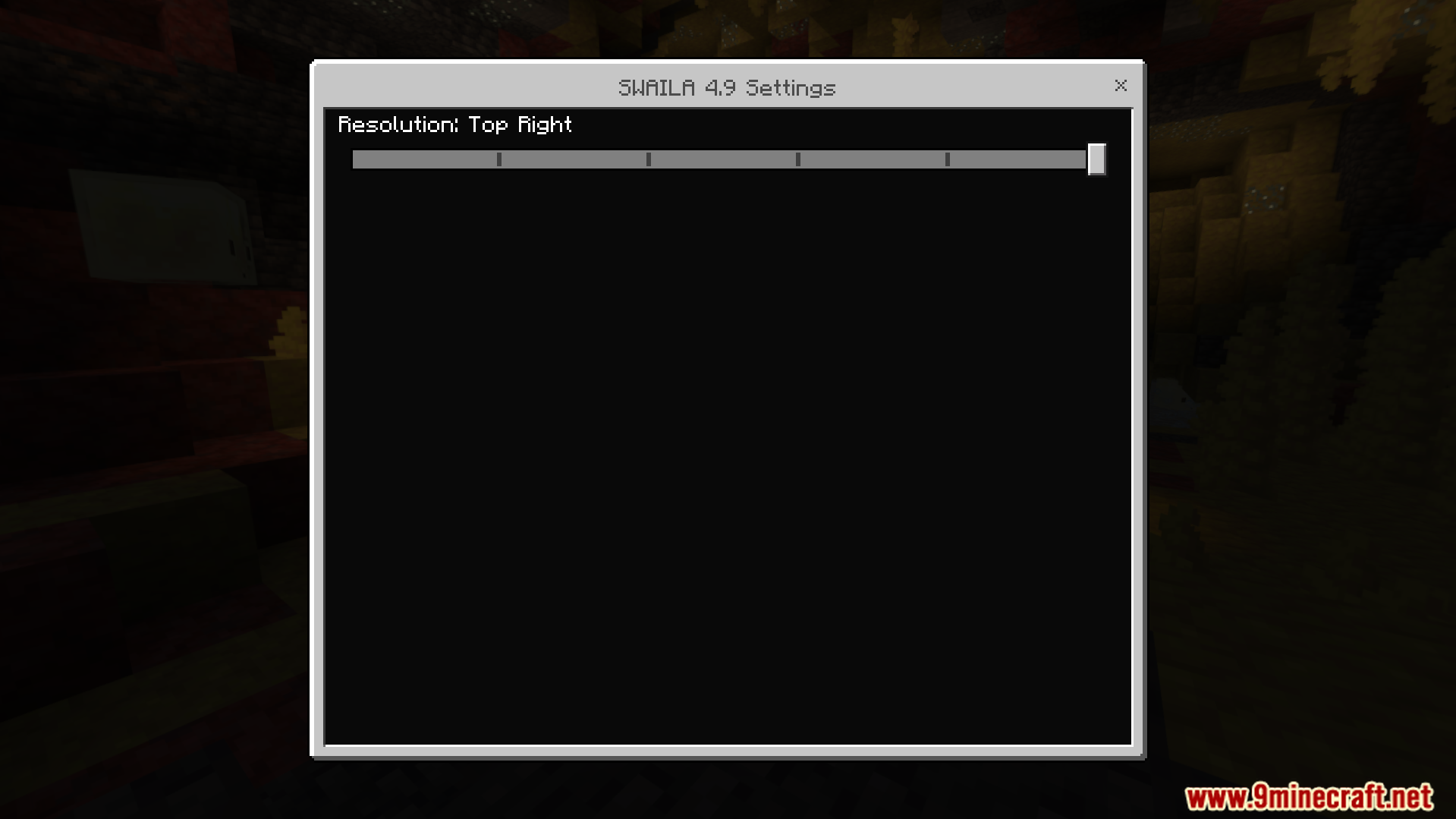
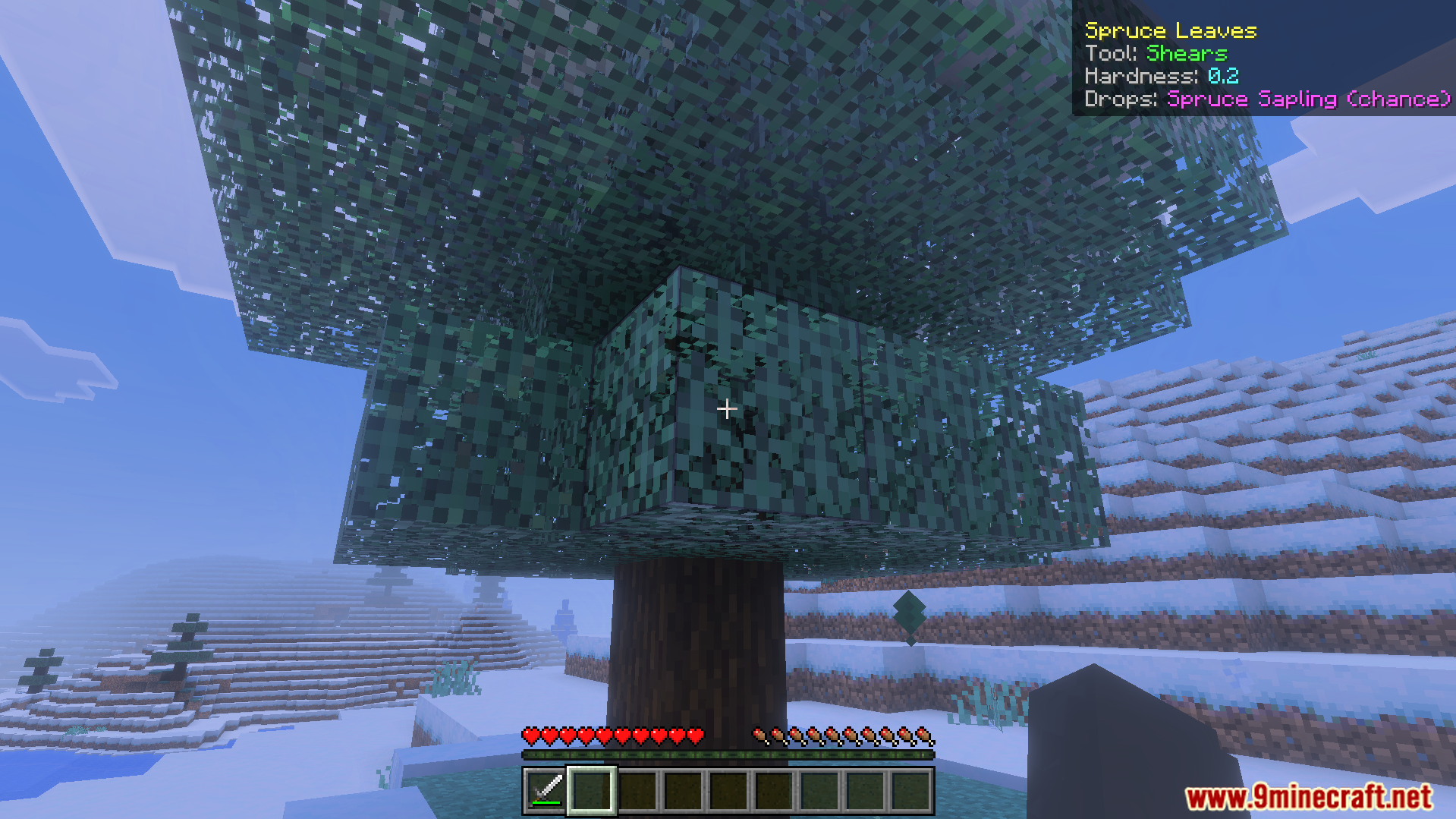
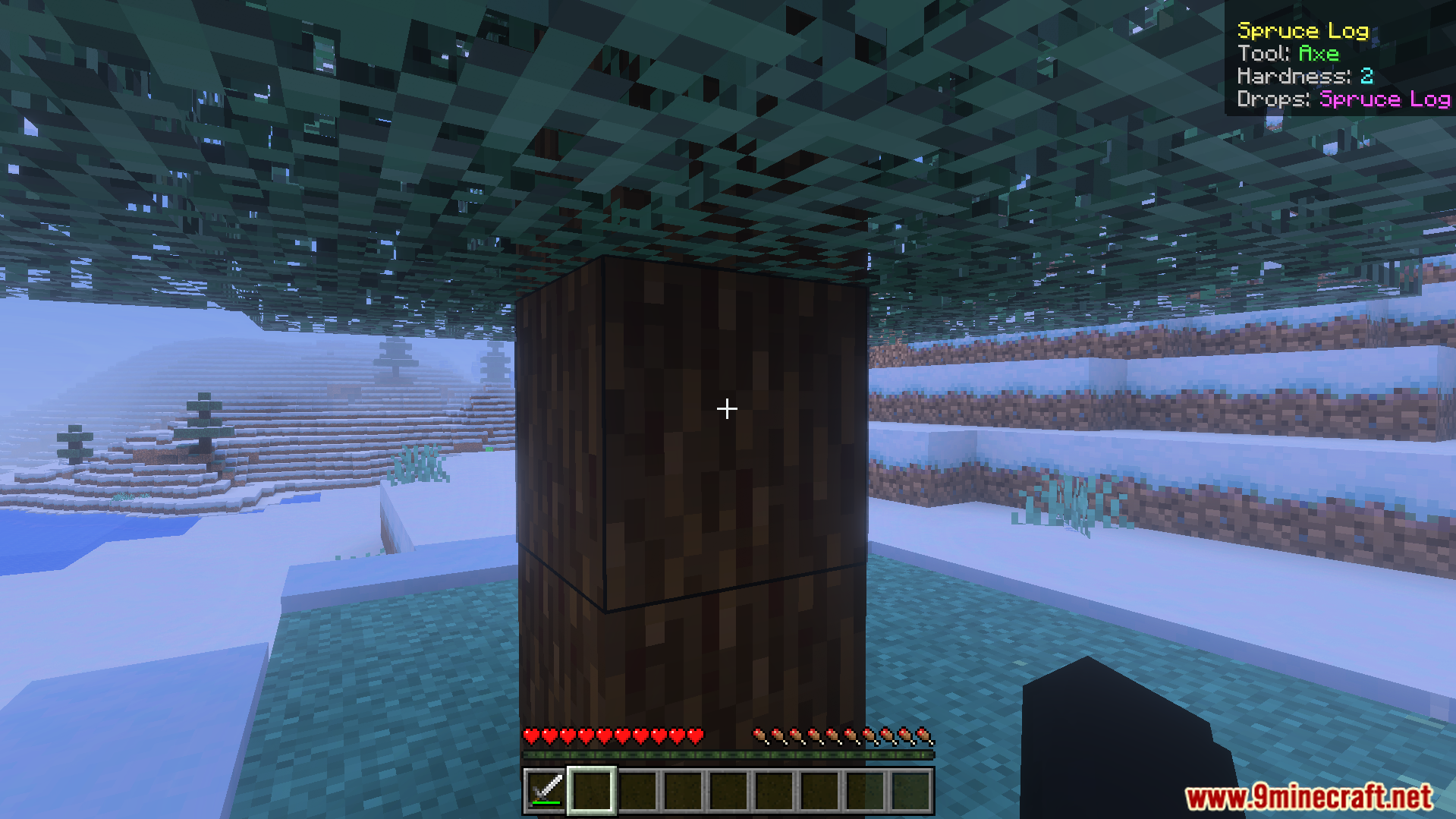
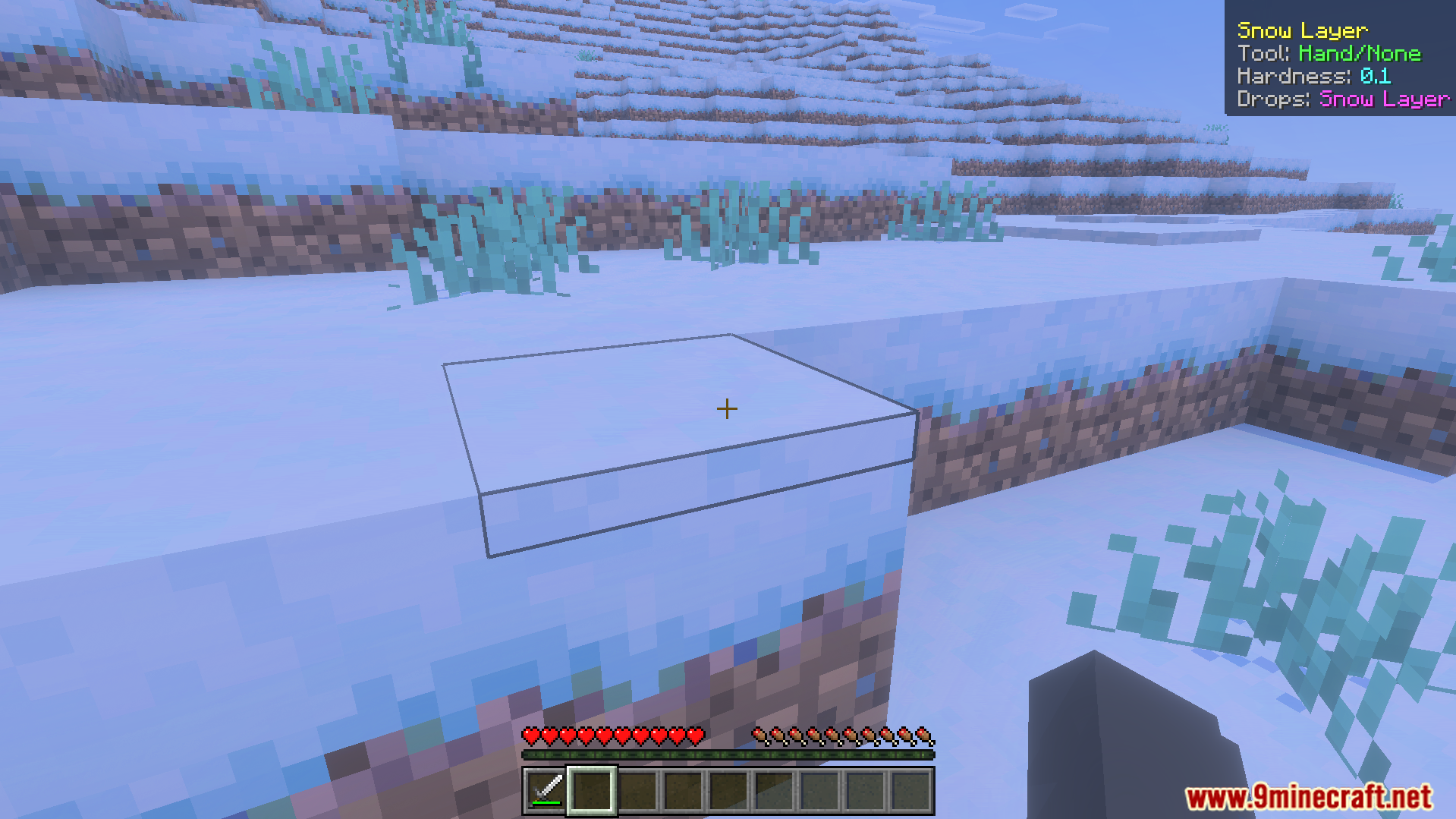
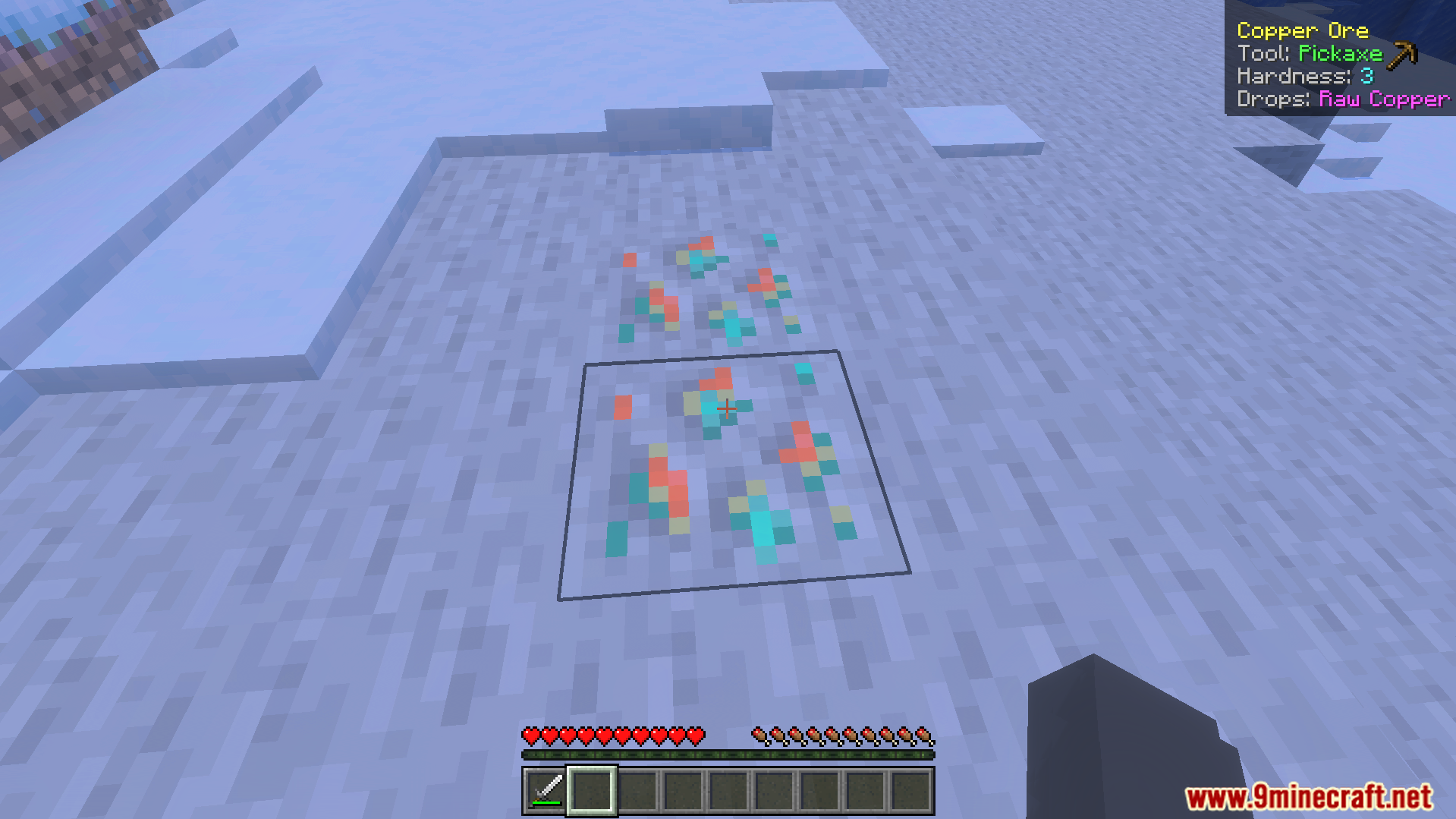
Simple What Am I Looking At Addon Ever wondered what block or mob you're staring at? Now the answer appears right on screen — clean, instant and always accurate. Features: On-screen display of the block you're looking at Shows mob names and details when you aim at creatures Minimal, non-intrusive overlay design Works seamlessly in survival and creative modes Why You'll Love It: 1 Instantly identify unfamiliar blocks from other addons 2 A must-have companion for modded worlds 3 Zero clutter — info only when you need it How to Get Started: 1 Download the Simple What Am I Looking At Addon. 2 Install it in Minecraft PE. 3 Open your world and enjoy the ne
Open this resource in CraftyBox