
CRAFTYBOX
Preparing your block world
正在准备你的方块世界
First visit setup
首次访问设置
CRAFTYBOX
Preparing your block world
正在准备你的方块世界
First visit setup
首次访问设置
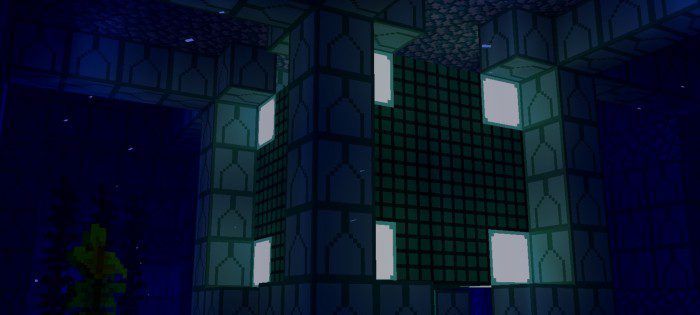
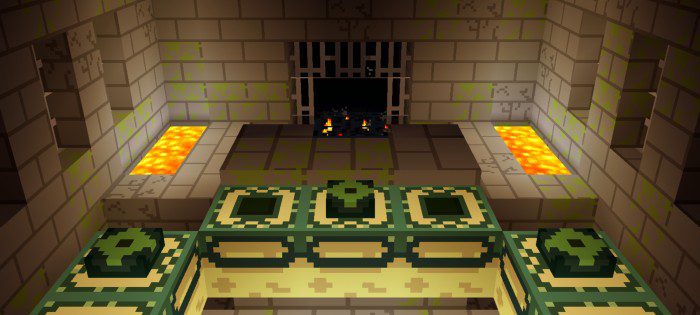
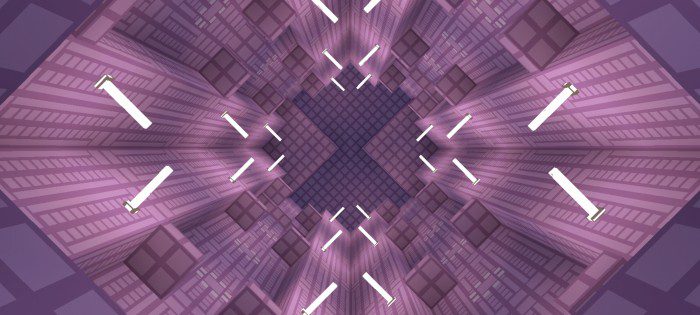
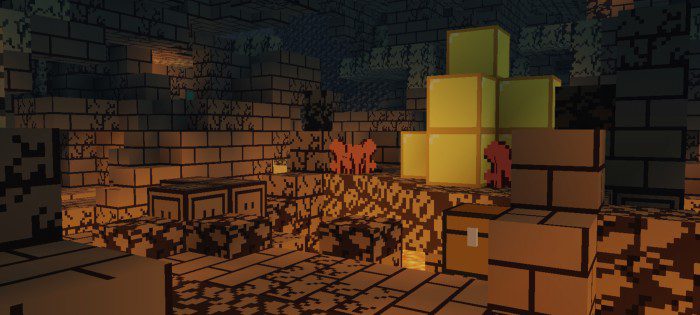
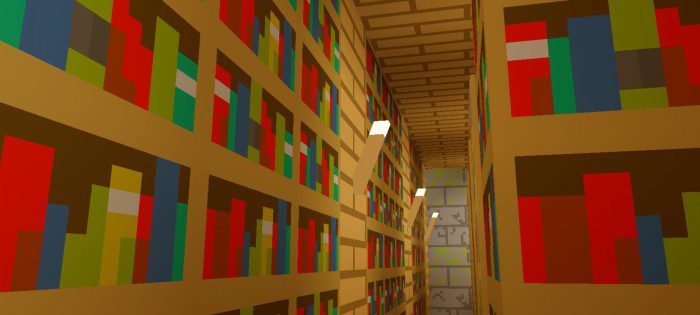
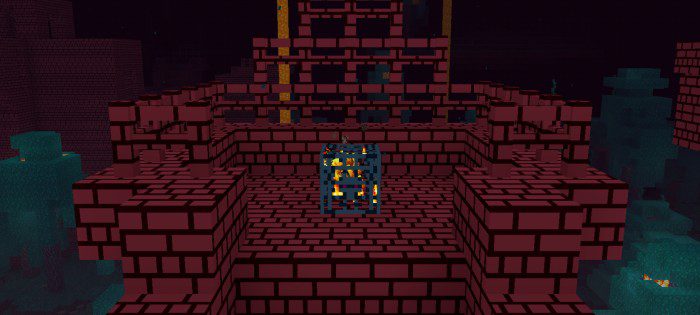
Simply Cubed Texture Pack Less noise, more beauty — Simply Cubed strips textures down to clean, minimalist perfection. Features: Smooth, simplified textures for every block and item Bright, cheerful colors with zero visual clutter Great FPS thanks to its lightweight design Makes builds and redstone layouts easier to read Why You'll Love It: 1 A fresh, modern look that never tires your eyes 2 Perfect for builders who love clean lines 3 Runs beautifully even on entry-level devices How to Get Started: 1 Download the Simply Cubed Texture Pack. 2 Install it in Minecraft PE. 3 Open your world and enjoy the new experience. Simplicity has never looked this
Open this resource in CraftyBox