
CRAFTYBOX
Preparing your block world
正在准备你的方块世界
First visit setup
首次访问设置
CRAFTYBOX
Preparing your block world
正在准备你的方块世界
First visit setup
首次访问设置
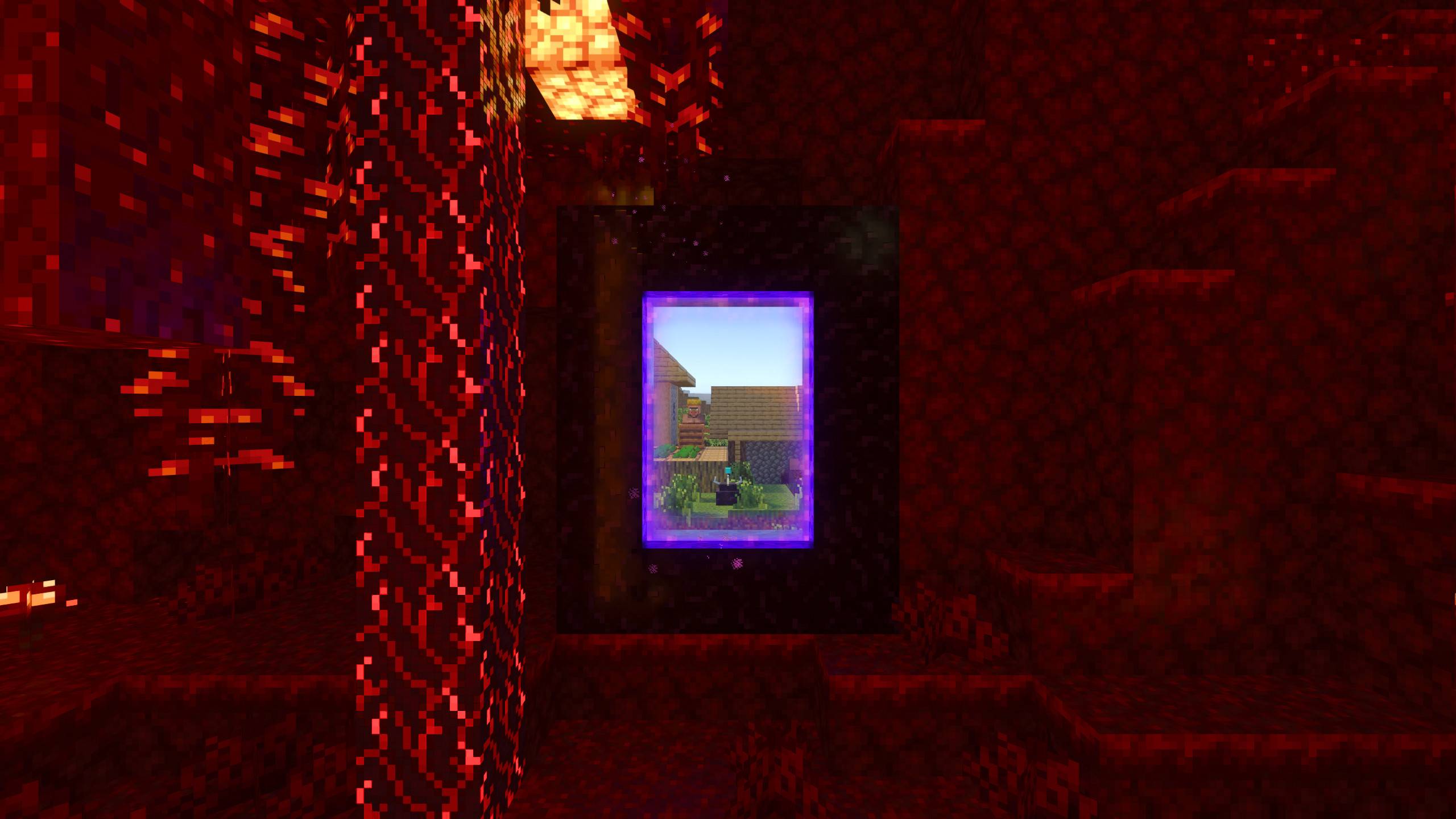
Simulation Core Keep your automated farms and smelters active even when you travel across distant dimensions and chunks. Features: Maintains chunk simulation out of player range Keeps crops, smelters, and auto-farms running Works seamlessly across different dimensions Achievement-friendly with no experimental modes Why You'll Love It: 1 Never worry about your farms stalling while exploring. 2 Keeps resource production running in the background. 3 Fully compatible with standard survival rules. How to Get Started: 1 Download the Simulation Core. 2 Install it in Minecraft PE. 3 Open your world and enjoy the new experience. Keep your world alive wherev
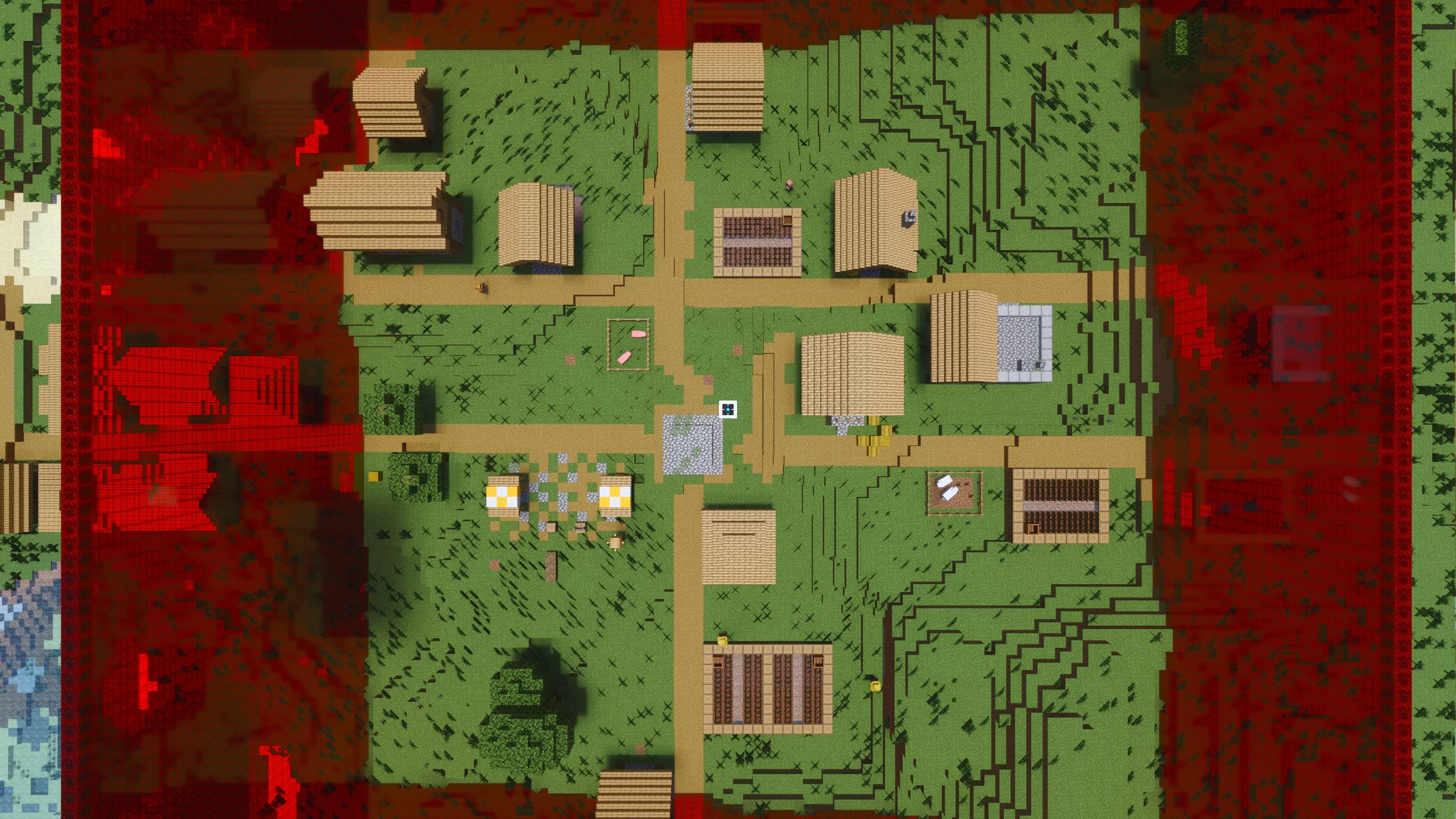
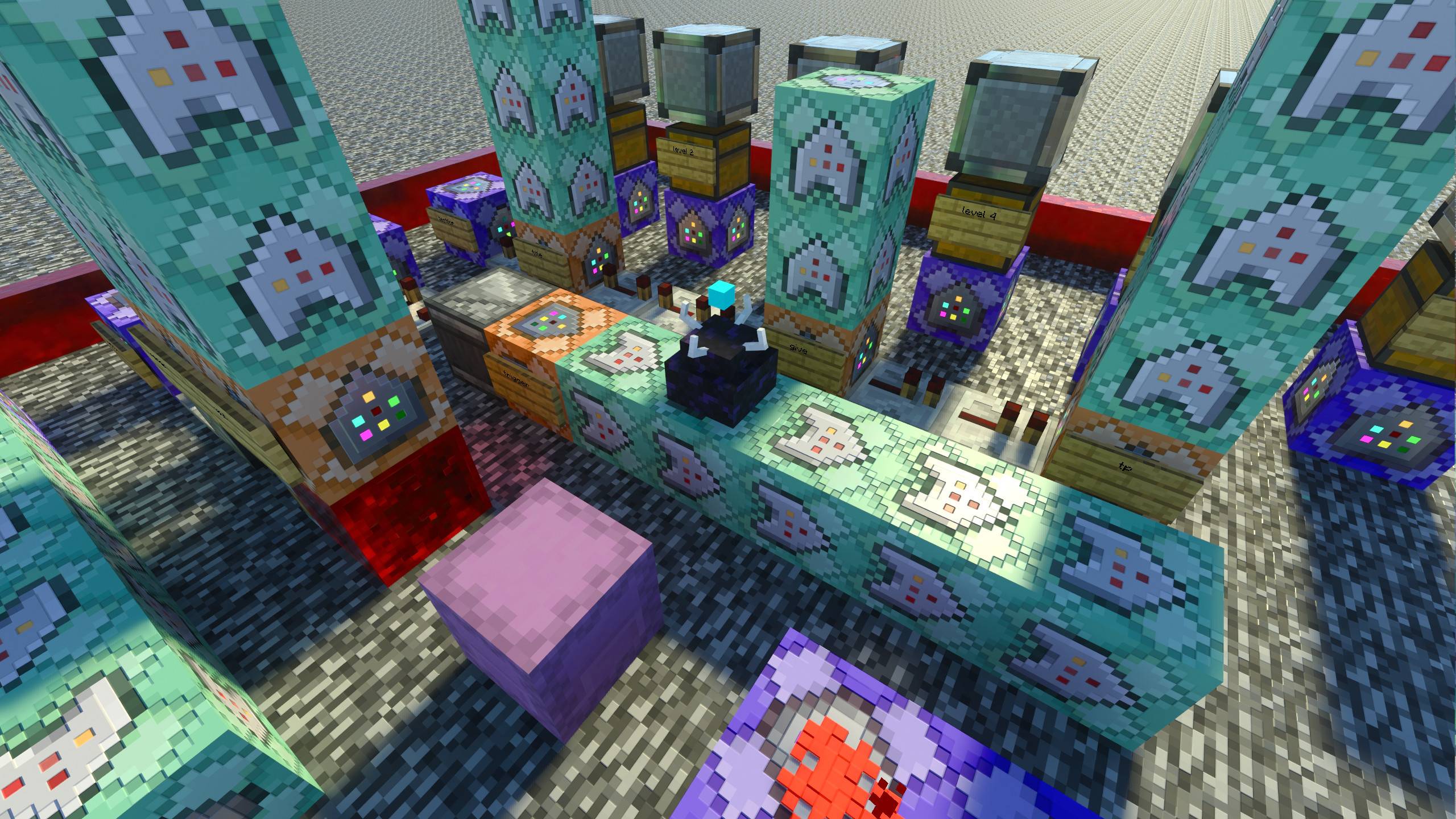
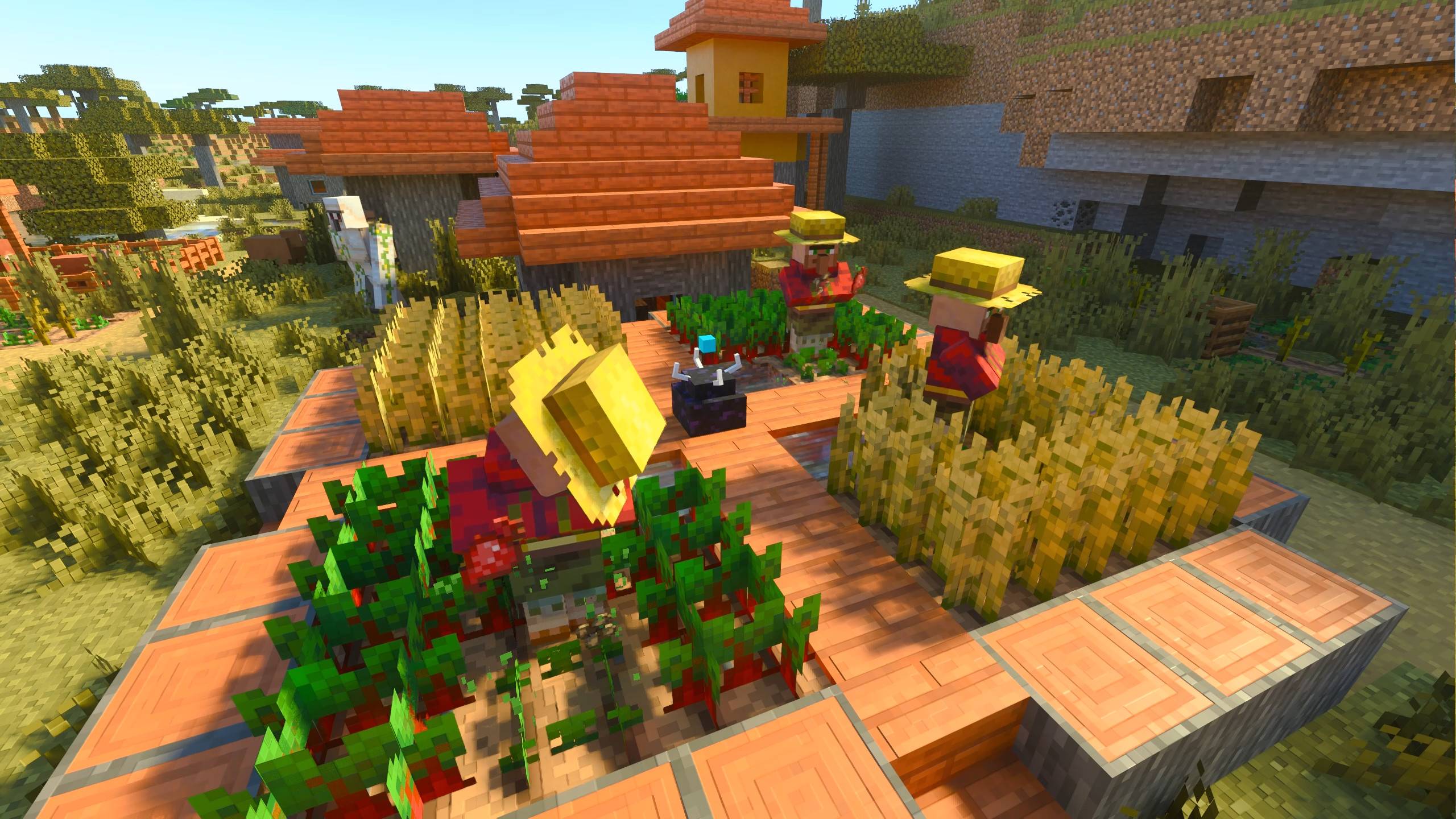

Read the full details and screenshots
Open this resource in CraftyBox