
CRAFTYBOX
Preparing your block world
正在准备你的方块世界
First visit setup
首次访问设置
CRAFTYBOX
Preparing your block world
正在准备你的方块世界
First visit setup
首次访问设置
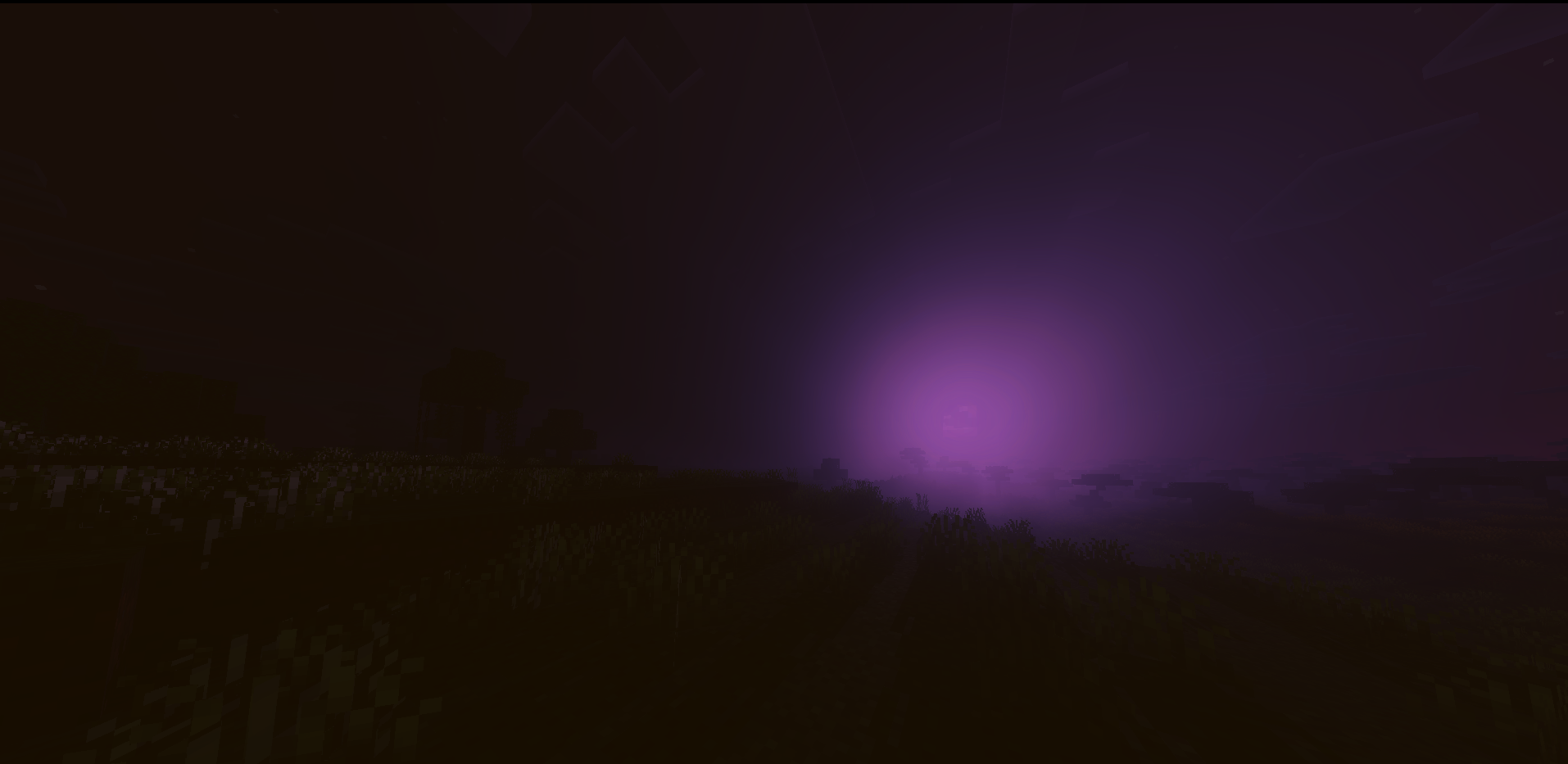
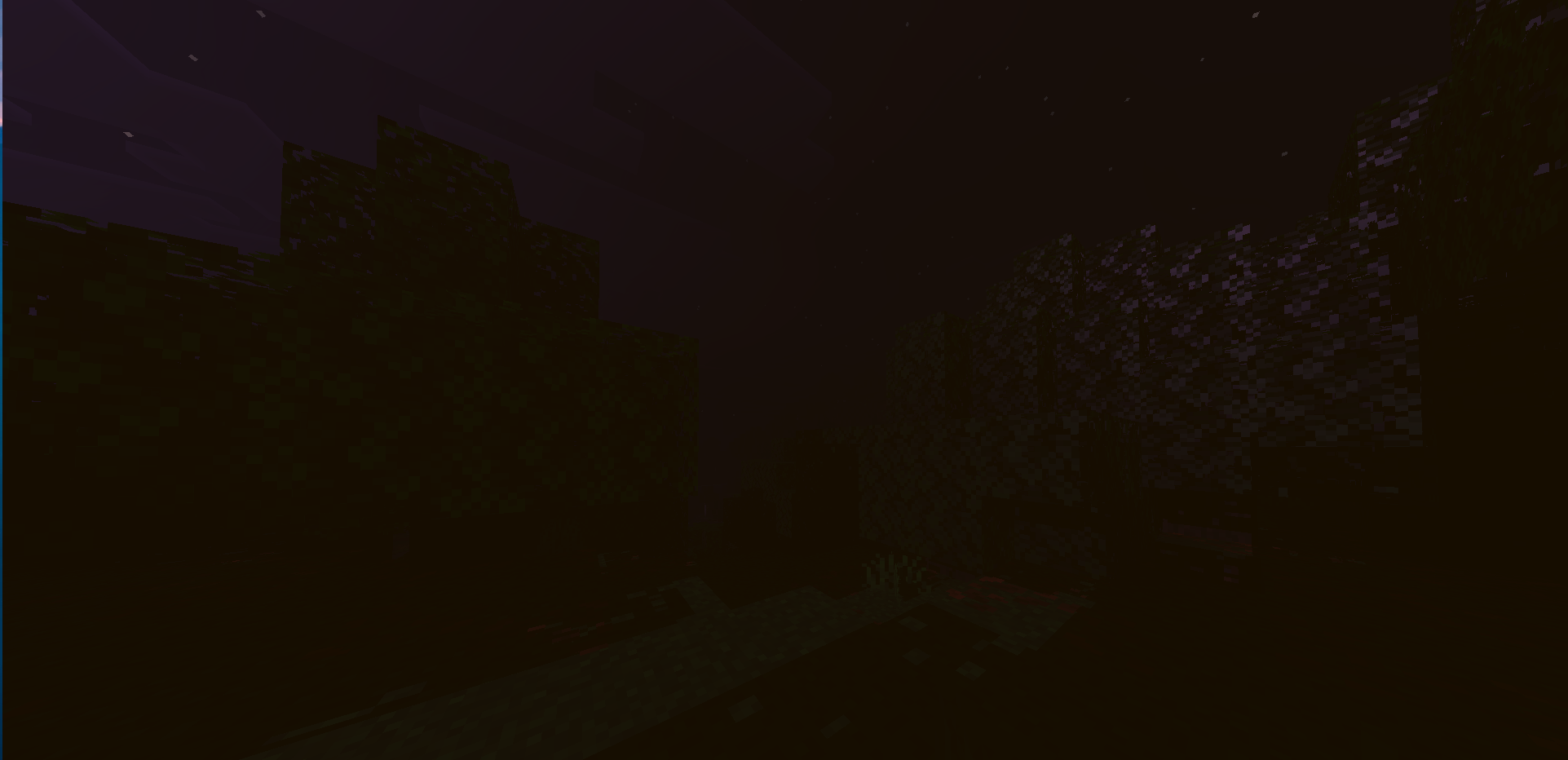
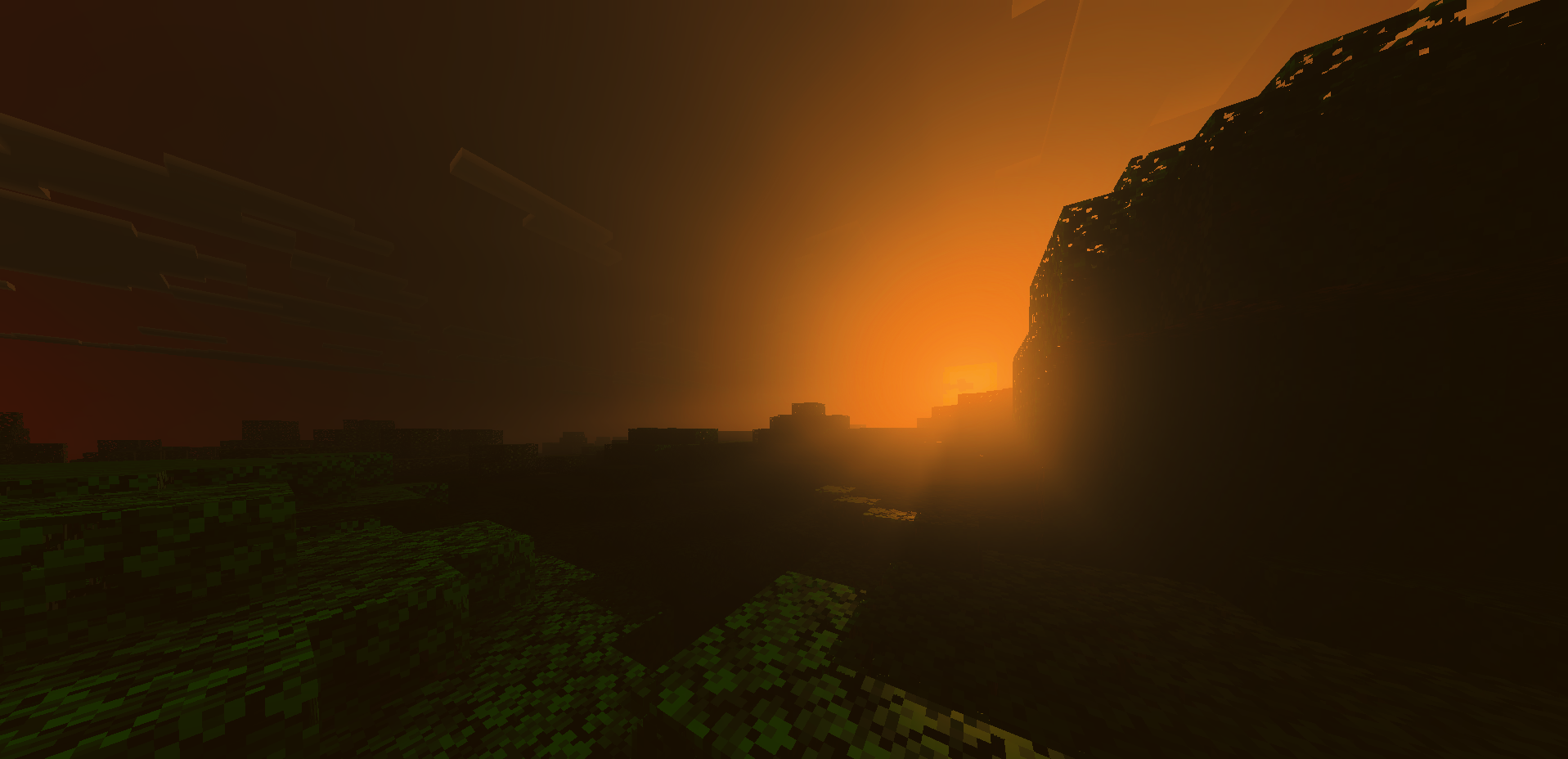
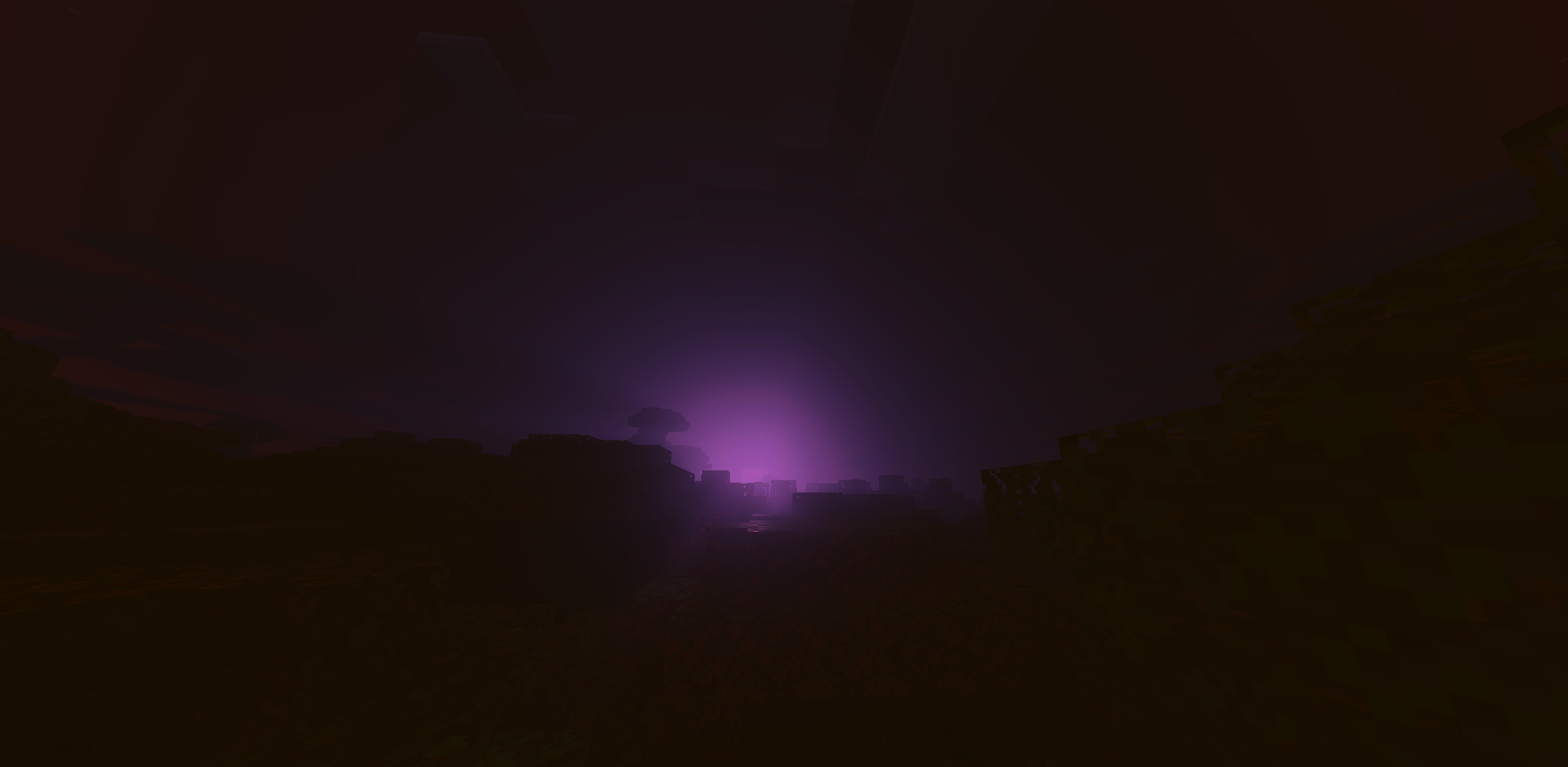
Spooky Visuals Shader Spooky Visuals Shader haunts MCPE/Bedrock 1.21+ with chilling fog, sickly moonlight, and shadows that seem just a little too alive. Features: Eerie fog and shadow effects that thicken after dark Halloween-ready color grading with ghostly greens and purples Ominous moon and unsettling night skies Runs smoothly so the only thing dropping is your heart rate Why You'll Love It: 1 Instant horror atmosphere for scary maps and seasonal events 2 Makes zombie nights genuinely tense again 3 The perfect backdrop for spooky videos and streams How to Get Started: 1 Download the Spooky Visuals Shader. 2 Install it in Minecraft PE. 3 Open your
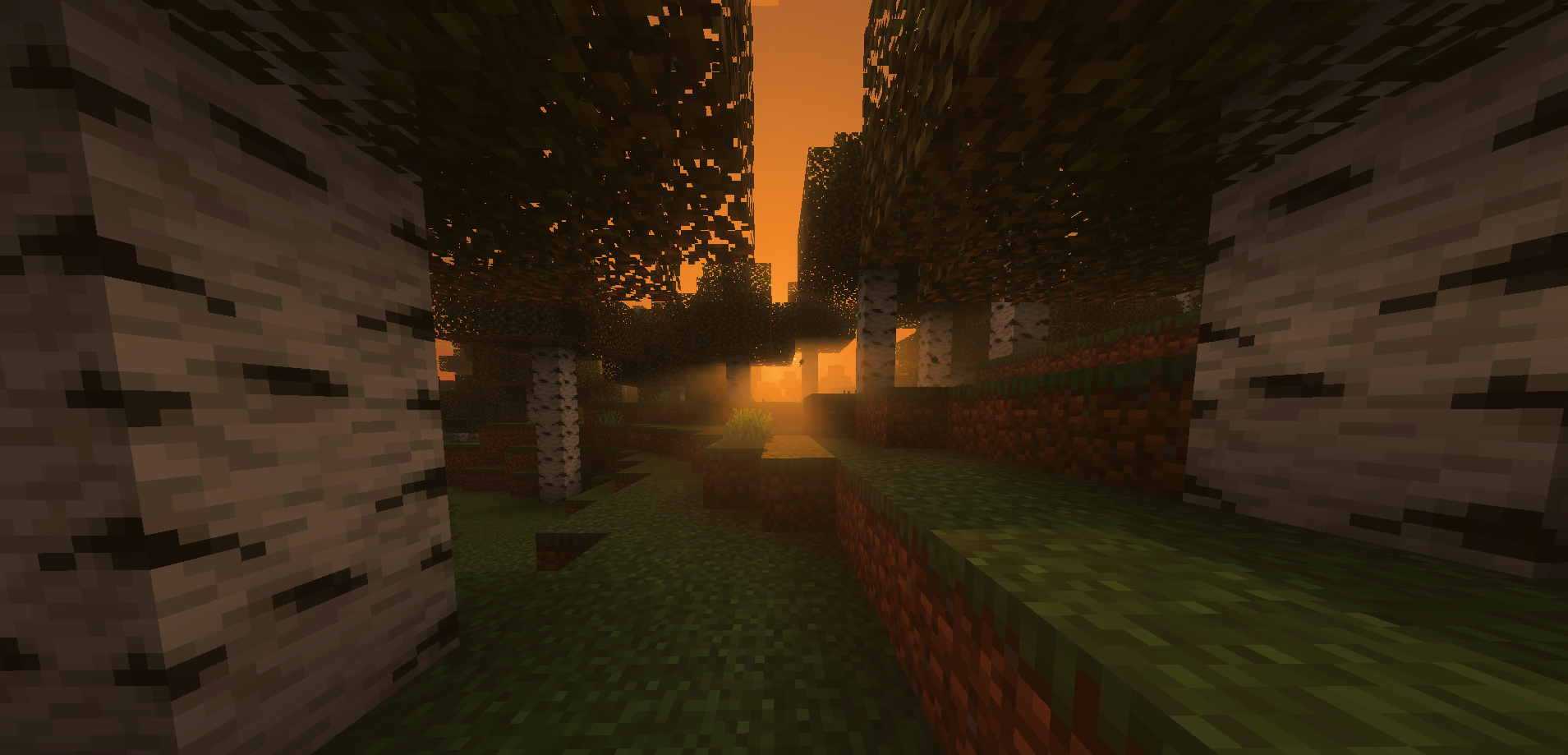
Read the full details and screenshots
Open this resource in CraftyBox