
CRAFTYBOX
Preparing your block world
正在准备你的方块世界
First visit setup
首次访问设置
CRAFTYBOX
Preparing your block world
正在准备你的方块世界
First visit setup
首次访问设置
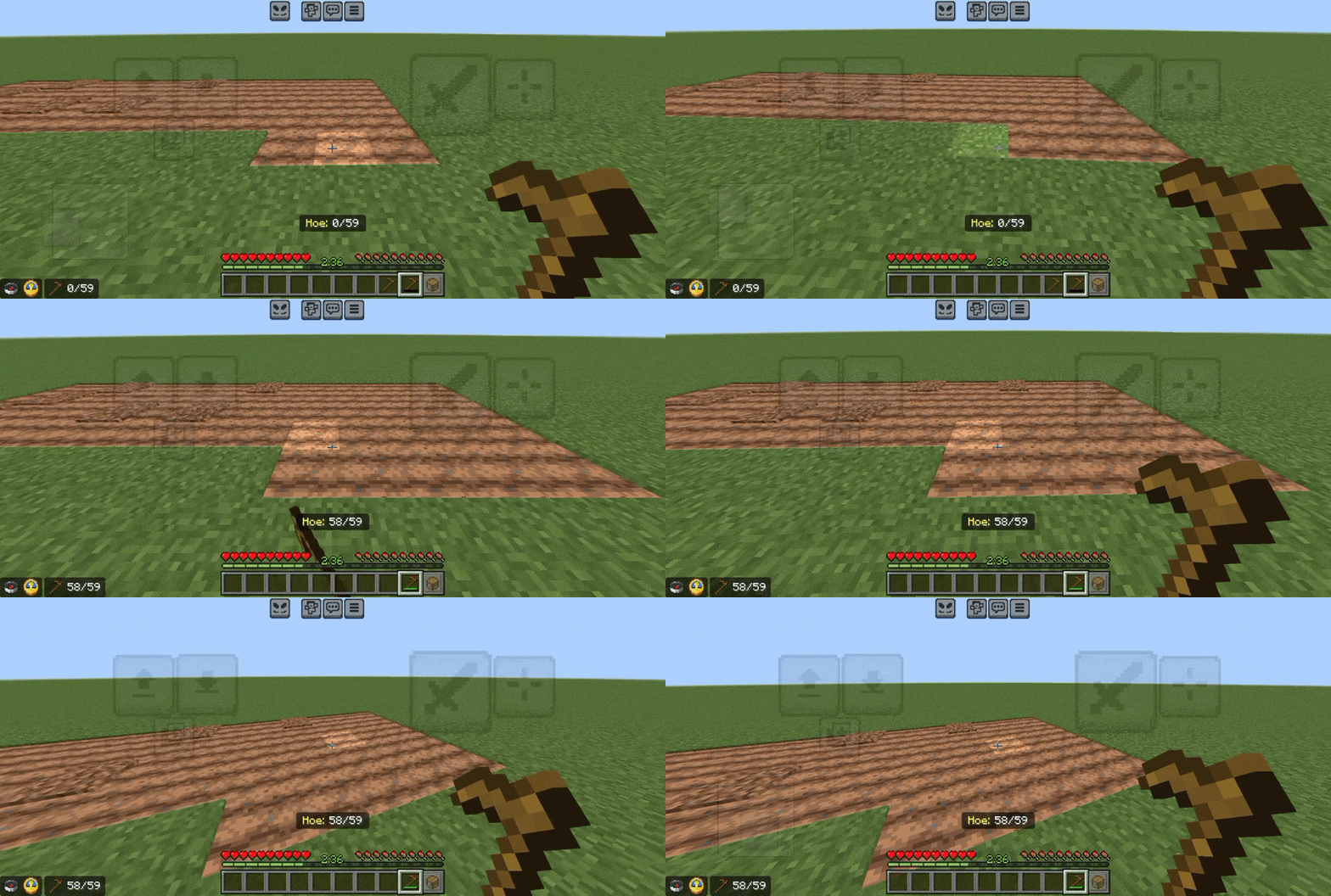
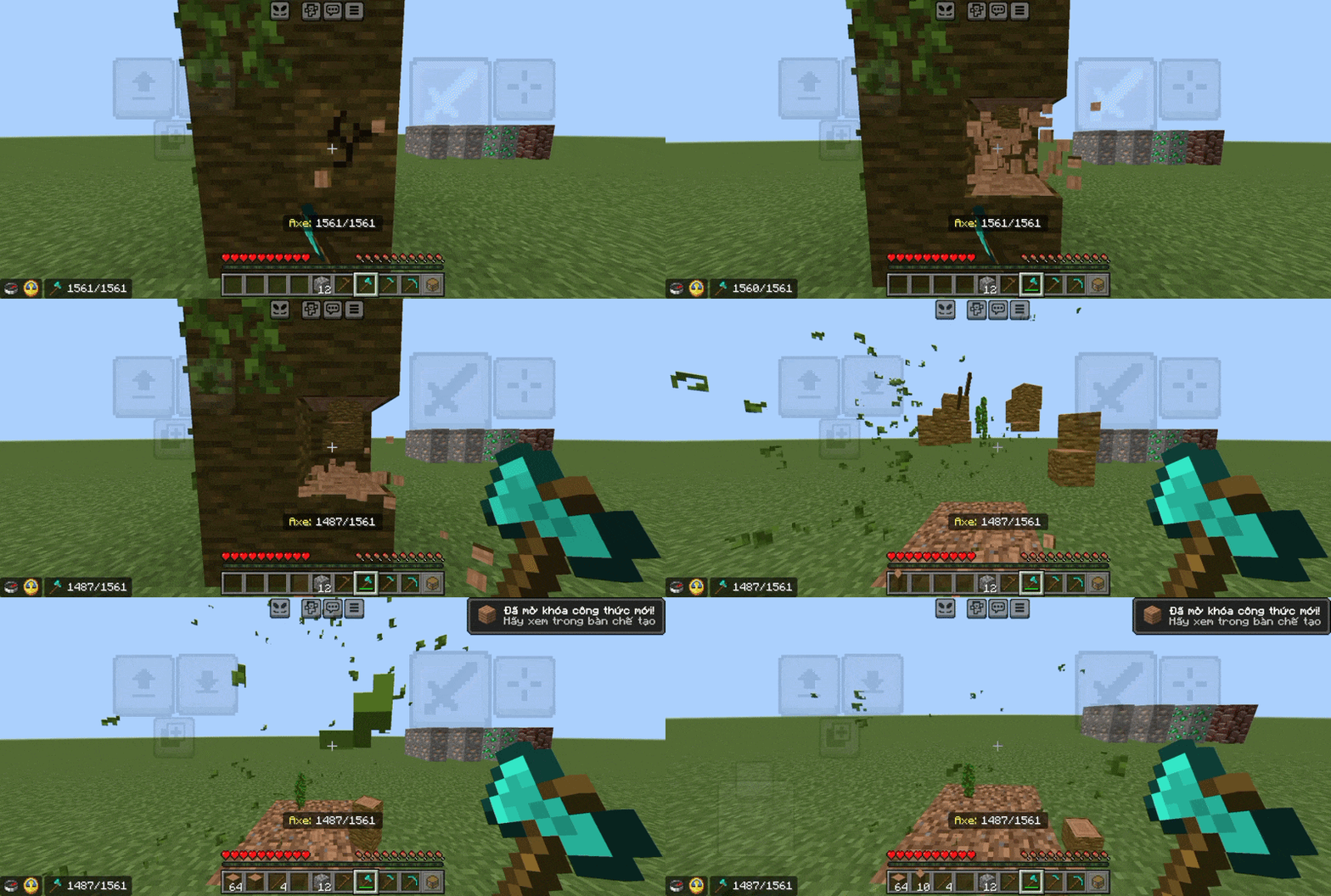
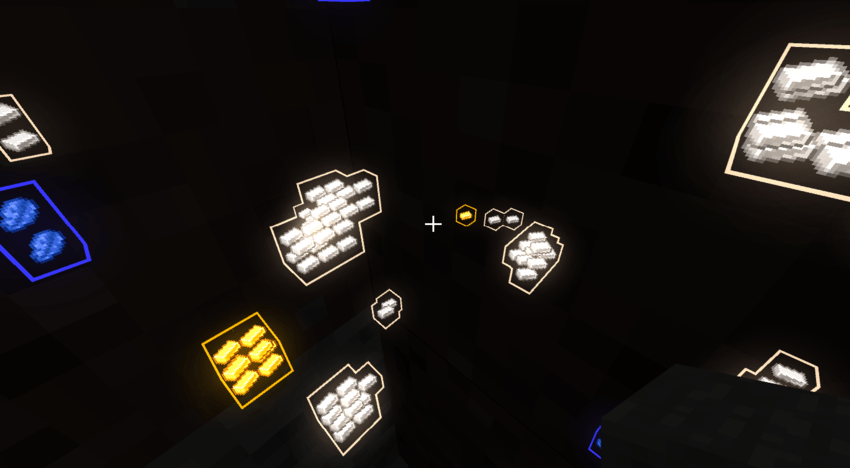
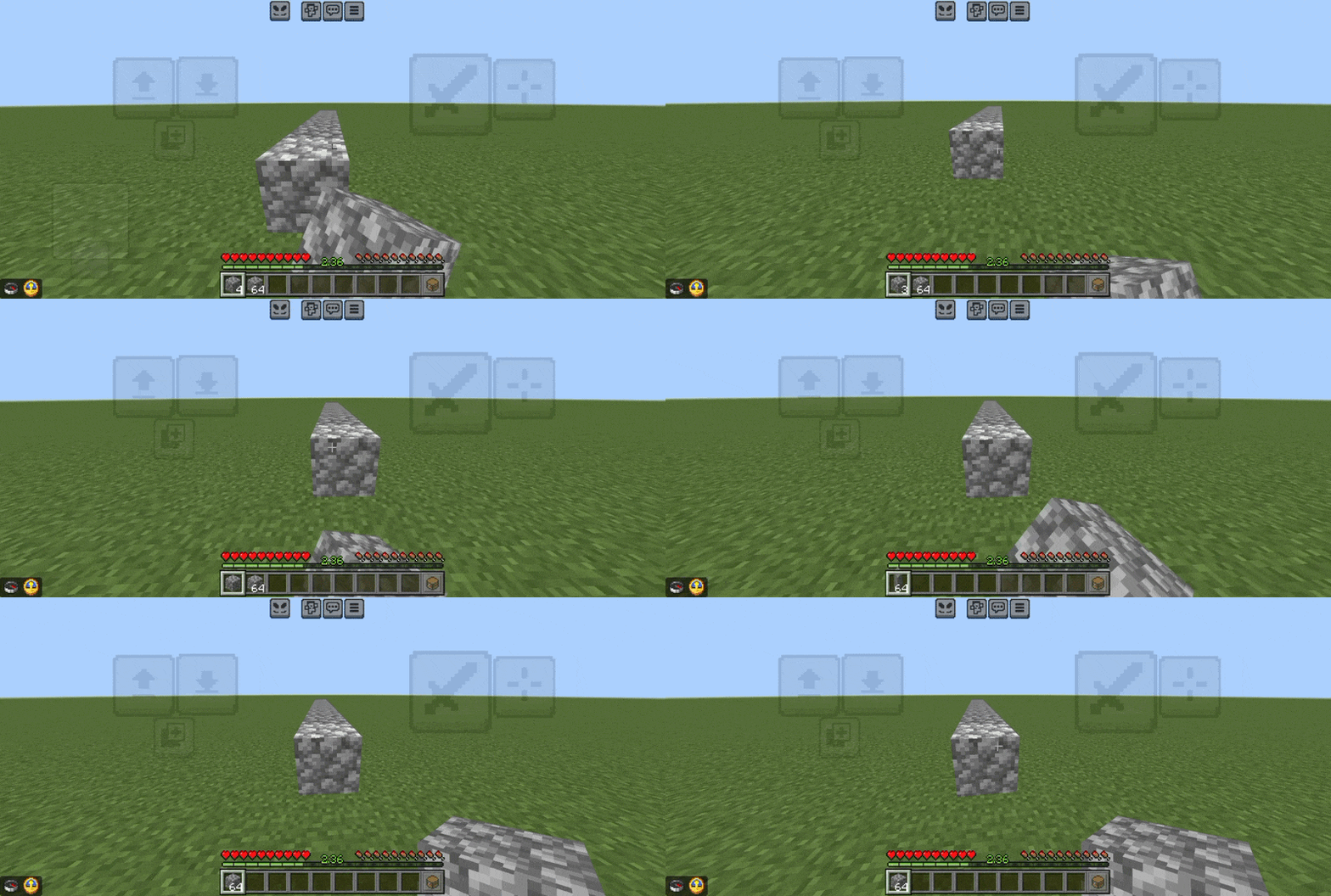
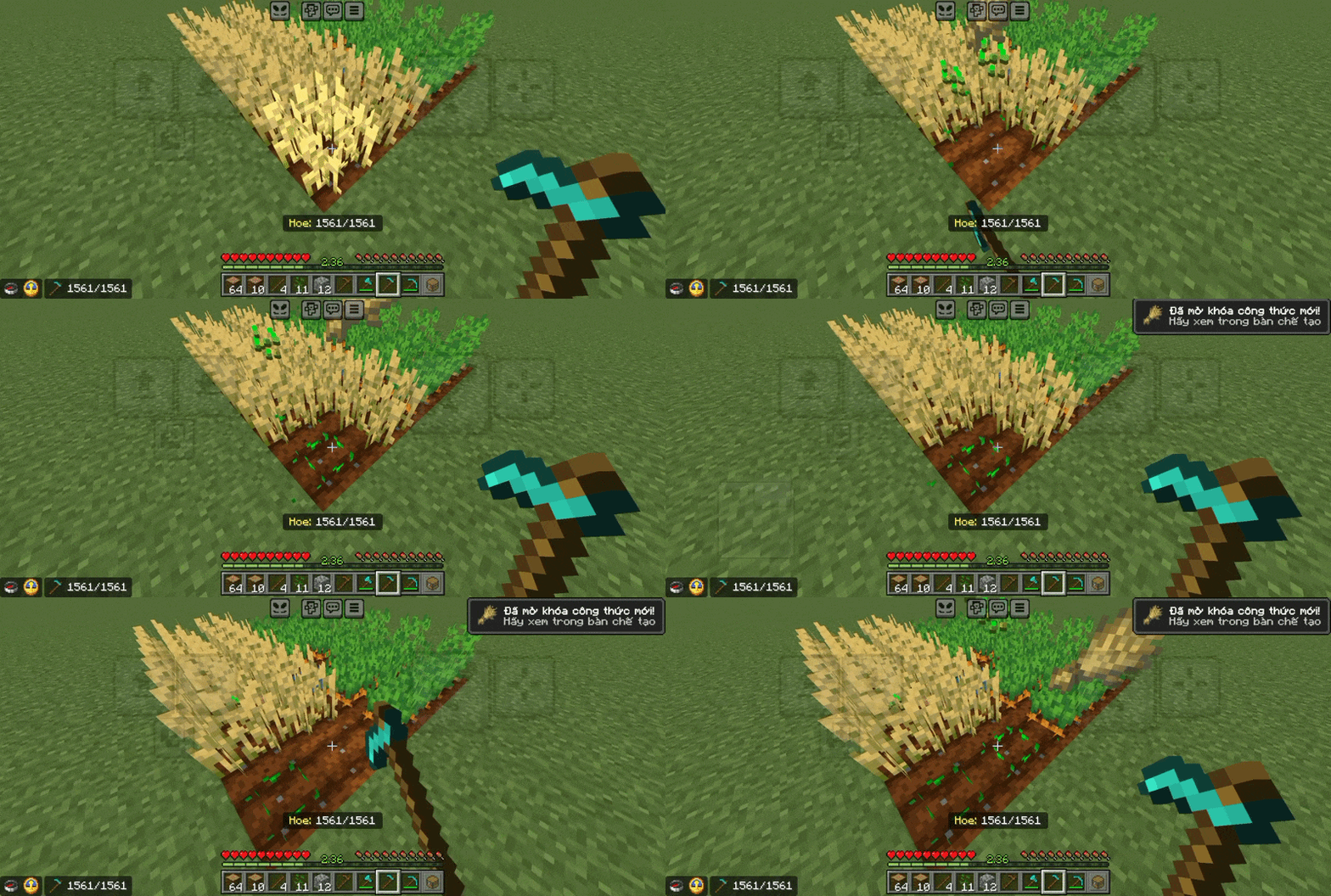
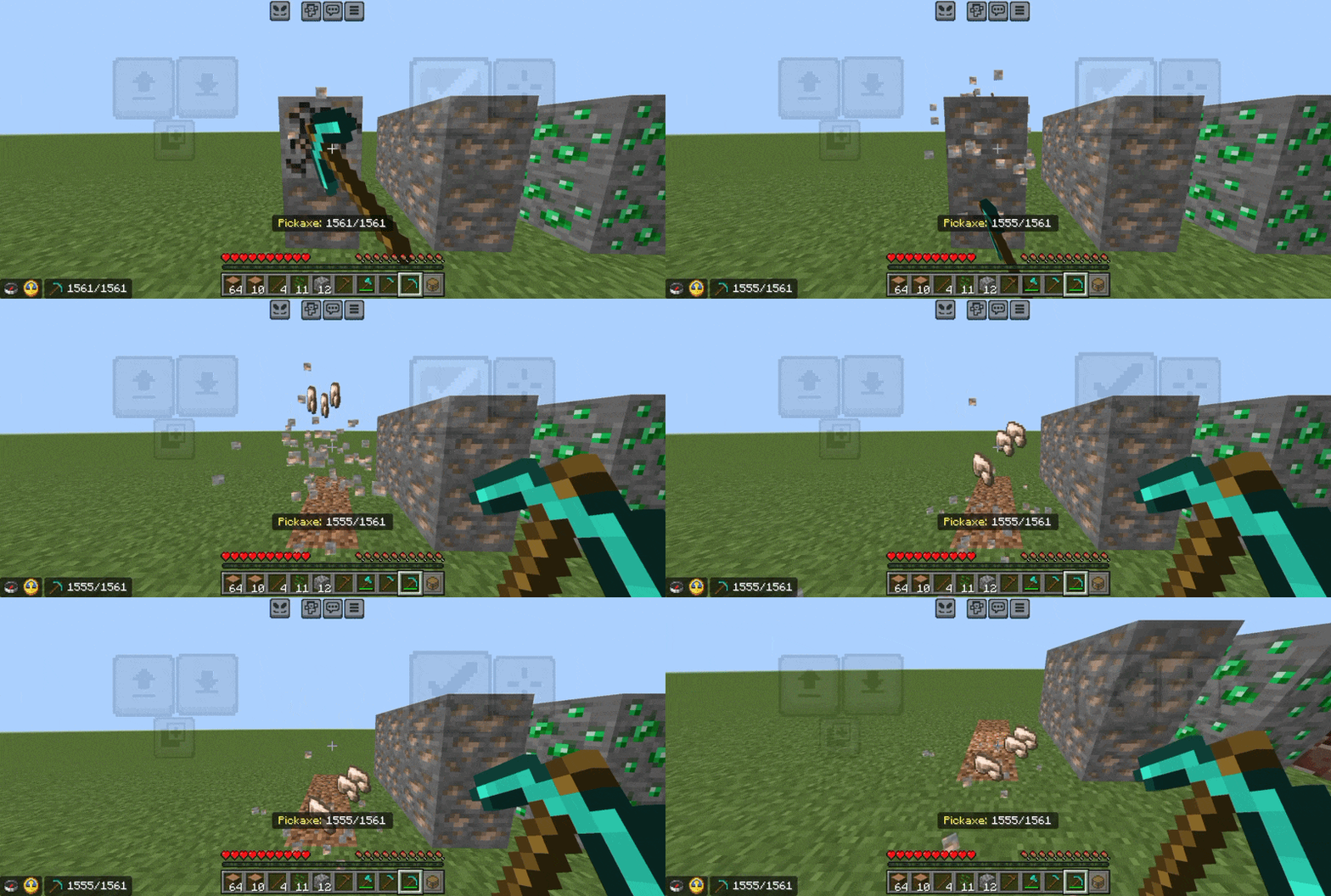
Survival Support Enhance your Minecraft Bedrock survival experience with a collection of quality-of-life tools that reduce repetitive tasks without ruining vanilla gameplay. Features: Auto-Replenish Blocks in your hotbar Auto-Replace broken tools instantly Auto-Replant crops and saplings Vein miner and treecapitator functionalities Why You'll Love It: 1 Spend less time on tedious tasks and grinding. 2 Easily toggle each feature on or off via an in-game menu. 3 Keep your survival adventures smooth and enjoyable. How to Get Started: 1 Download the Survival Support. 2 Install it in Minecraft PE. 3 Open your world and enjoy the new experience. Upgrade
Open this resource in CraftyBox
More Survival Essentials resources