
CRAFTYBOX
Preparing your block world
正在准备你的方块世界
First visit setup
首次访问设置
CRAFTYBOX
Preparing your block world
正在准备你的方块世界
First visit setup
首次访问设置
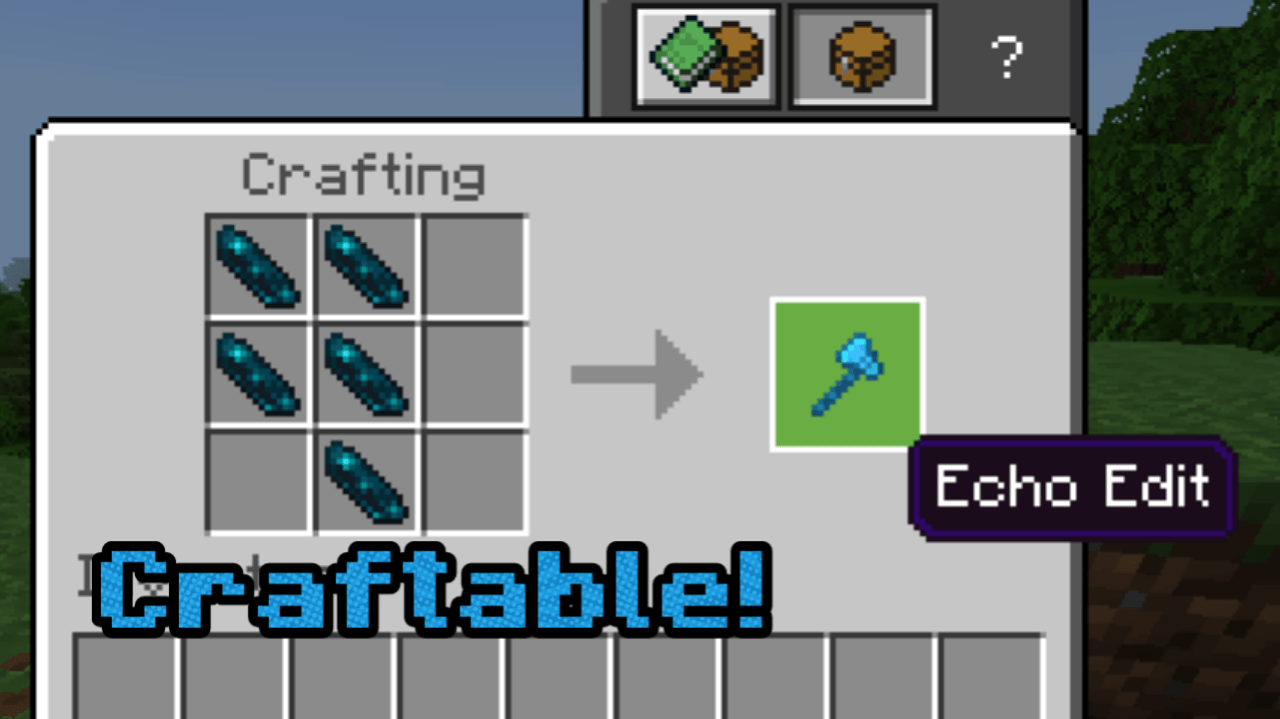
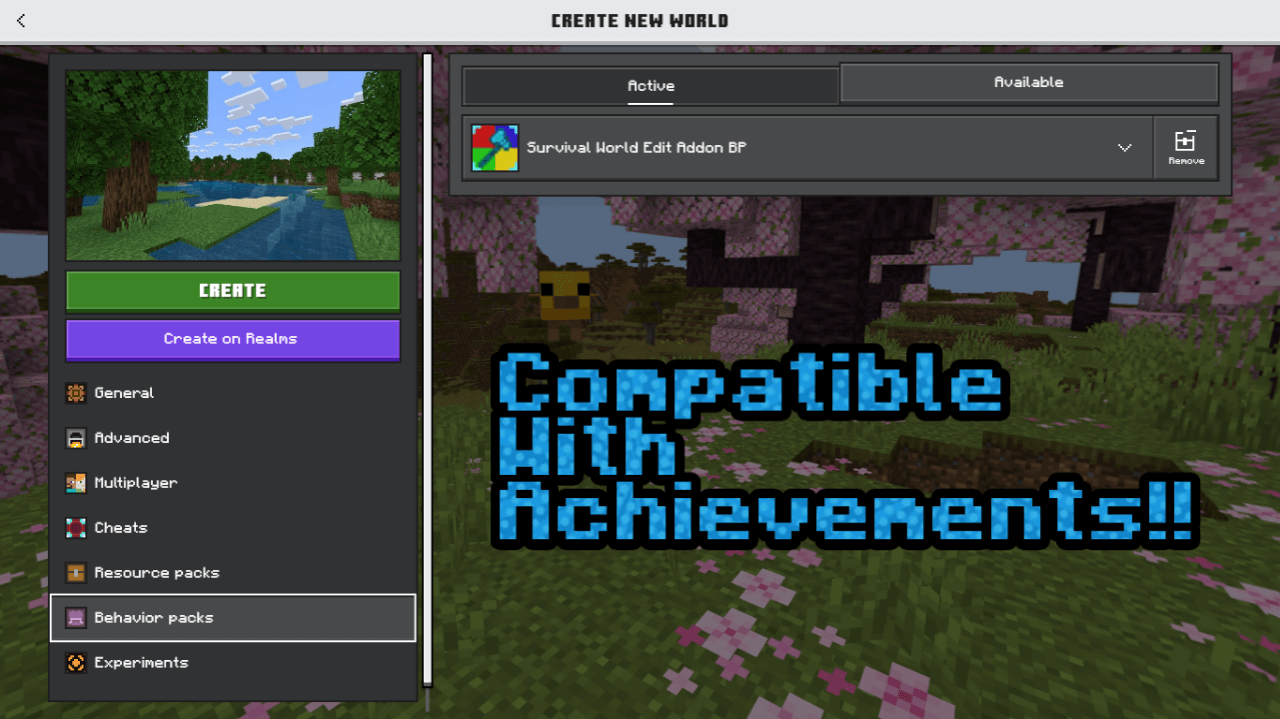
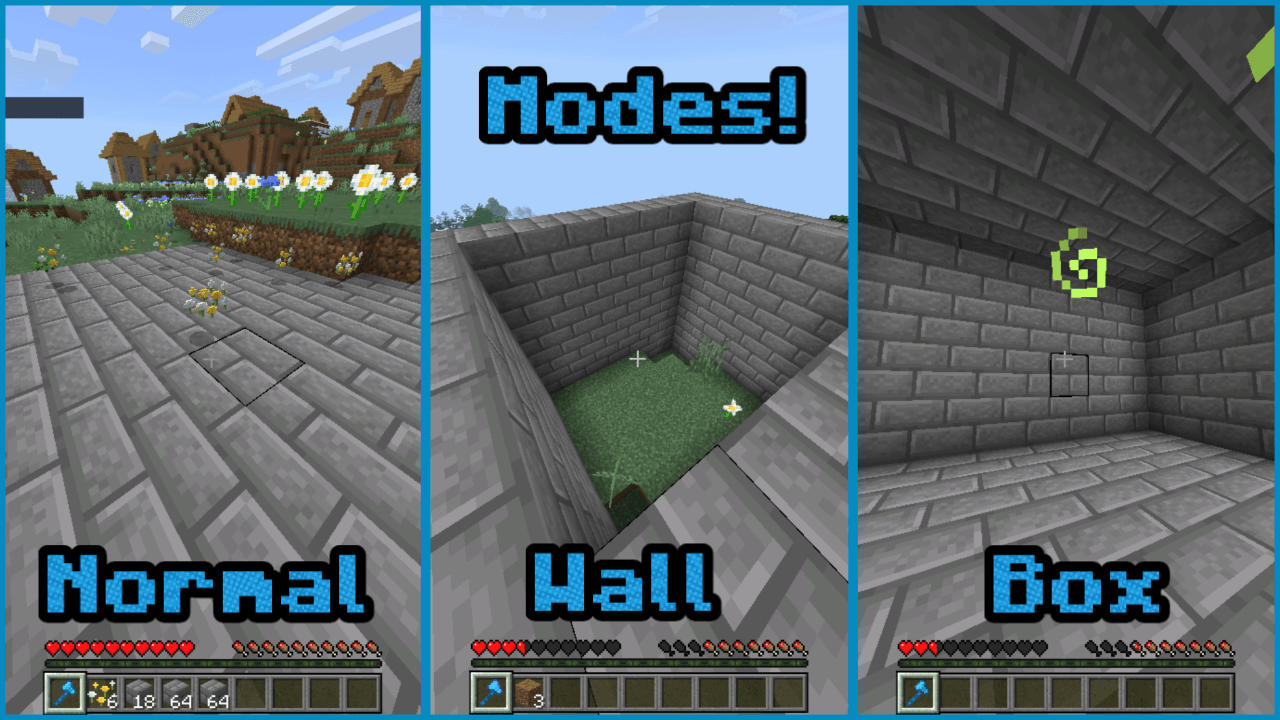
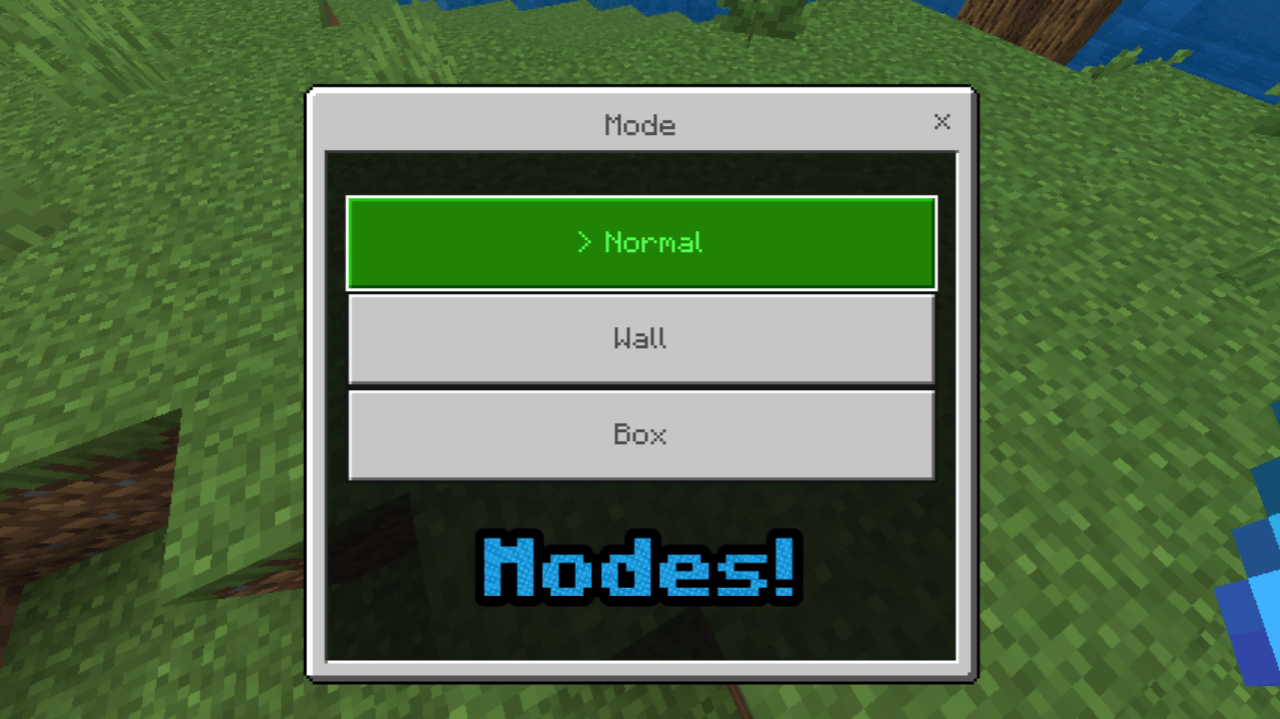
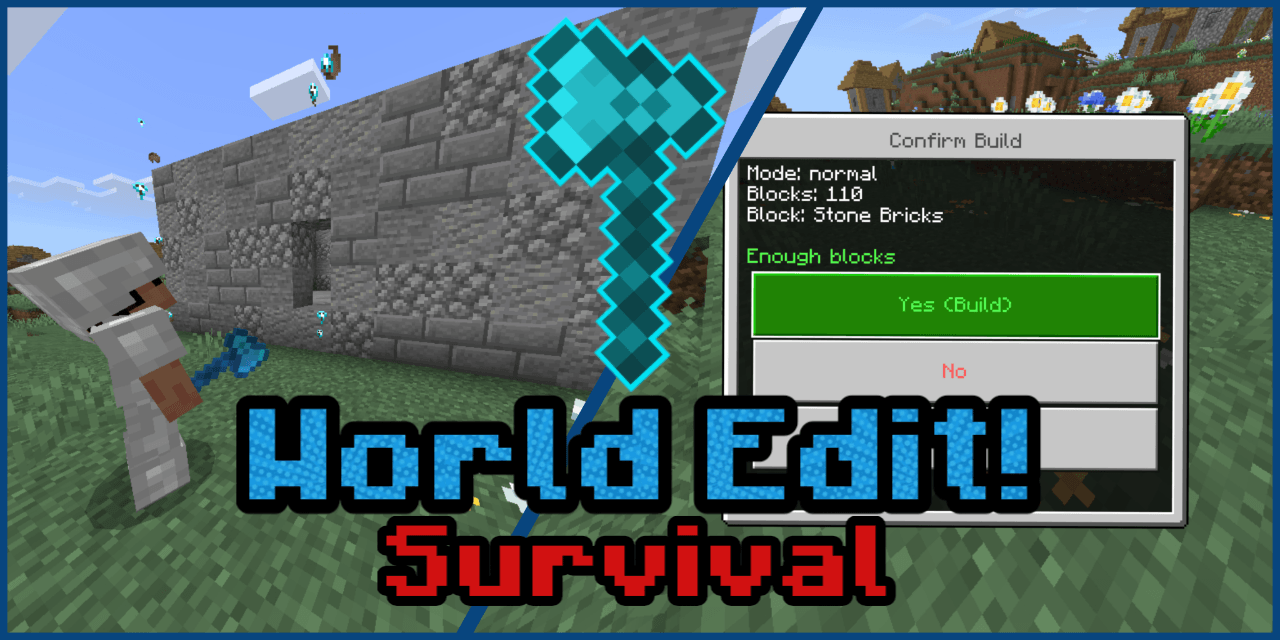
Survival World Edit Build your dream structures with powerful world editing tools, survival-friendly! Features: Craftable Echo Edit tool for block manipulation. Select blocks, choose modes (Normal, Wall, Box) for precise building. Utilize palettes to mix and match multiple blocks for complex designs. Uses blocks directly from your inventory, making it achievement-friendly. Why You'll Love It: 1 Simplify complex building projects with intuitive tools. 2 Maintain survival integrity while using powerful editing features. 3 Unleash your creativity with advanced block placement options. How to Get Started: 1 Download the Survival World Edit addon. 2 Install
Read the full details and screenshots
Open this resource in CraftyBox
More Survival Essentials resources