
CRAFTYBOX
Preparing your block world
正在准备你的方块世界
First visit setup
首次访问设置
CRAFTYBOX
Preparing your block world
正在准备你的方块世界
First visit setup
首次访问设置
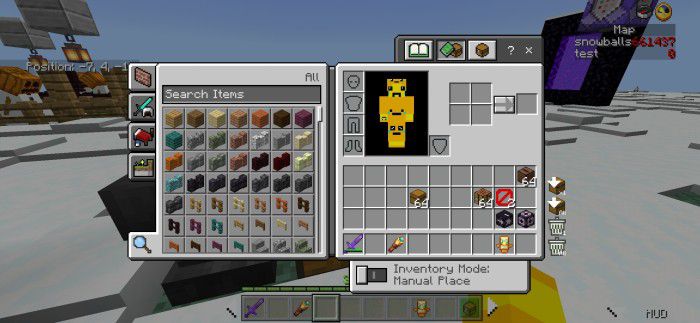
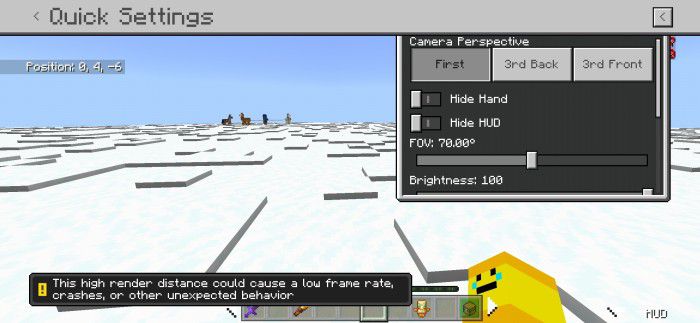
The Ty-el’s UI Pack Loot faster, craft quicker and sort smarter — this UI overhaul adds quick loot, quick craft and auto inventory tools to Bedrock. Features: Quick Loot lets you grab chest items in a flash Quick Craft speeds through recipes with fewer taps Auto Inventory sorting keeps everything organized Smooth, responsive interface built for mobile play Why You'll Love It: 1 Saves you countless taps every play session 2 Chest management becomes practically effortless 3 Feels like the UI Bedrock always deserved How to Get Started: 1 Download the The Ty-el’s UI Pack. 2 Install it in Minecraft PE. 3 Open your world and enjoy the new experience. Les
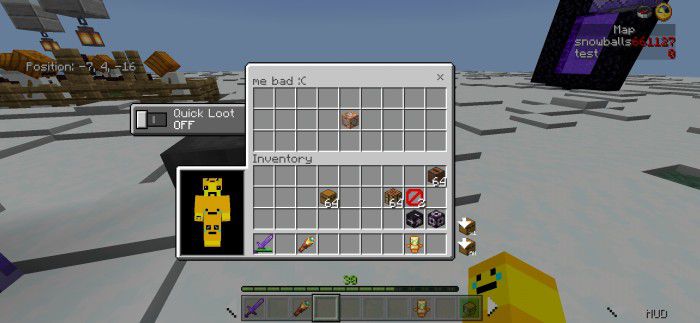
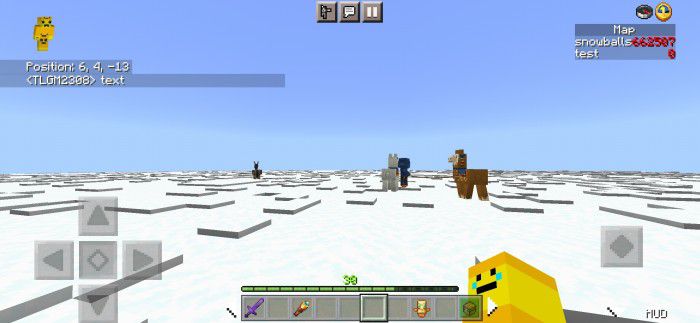
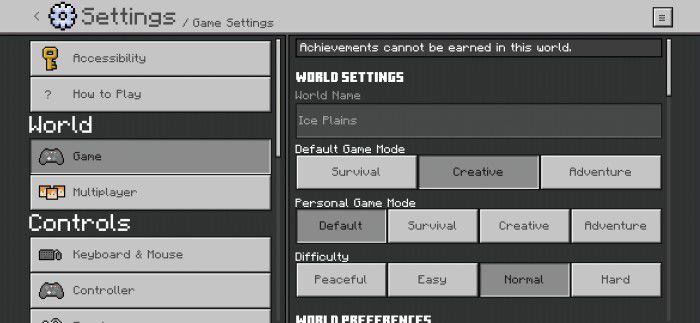
Read the full details and screenshots
Open this resource in CraftyBox