
CRAFTYBOX
Preparing your block world
正在准备你的方块世界
First visit setup
首次访问设置
CRAFTYBOX
Preparing your block world
正在准备你的方块世界
First visit setup
首次访问设置
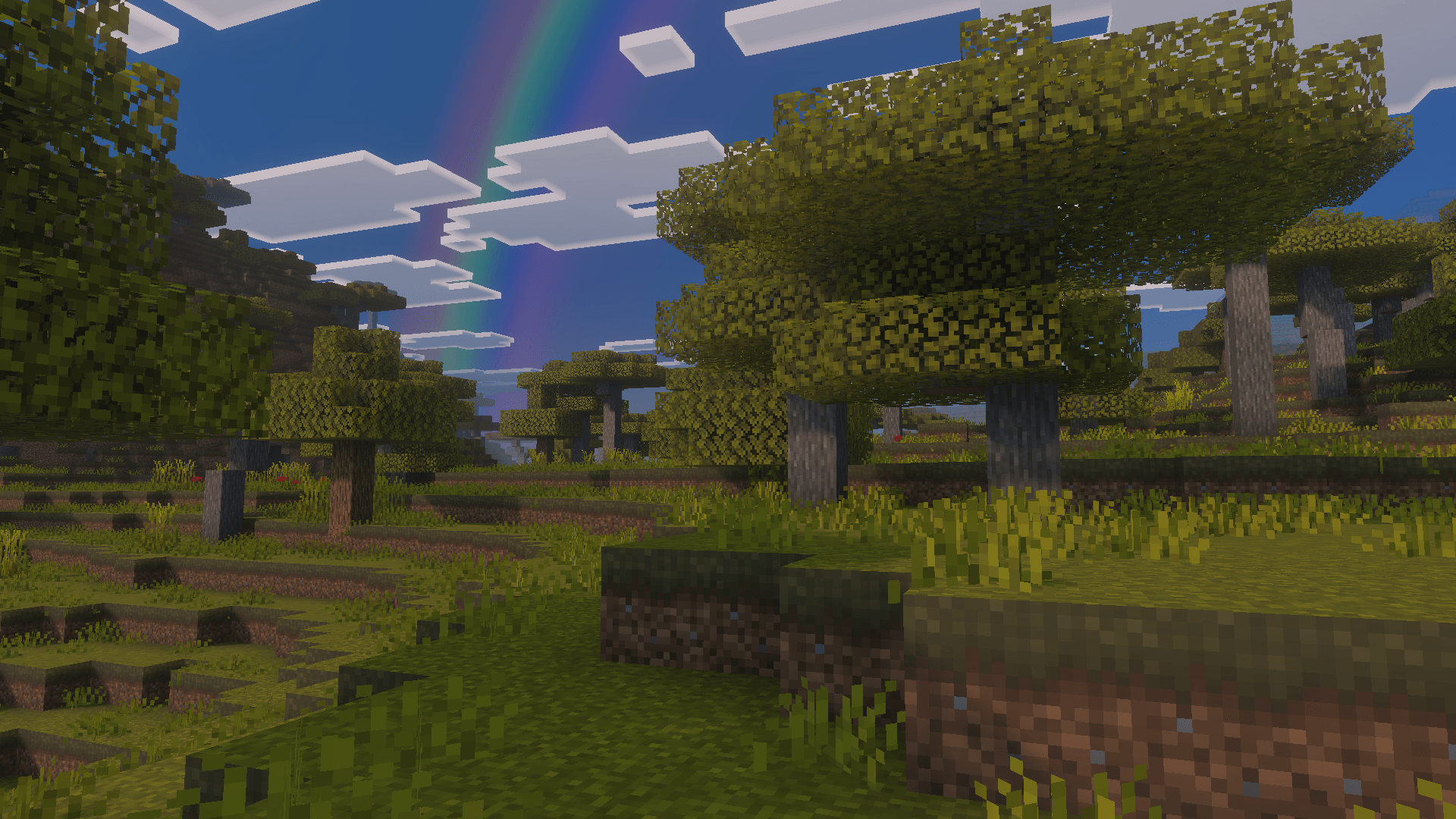
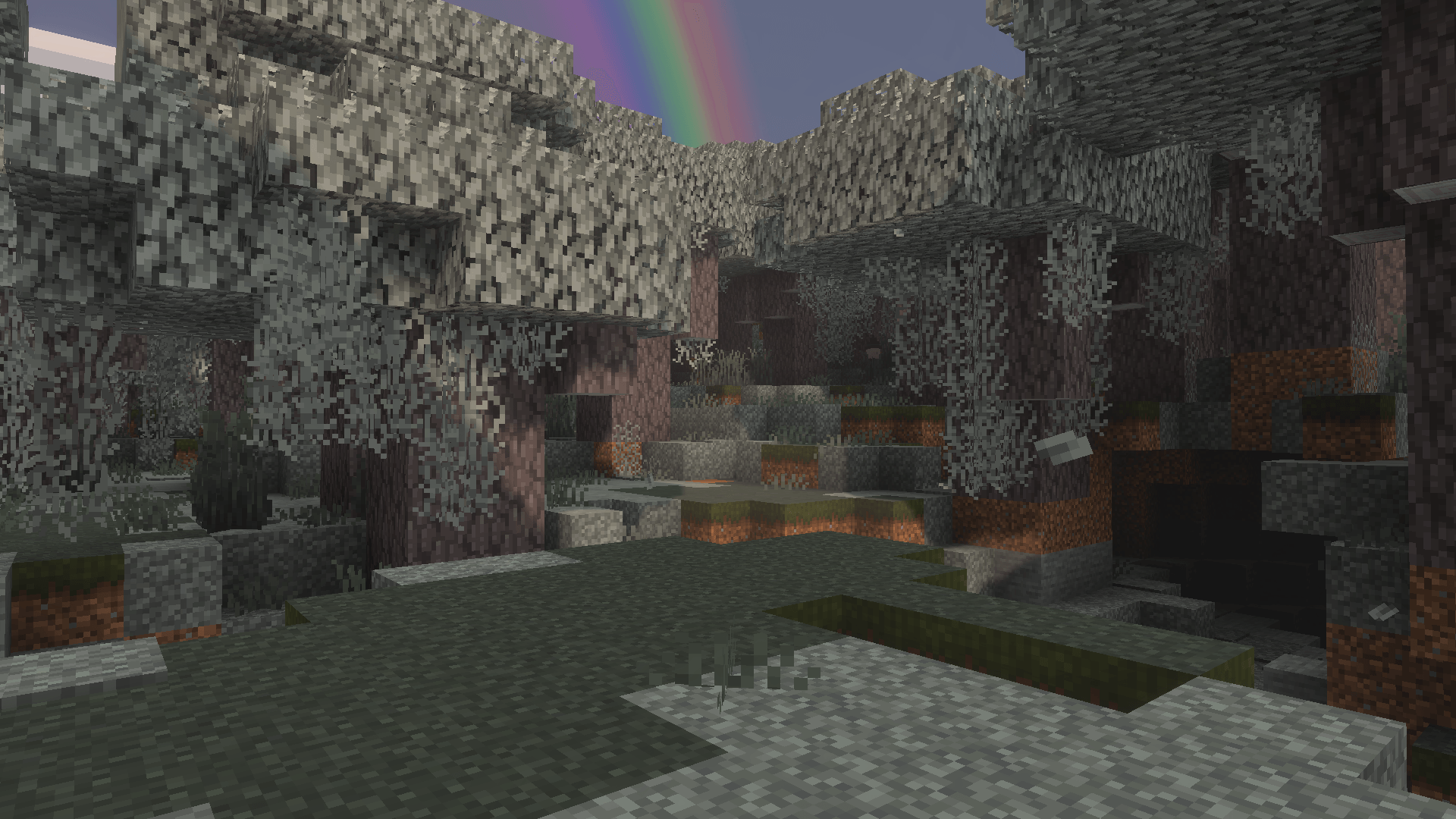
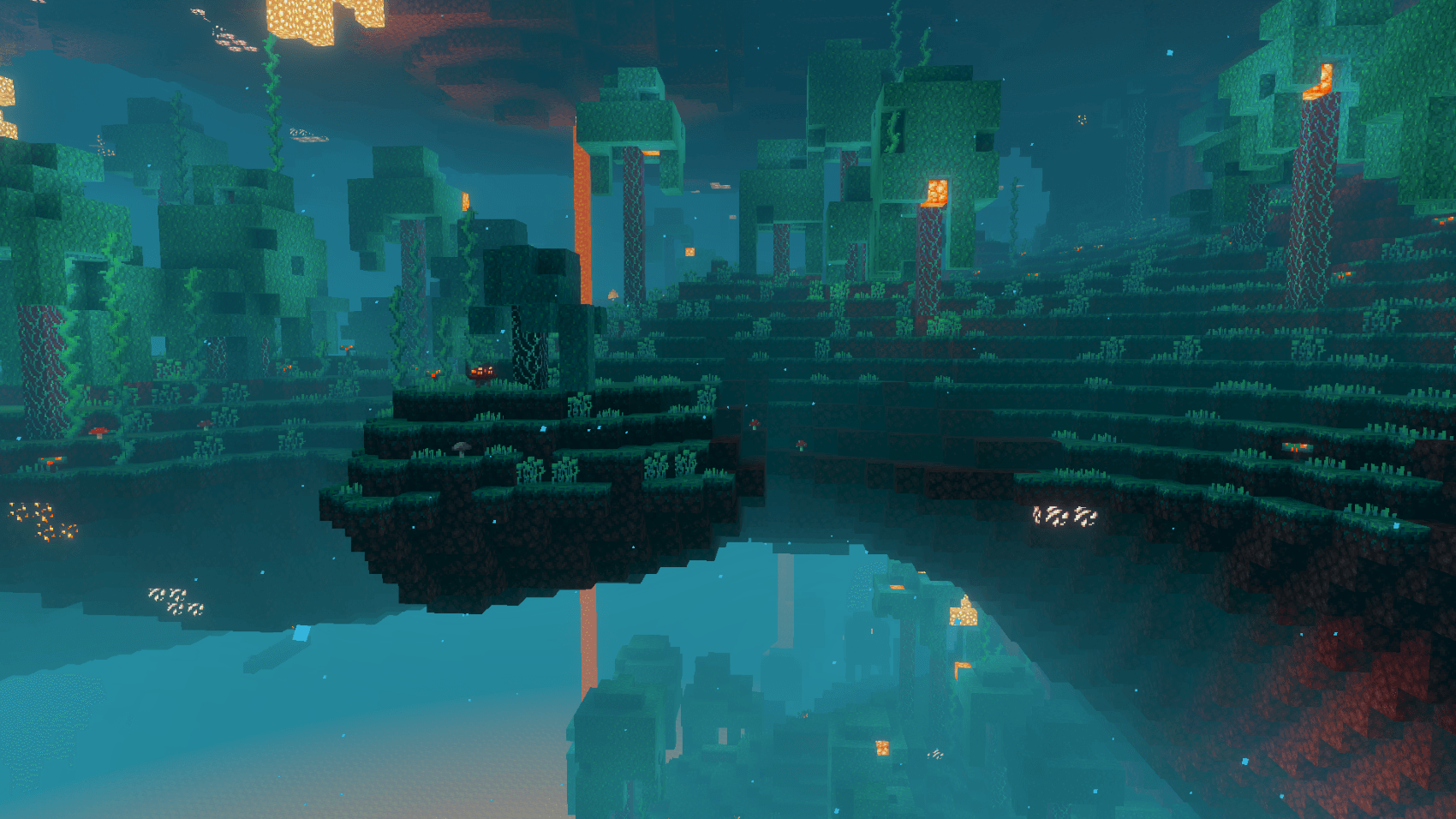
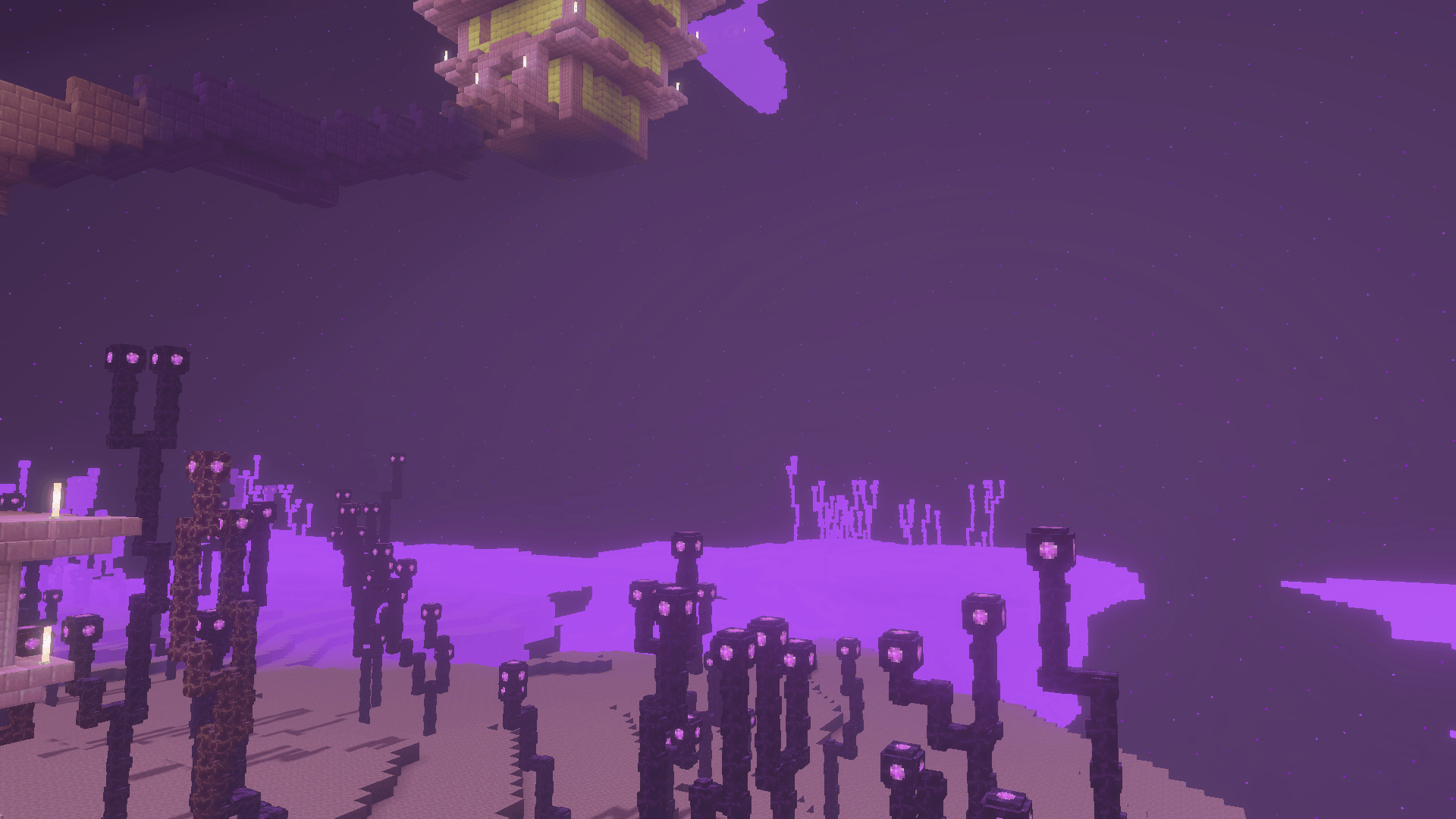
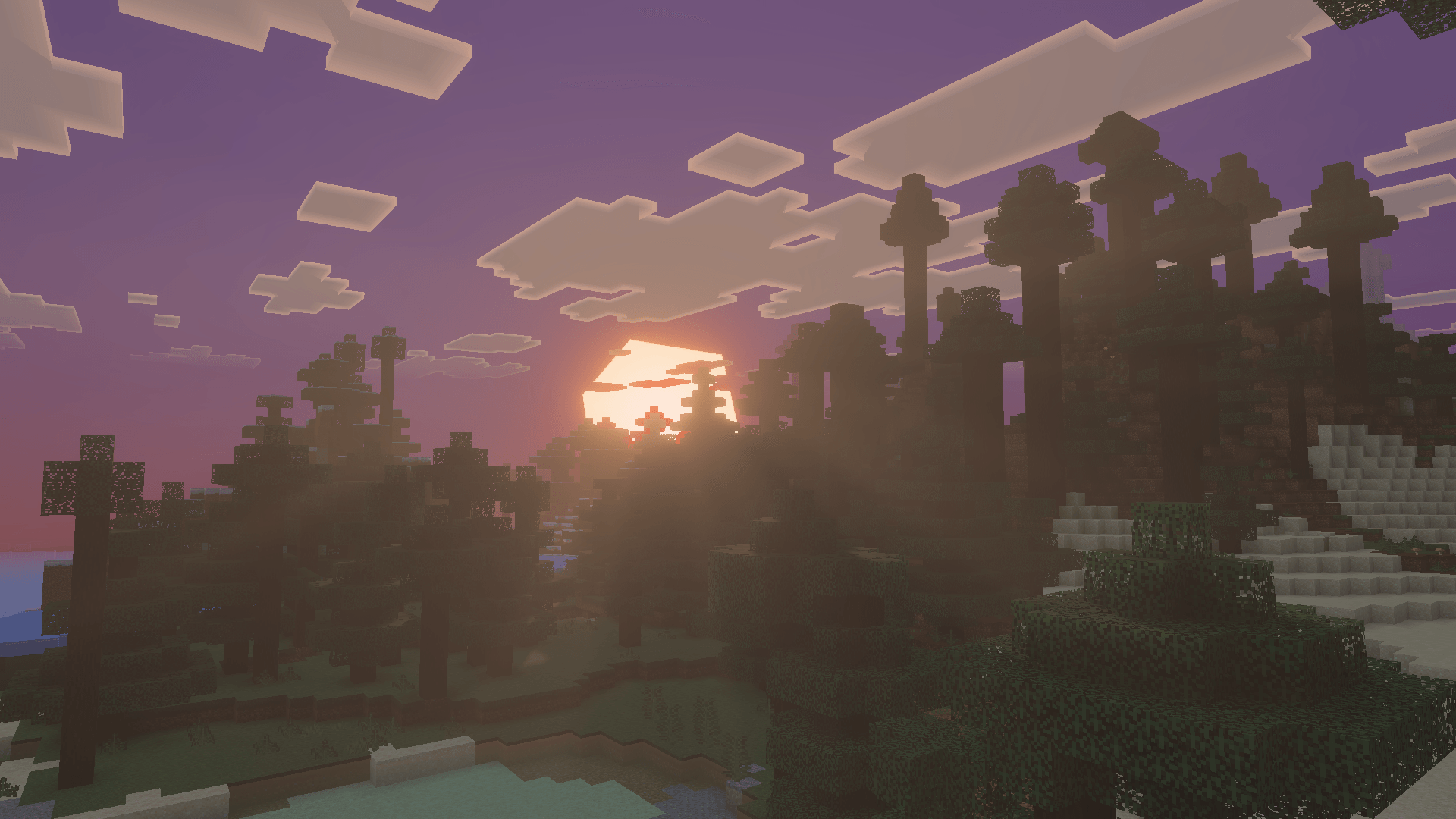
True Visuals Shader True Visuals Shader brings honest-to-goodness realism to MCPE/Bedrock 1.21+, with lifelike lighting and natural tones that make your world feel photographed. Features: Realistic lighting with believable shadows and highlights Natural, true-to-life color balance in every biome Convincing water surfaces with subtle reflections Tuned rendering that keeps gameplay fluid Why You'll Love It: 1 The closest thing to real-world light on Bedrock 2 Makes realistic builds and landscapes truly shine 3 Stays smooth enough for regular survival play How to Get Started: 1 Download the True Visuals Shader. 2 Install it in Minecraft PE. 3 Open your
Open this resource in CraftyBox