
CRAFTYBOX
Preparing your block world
正在准备你的方块世界
First visit setup
首次访问设置
CRAFTYBOX
Preparing your block world
正在准备你的方块世界
First visit setup
首次访问设置
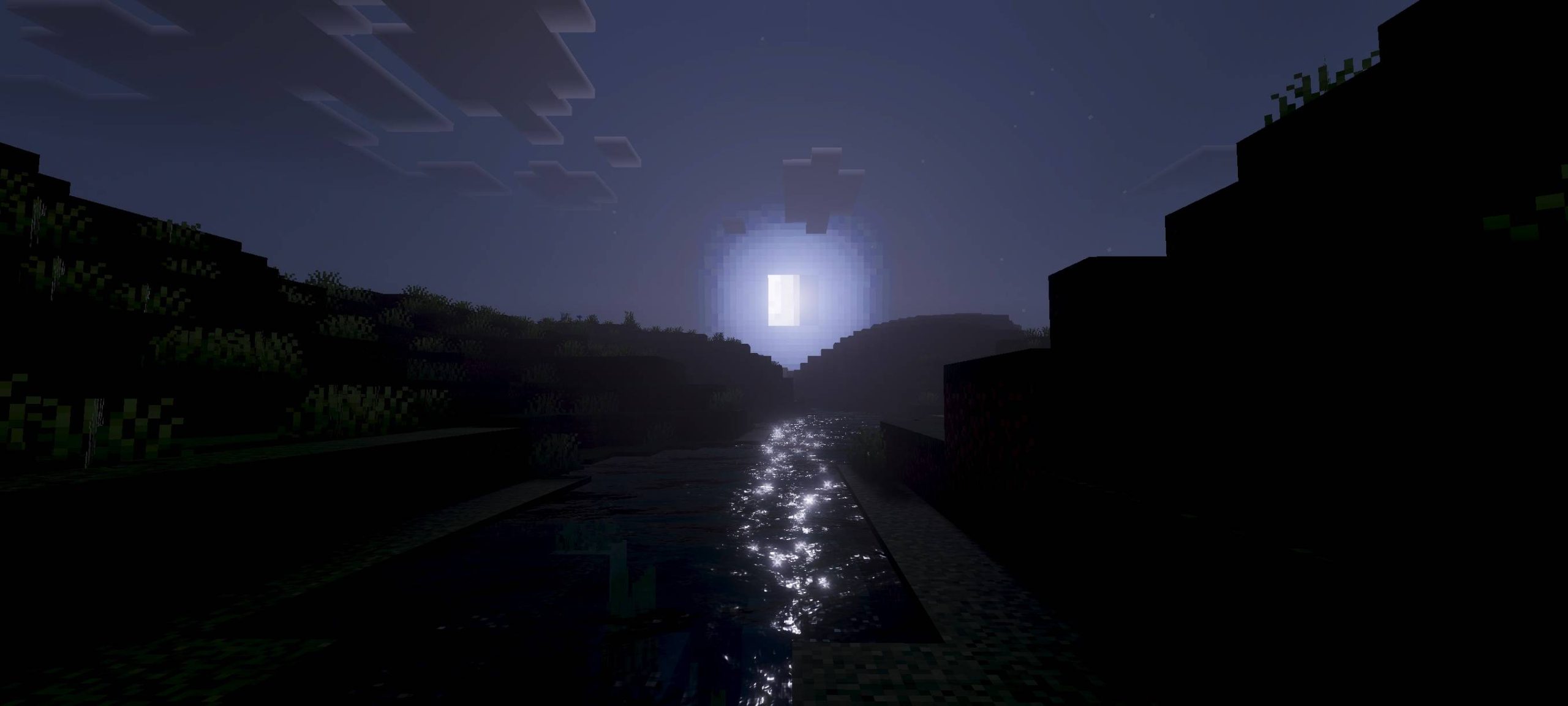
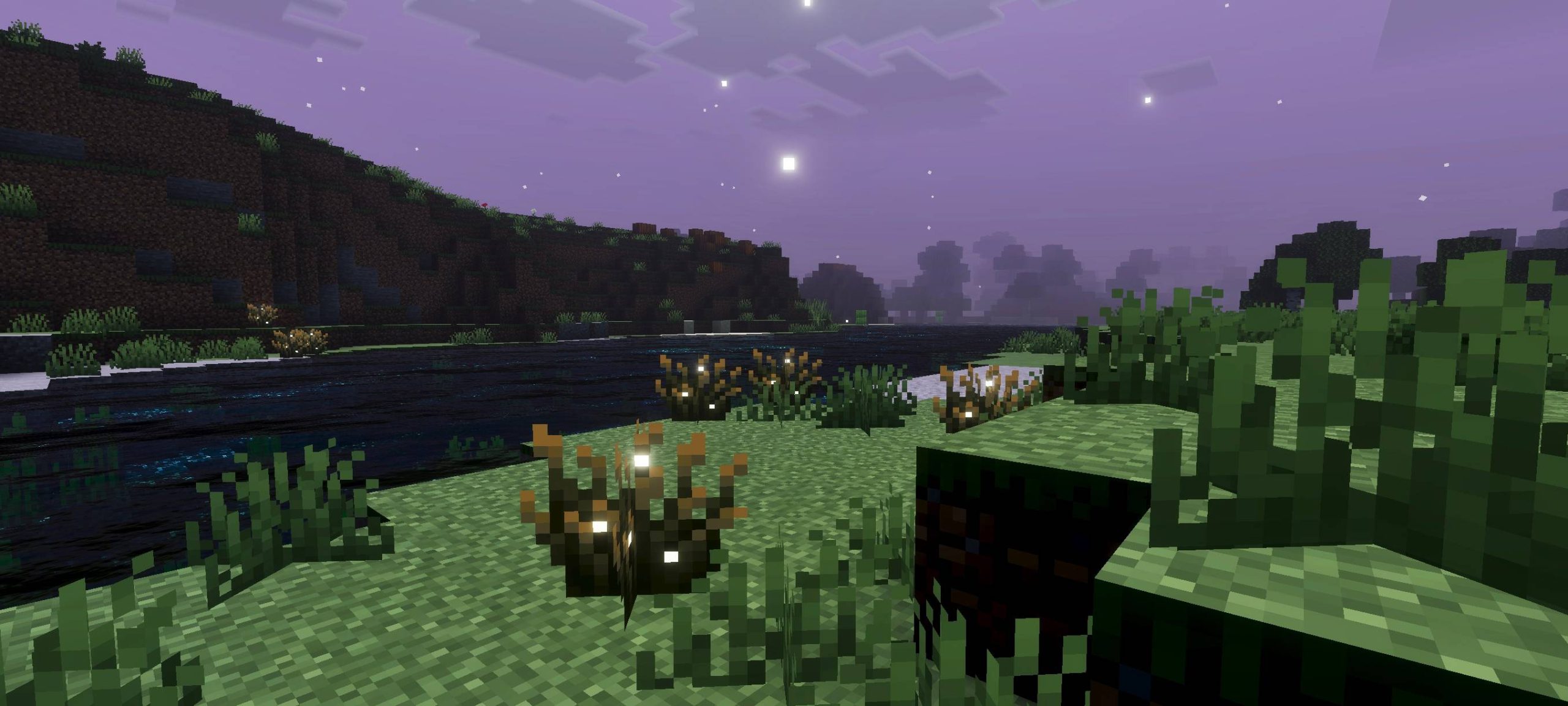
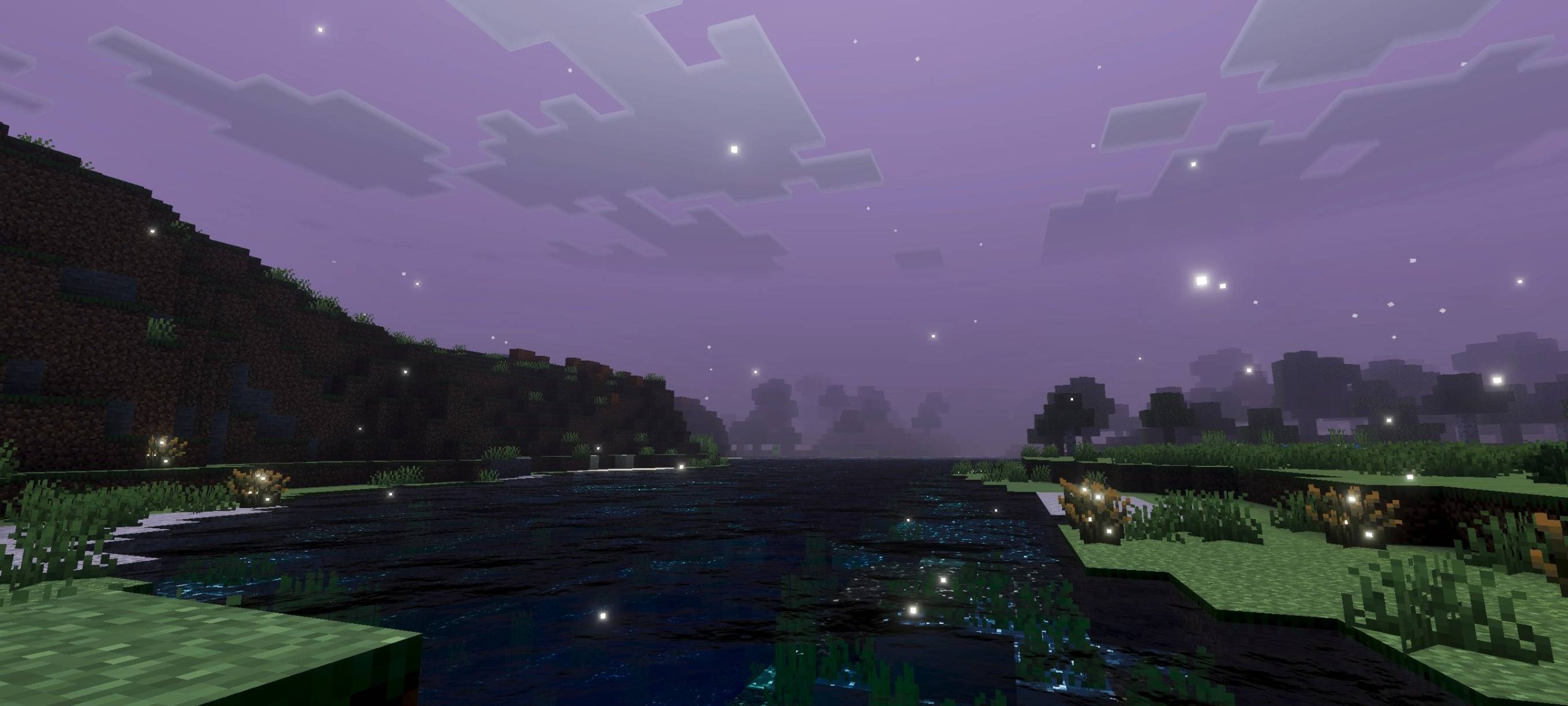
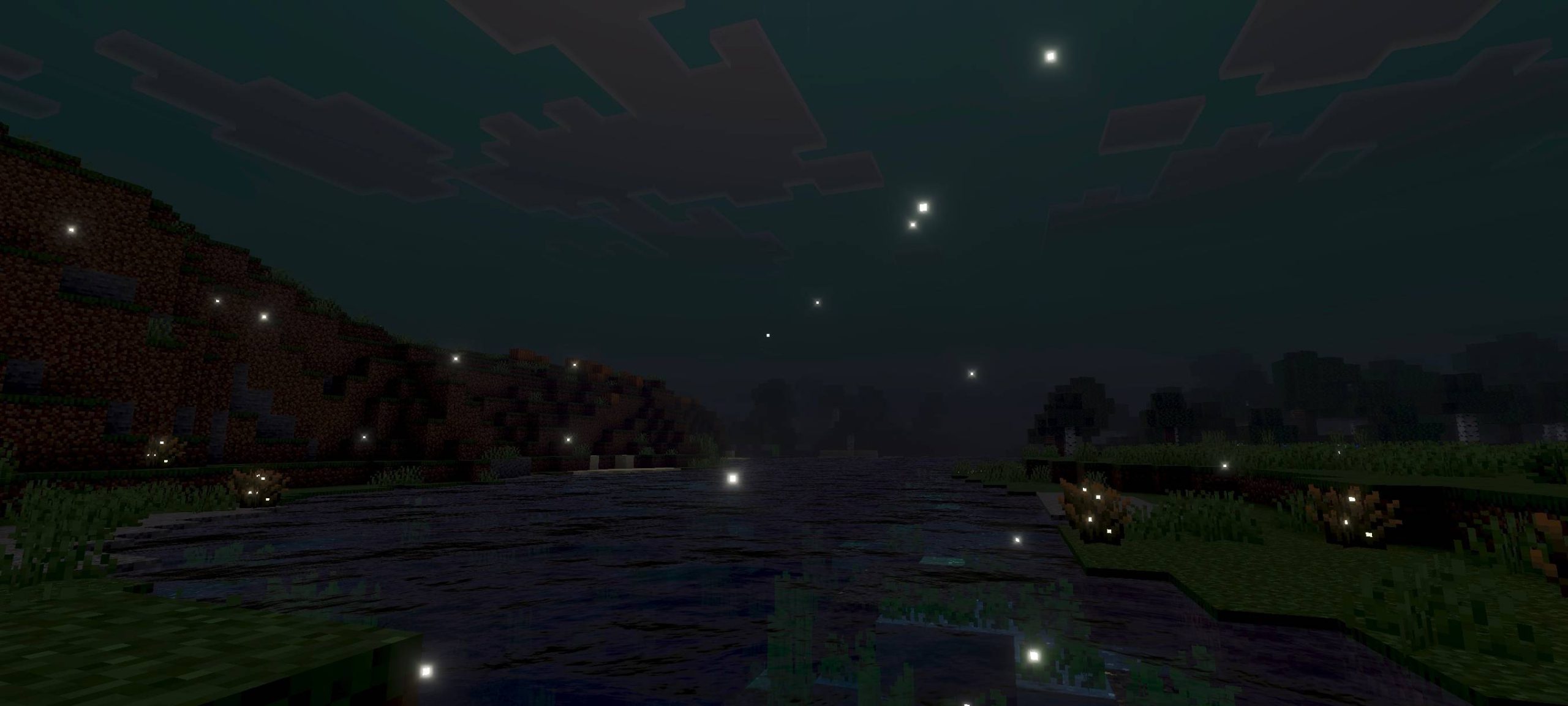
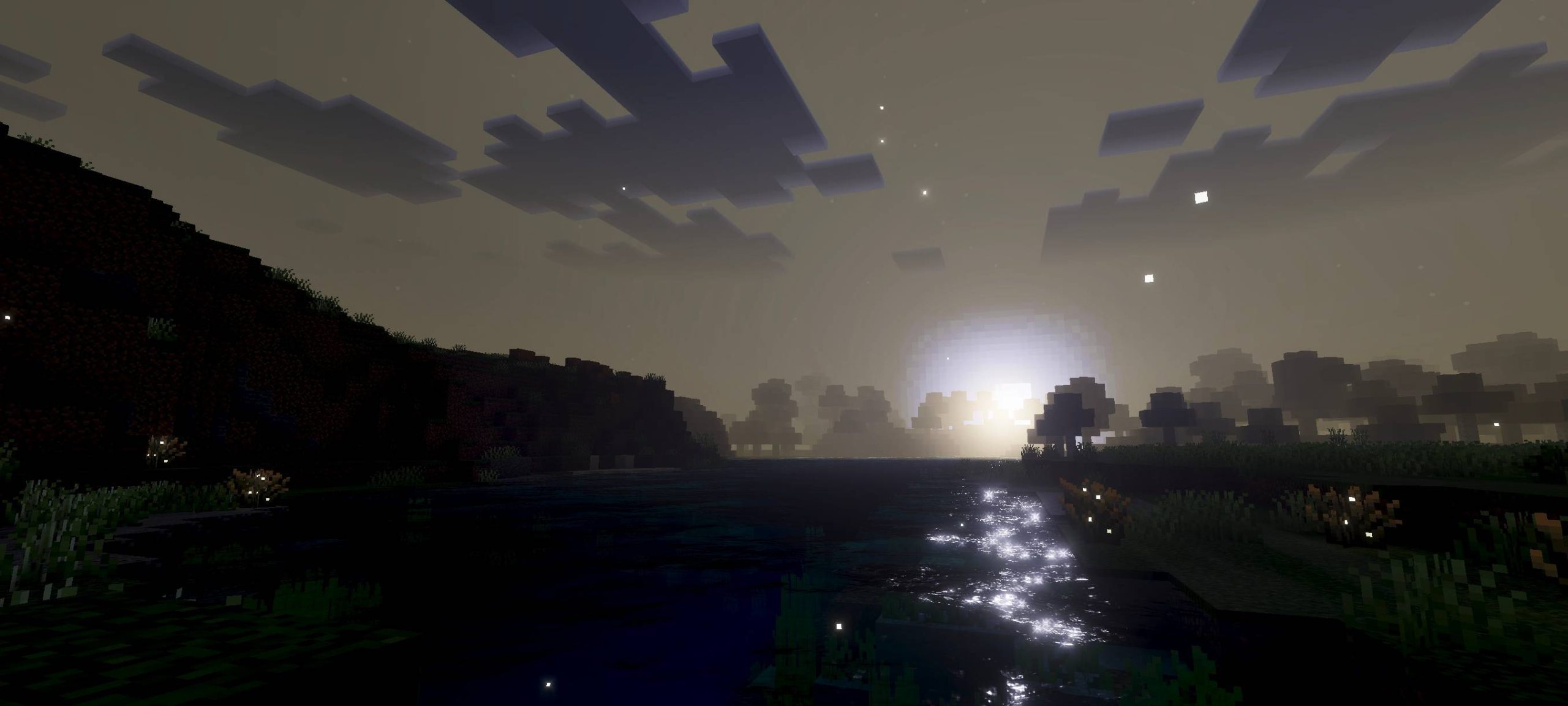
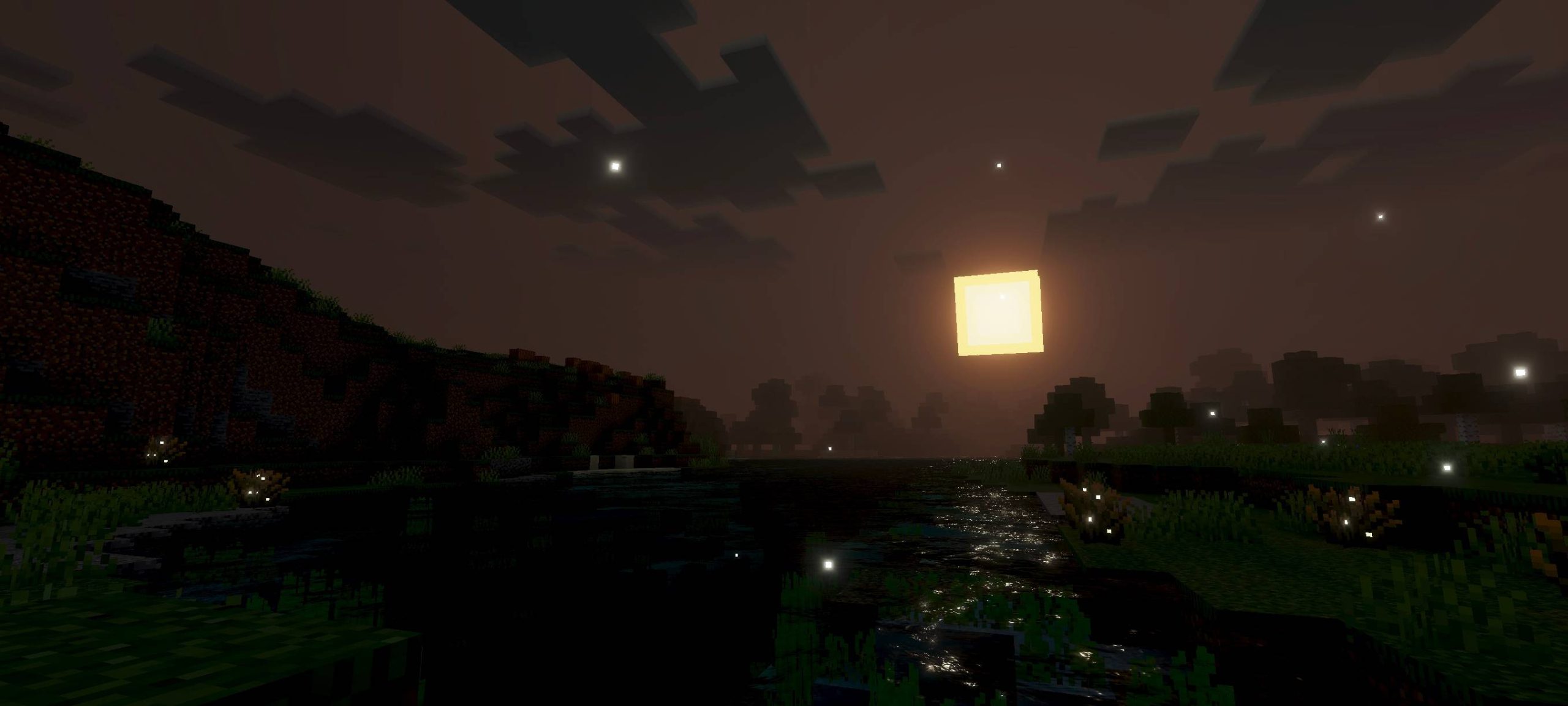
Upside Down Visual Shader Drag your world into an eerie parallel dimension with the dark, spore-filled mood of Upside Down Visual for MCPE 1.26+. Features: Thick, ominous atmospheric fog Cold, desaturated horror color grading Flickering, unsettling ambient lighting Built for MCPE/Bedrock 1.26+ Why You'll Love It: 1 Perfect for horror and survival maps 2 Creepy dimension-swapped atmosphere 3 Distinctive mood unlike vanilla How to Get Started: 1 Download the Upside Down Visual Shader. 2 Install it in Minecraft PE. 3 Open your world and enjoy the new experience. Step through into the Upside Down.
Read the full details and screenshots
Open this resource in CraftyBox