
CRAFTYBOX
Preparing your block world
正在准备你的方块世界
First visit setup
首次访问设置
CRAFTYBOX
Preparing your block world
正在准备你的方块世界
First visit setup
首次访问设置
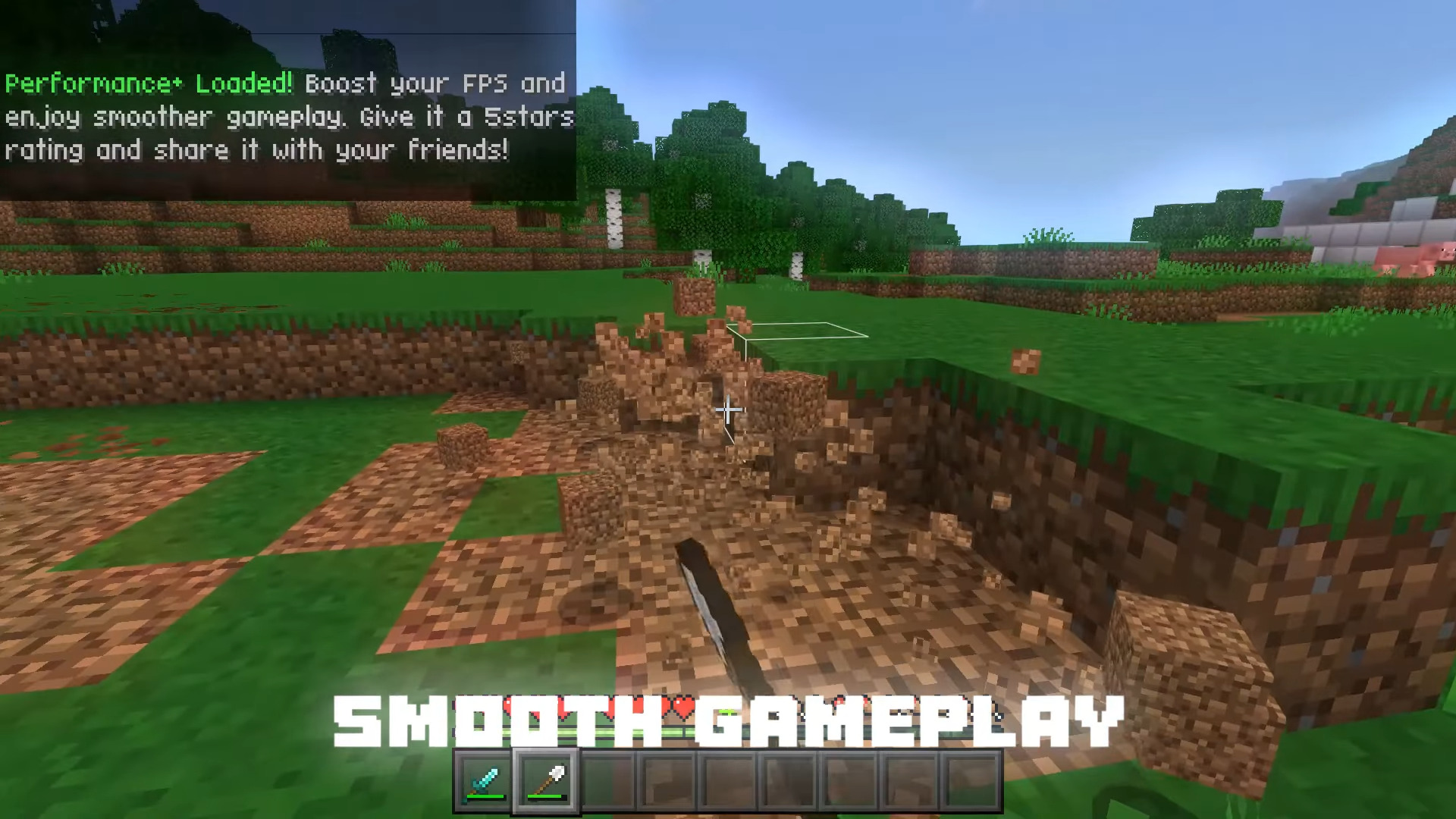
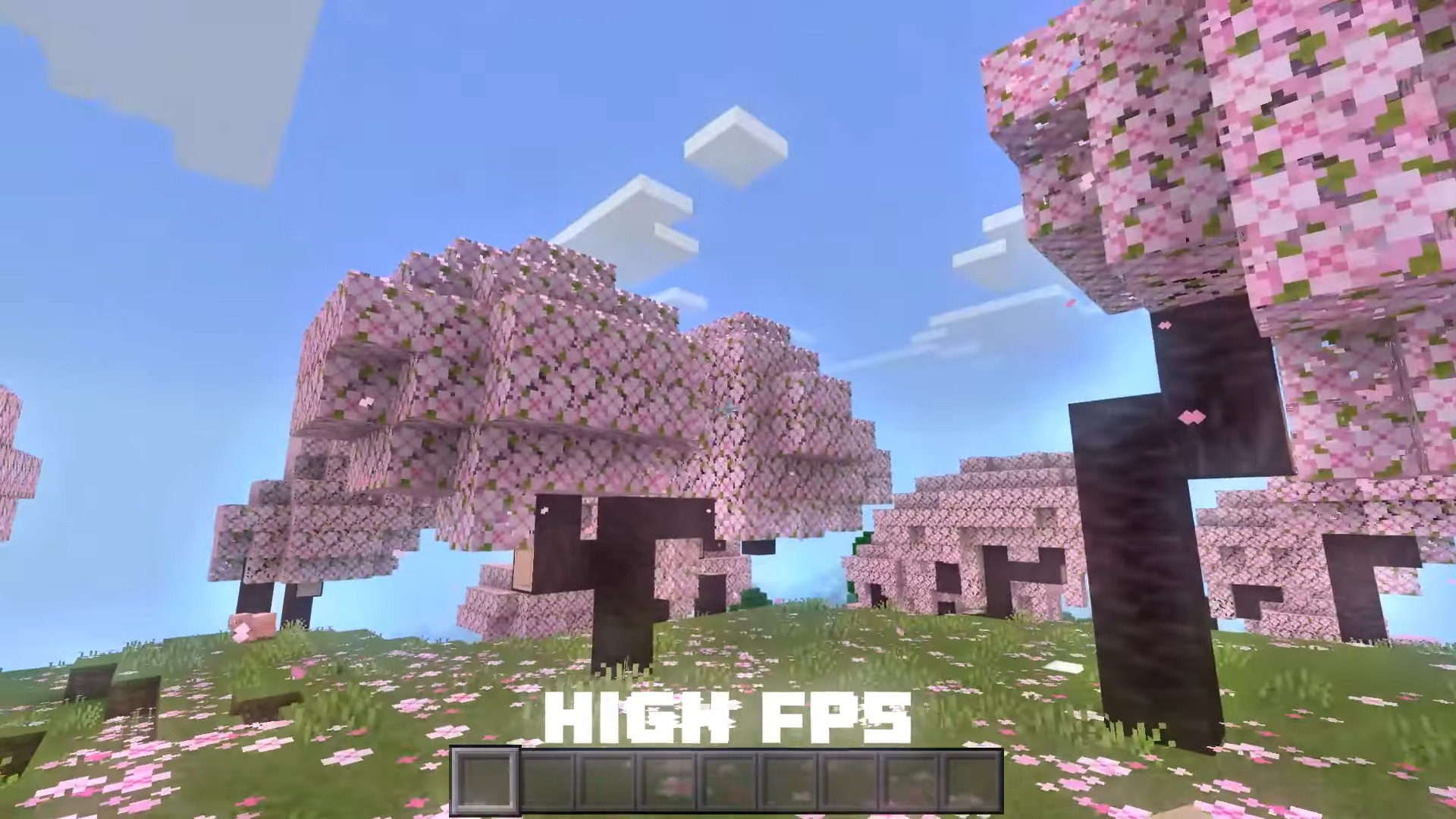
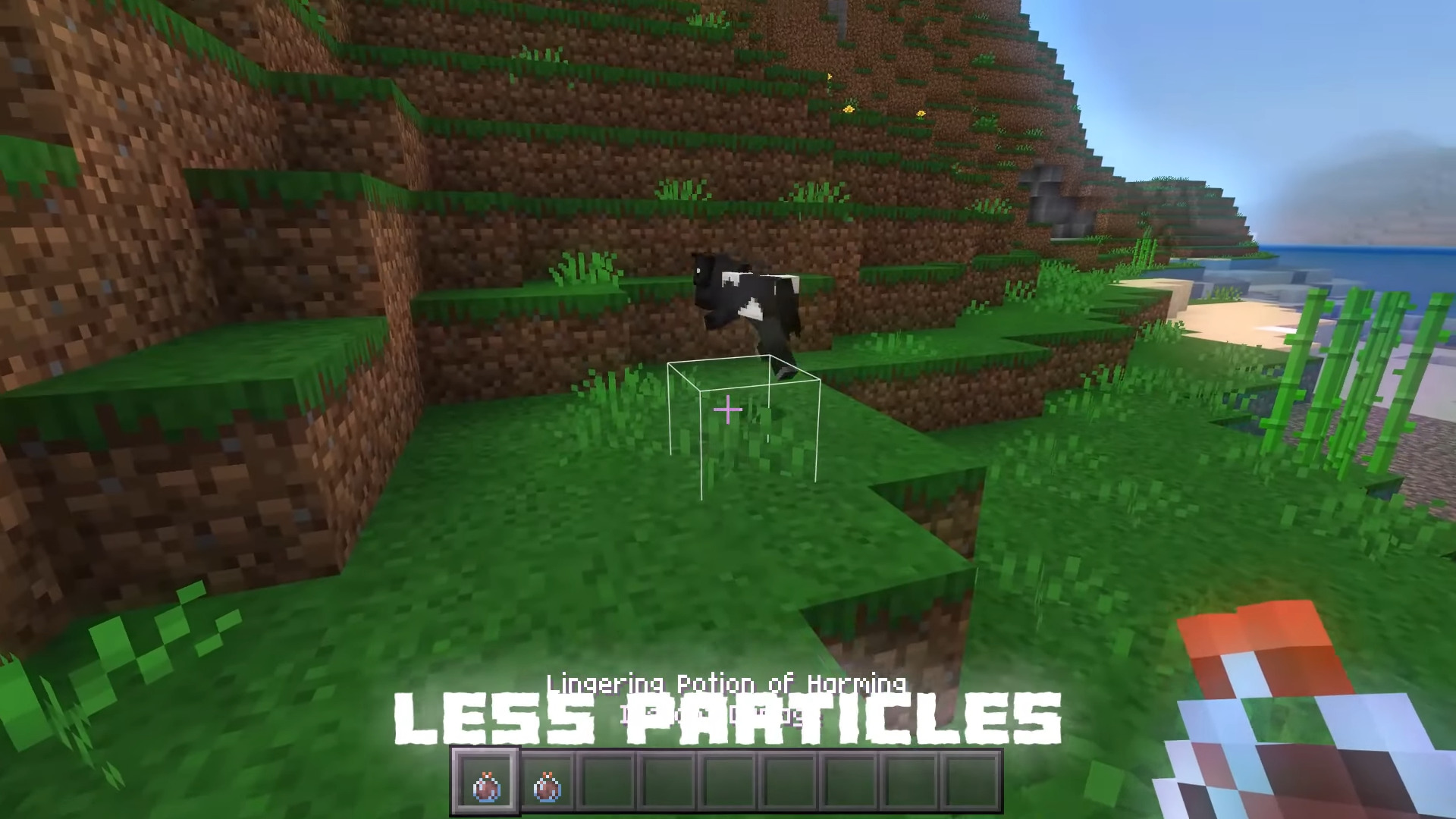
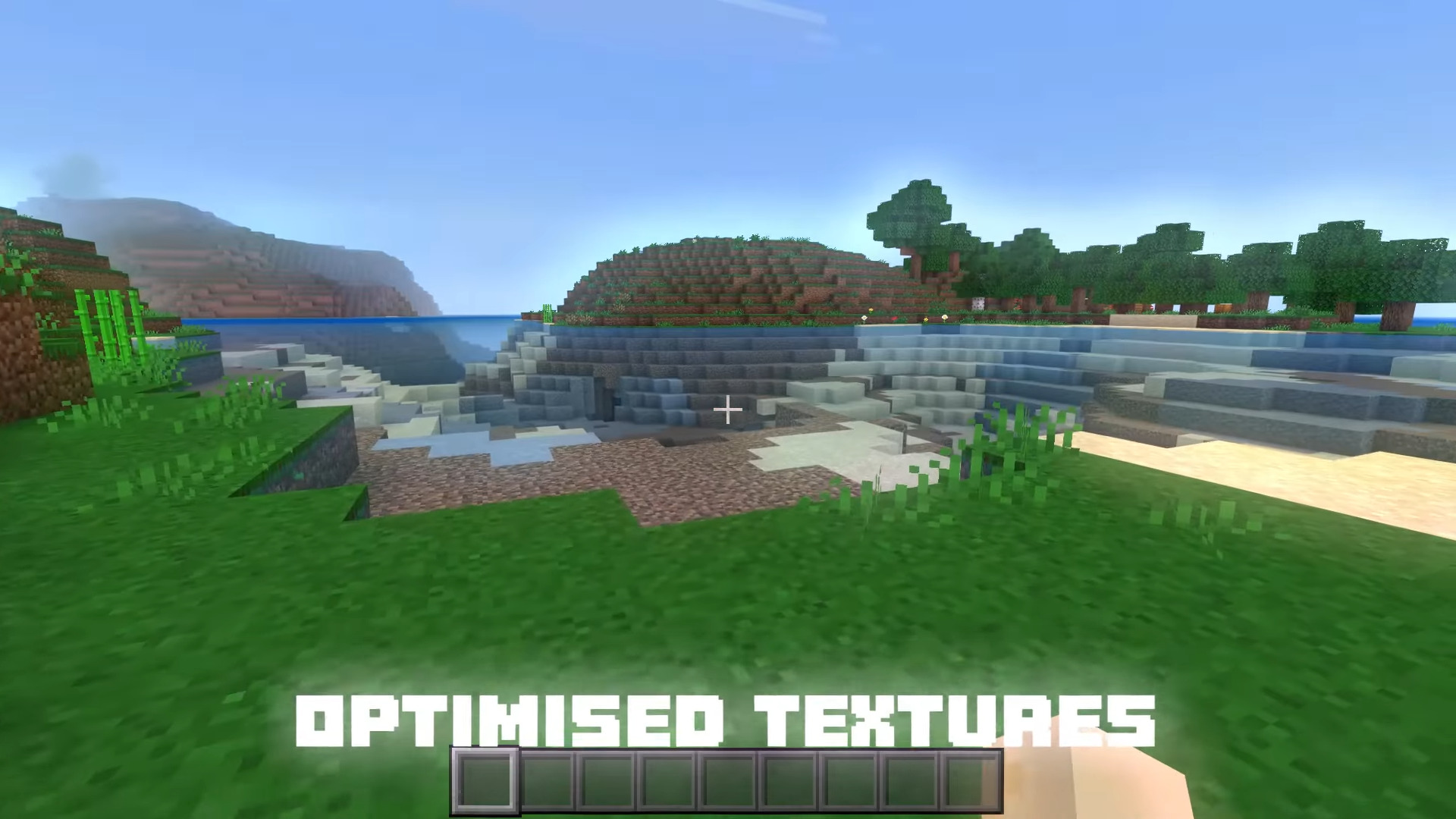
Vanilla x Optimizer FPS Boost Pack Squeeze more frames out of your device with a lightweight pack that streamlines visuals for smoother, faster gameplay. Features: Optimizes textures and effects for higher FPS Great for low-end and mobile devices Keeps the vanilla look while cutting lag Simple drop-in performance boost Why You'll Love It: 1 Noticeably smoother framerates 2 Ideal for weaker phones and tablets 3 No visual overhaul — just better performance How to Get Started: 1 Download the Vanilla x Optimizer FPS Boost Pack. 2 Install it in Minecraft PE. 3 Open your world and enjoy the new experience. Play faster and smoother than ever.
Read the full details and screenshots
Open this resource in CraftyBox