
CRAFTYBOX
Preparing your block world
正在准备你的方块世界
First visit setup
首次访问设置
CRAFTYBOX
Preparing your block world
正在准备你的方块世界
First visit setup
首次访问设置
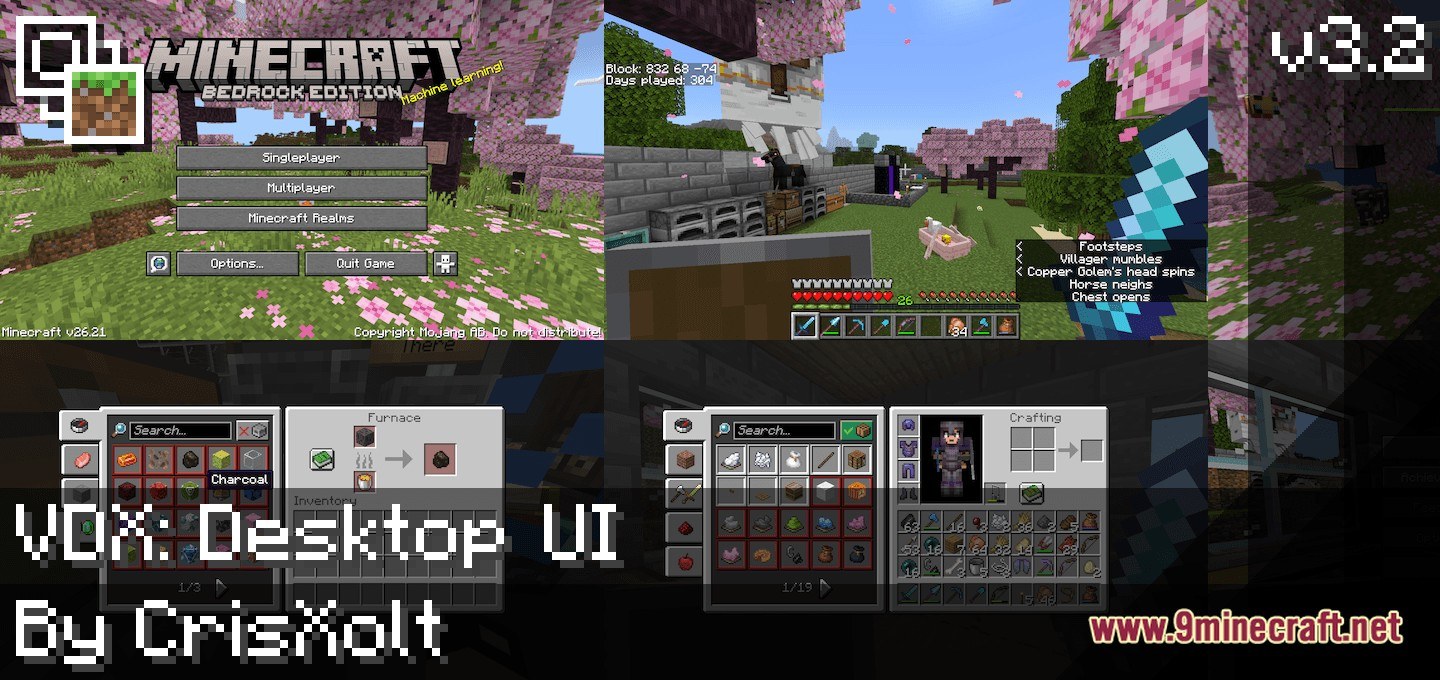
VDX Java Desktop UI Addon Bring the classic Java Edition desktop menus and interface to your Bedrock experience. Features: Classic Java desktop-style menus Familiar interface layout Redesigned inventory and screens Clean, nostalgic UI feel Why You'll Love It: 1 Enjoy the beloved Java look 2 Cleaner, familiar navigation 3 A nostalgic touch for veterans How to Get Started: 1 Download the VDX Java Desktop UI Addon. 2 Install it in Minecraft PE. 3 Open your world and enjoy the new experience. Relive the classic Java interface!
Read the full details and screenshots
Open this resource in CraftyBox