
CRAFTYBOX
Preparing your block world
正在准备你的方块世界
First visit setup
首次访问设置
CRAFTYBOX
Preparing your block world
正在准备你的方块世界
First visit setup
首次访问设置
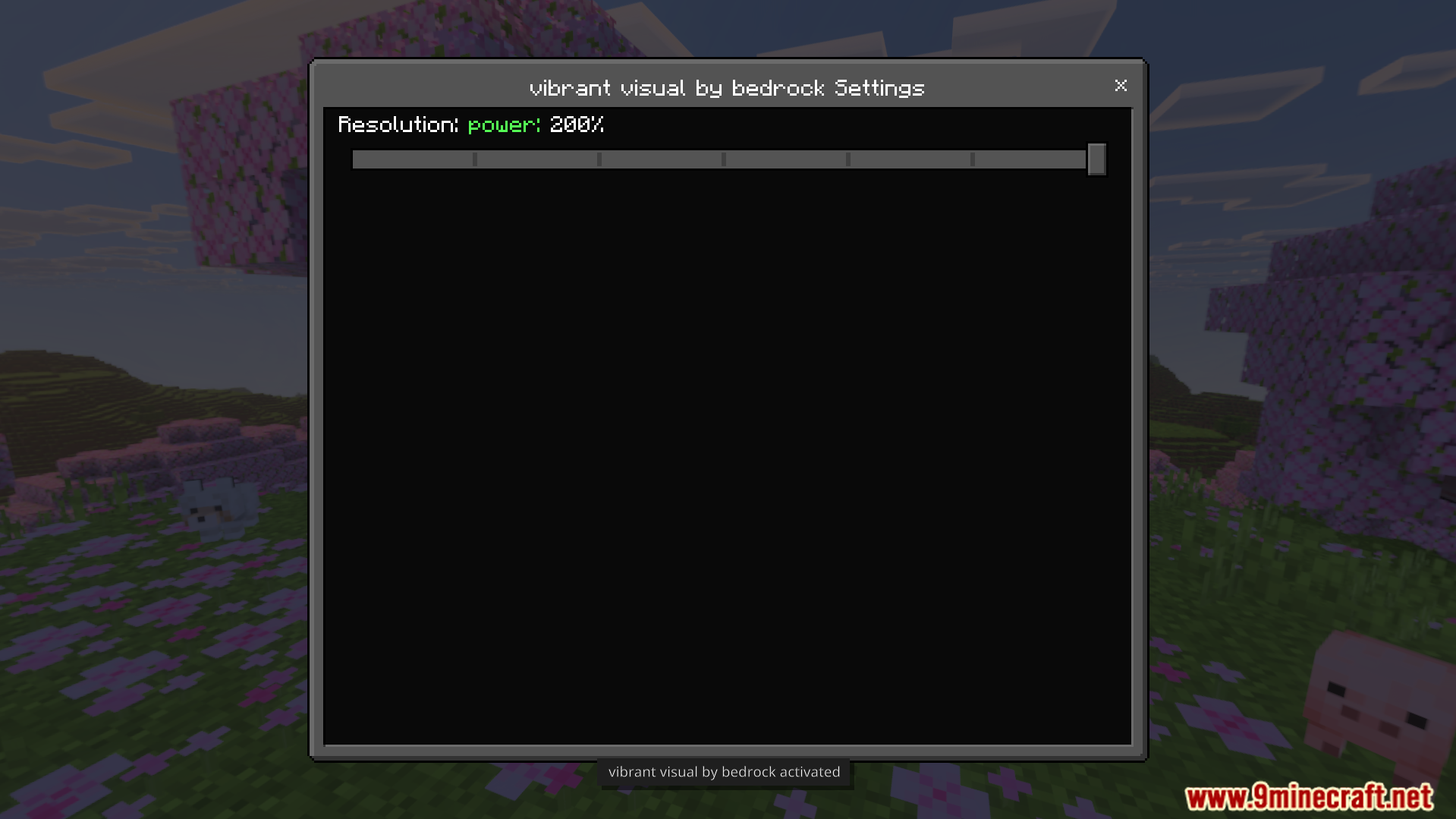
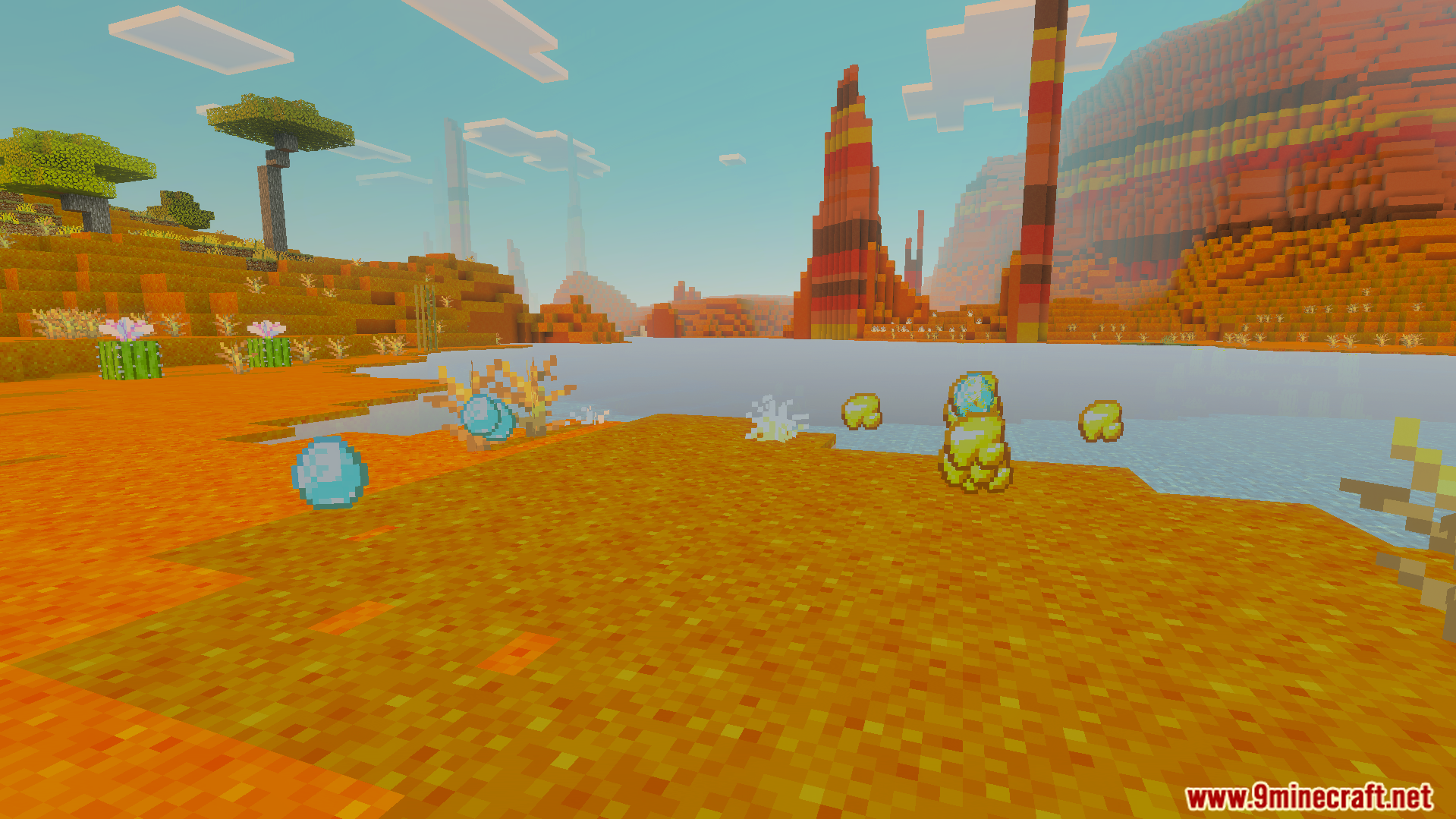
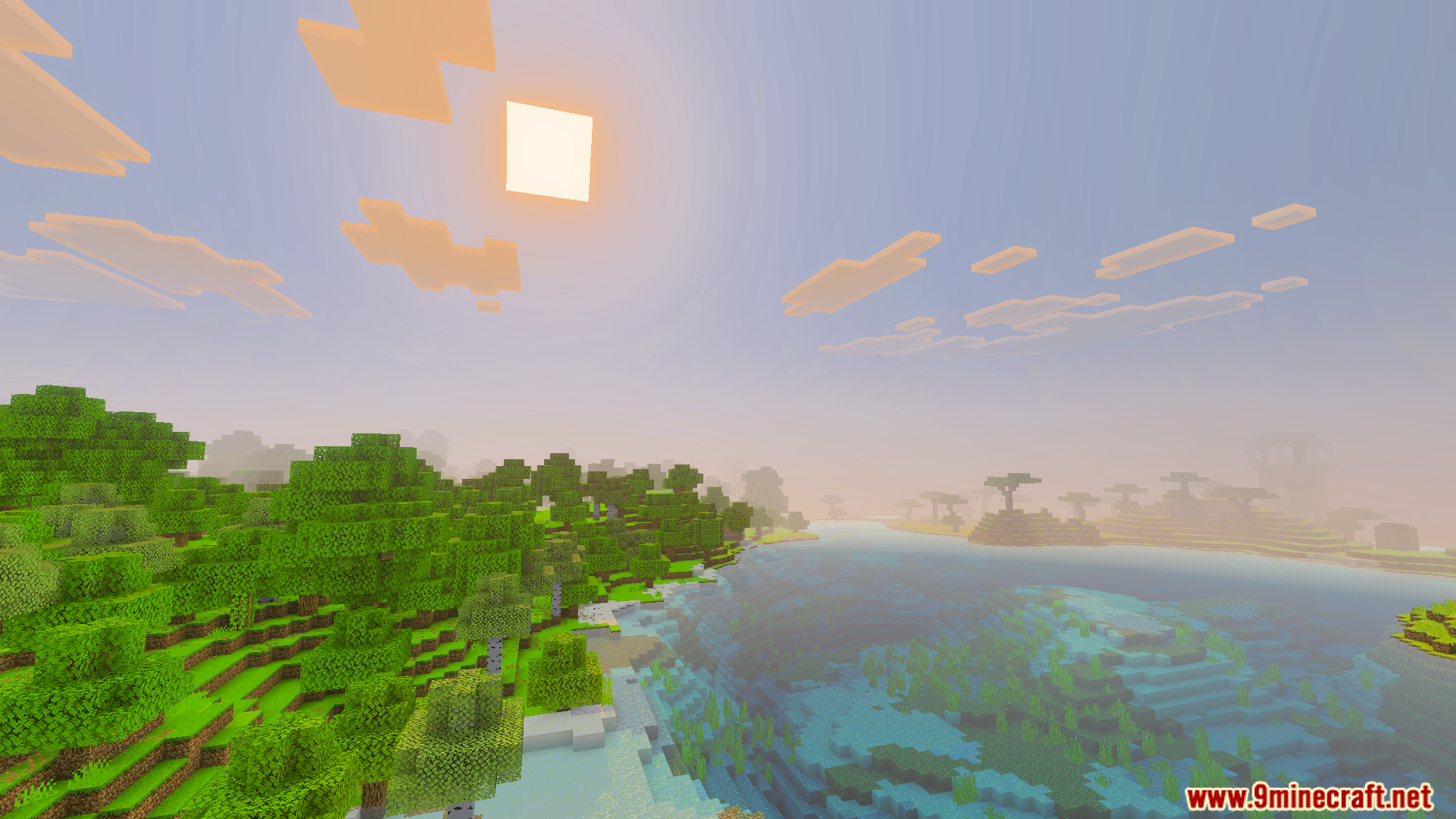
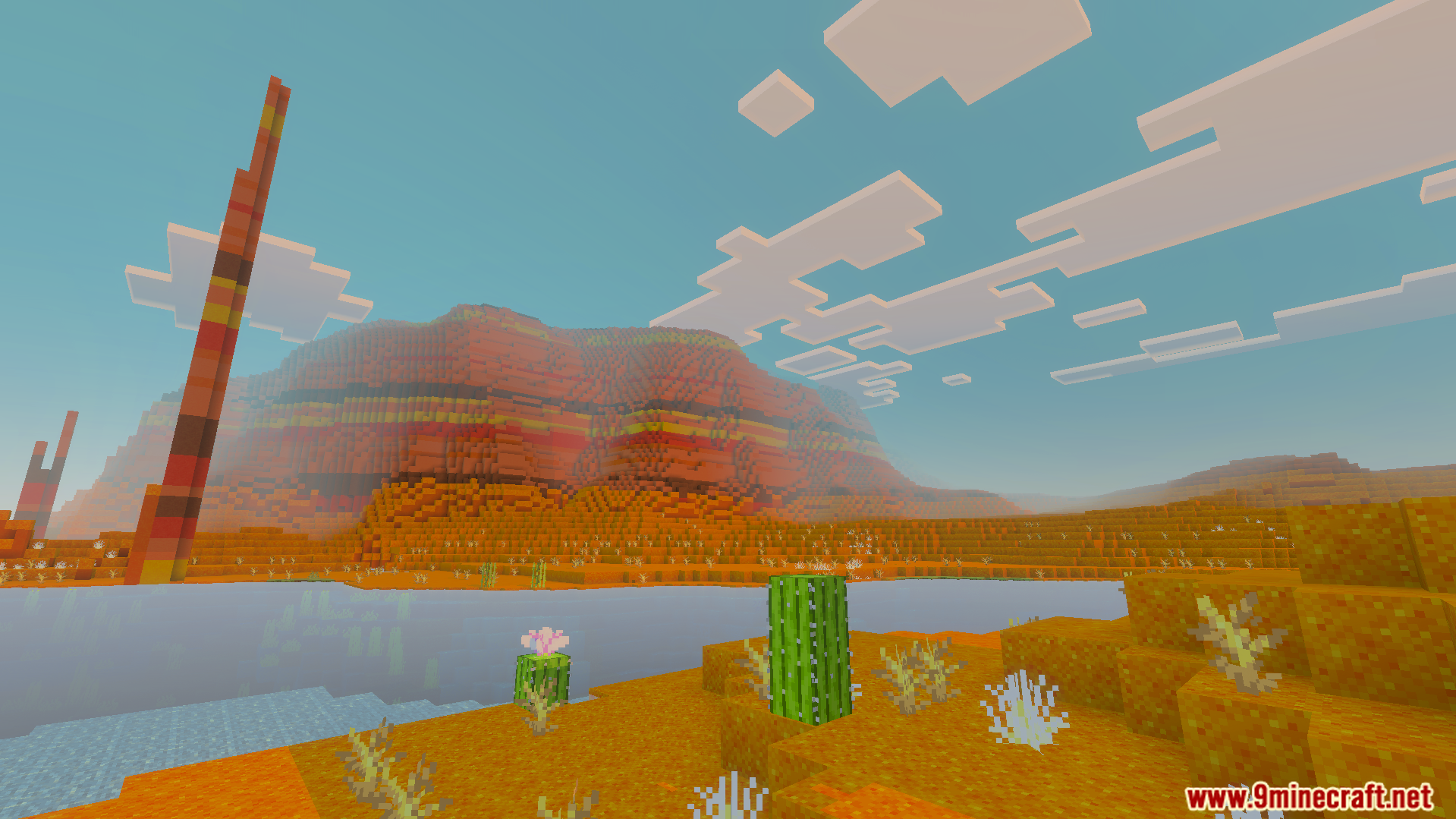
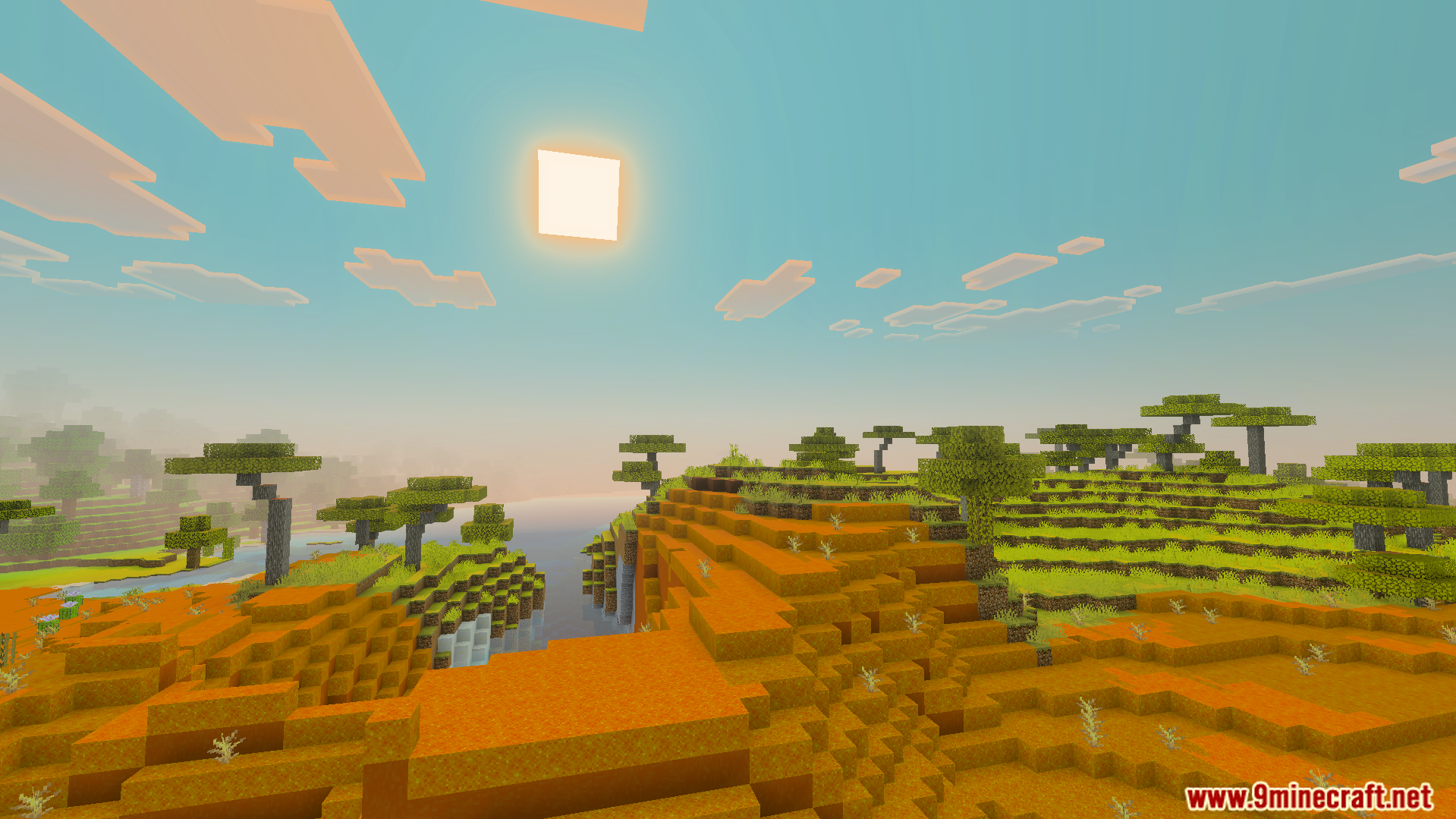
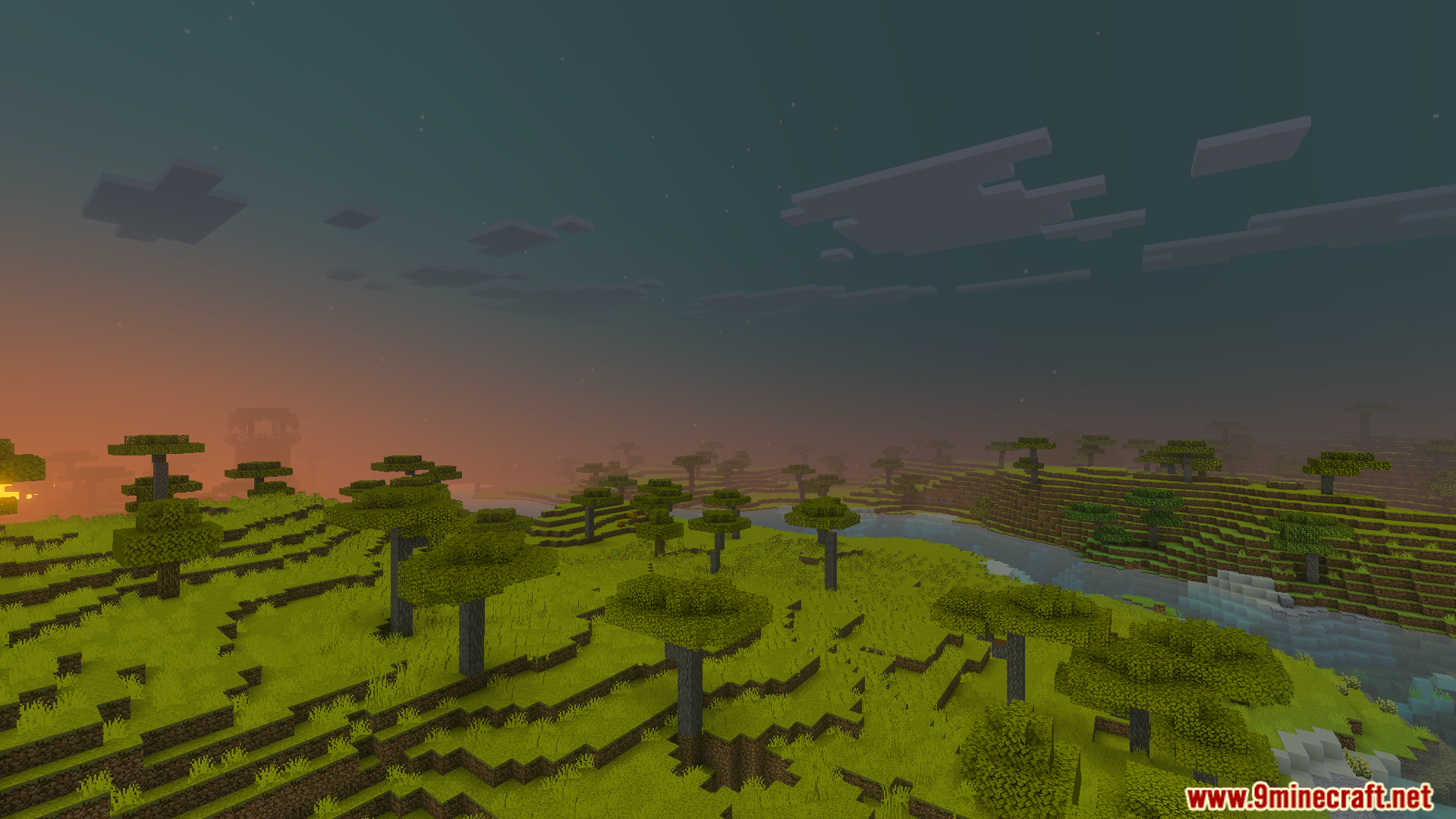
Vibrant Visual Shader Transform your Minecraft PE world into a breathtaking spectacle of colors with the Vibrant Visual Shader! Experience brighter lights, richer textures, and stunning atmospheric effects. Features: Enhanced color palette and saturation Dynamic lighting and shadow effects Realistic water reflections and refractions Beautiful sunrises and sunsets Why You'll Love It: 1 Makes your Minecraft world pop with stunning visuals. 2 Elevates the immersion and beauty of every biome. 3 Enjoy a truly next-level graphical experience on mobile. How to Get Started: 1 Download the Vibrant Visual Shader. 2 Install it in Minecraft PE. 3 Open your world
Open this resource in CraftyBox
More Vibrant Visuals resources