
CRAFTYBOX
Preparing your block world
正在准备你的方块世界
First visit setup
首次访问设置
CRAFTYBOX
Preparing your block world
正在准备你的方块世界
First visit setup
首次访问设置
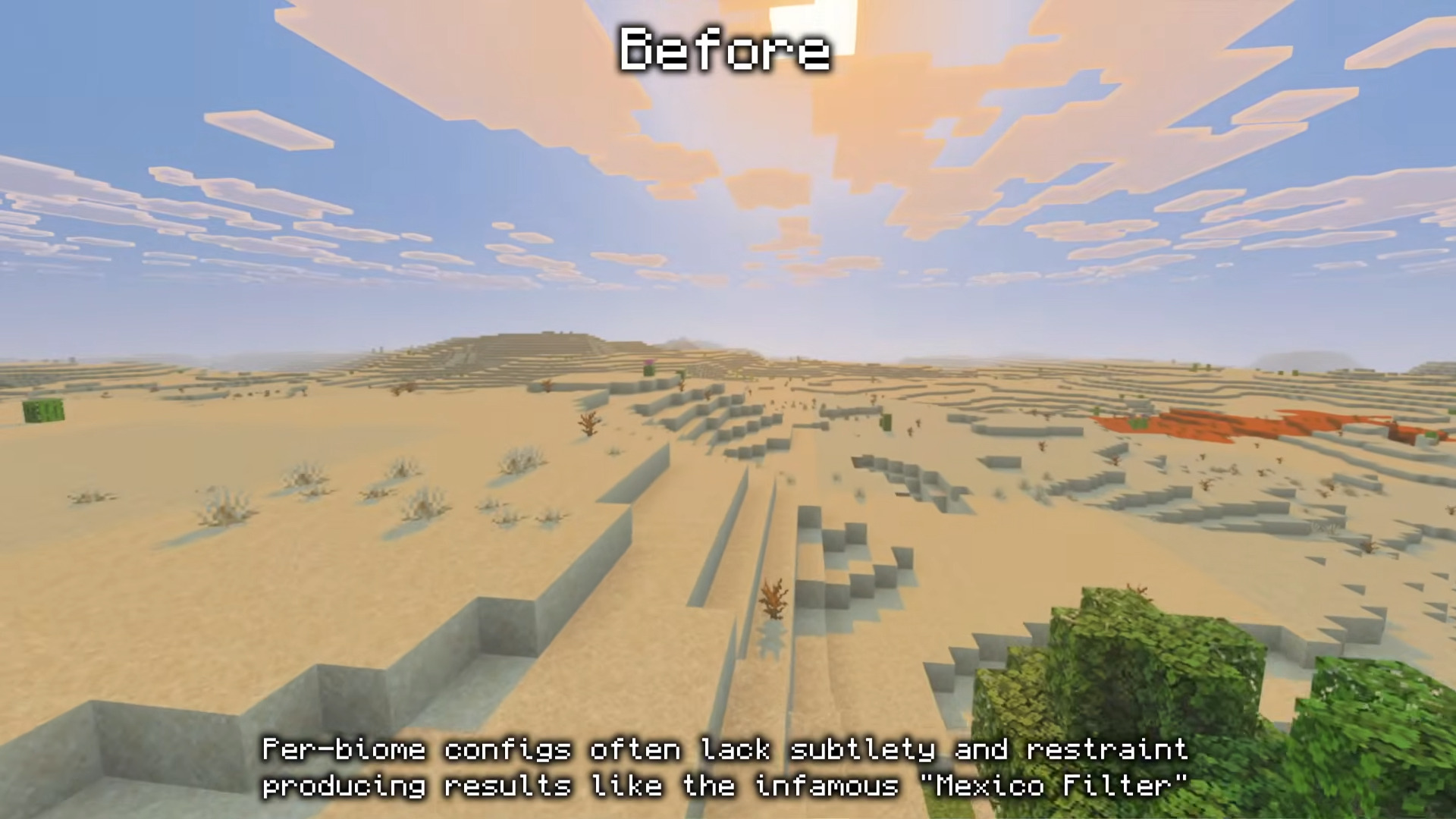
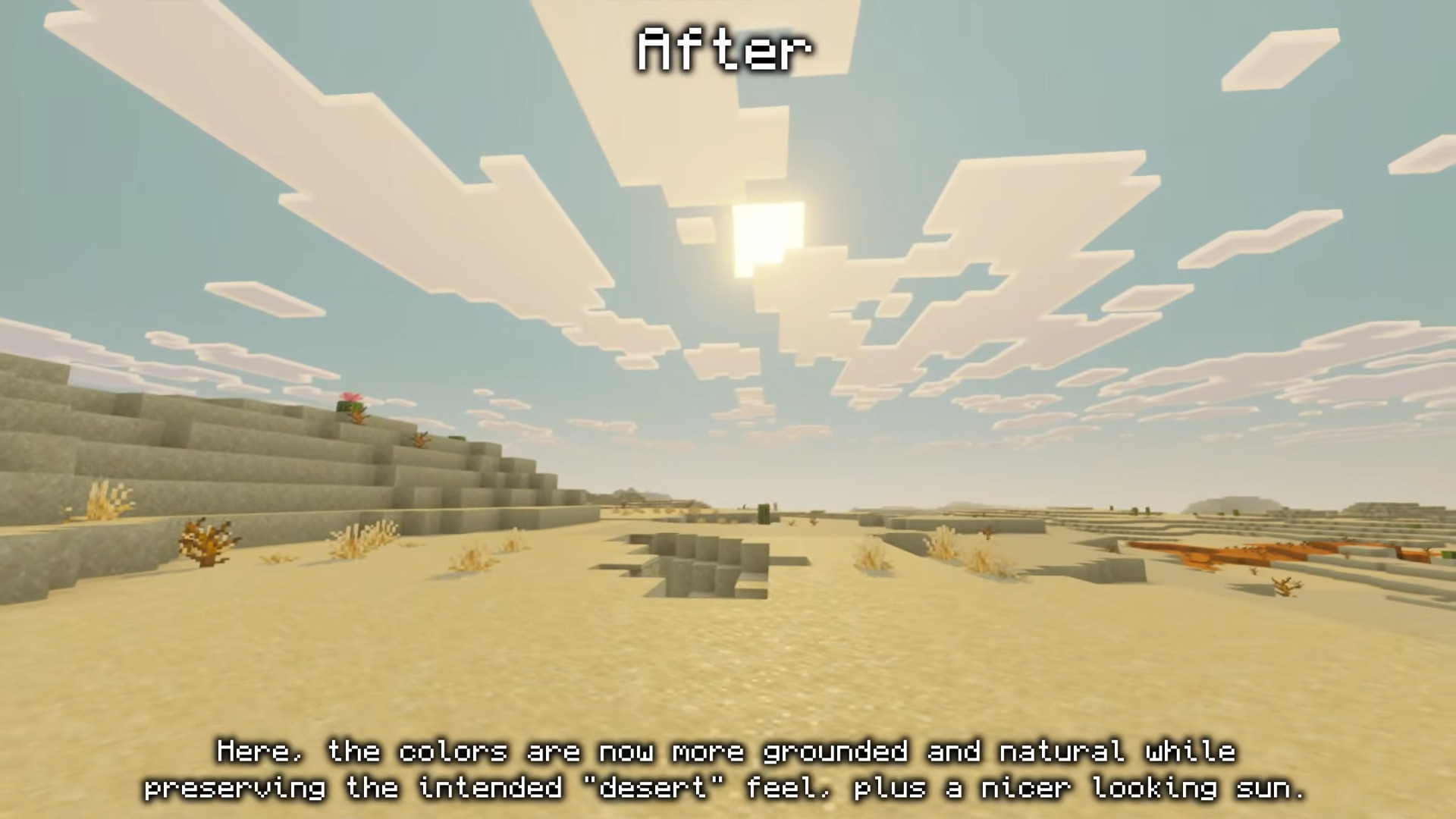
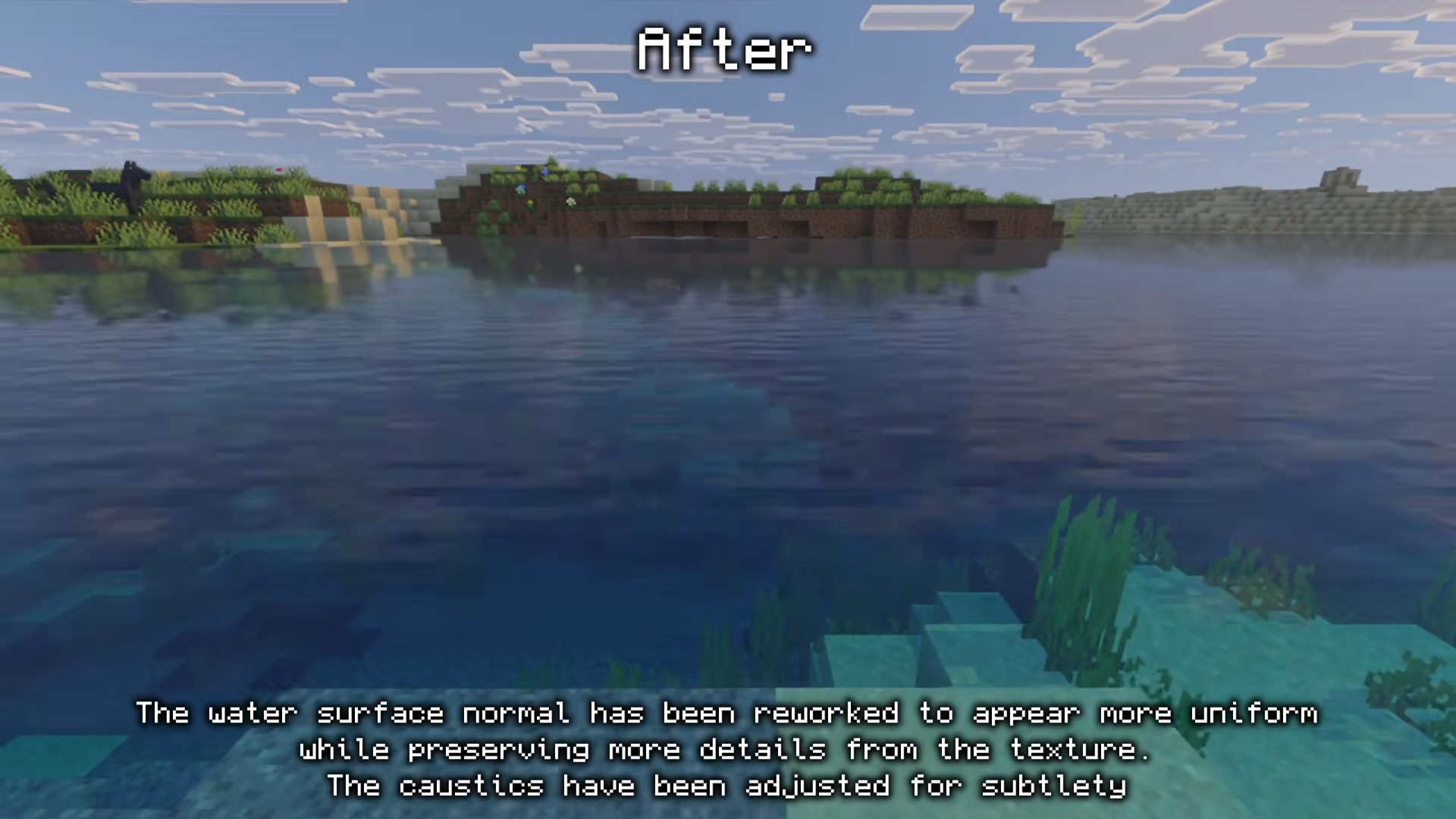
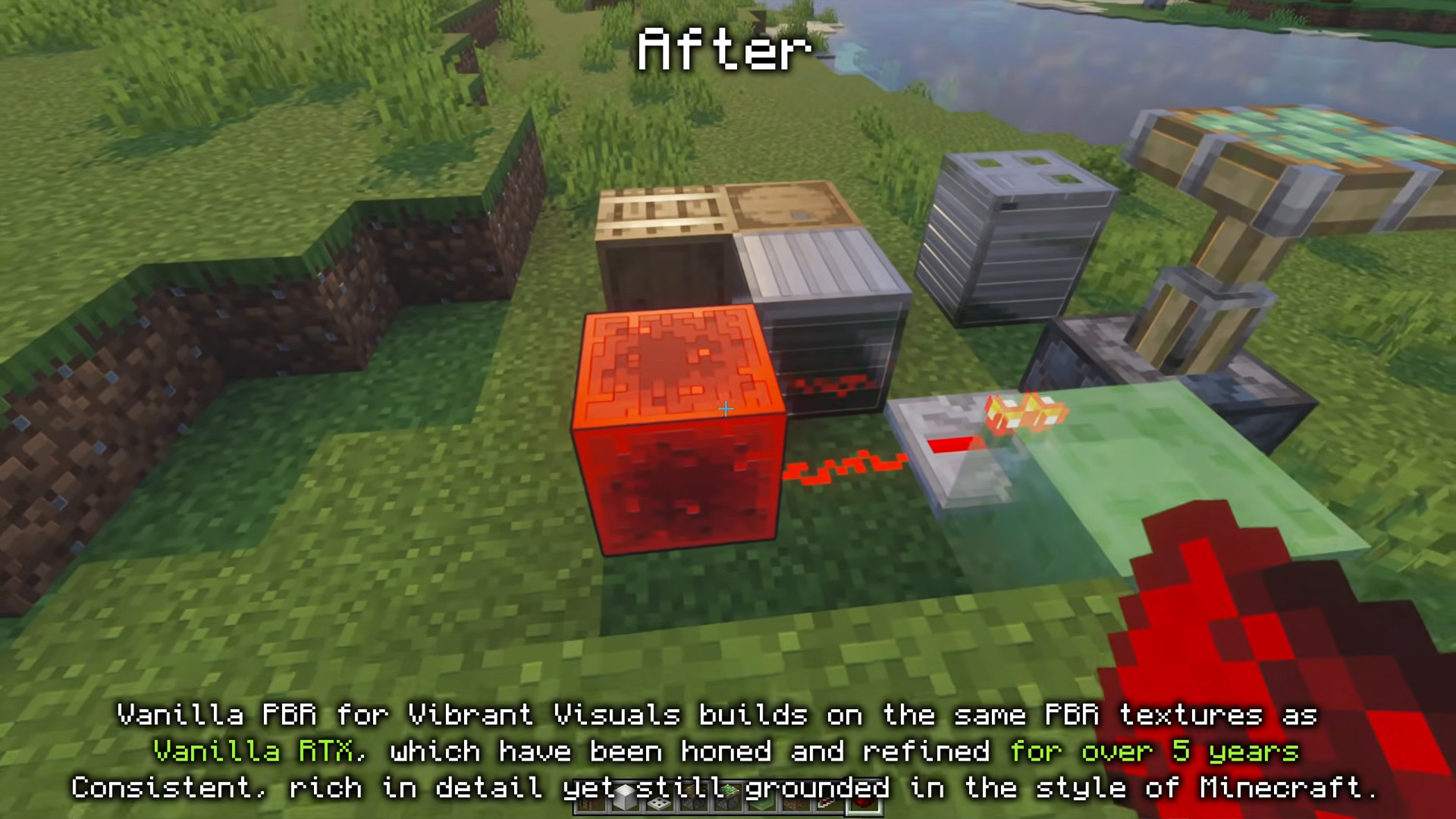
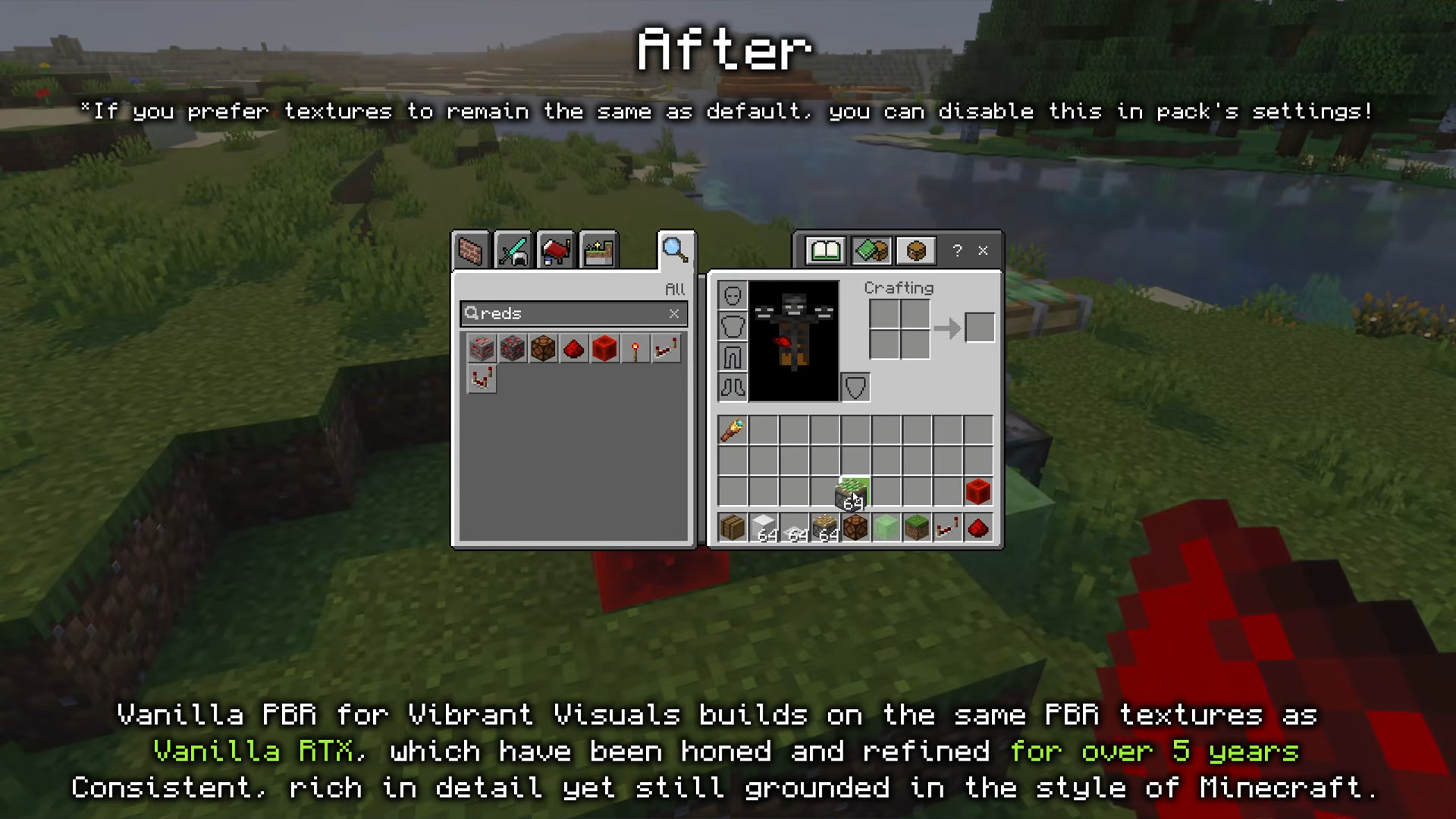
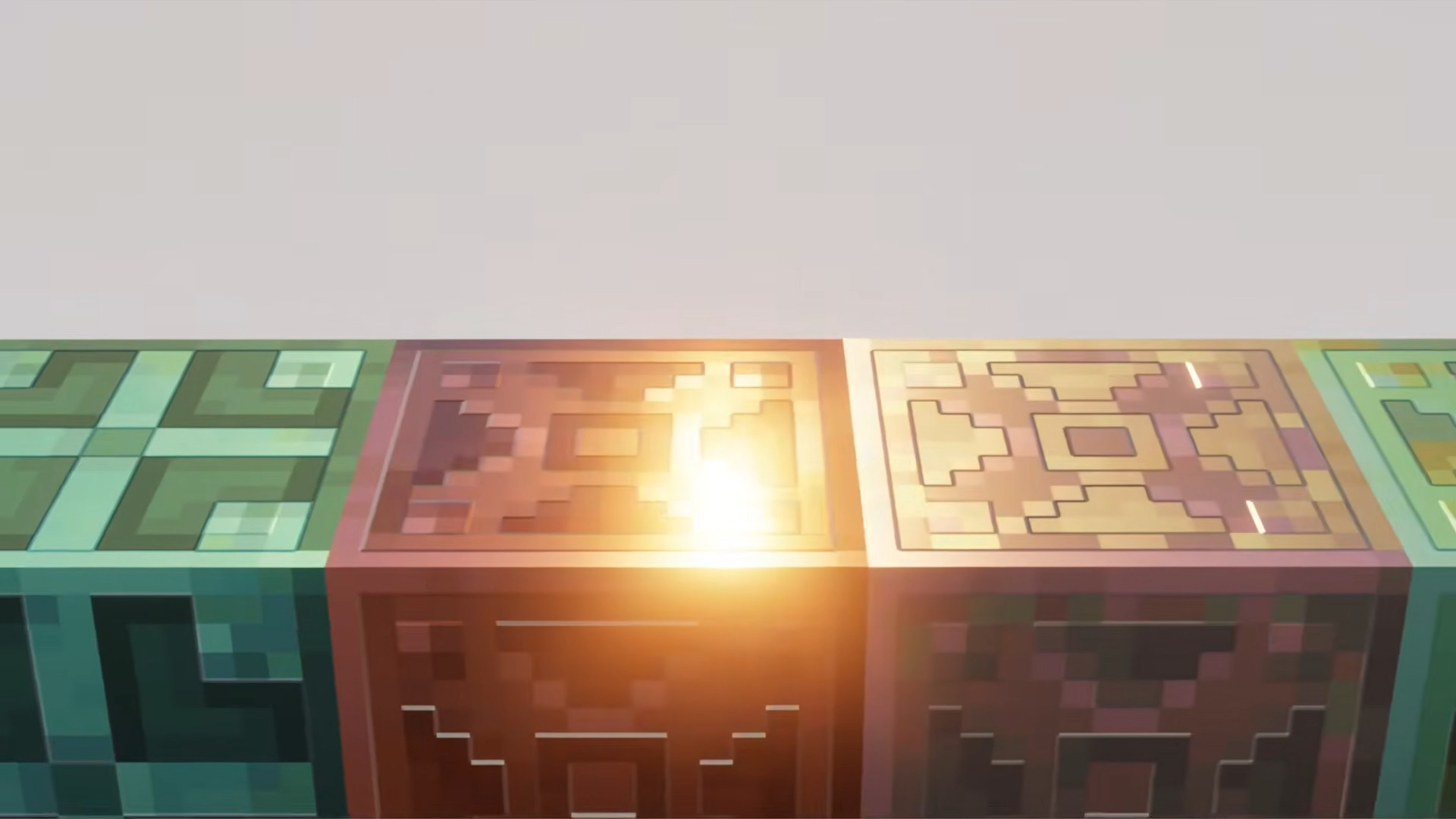
Vibrant Visuals Shader Supercharge your MCPE/Bedrock 1.26+ worlds with punchy colors, glowing skies, and crisp lighting. Features: Boosted color saturation for lively landscapes Enhanced sun and sky rendering Smoother water tones and reflections Balanced brightness for day and night play Why You'll Love It: 1 Your builds pop with vivid, eye-catching color 2 Sunsets and sunrises become screenshot-worthy 3 Works beautifully across biomes and dimensions How to Get Started: 1 Download the Vibrant Visuals Shader. 2 Install it in Minecraft PE. 3 Open your world and enjoy the new experience. See Minecraft in full color like never before!
Open this resource in CraftyBox
More Vibrant Visuals resources