
CRAFTYBOX
Preparing your block world
正在准备你的方块世界
First visit setup
首次访问设置
CRAFTYBOX
Preparing your block world
正在准备你的方块世界
First visit setup
首次访问设置

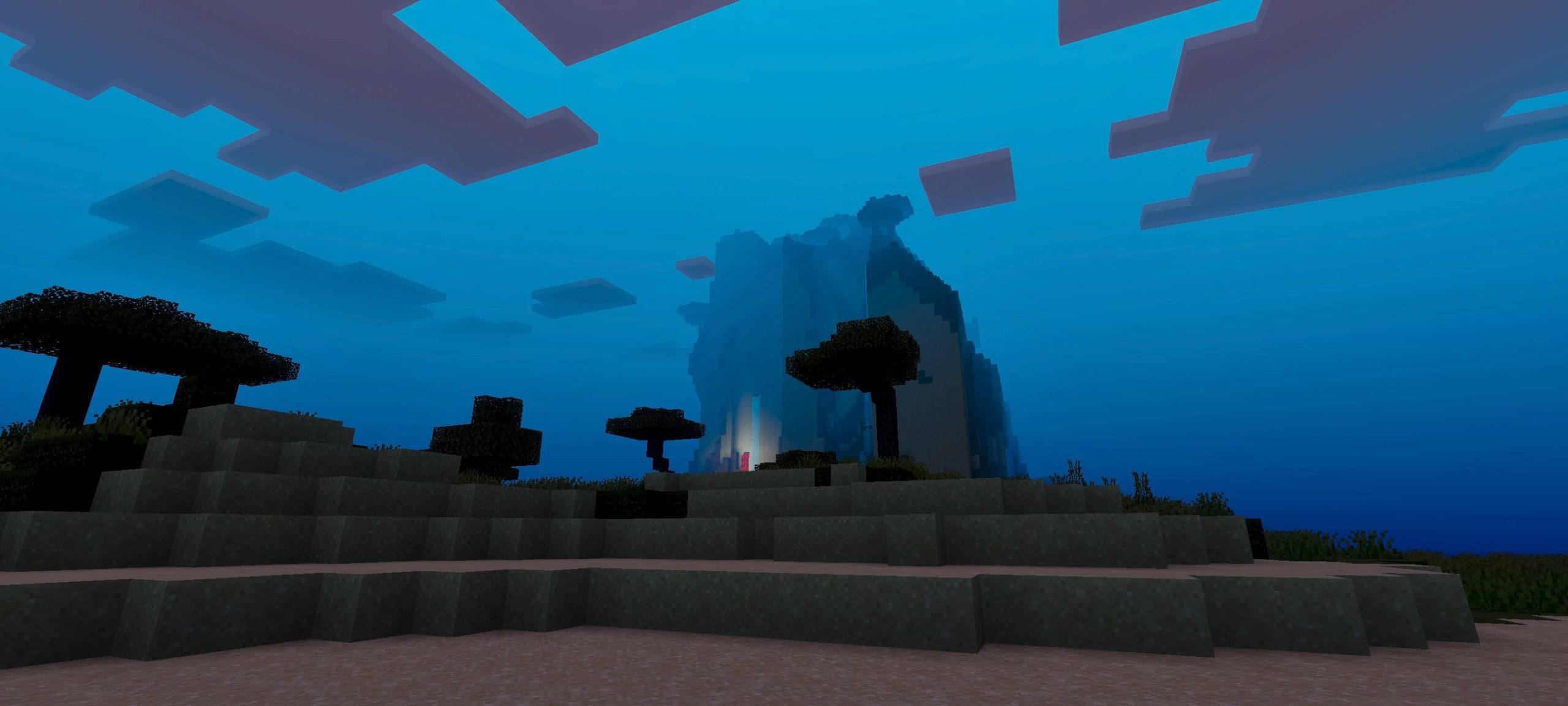
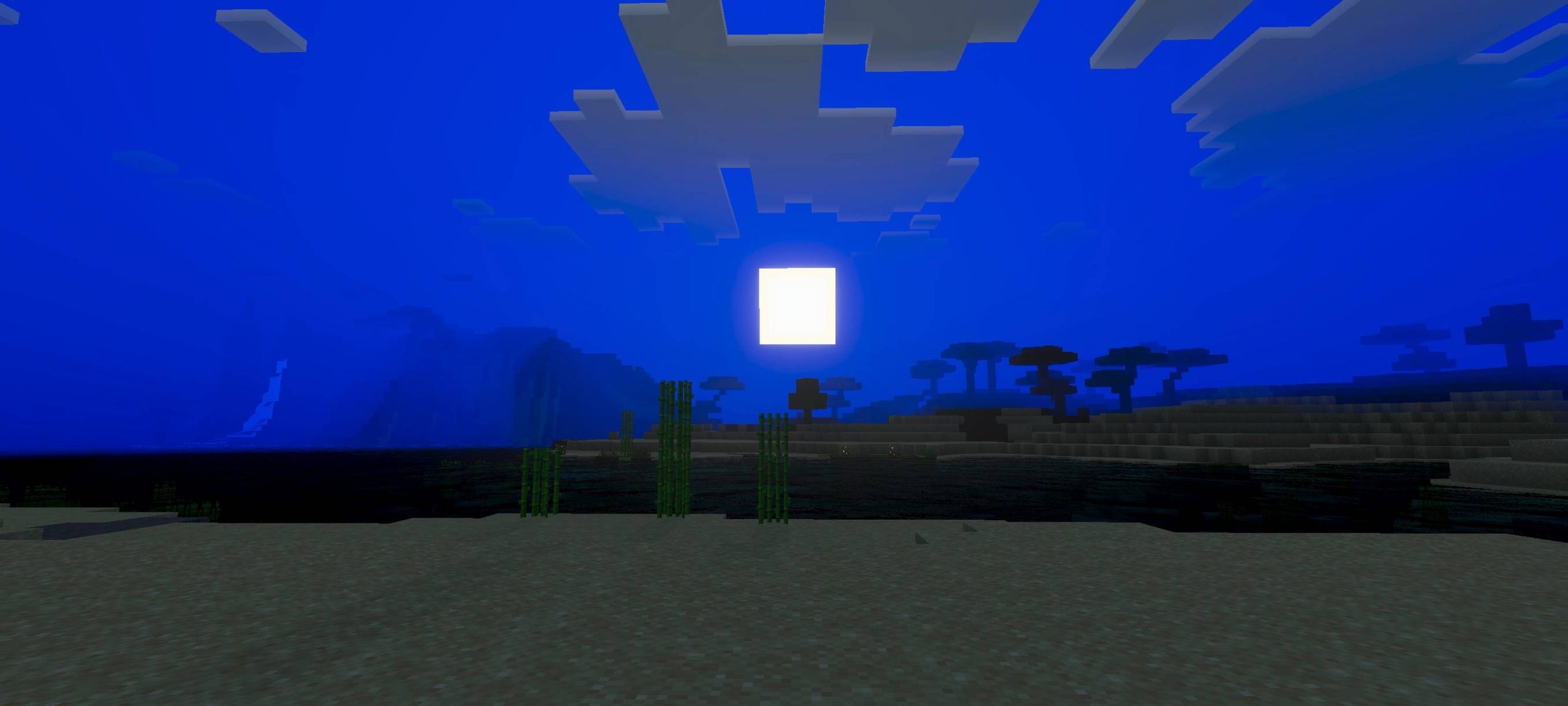
Warden Shader Inspired by the deep dark itself — Warden Shader wraps MCPE 1.26+ in ominous sculk-toned ambience, deep shadows and an unsettling glow. Features: Deep-dark color palette with sculk-like teal accents Ominous lighting that thickens the tension Eerie glow effects in caves and at night Dramatic contrast built for suspenseful play Why You'll Love It: 1 Makes every cave dive feel like an ancient city raid 2 Incredible mood for horror maps and deep-dark bases 3 A bold, distinctive look among Bedrock shaders How to Get Started: 1 Download the Warden Shader. 2 Install it in Minecraft PE. 3 Open your world and enjoy the new experience. Stay qu

Open this resource in CraftyBox