
CRAFTYBOX
Preparing your block world
正在准备你的方块世界
First visit setup
首次访问设置
CRAFTYBOX
Preparing your block world
正在准备你的方块世界
First visit setup
首次访问设置
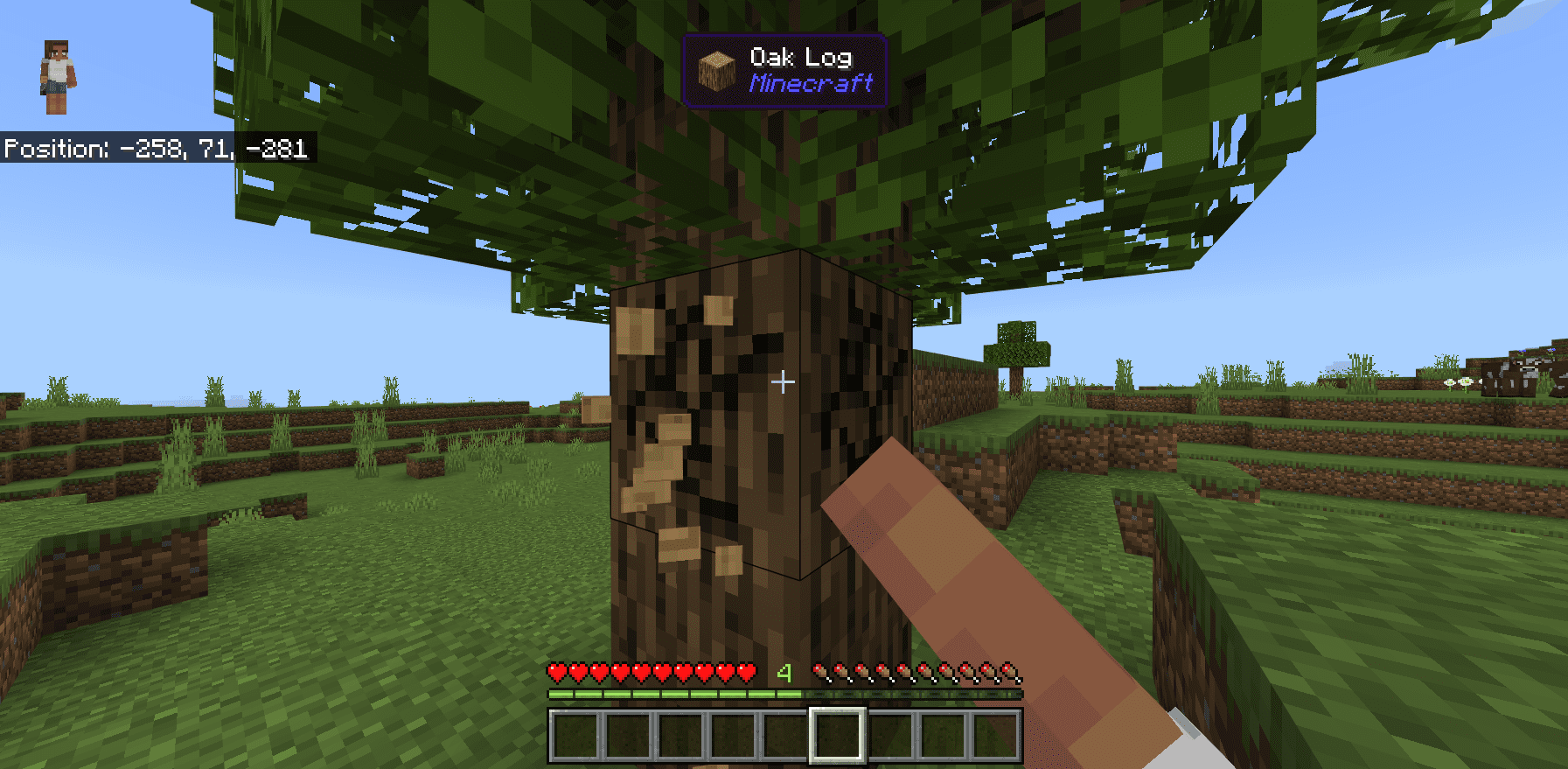
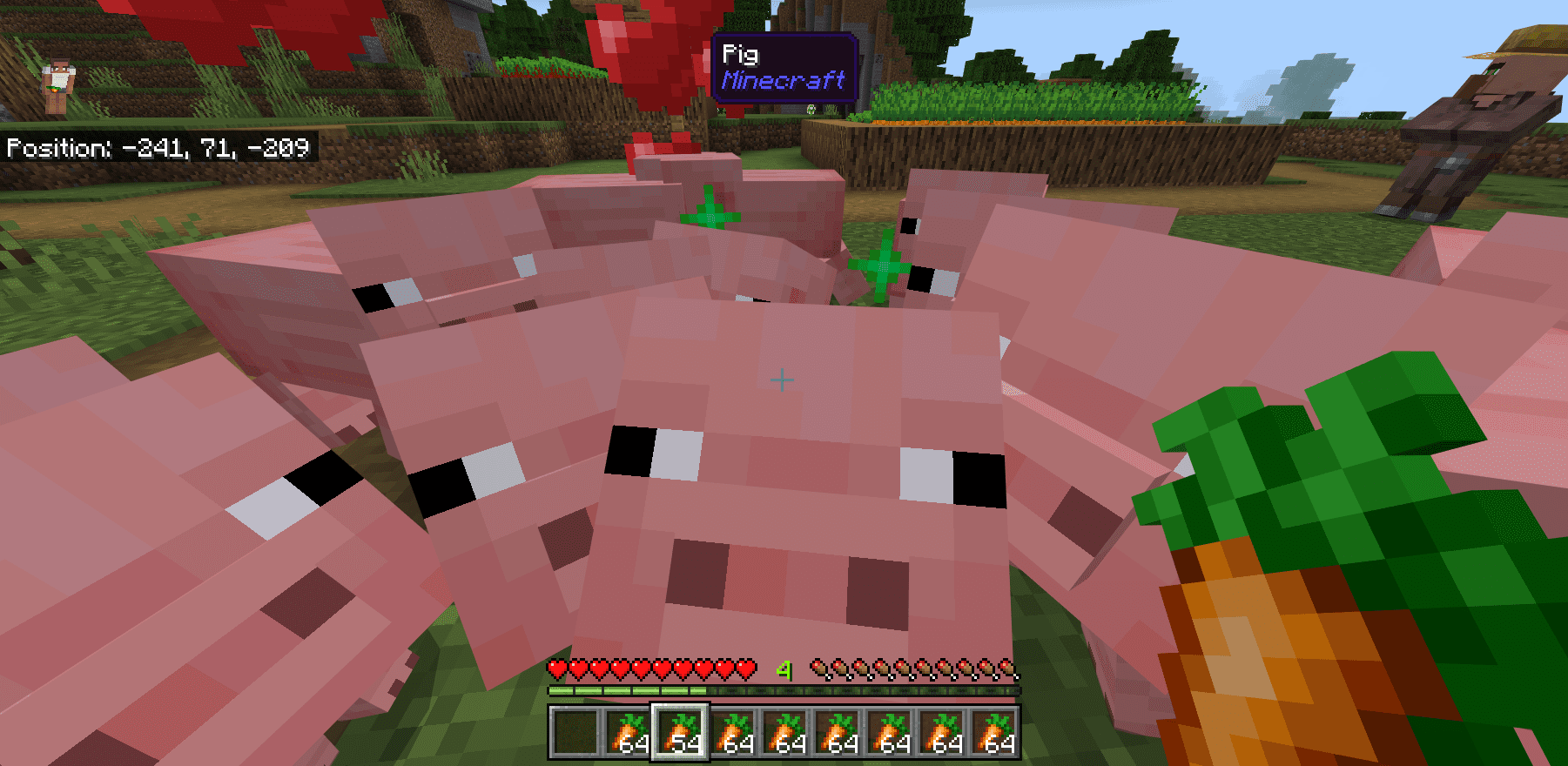
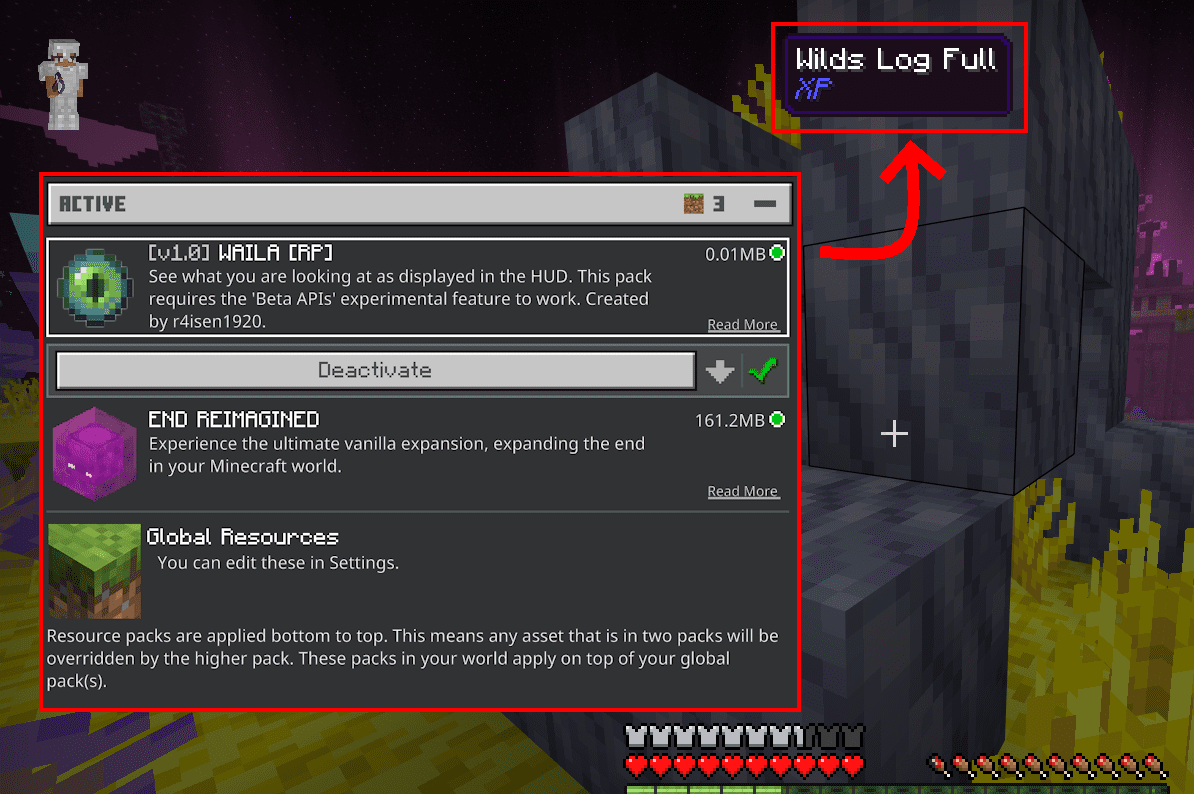
What Am I Looking At? Addon Instantly identify any block or mob you're aiming at with this handy on-screen info addon for MCPE 1.26+. Features: Live on-screen readout of the block or mob in your crosshair Shows the exact name of what you're looking at Clean, unobtrusive info display Built for MCPE/Bedrock 1.26+ Why You'll Love It: 1 Never guess what a block or creature is again 2 Perfect for learning and building 3 Lightweight and always helpful How to Get Started: 1 Download the What Am I Looking At? Addon. 2 Install it in Minecraft PE. 3 Open your world and enjoy the new experience. Know exactly what you're looking at, instantly.
Read the full details and screenshots
Open this resource in CraftyBox