
CRAFTYBOX
Preparing your block world
正在准备你的方块世界
First visit setup
首次访问设置
CRAFTYBOX
Preparing your block world
正在准备你的方块世界
First visit setup
首次访问设置
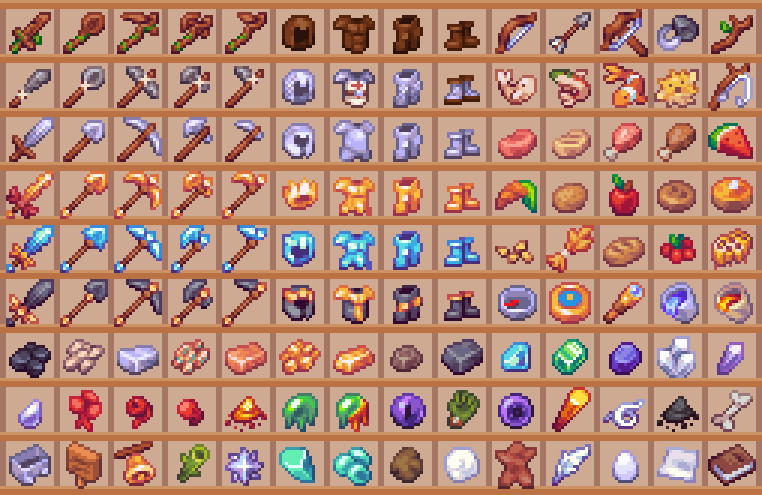
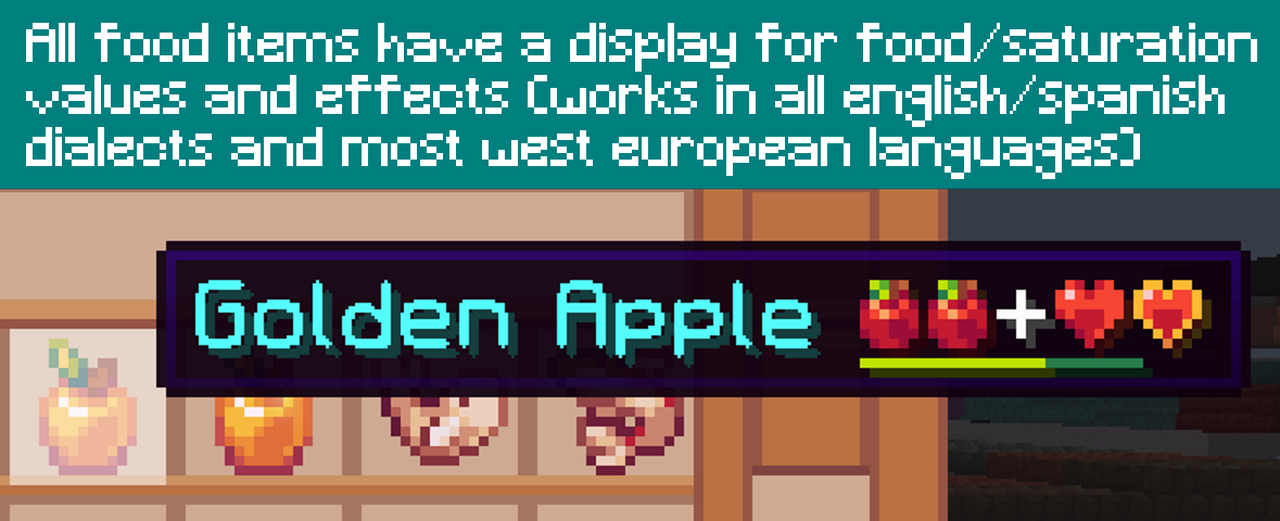
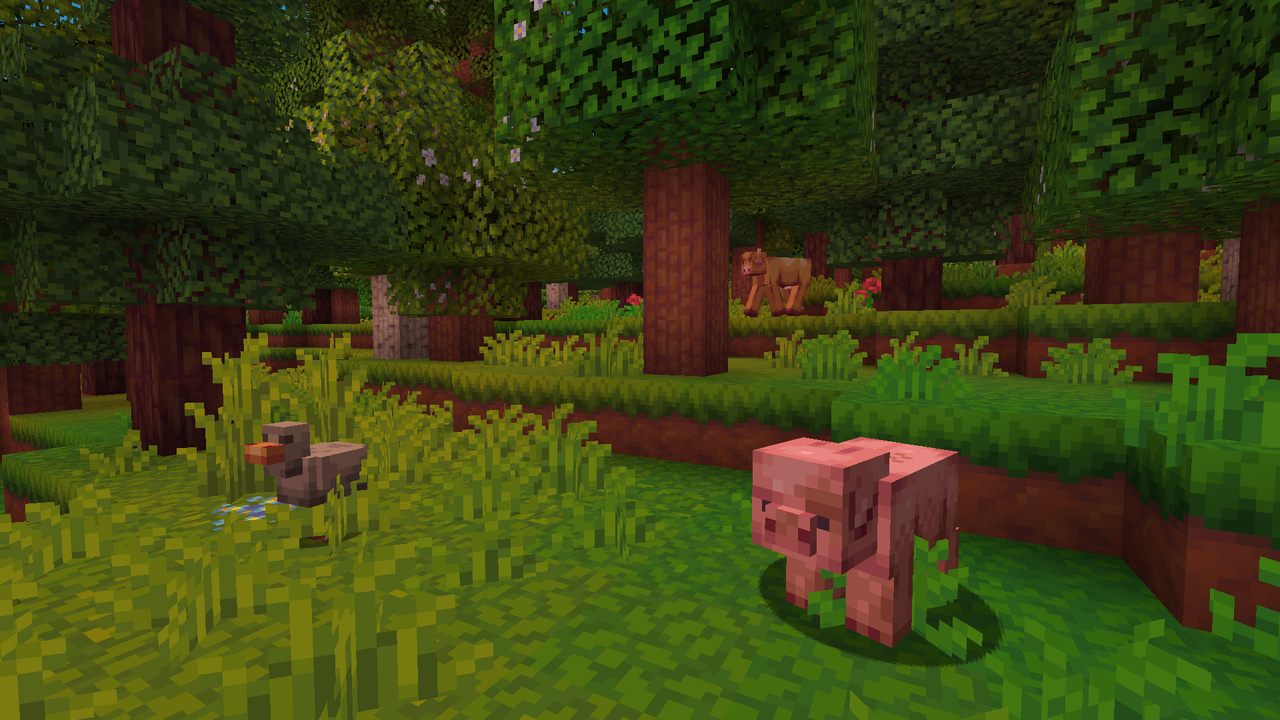
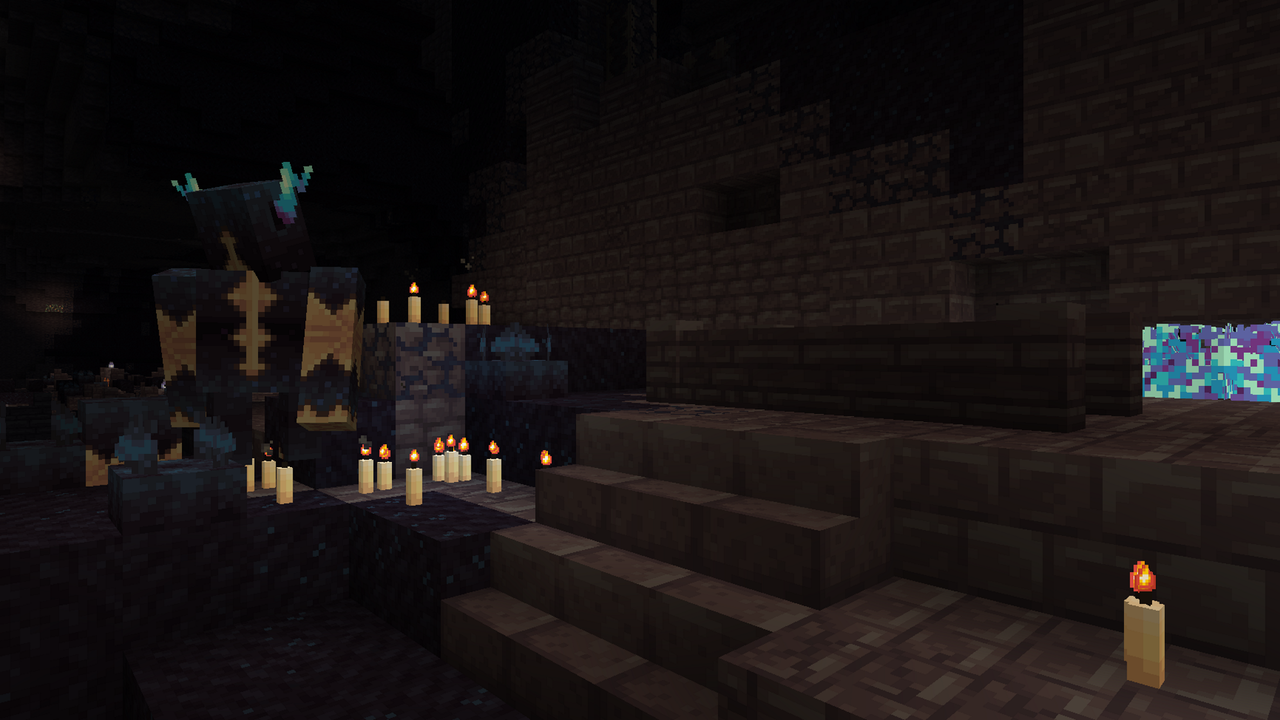
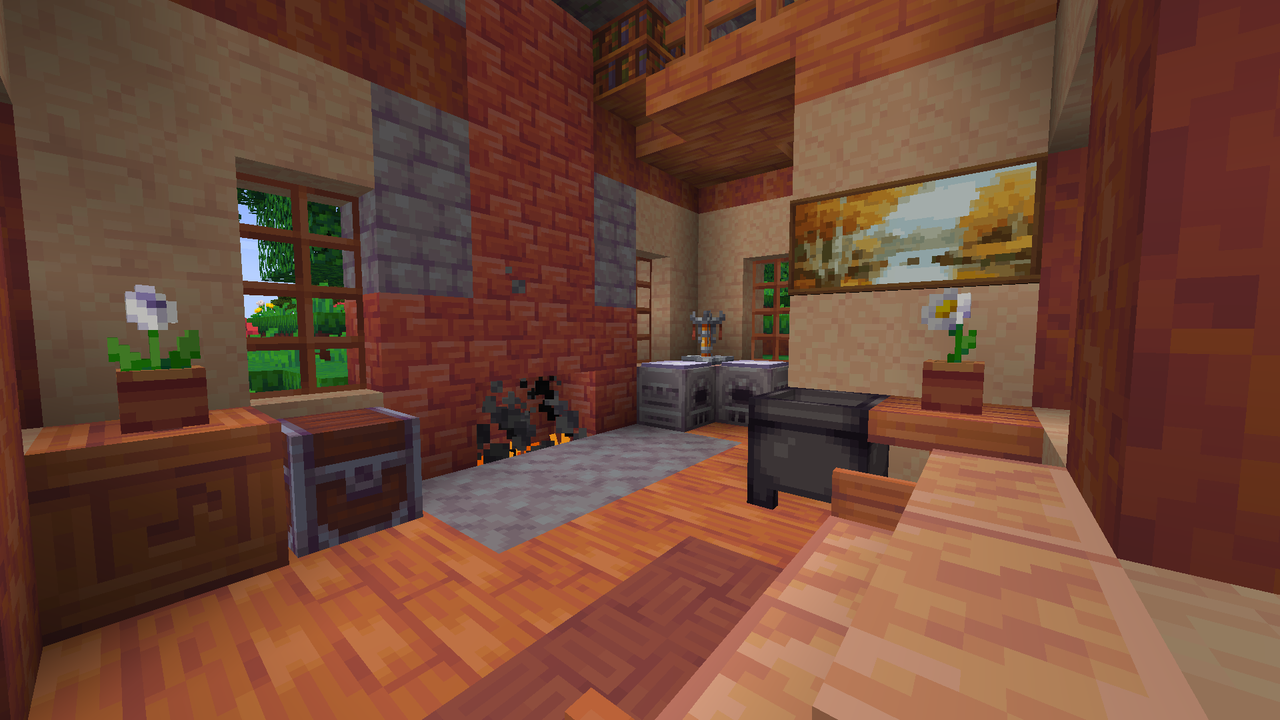
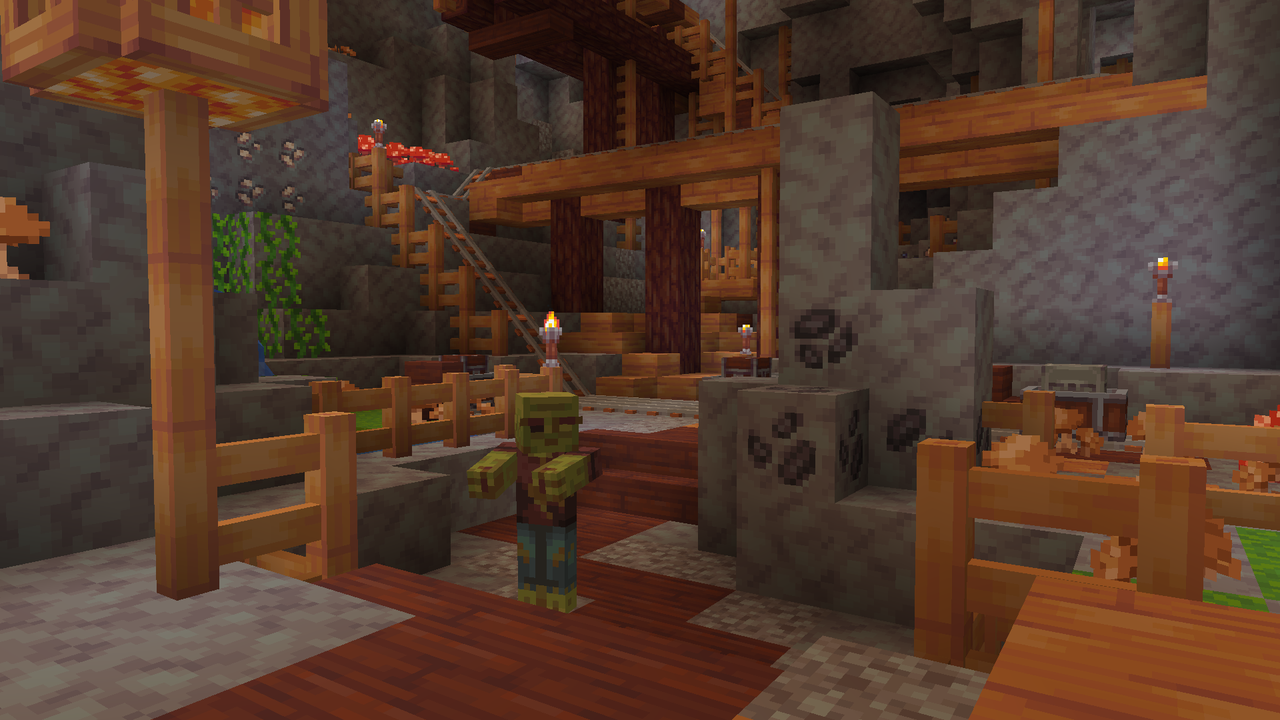
Woodpecker Texture Pack Refresh your Minecraft world with the vibrant and unique aesthetic of the Woodpecker Texture Pack, bringing a distinct charm to every block and item! Features: Redesigned blocks and environmental textures. Unique visual style for a fresh gameplay look. Enhances immersion with a consistent theme. Optimized for smooth performance across devices. Why You'll Love It: 1 Experience Minecraft with a completely new visual theme. 2 Enjoy a cohesive and beautifully crafted world. 3 Discover renewed joy in building and exploring. How to Get Started: 1 Download the Woodpecker Texture Pack. 2 Install it in Minecraft PE. 3 Open your world an
Read the full details and screenshots
Open this resource in CraftyBox