
CRAFTYBOX
Preparing your block world
正在准备你的方块世界
First visit setup
首次访问设置
CRAFTYBOX
Preparing your block world
正在准备你的方块世界
First visit setup
首次访问设置
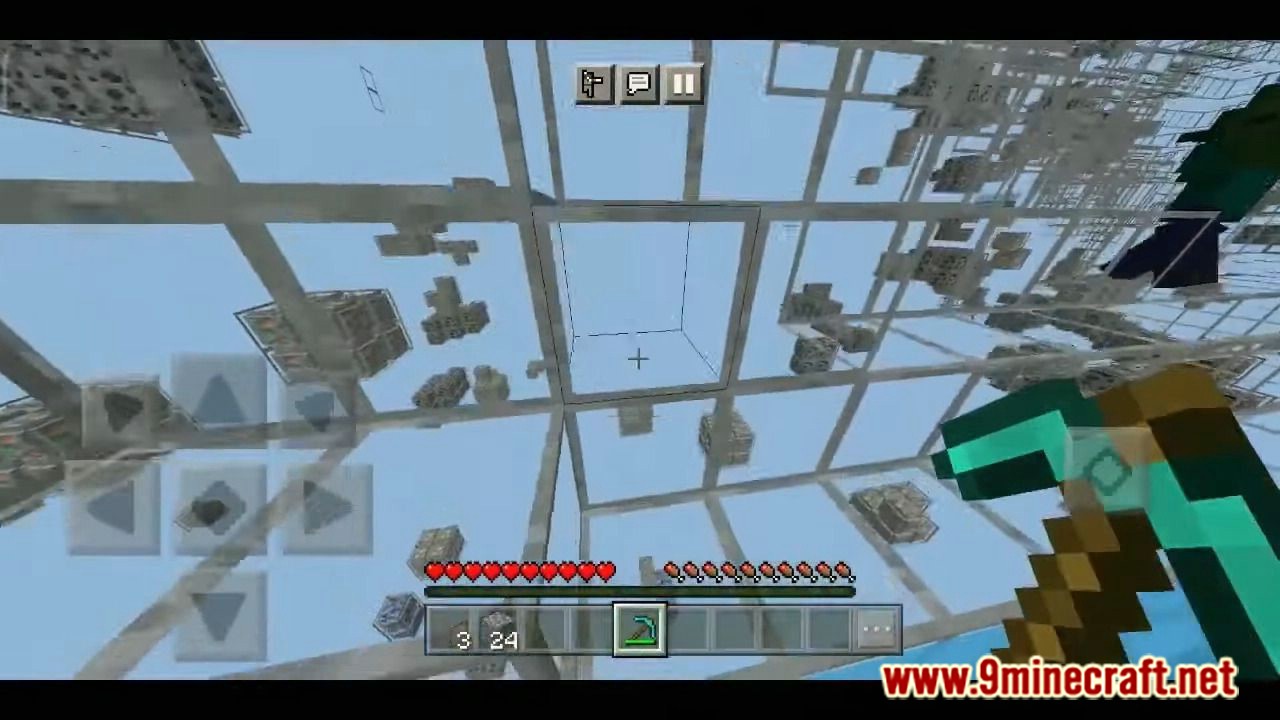
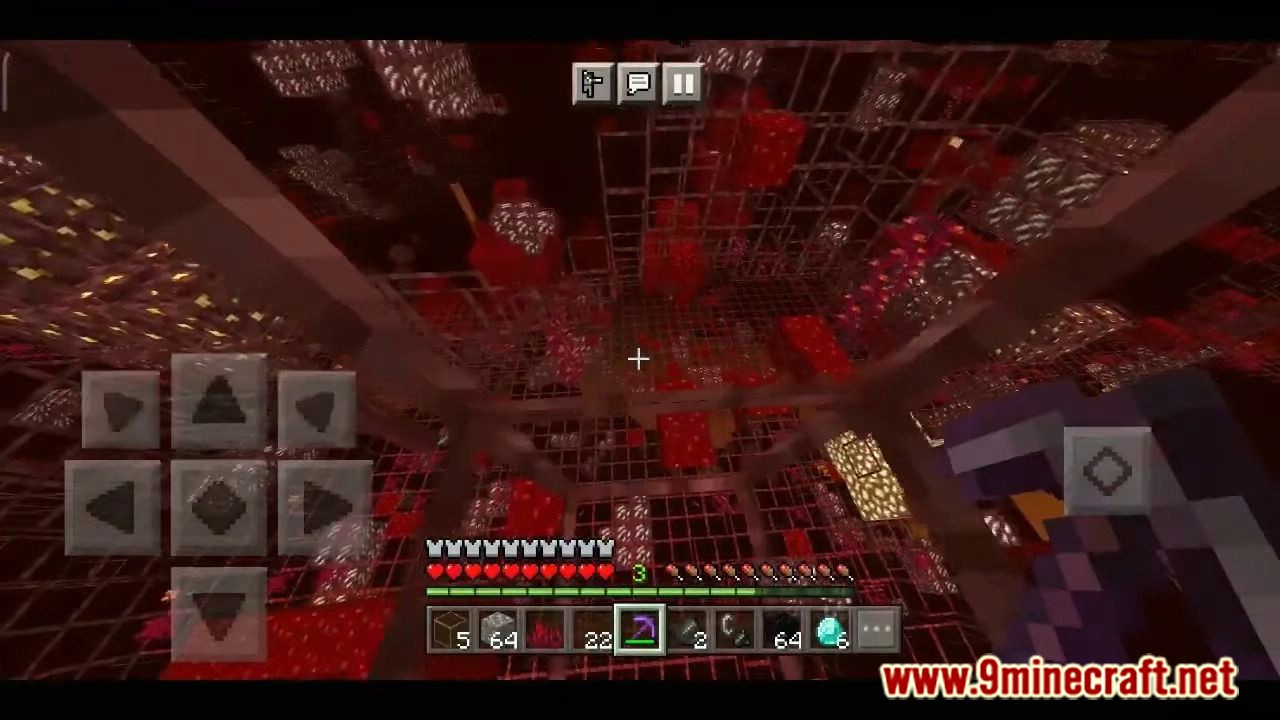
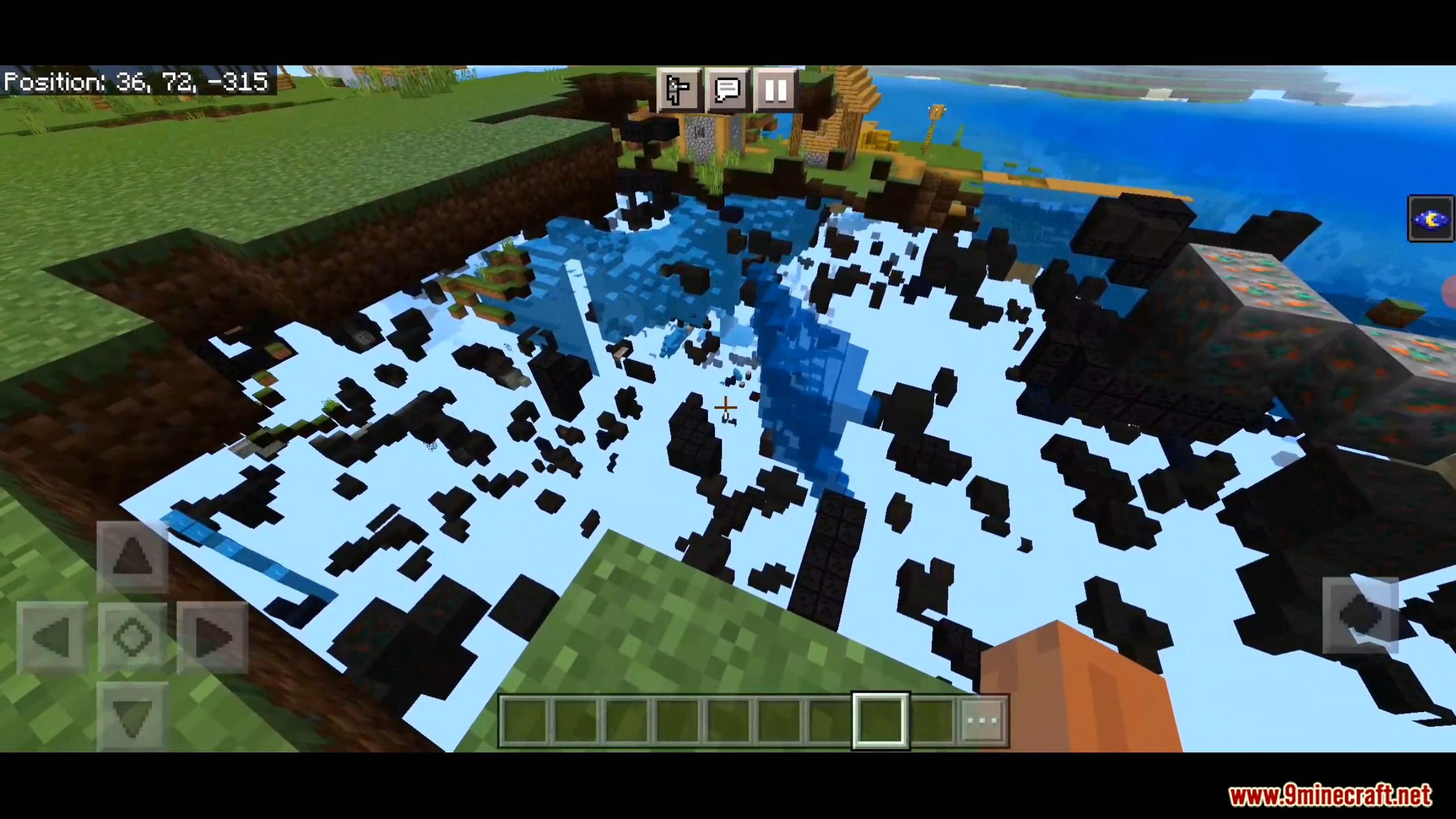
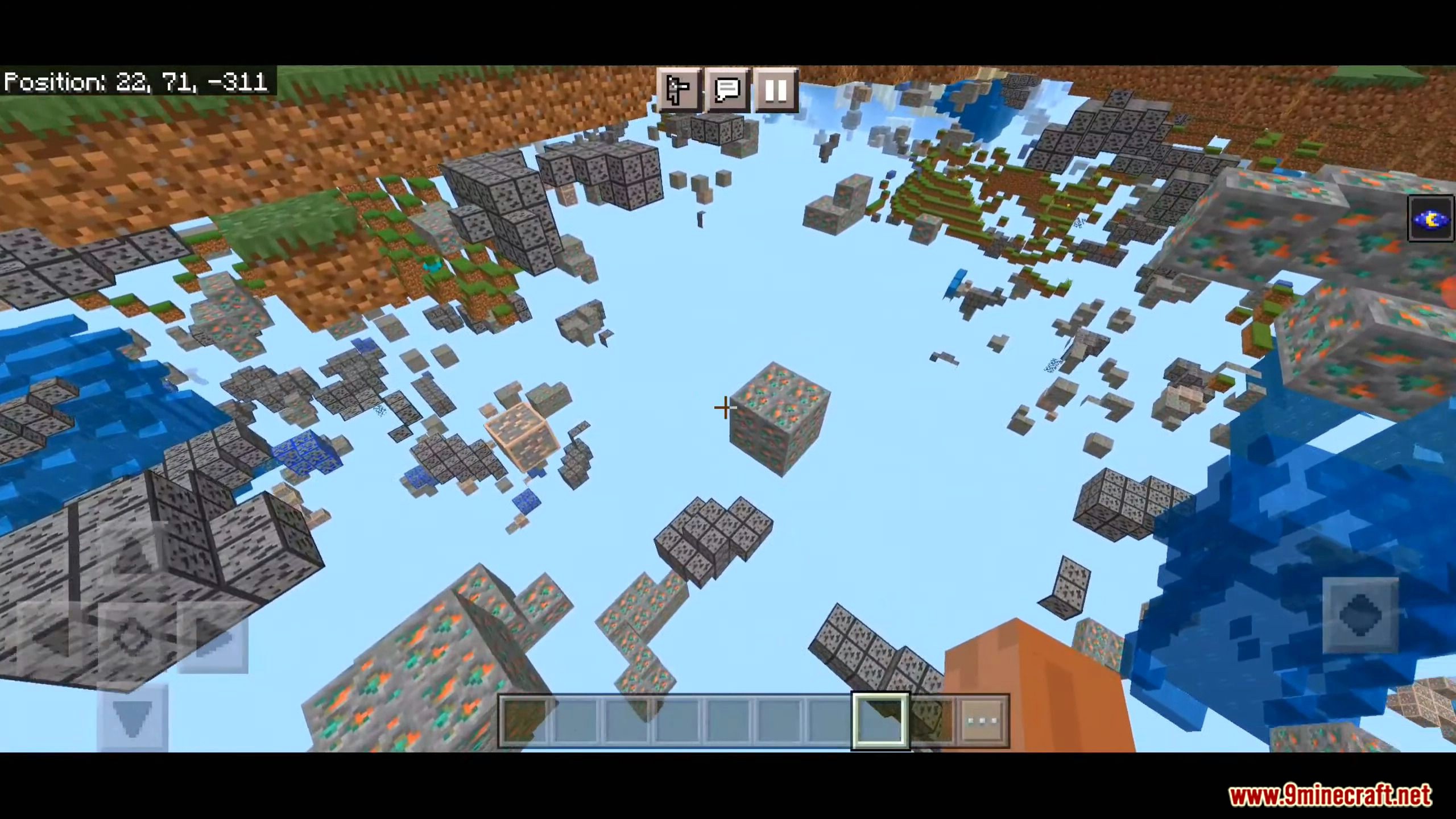
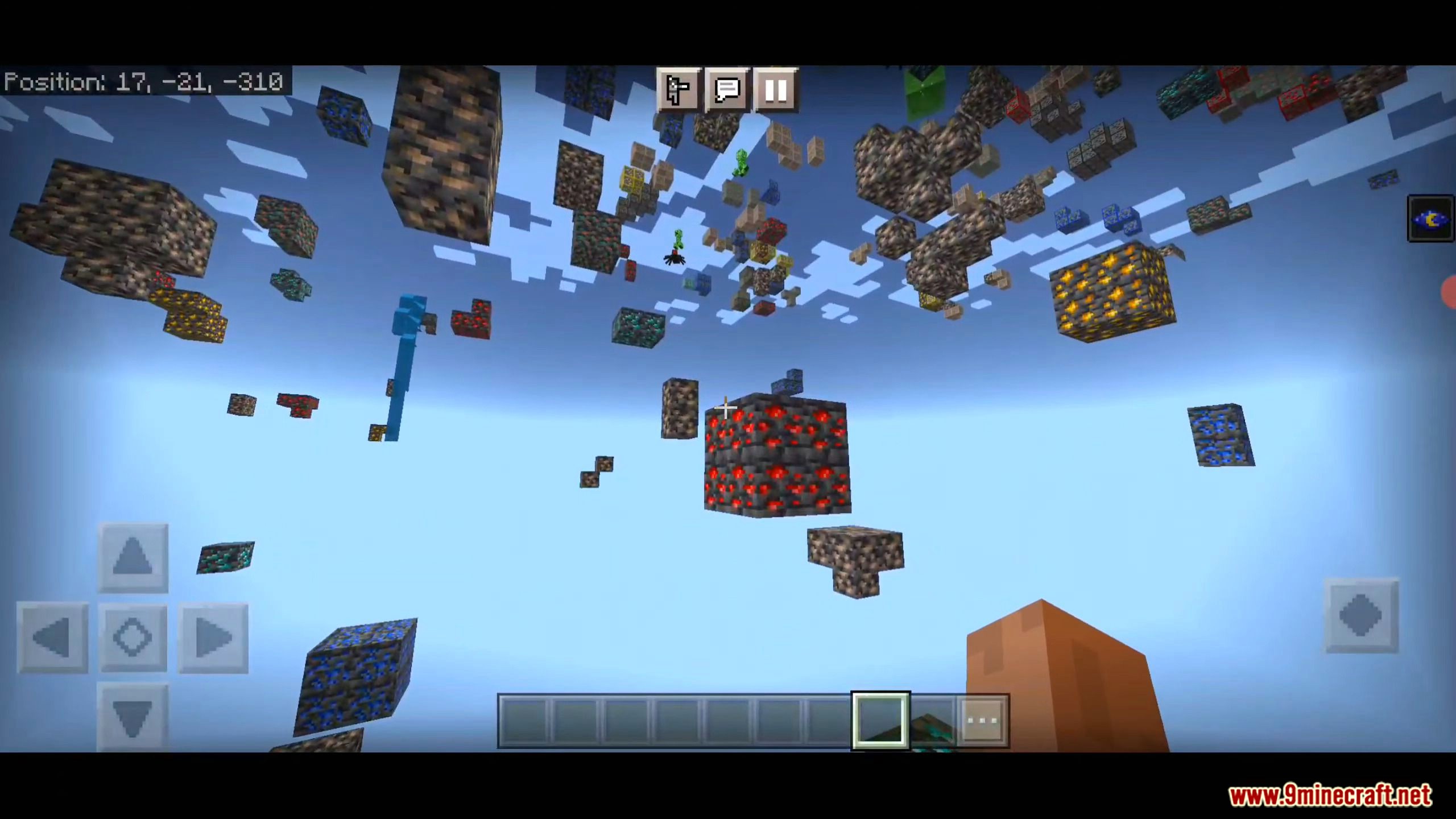
X-Ray Texture Pack with Glow X-Ray vision with a glowing twist — ores don't just show through stone, they shine brightly so you can't possibly miss them. Features: Transparent world blocks reveal every hidden ore Glowing ore outlines visible even in total darkness Spot diamonds, emeralds and ancient debris instantly Simple install with no experimental toggles Why You'll Love It: 1 Glowing ores are impossible to overlook 2 Mining sessions become fast, focused treasure hunts 3 Works beautifully in caves and the deep dark How to Get Started: 1 Download the X-Ray Texture Pack with Glow. 2 Install it in Minecraft PE. 3 Open your world and enjoy the new ex
Open this resource in CraftyBox