
CRAFTYBOX
Preparing your block world
正在准备你的方块世界
First visit setup
首次访问设置
CRAFTYBOX
Preparing your block world
正在准备你的方块世界
First visit setup
首次访问设置
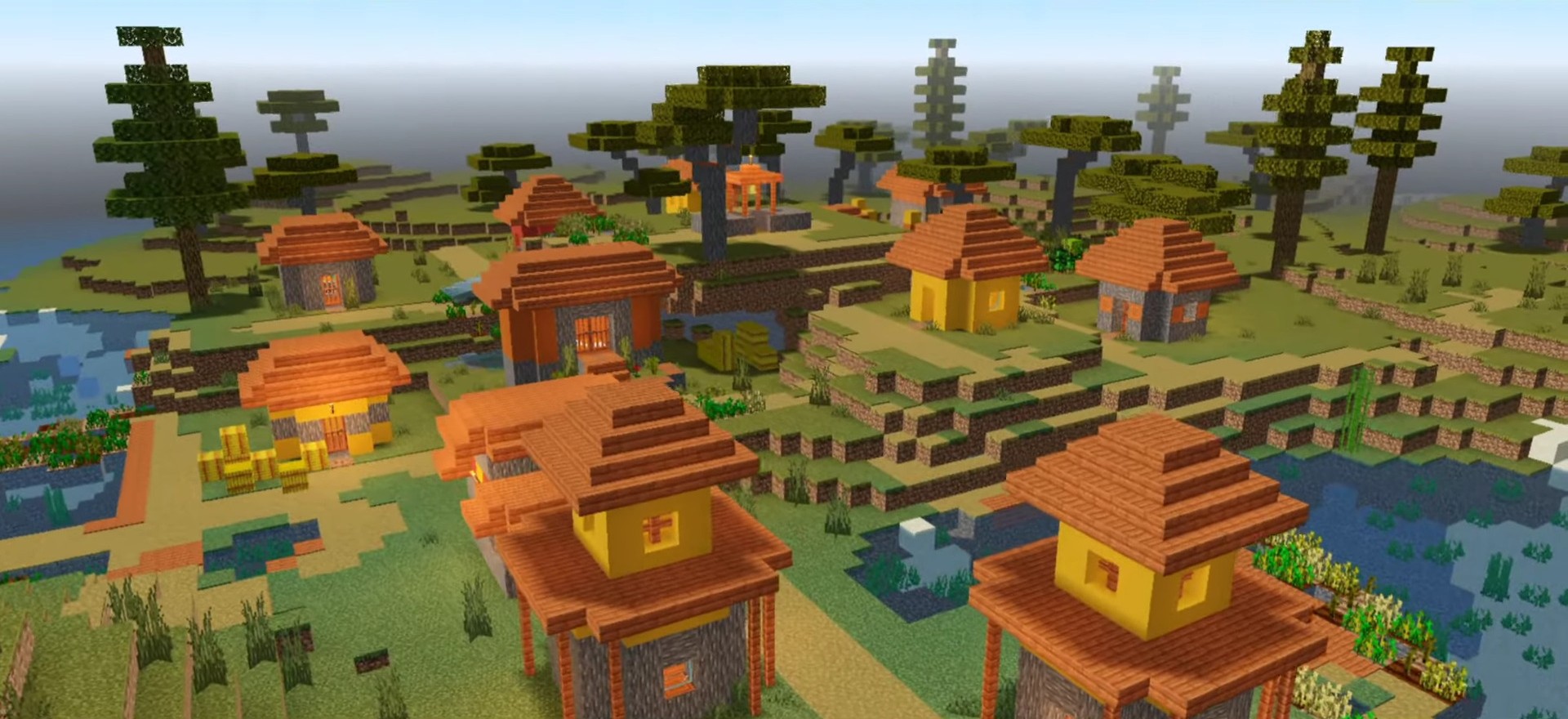
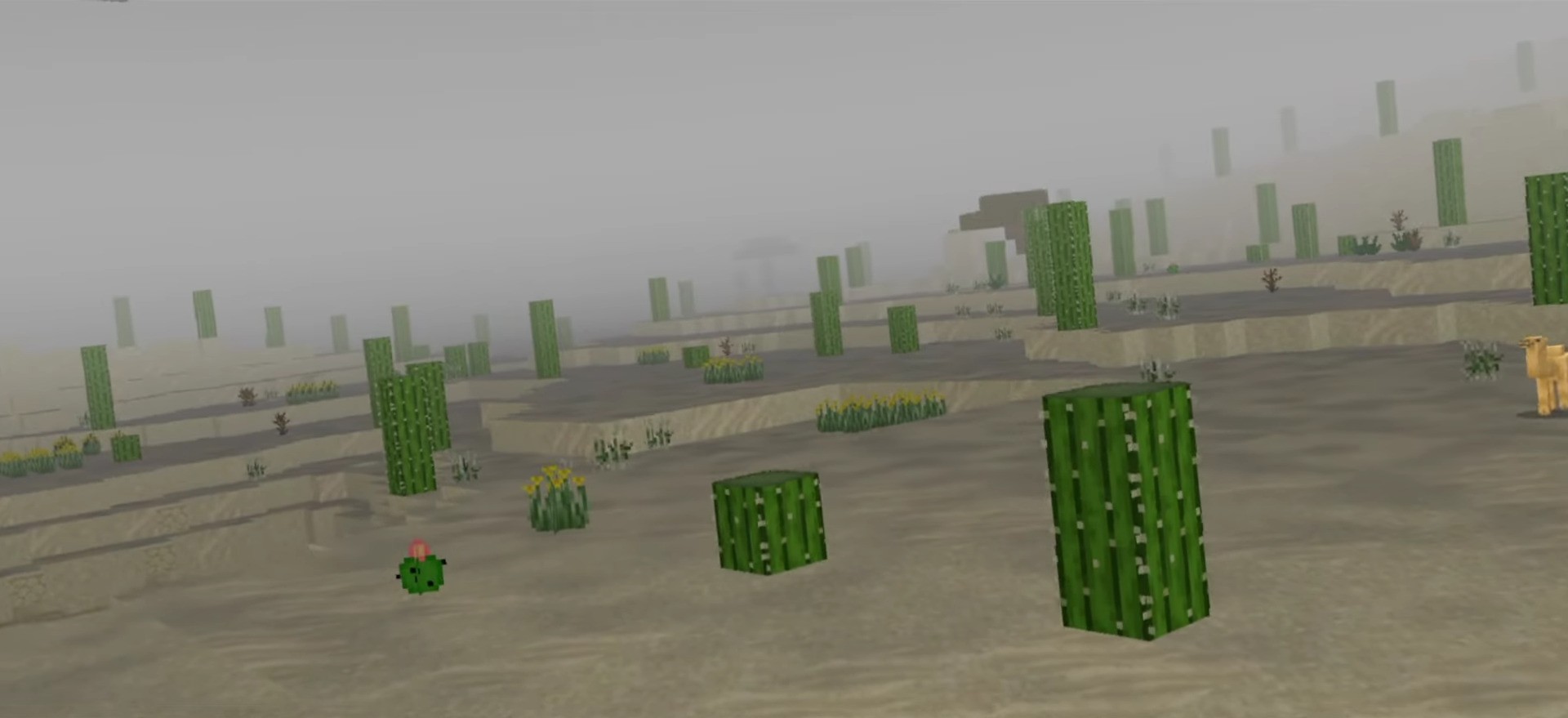
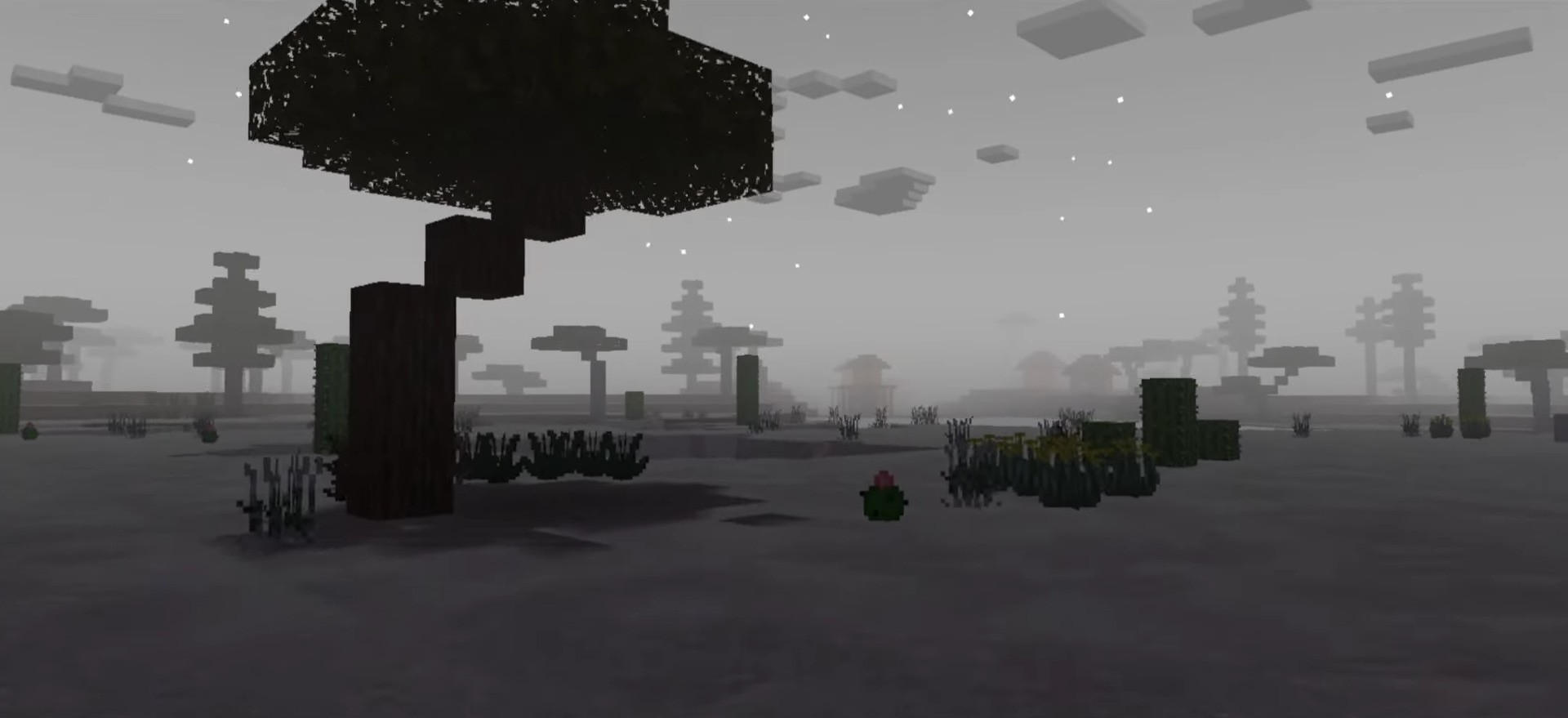
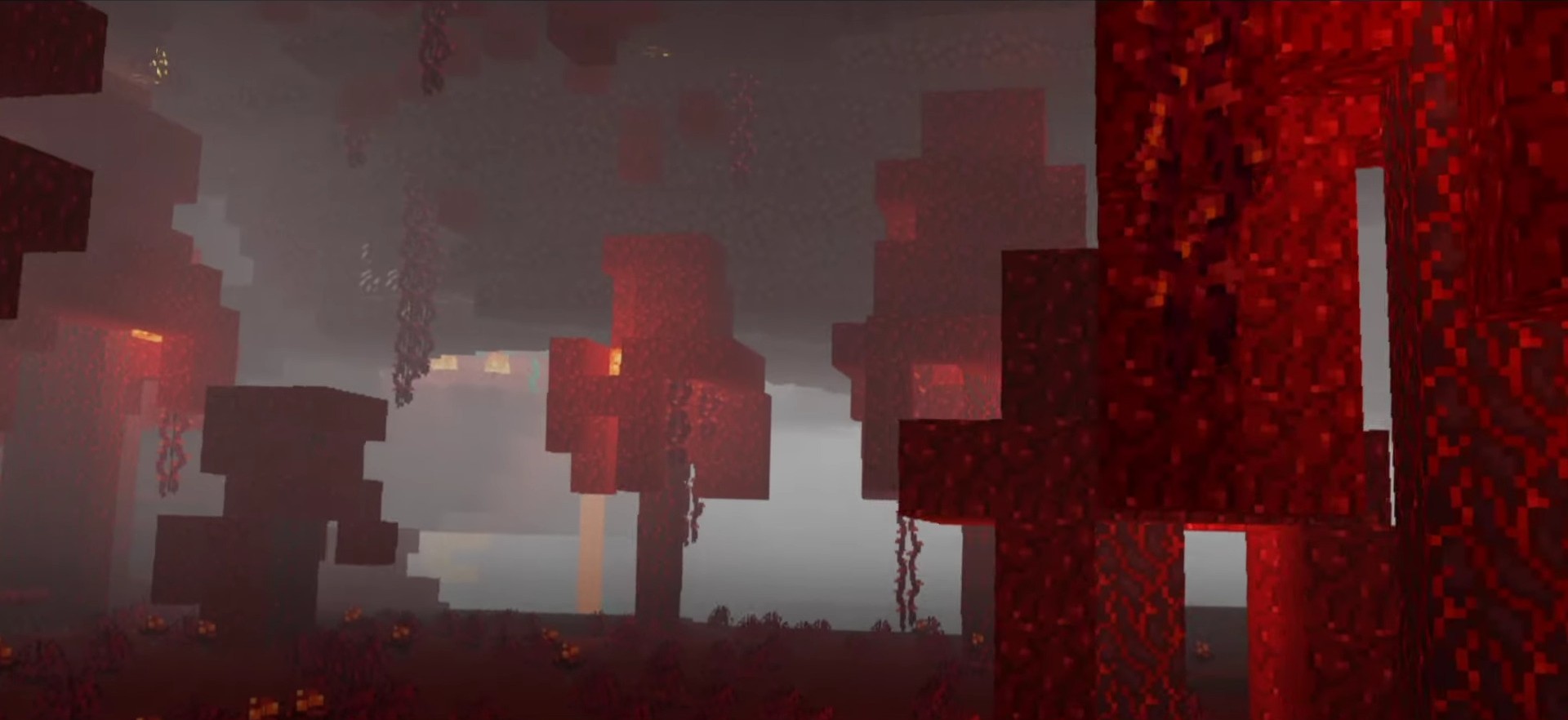
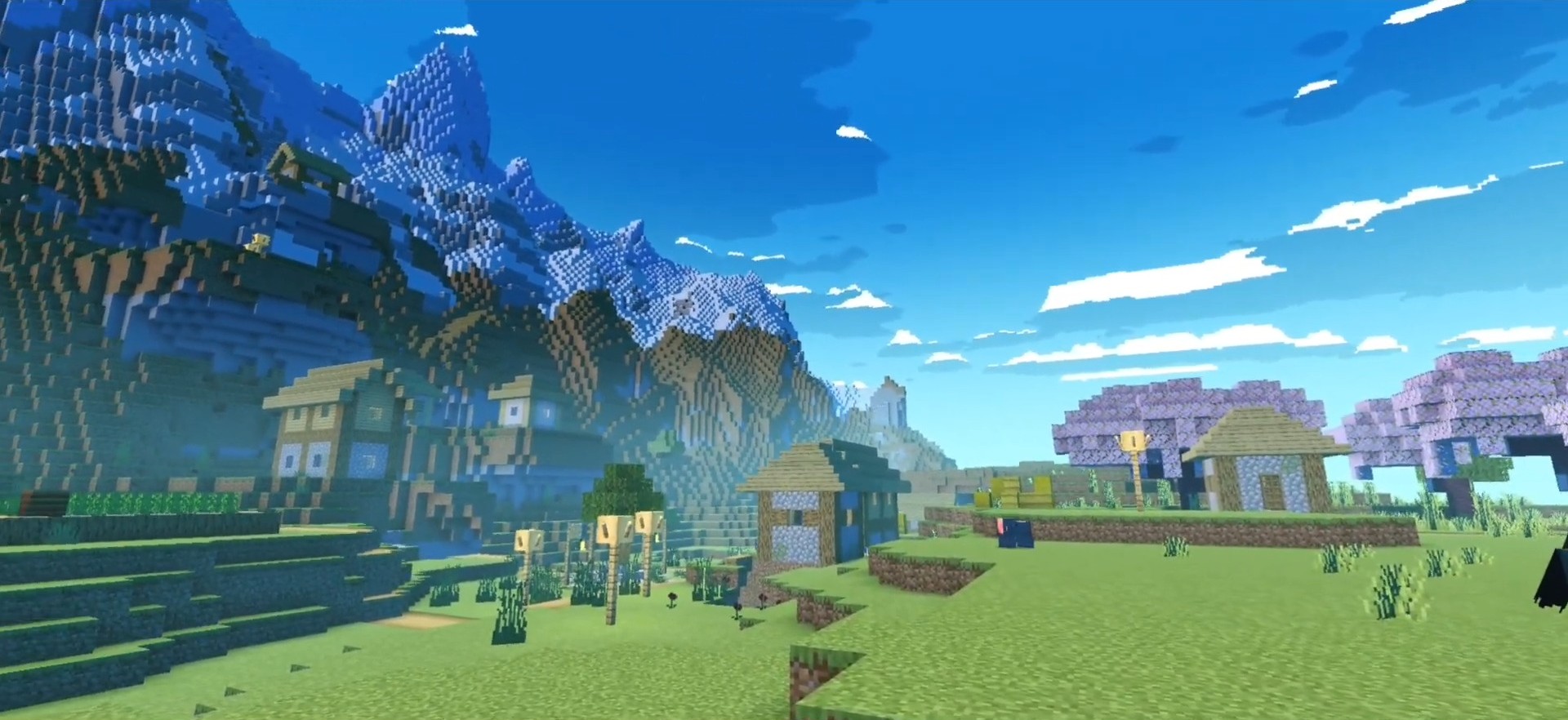
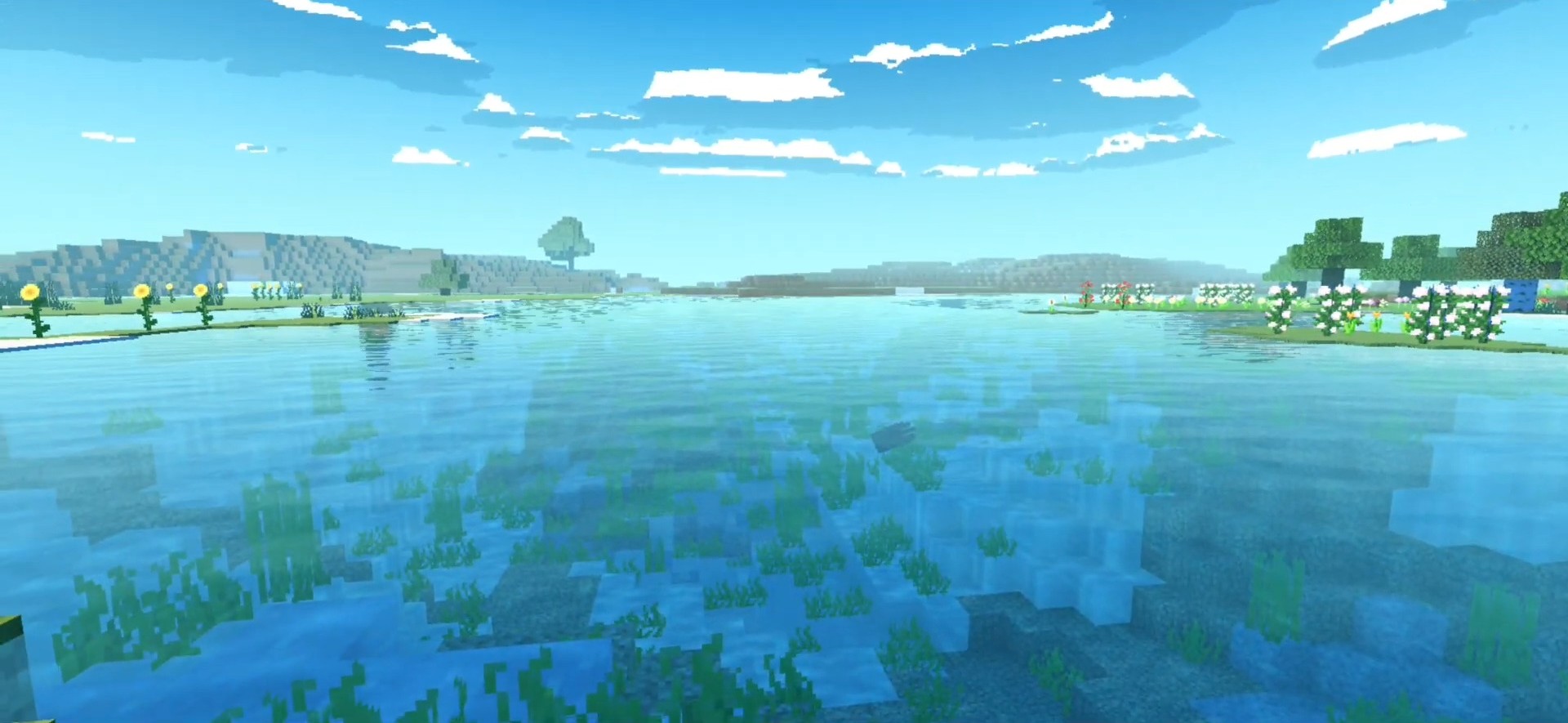
ZiNi Shader ZiNi Shader gives MCPE/Bedrock 1.21+ a smooth, polished glow-up with clean colors and pleasant lighting that flatters every kind of world. Features: Balanced color enhancement with a soft, appealing finish Improved skies, sun, and moon rendering Nicer water tones and subtle surface shine Friendly to a wide range of mobile devices Why You'll Love It: 1 A tasteful upgrade that never feels overdone 2 Great everyday shader for survival and building 3 Installs in seconds and just works How to Get Started: 1 Download the ZiNi Shader. 2 Install it in Minecraft PE. 3 Open your world and enjoy the new experience. Small name, big glow.
Open this resource in CraftyBox