
CRAFTYBOX
Preparing your block world
正在准备你的方块世界
First visit setup
首次访问设置
CRAFTYBOX
Preparing your block world
正在准备你的方块世界
First visit setup
首次访问设置
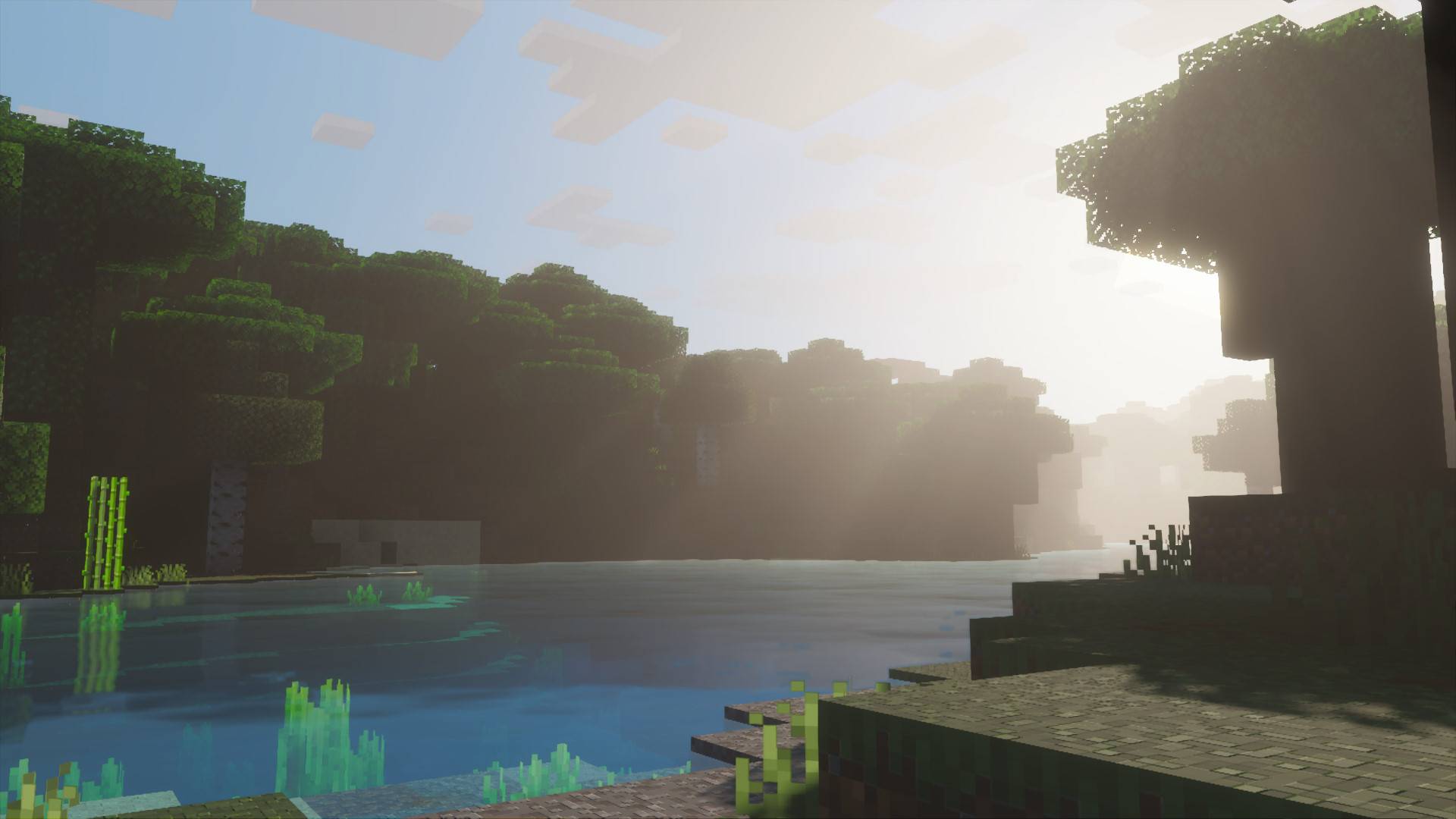
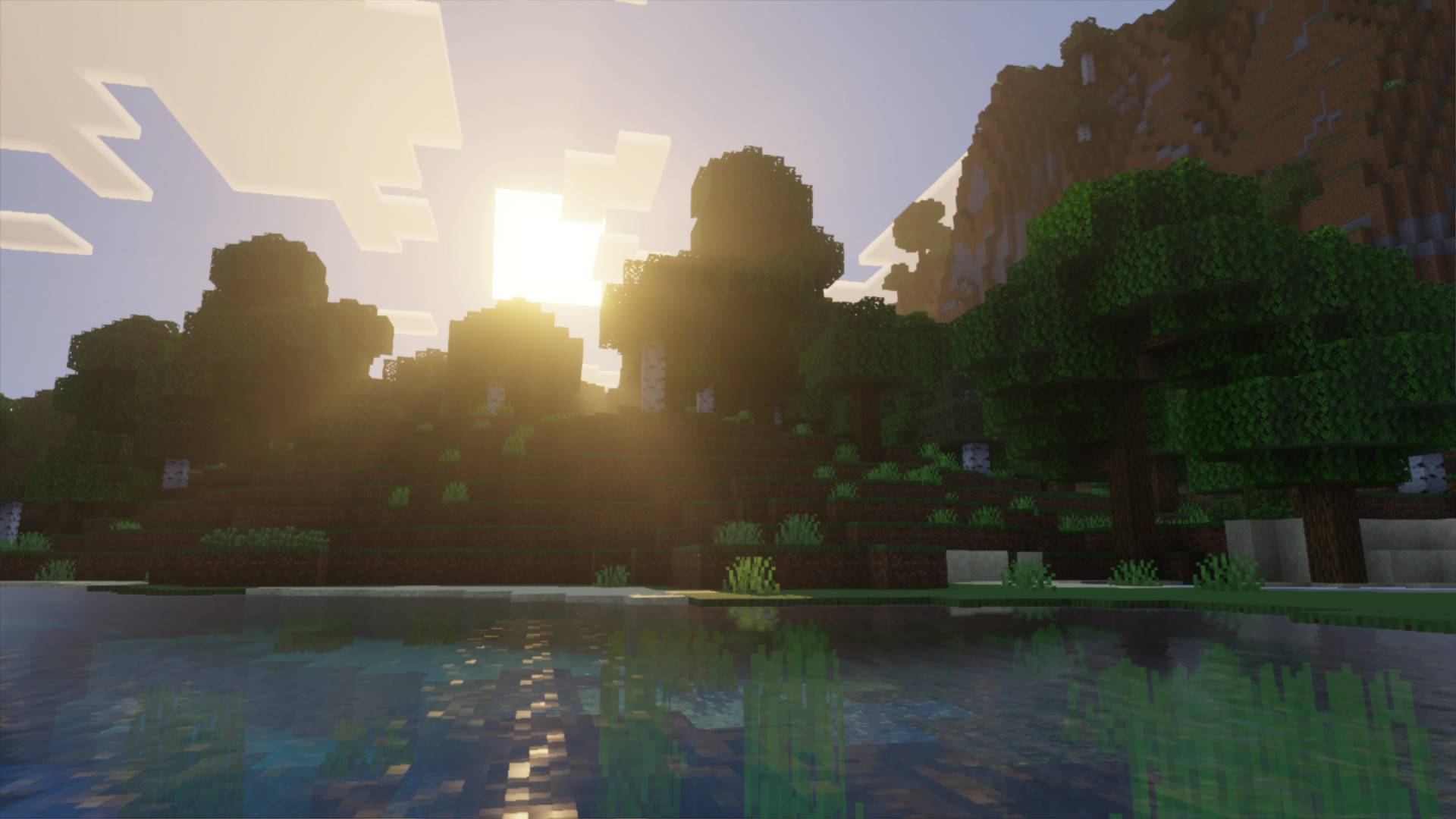
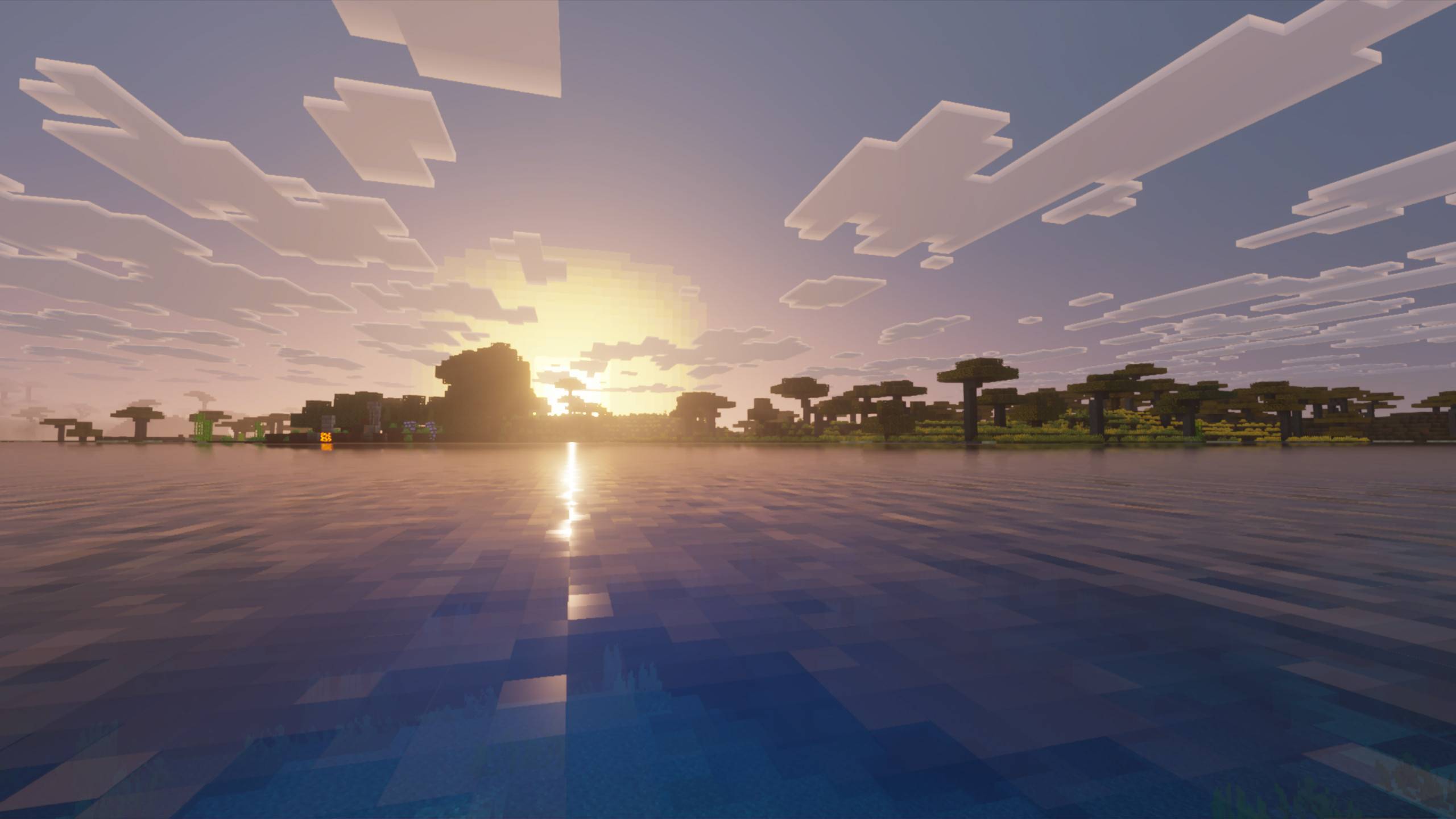
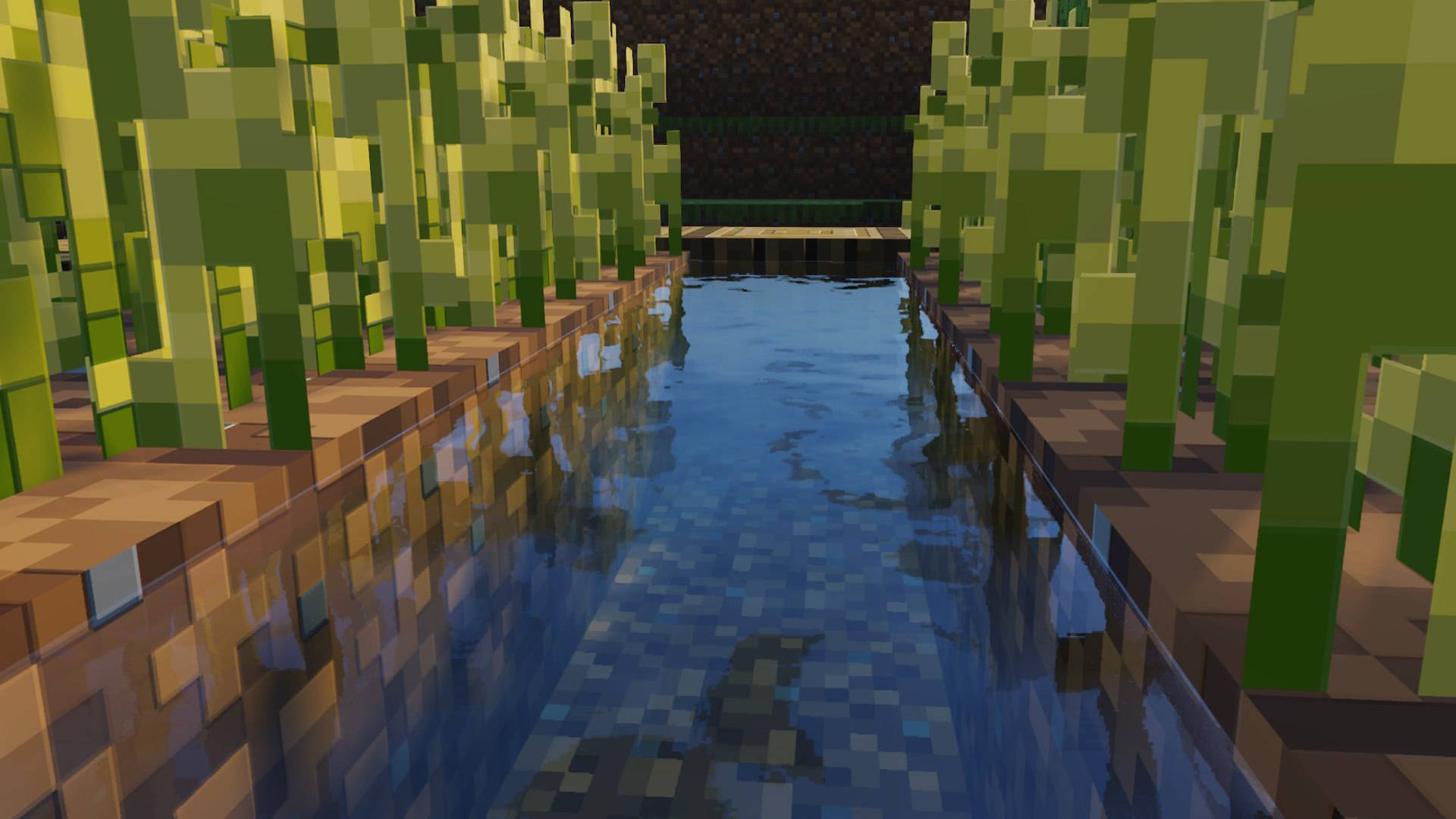
Zzz Shader Soft, sleepy, stunning — the Zzz Shader wraps MCPE in mellow tones and dreamlike lighting. Features: Smooth, muted lighting with a dreamy feel Calm night visuals and cozy dusk colors Gentle water effects and hazy horizons Comfortable aesthetic for laid-back gameplay Why You'll Love It: 1 The most relaxing way to experience Minecraft 2 Easy on the eyes during long night sessions 3 Light enough for any phone to run How to Get Started: 1 Download the Zzz Shader. 2 Install it in Minecraft PE. 3 Open your world and enjoy the new experience. Sweet dreams are made of blocks!
Read the full details and screenshots
Open this resource in CraftyBox