
CRAFTYBOX
Preparing your block world
正在准备你的方块世界
First visit setup
首次访问设置
CRAFTYBOX
Preparing your block world
正在准备你的方块世界
First visit setup
首次访问设置
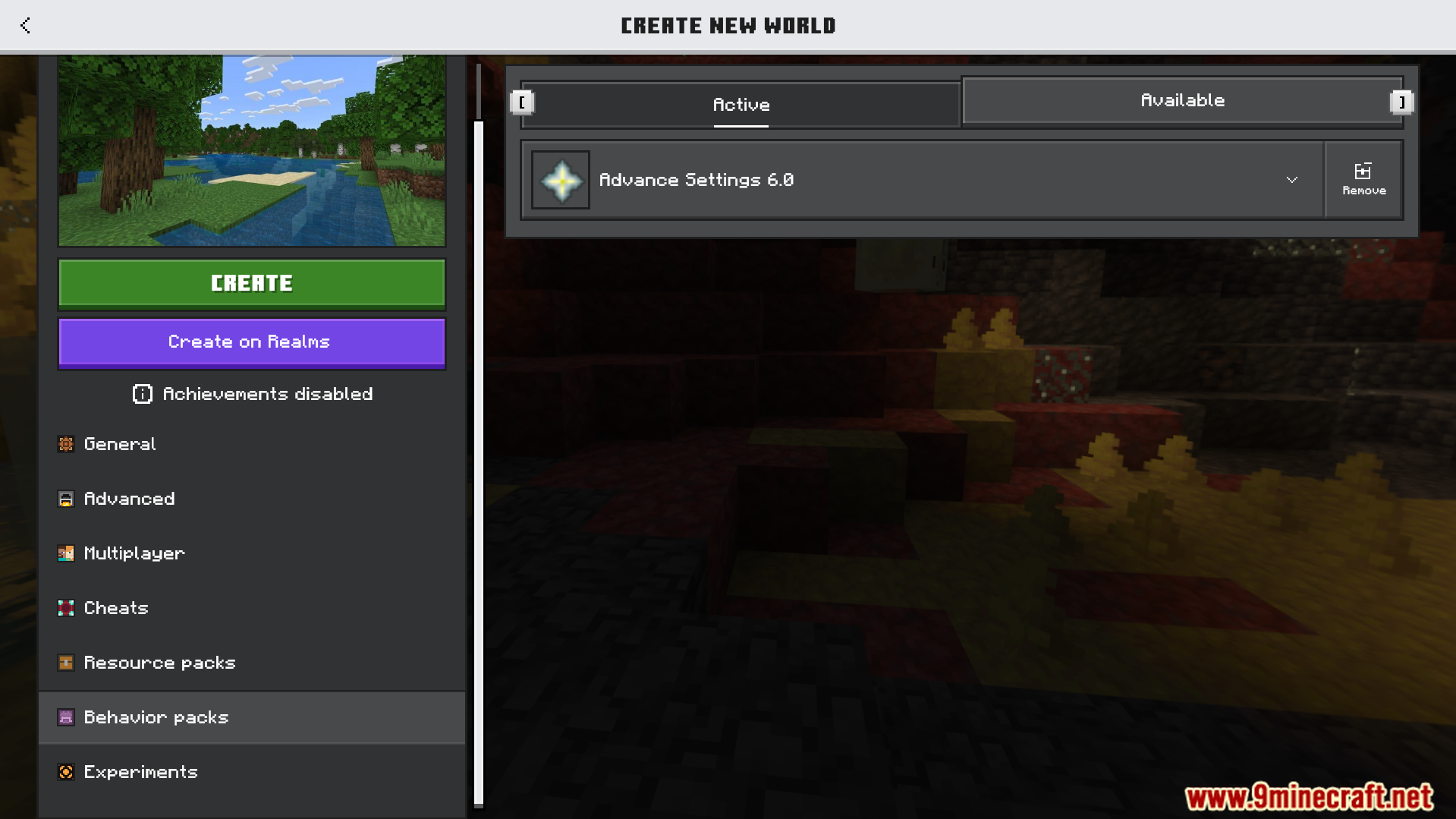
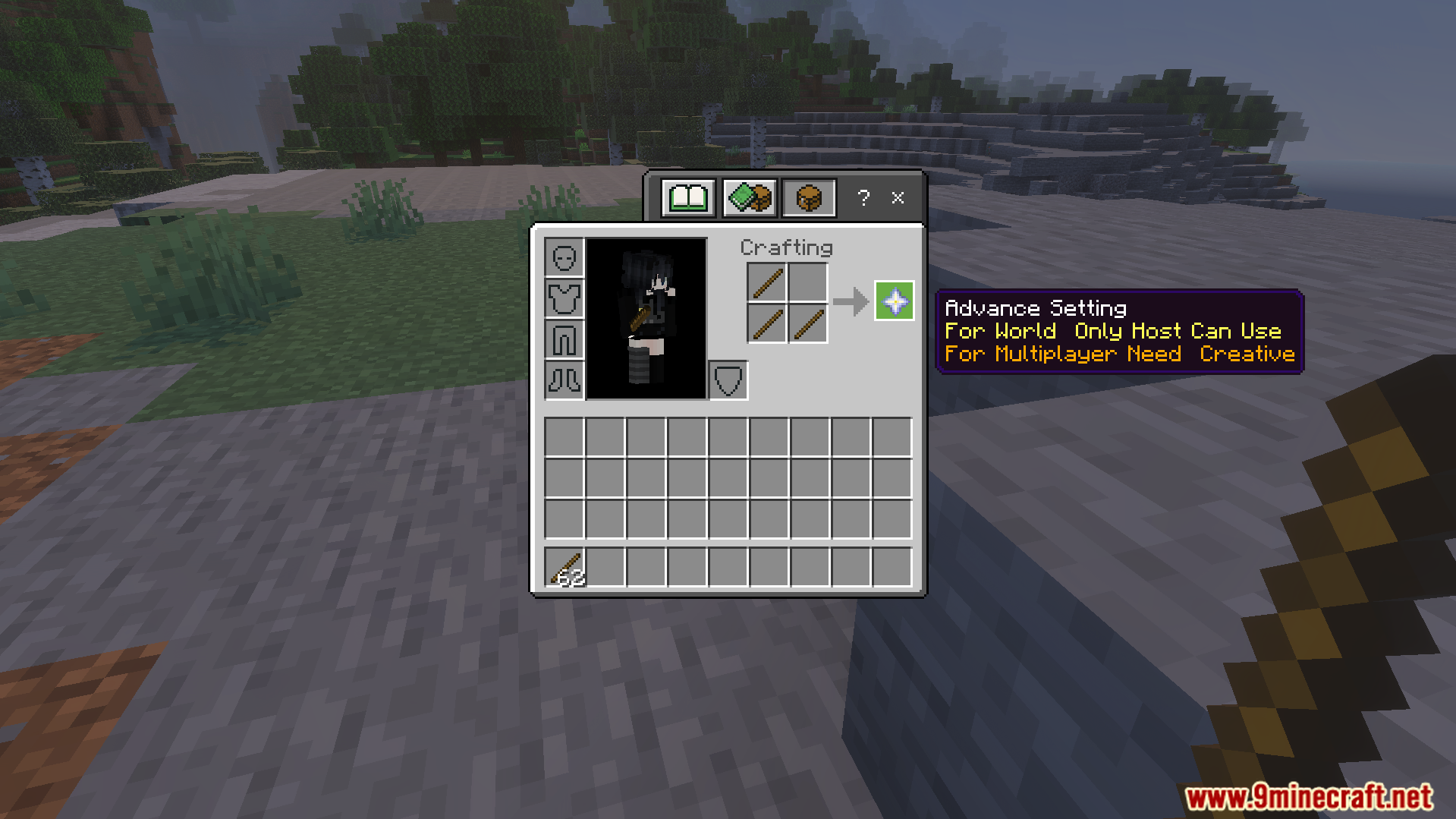
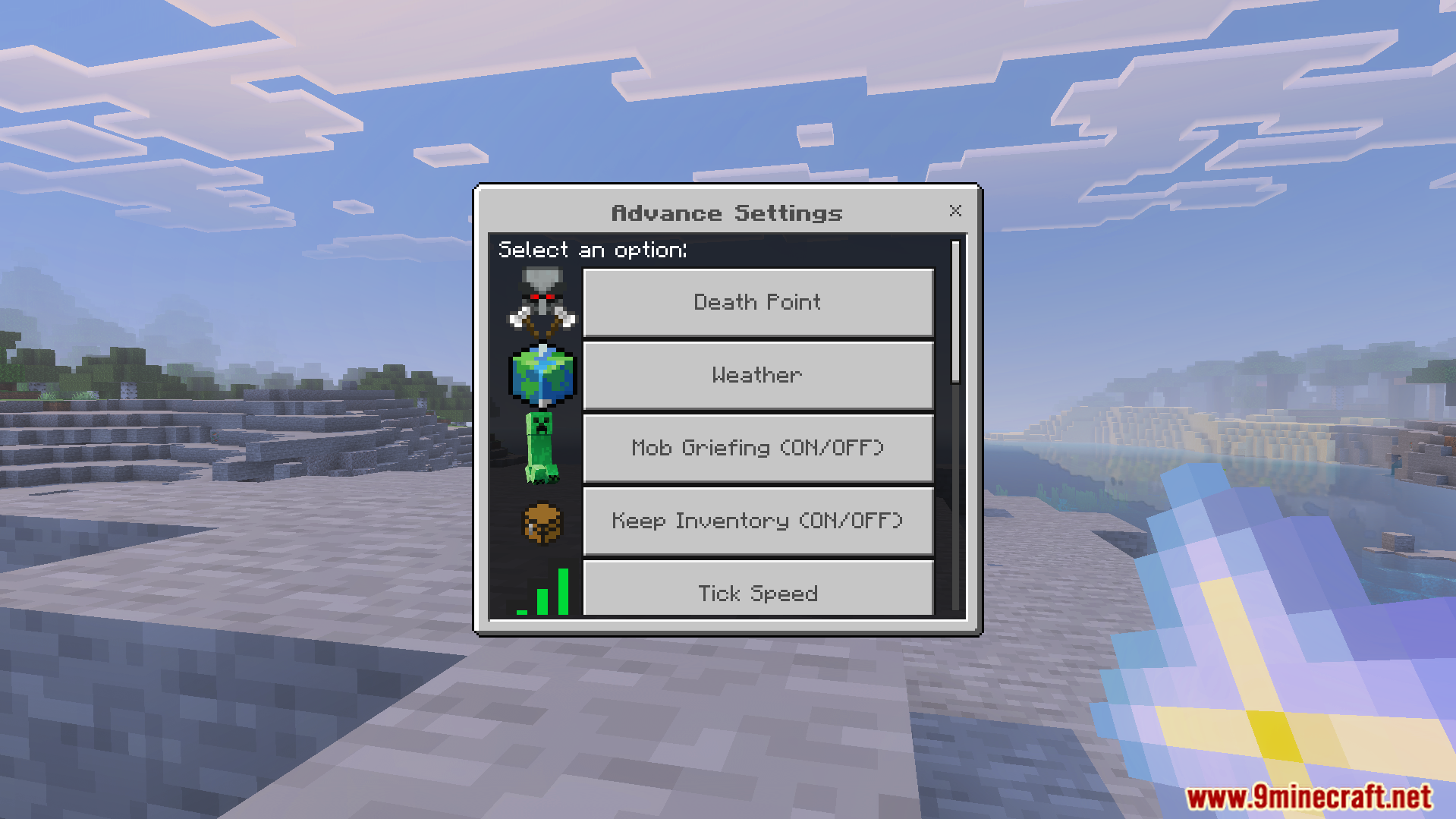
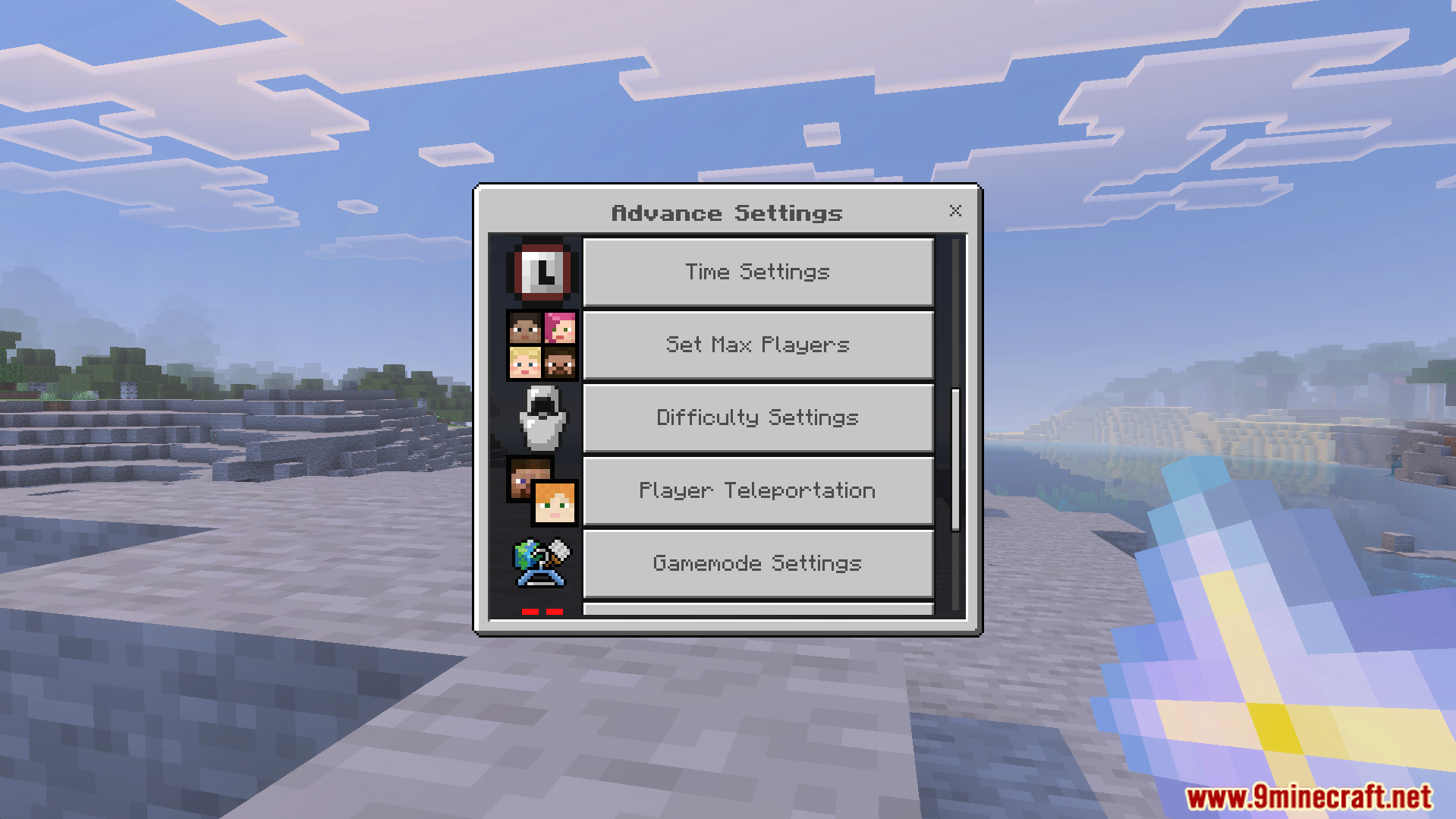
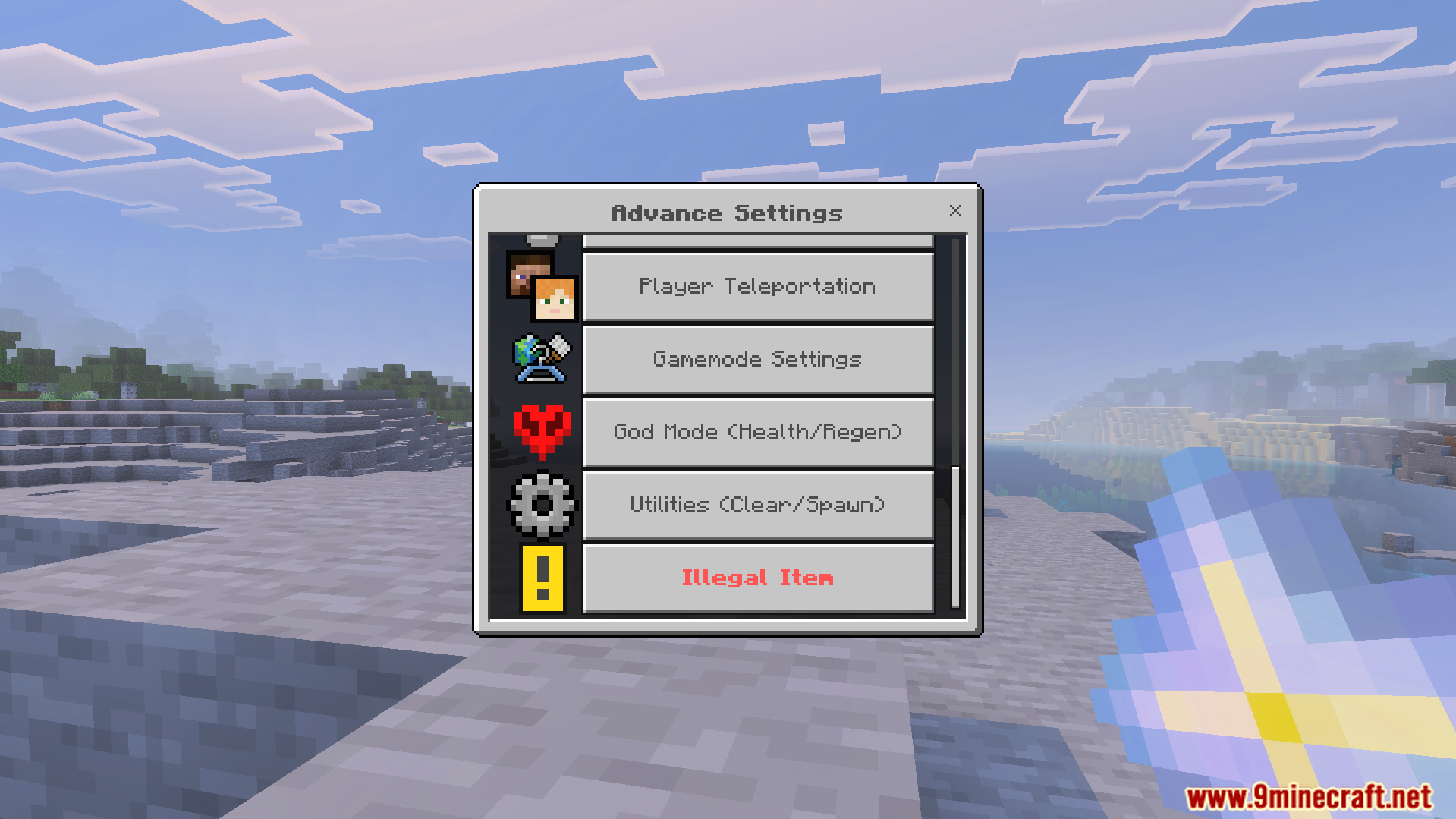
Advance Settings Addon Tweak your world settings freely while keeping achievements fully enabled the entire time. Features: Change world settings on the fly Keeps achievements active Fine control over gameplay options Simple in-game menu Why You'll Love It: 1 Full control without losing achievements 2 Adjust rules anytime 3 Convenient and easy to use How to Get Started: 1 Download the Advance Settings Addon. 2 Install it in Minecraft PE. 3 Open your world and enjoy the new experience. Customize your world, keep your achievements!
Read the full details and screenshots
Open this resource in CraftyBox