
CRAFTYBOX
Preparing your block world
正在准备你的方块世界
First visit setup
首次访问设置
CRAFTYBOX
Preparing your block world
正在准备你的方块世界
First visit setup
首次访问设置
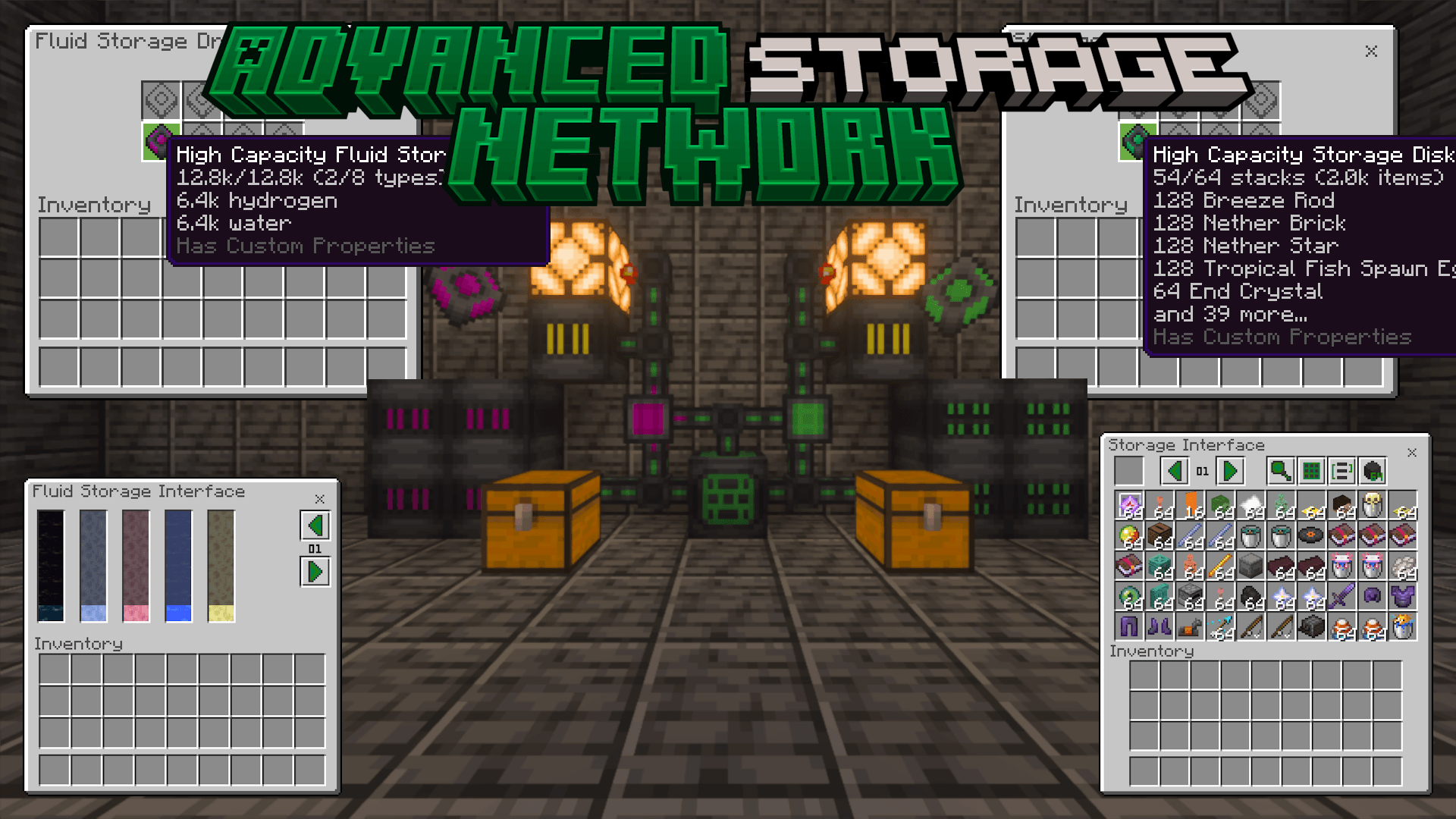
Advanced Storage Network Solve all your storage woes with a single network that holds every item, accessible from anywhere! Features: Store any item and fluid Custom UI for network browsing and searching Automate item movement with advanced devices Wireless access across dimensions Why You'll Love It: 1 Ultimate solution for item management 2 Streamlined crafting and organization 3 Expands building possibilities with easy access to all materials How to Get Started: 1 Download the Advanced Storage Network addon. 2 Install it in Minecraft PE. 3 Open your world and use the tutorial book to get started. Organize your world like never before with Advanc
Read the full details and screenshots
Open this resource in CraftyBox