
CRAFTYBOX
Preparing your block world
正在准备你的方块世界
First visit setup
首次访问设置
CRAFTYBOX
Preparing your block world
正在准备你的方块世界
First visit setup
首次访问设置
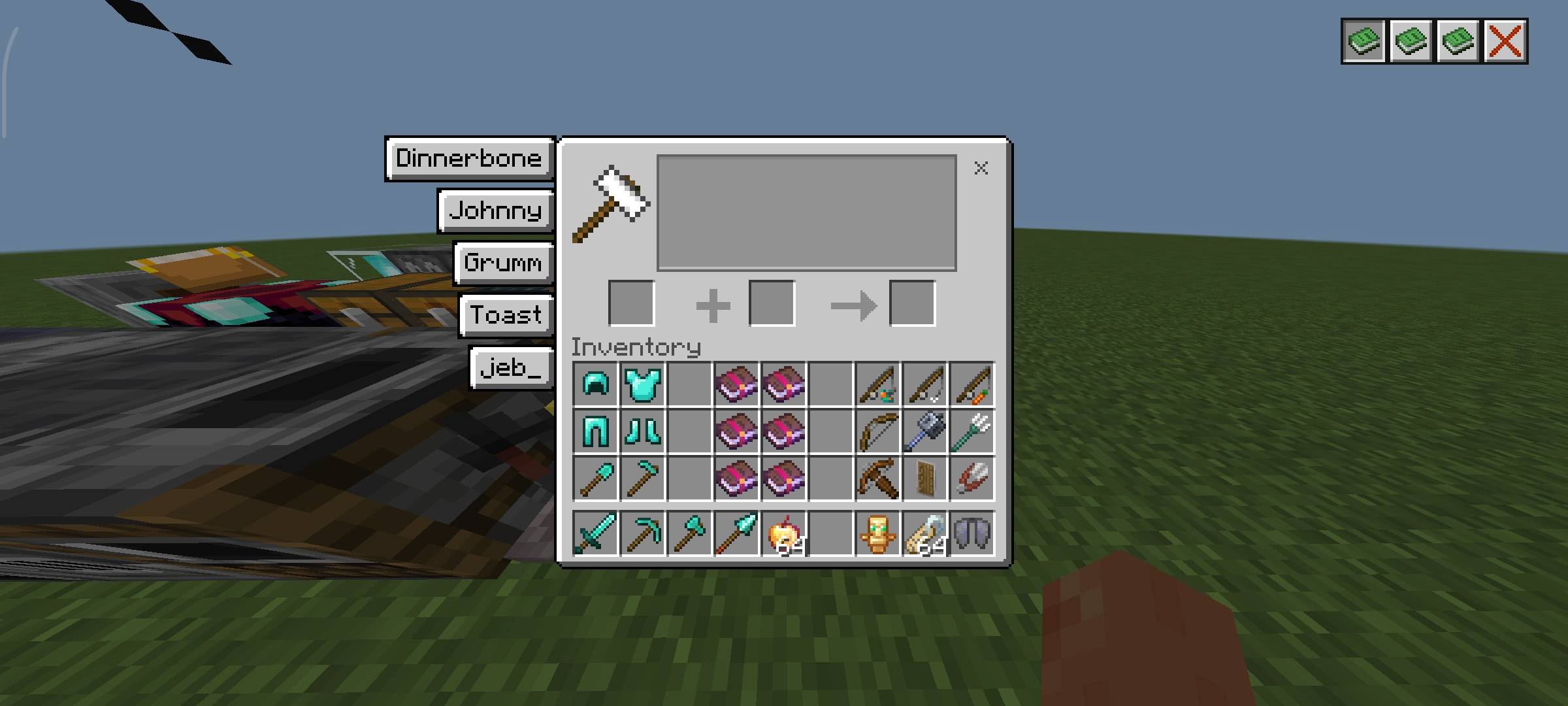
Anvil Guide Texture Pack Confused about anvil combinations and repair costs? This pack puts a clear anvil guide right inside your game screen. Features: Visual guide for repairing, renaming, and combining items Handy reference built directly into the anvil UI Learn how to merge enchantments efficiently Clean design that fits the vanilla look Why You'll Love It: 1 Save XP by understanding anvil mechanics properly 2 No more guessing which combinations work 3 Great for both beginners and seasoned smiths How to Get Started: 1 Download the Anvil Guide Texture Pack. 2 Install it in Minecraft PE. 3 Open your world and enjoy the new experience. Hammer sma
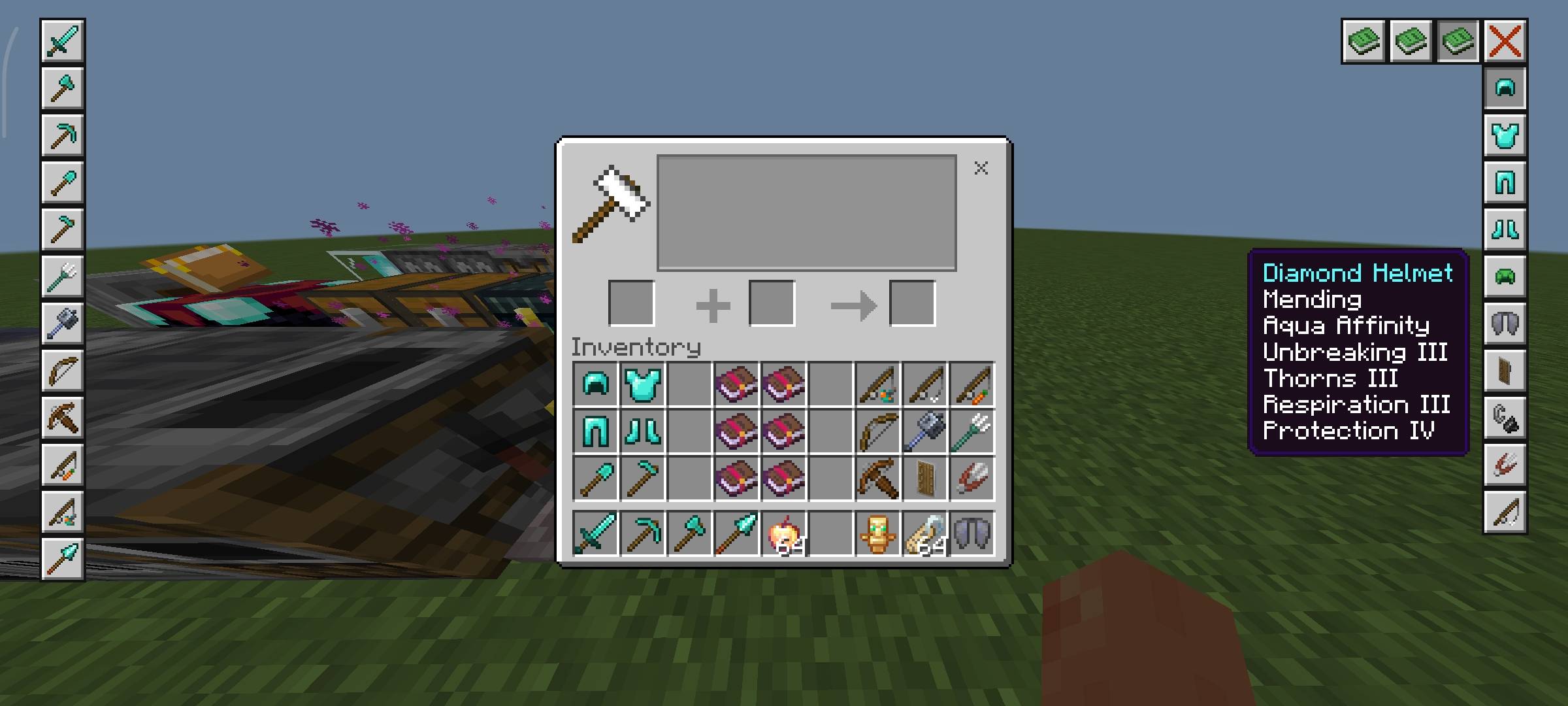
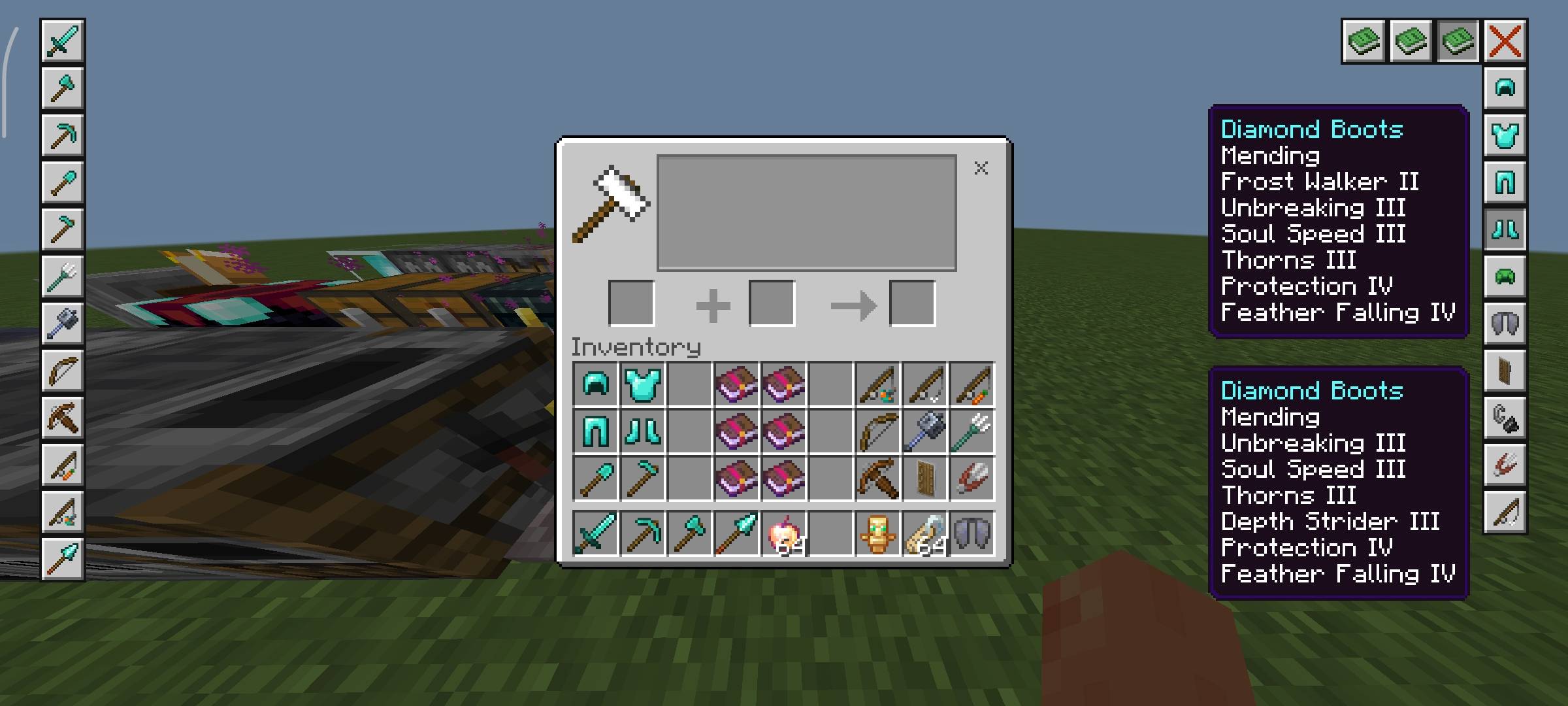
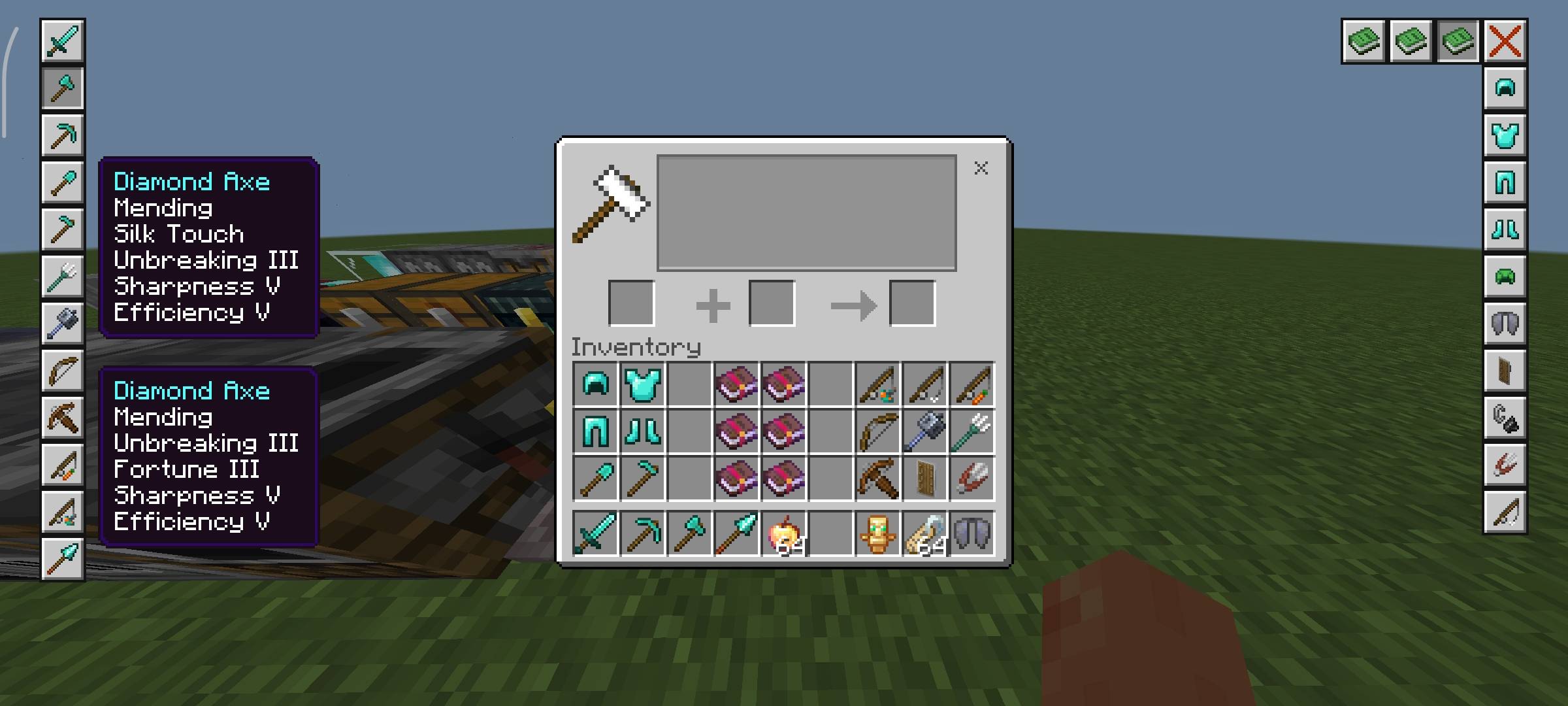
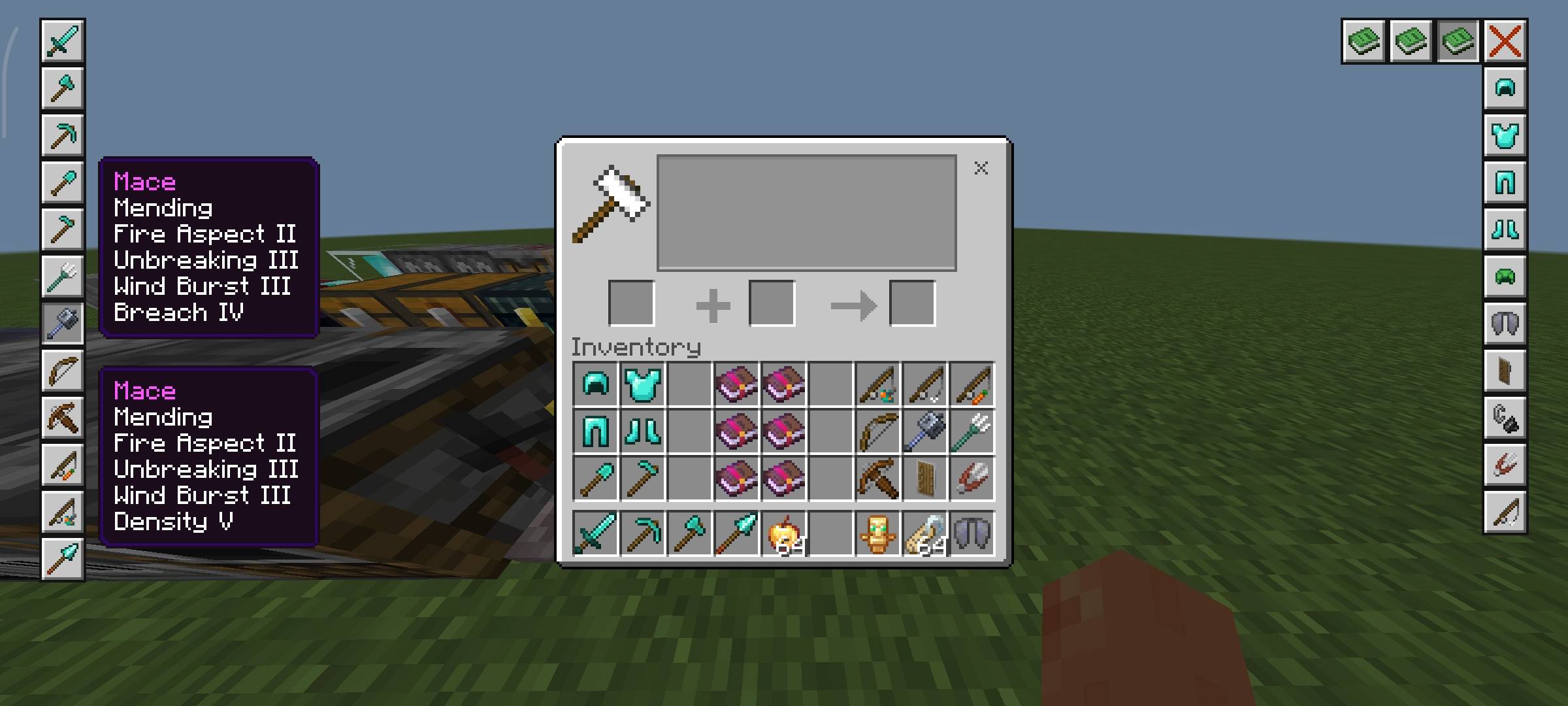
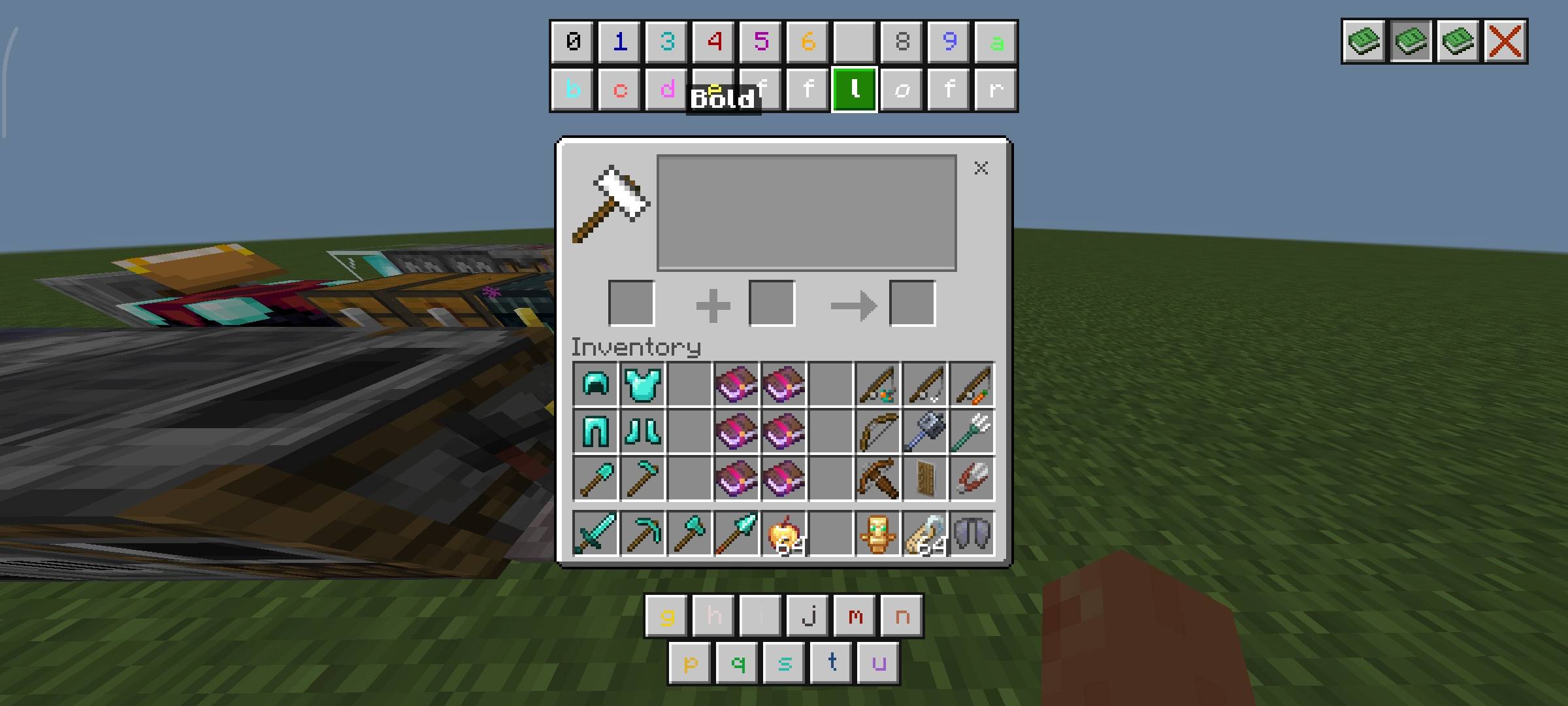
Read the full details and screenshots
Open this resource in CraftyBox