
CRAFTYBOX
Preparing your block world
正在准备你的方块世界
First visit setup
首次访问设置
CRAFTYBOX
Preparing your block world
正在准备你的方块世界
First visit setup
首次访问设置
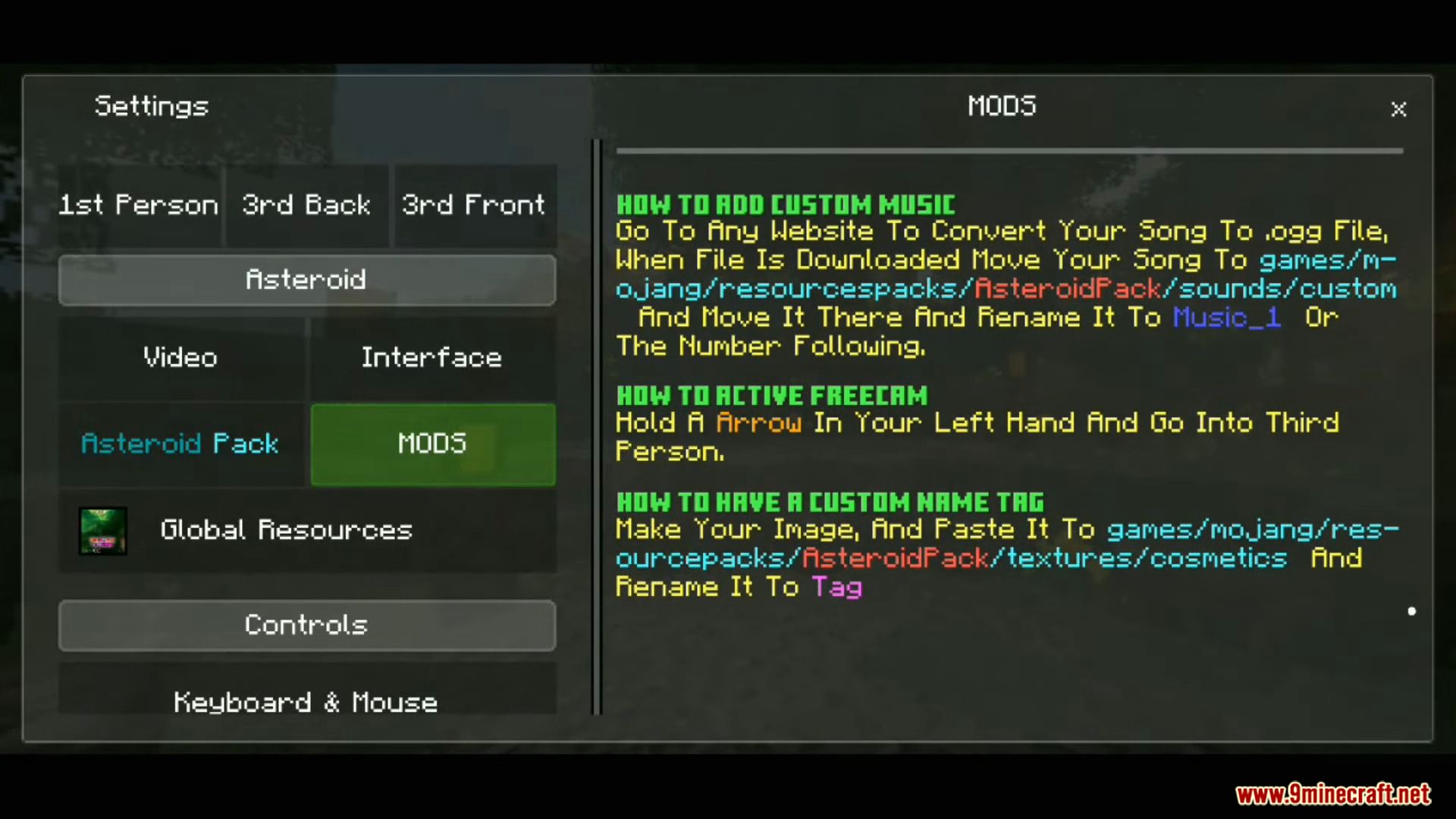
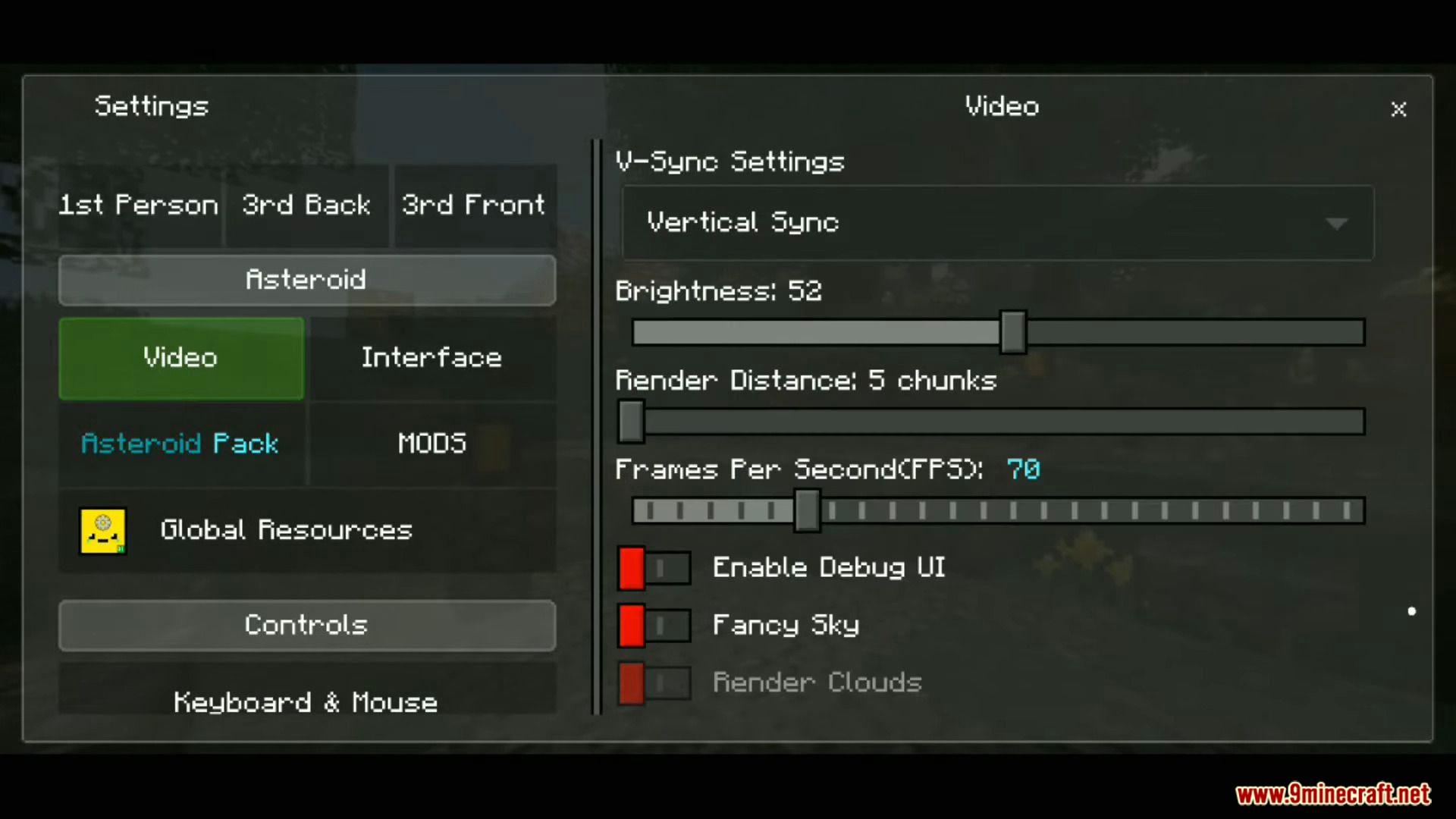
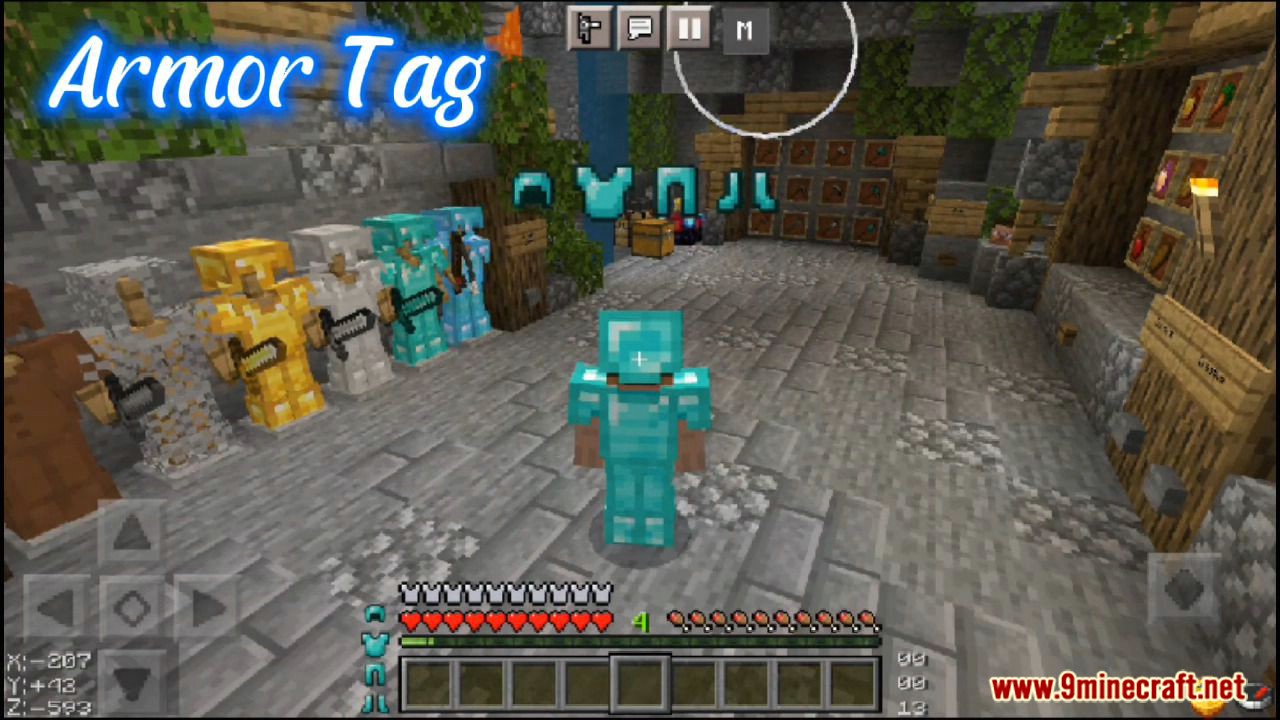
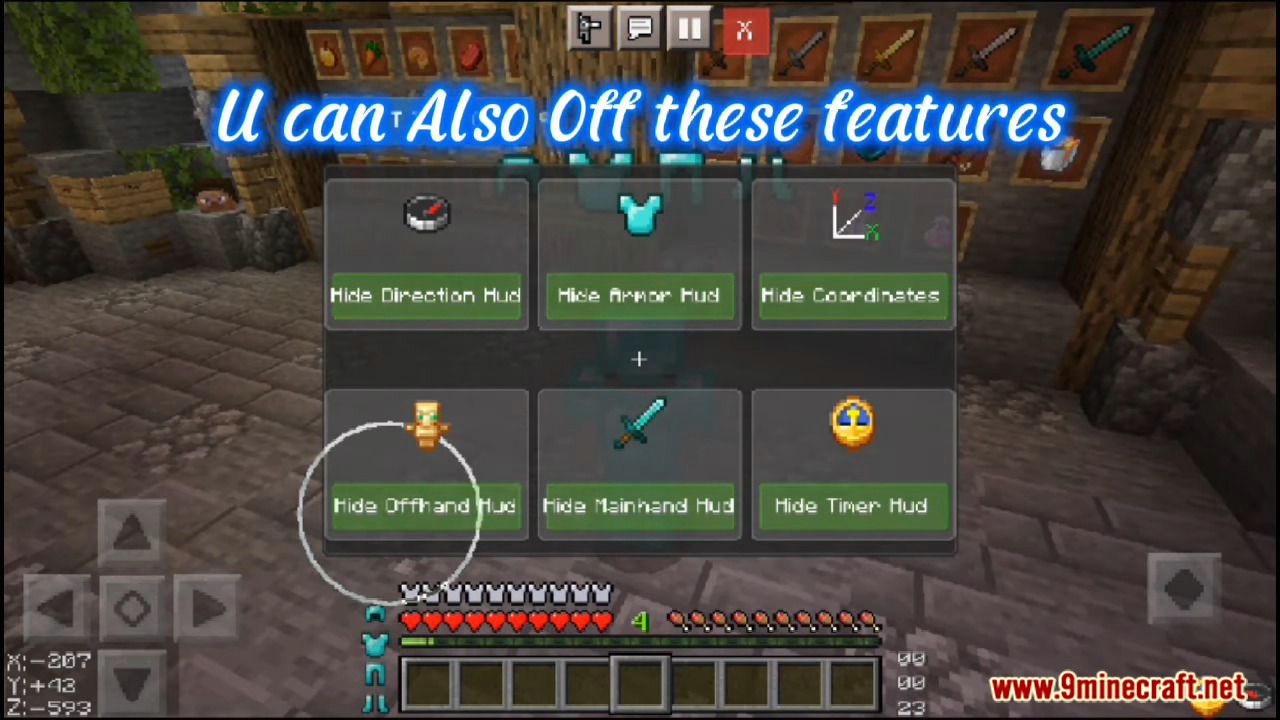
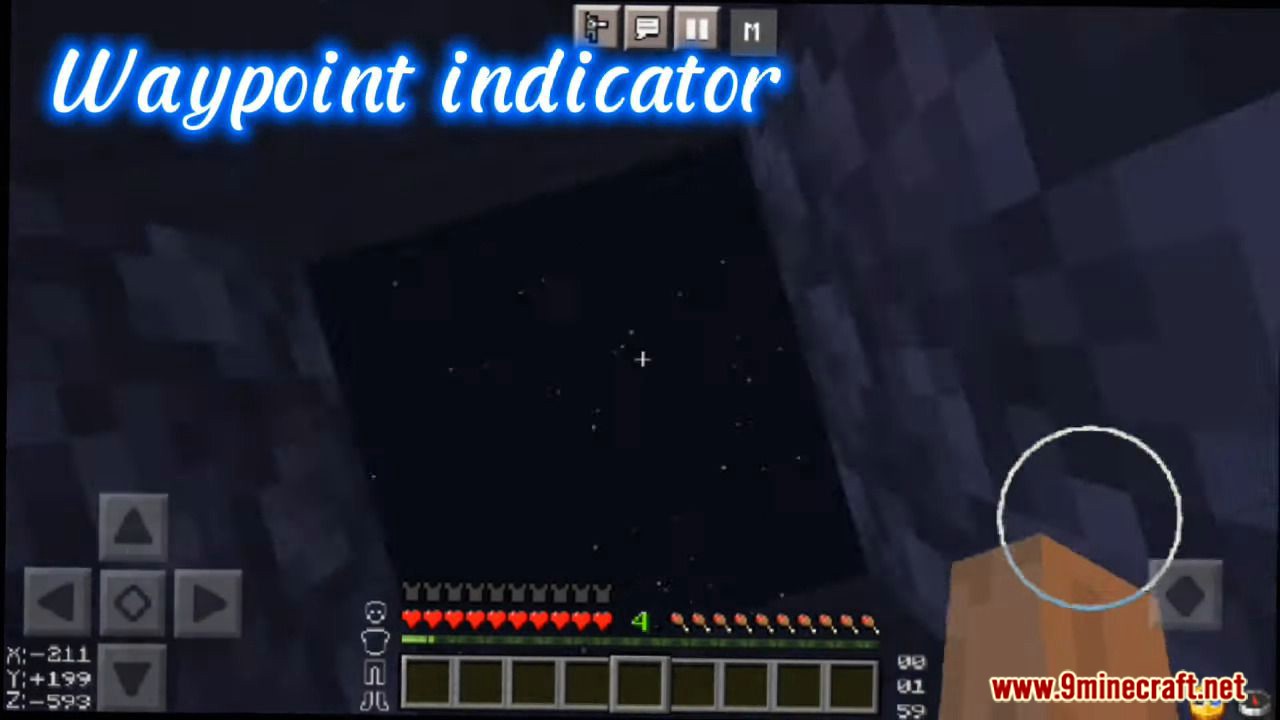
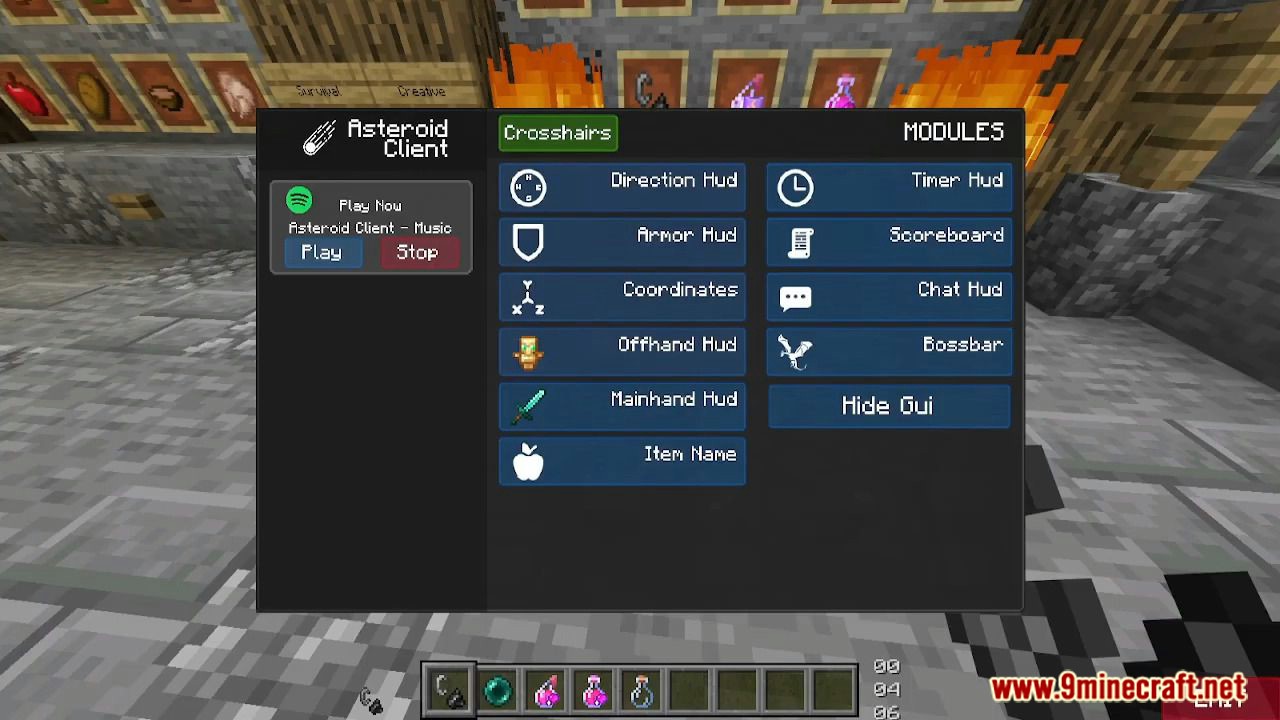
Asteroid Client Asteroid Client rockets MCPE/Bedrock 26.x and 1.21 to new heights with a built-in mod menu, a handy direction HUD, and genuine FPS improvements. Features: Full mod menu with easy-to-toggle gameplay modules Direction HUD showing your heading at a glance FPS improvement tweaks for smoother sessions Clean interface that stays out of your way Why You'll Love It: 1 Utility, navigation, and performance in one package 2 Never get lost on the way back to base again 3 Noticeably smoother gameplay on modest hardware How to Get Started: 1 Download the Asteroid Client. 2 Install it in Minecraft PE. 3 Open your world and enjoy the new experience.
Read the full details and screenshots
Open this resource in CraftyBox