
CRAFTYBOX
Preparing your block world
正在准备你的方块世界
First visit setup
首次访问设置
CRAFTYBOX
Preparing your block world
正在准备你的方块世界
First visit setup
首次访问设置
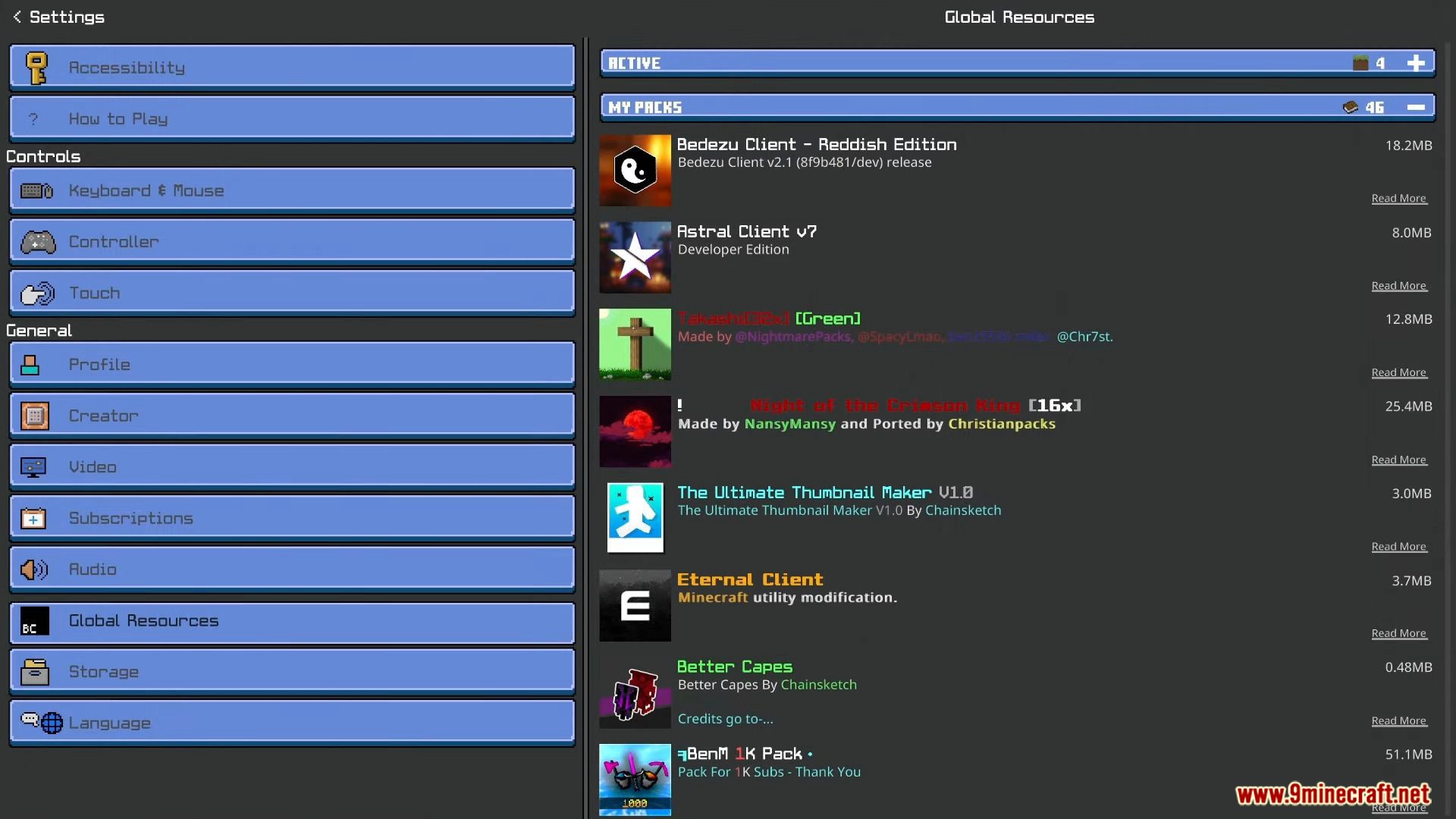
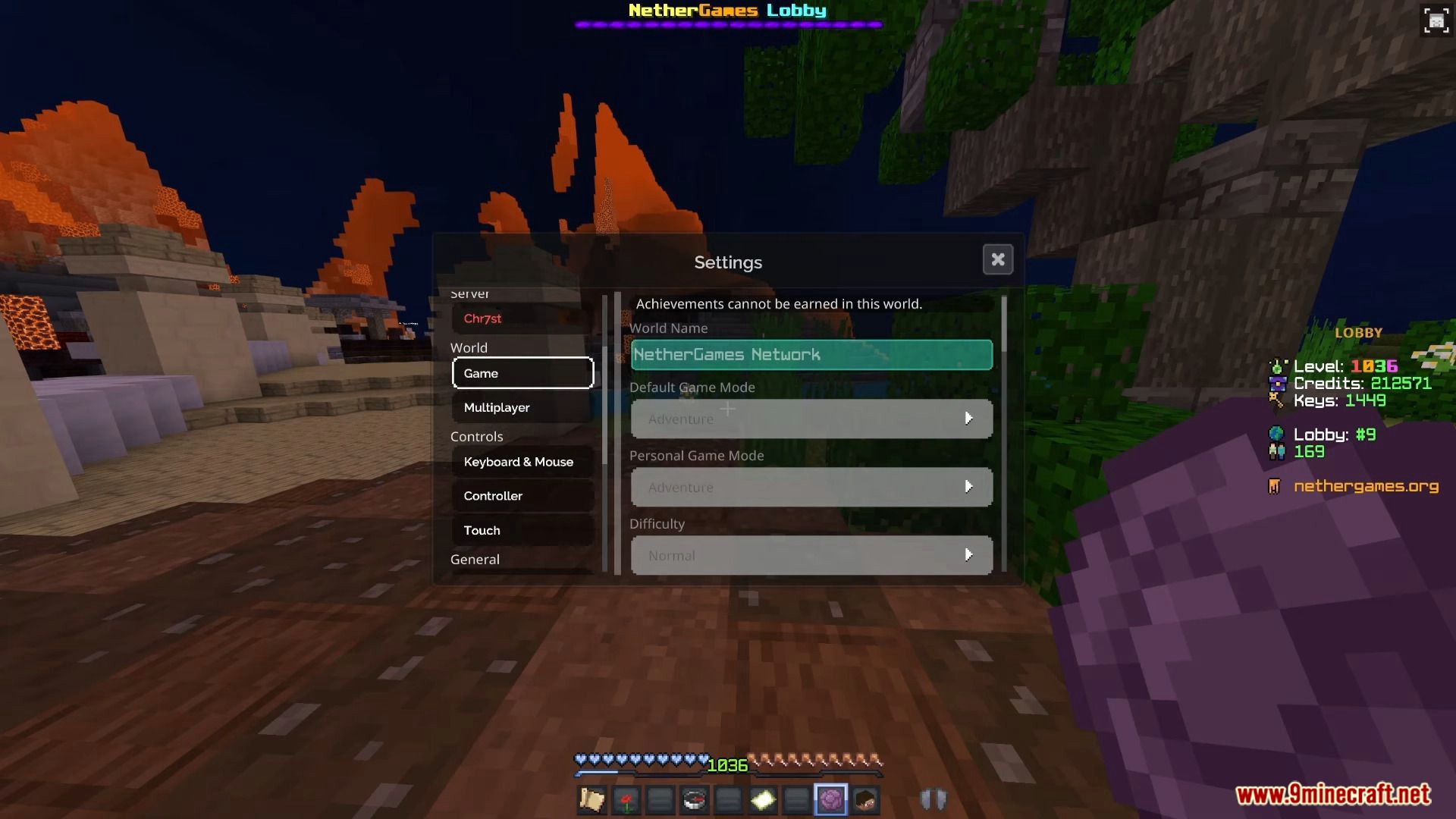
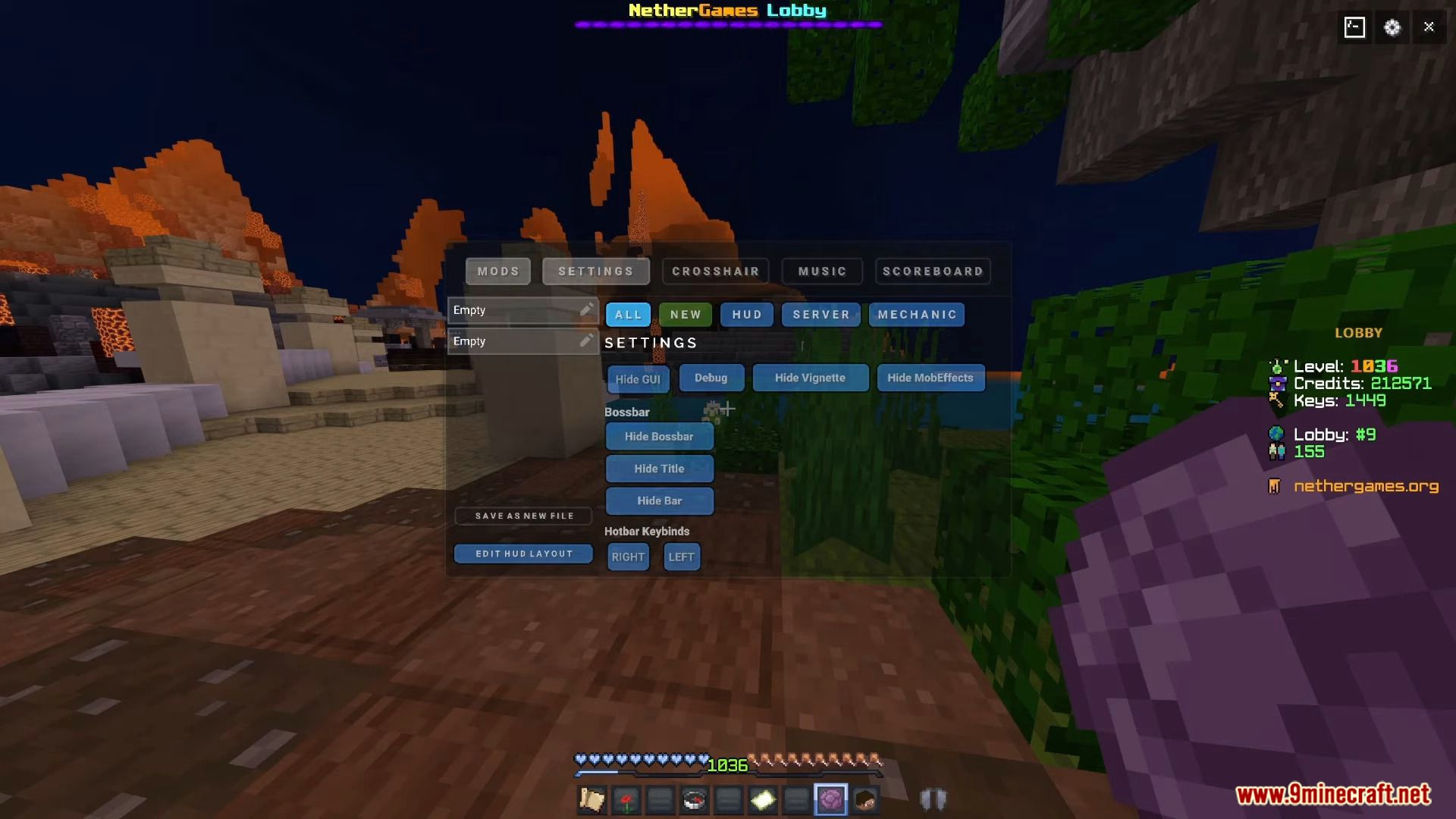
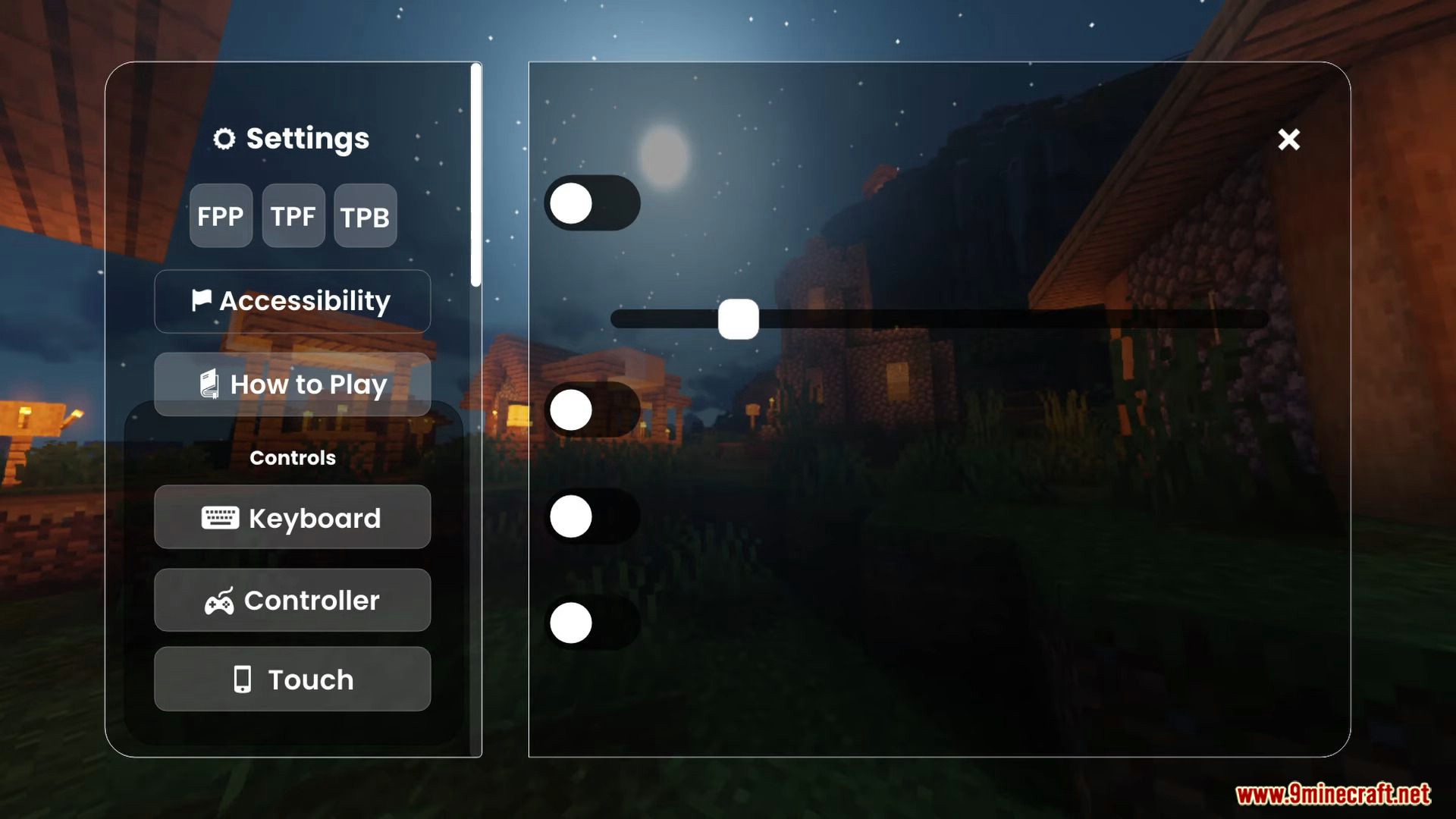
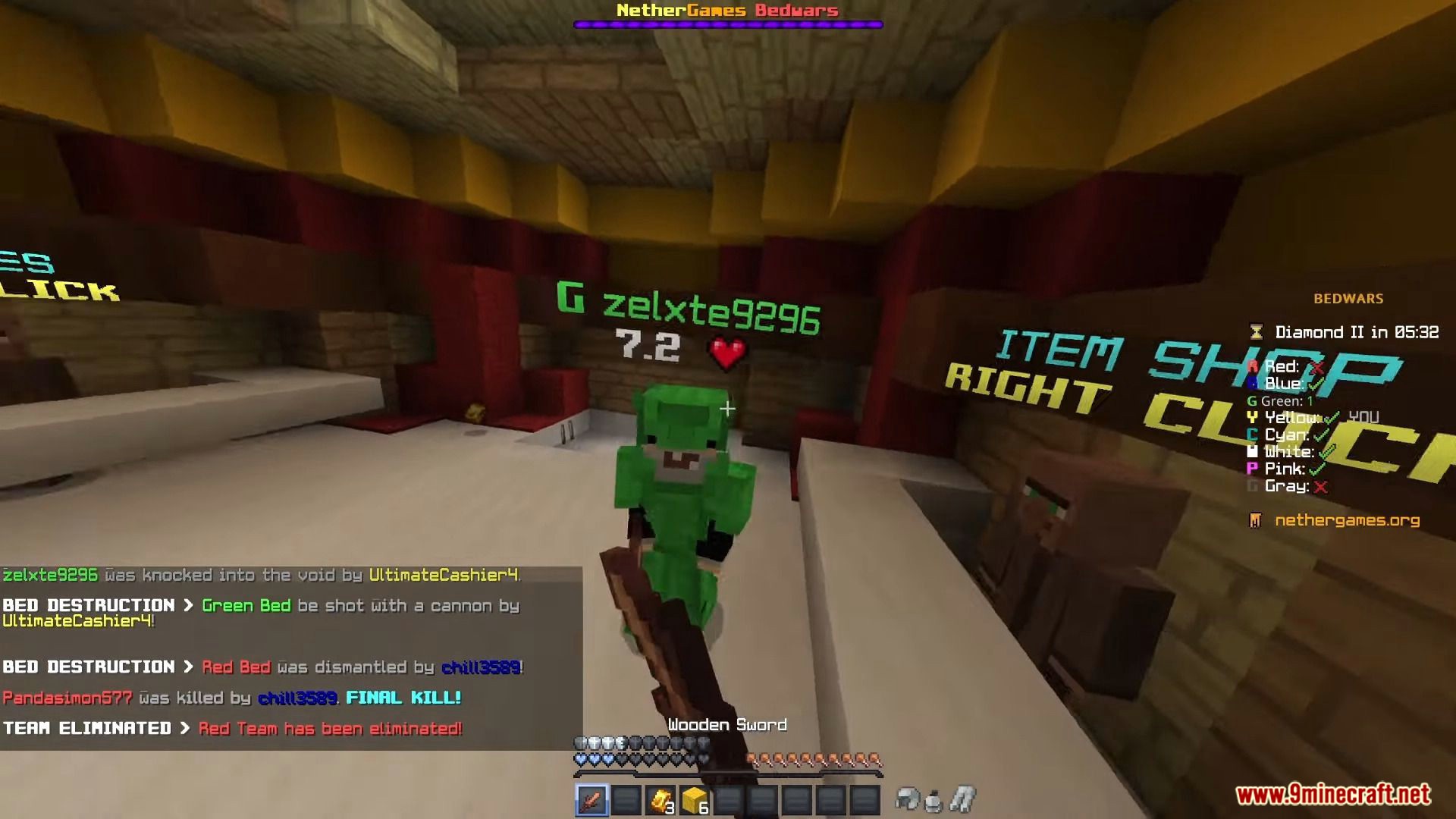
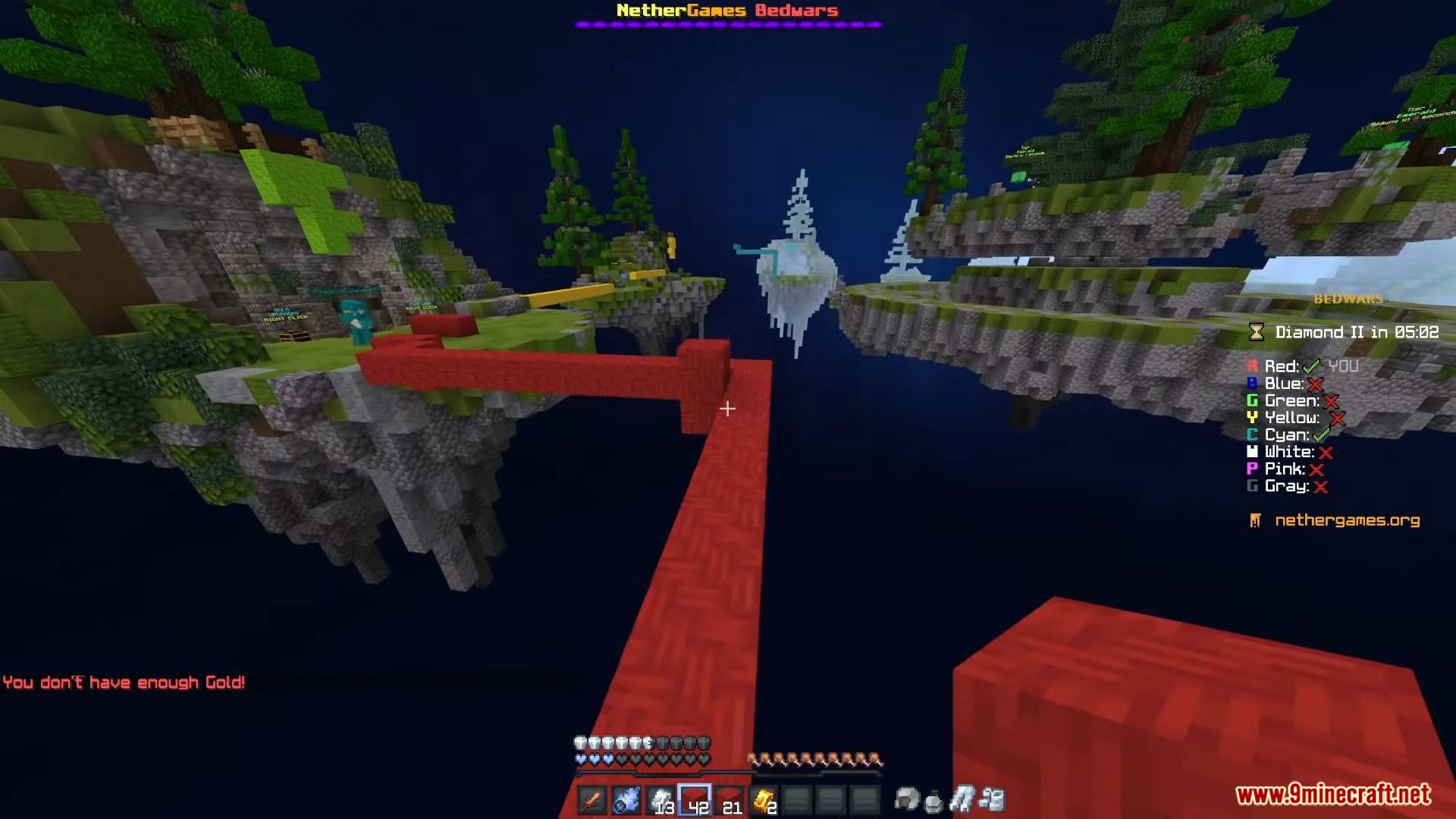
Bedezu Client Discover a new way to play Minecraft PE with the feature-rich Bedezu Client! Features: Optimized performance Enhanced controls Customization settings Unique gameplay enhancements Why You'll Love It: 1 Enjoy a smoother and more tailored Minecraft experience. 2 Access a suite of tools designed to improve your gameplay. 3 Make Minecraft PE truly your own. How to Get Started: 1 Download the Bedezu Client. 2 Install it in Minecraft PE. 3 Open your world and enjoy the new experience. Unleash your potential with the Bedezu Client!
Read the full details and screenshots
Open this resource in CraftyBox