
CRAFTYBOX
Preparing your block world
正在准备你的方块世界
First visit setup
首次访问设置
CRAFTYBOX
Preparing your block world
正在准备你的方块世界
First visit setup
首次访问设置
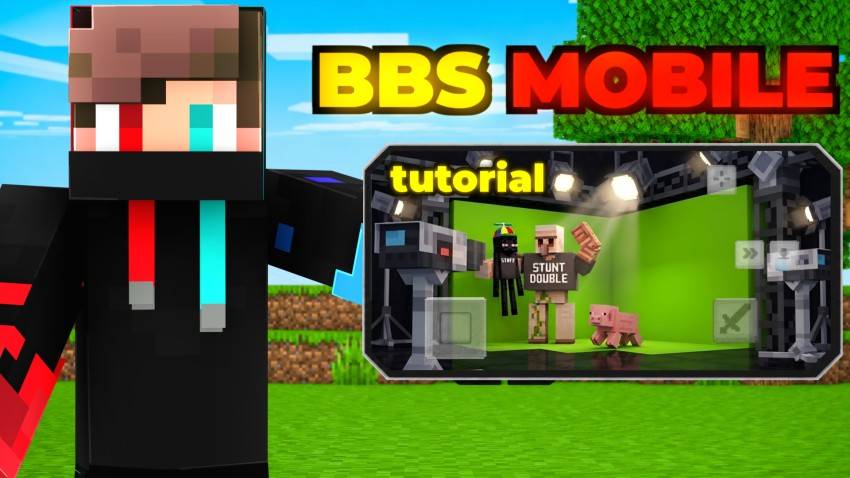
Bedrock Cinematic Studio Create professional machinimas, story videos, trailers, and roleplay scenes directly inside Minecraft Bedrock Edition! Features: Multi-actor recording with 20 TPS precision Live overdubbing to layer multiple character performances Custom Model Wand for spawning and posing NPCs Built-in player skins and cinematic camera controls Why You'll Love It: 1 Everything you need for filmmaking is built right into the game. 2 Record complex movements, attacks, and block interactions. 3 Perfect for content creators and storytellers. How to Get Started: 1 Download the Bedrock Cinematic Studio. 2 Install it in Minecraft PE. 3 Open your worl
Read the full details and screenshots
Open this resource in CraftyBox