
CRAFTYBOX
Preparing your block world
正在准备你的方块世界
First visit setup
首次访问设置
CRAFTYBOX
Preparing your block world
正在准备你的方块世界
First visit setup
首次访问设置
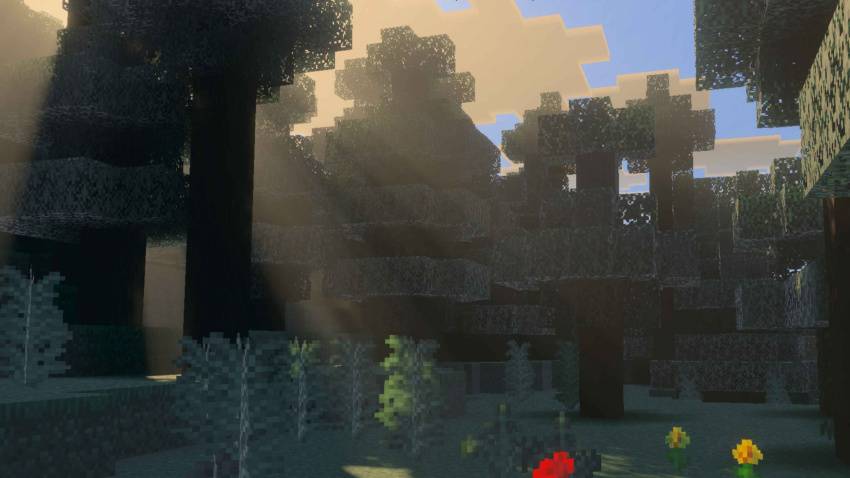
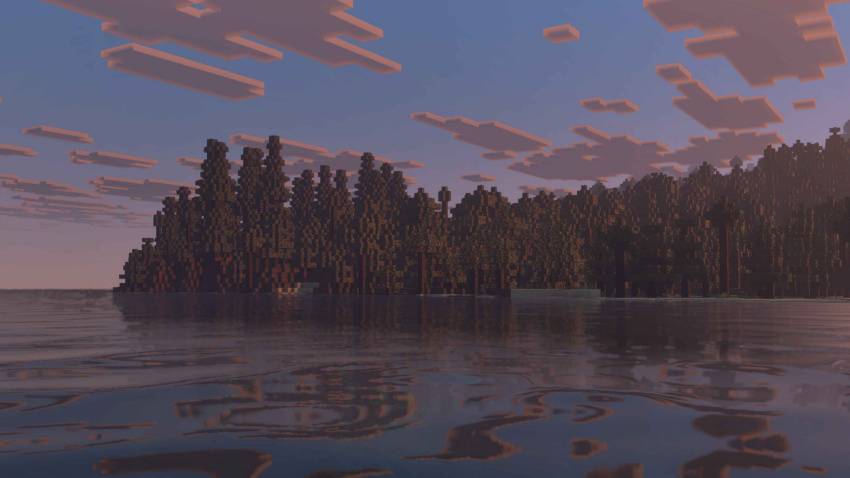
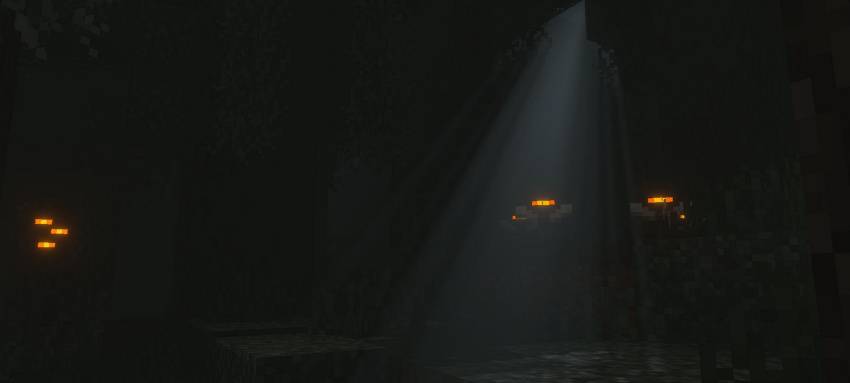
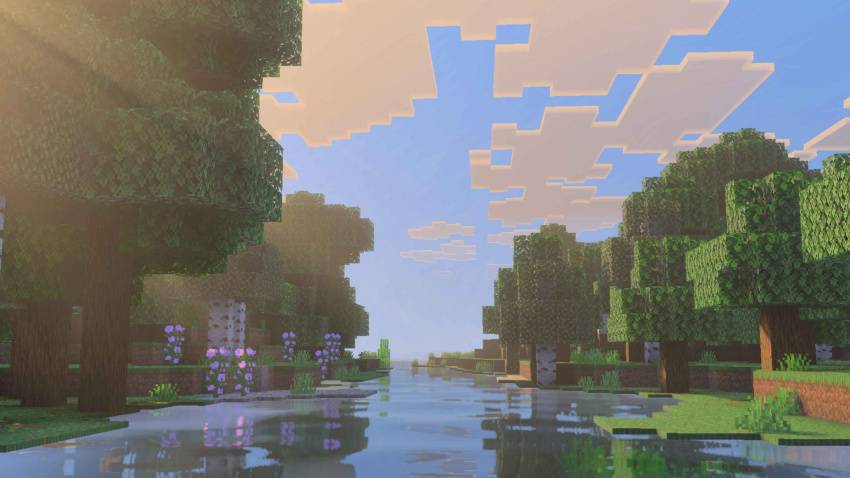
Better Vibrant Visuals Shader Better Vibrant Visuals Shader takes MCPE/Bedrock 1.26+ colors to the next level, polishing the vibrant look with sharper light and richer tones. Features: Refined vibrant color grading with balanced saturation Improved sunlight, glow, and ambient lighting Upgraded water and sky rendering Optimized for reliable FPS on most devices Why You'll Love It: 1 All the vibrance, none of the over-saturated mess 2 Landscapes and builds pop in every screenshot 3 Plug-and-play beauty with no configuration needed How to Get Started: 1 Download the Better Vibrant Visuals Shader. 2 Install it in Minecraft PE. 3 Open your world and enjoy
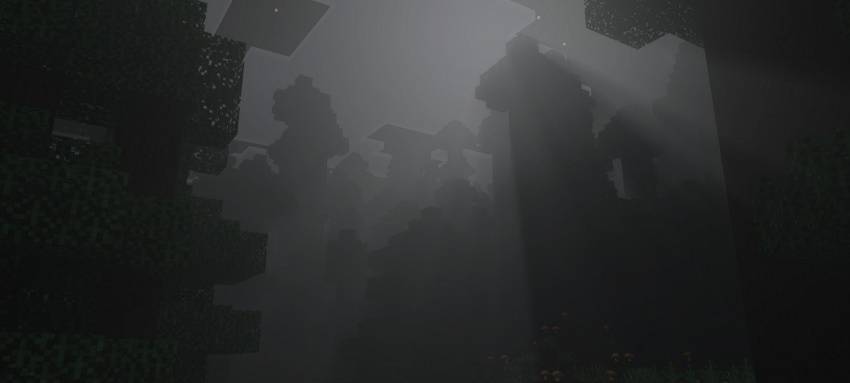
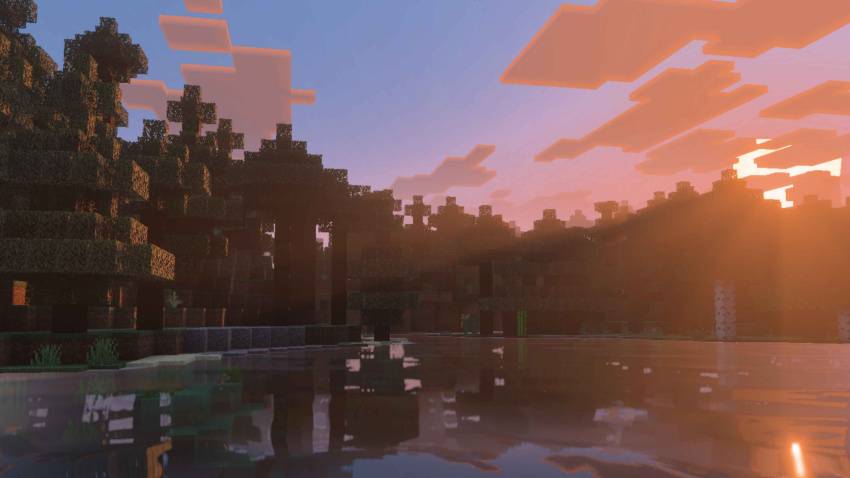
Read the full details and screenshots
Open this resource in CraftyBox
More Vibrant Visuals resources