
CRAFTYBOX
Preparing your block world
正在准备你的方块世界
First visit setup
首次访问设置
CRAFTYBOX
Preparing your block world
正在准备你的方块世界
First visit setup
首次访问设置
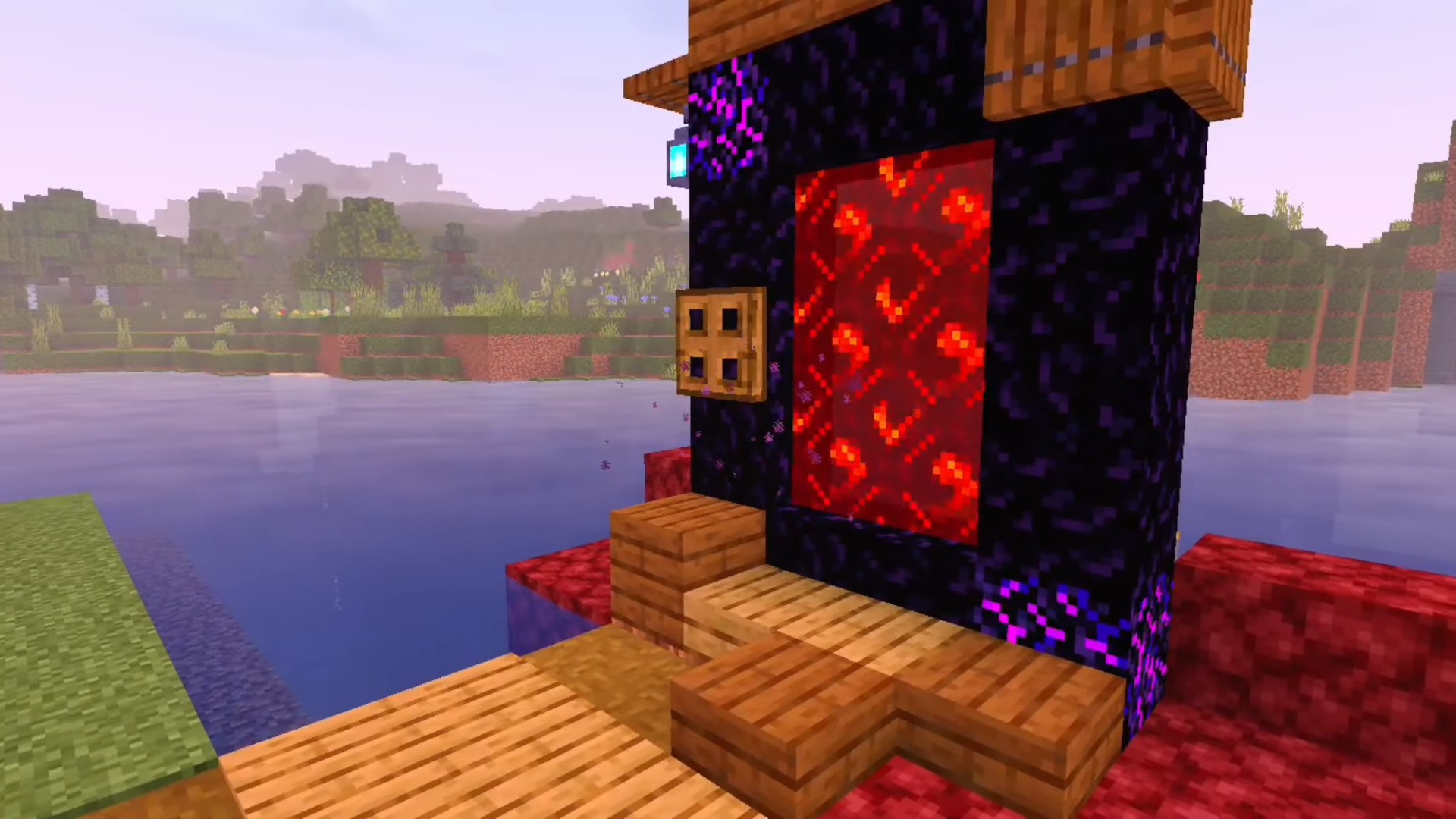
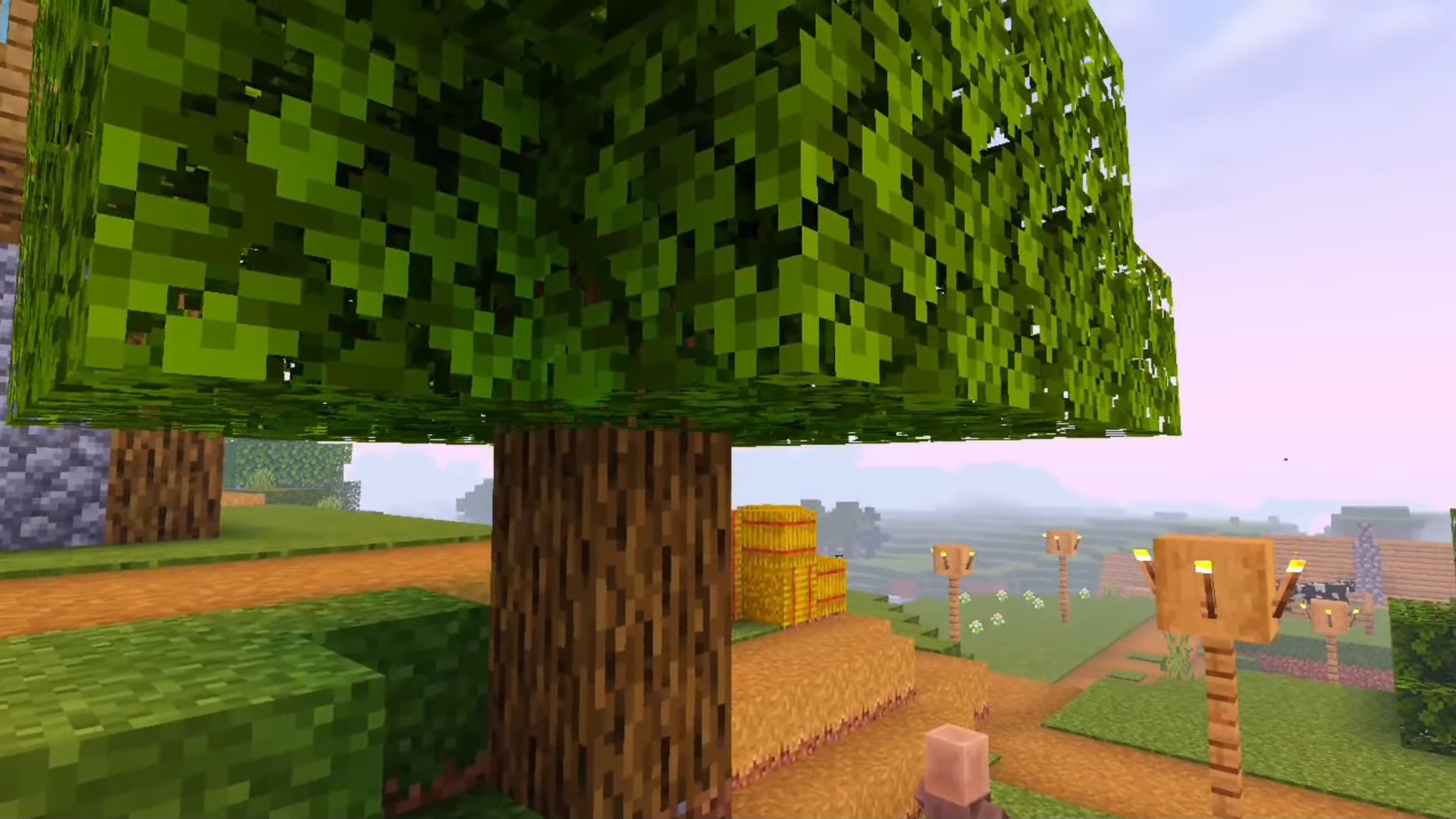
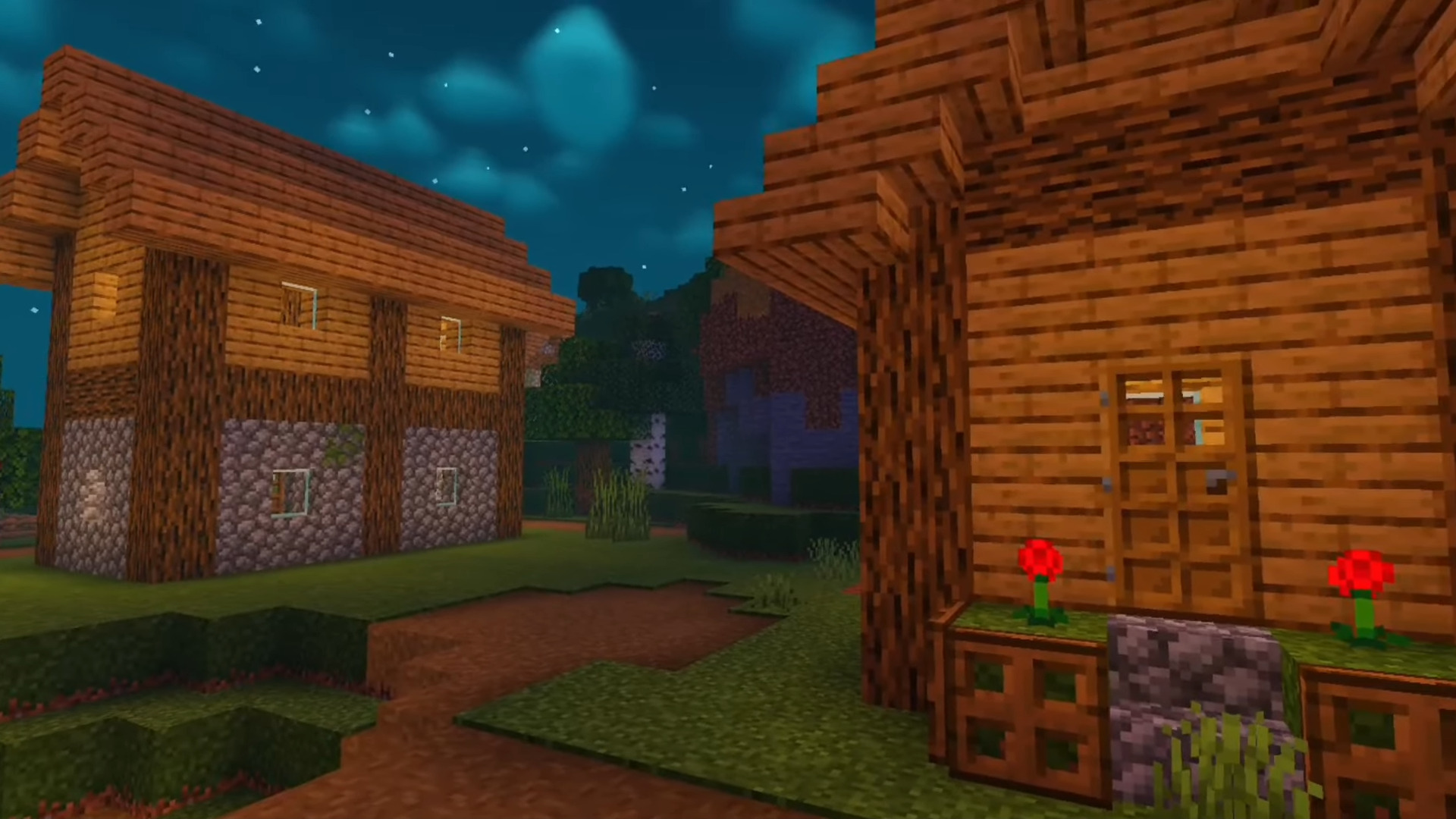
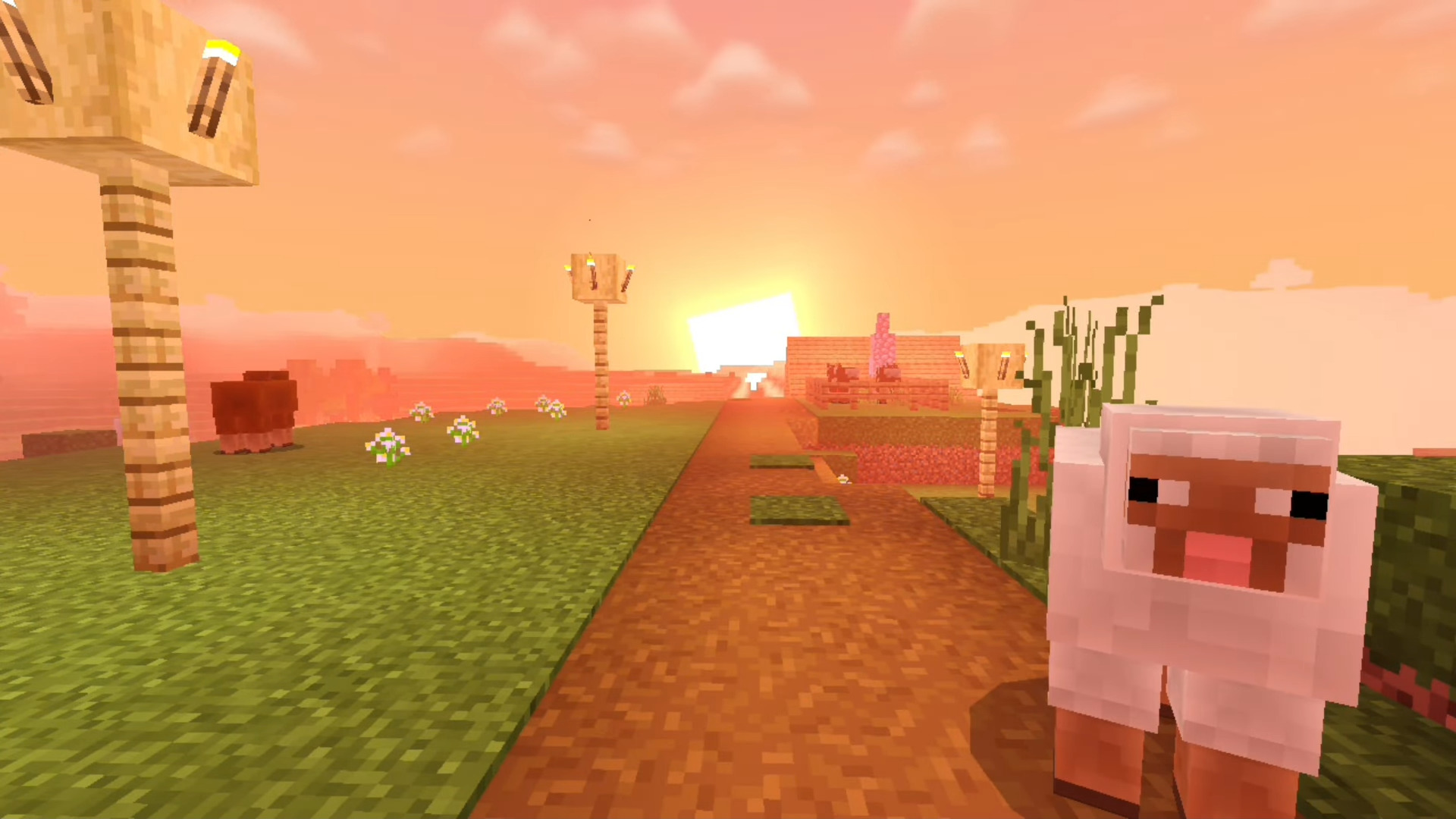
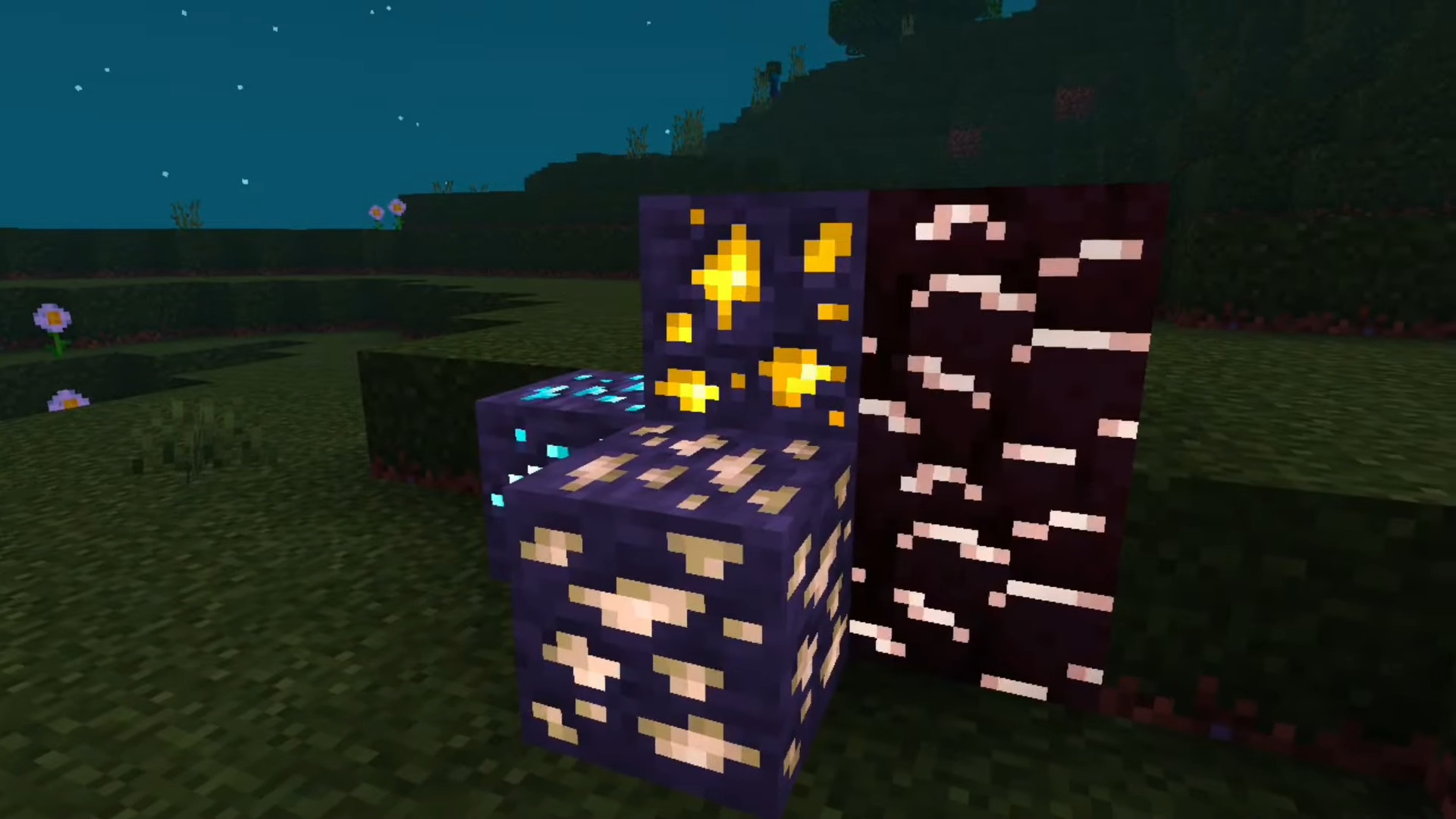
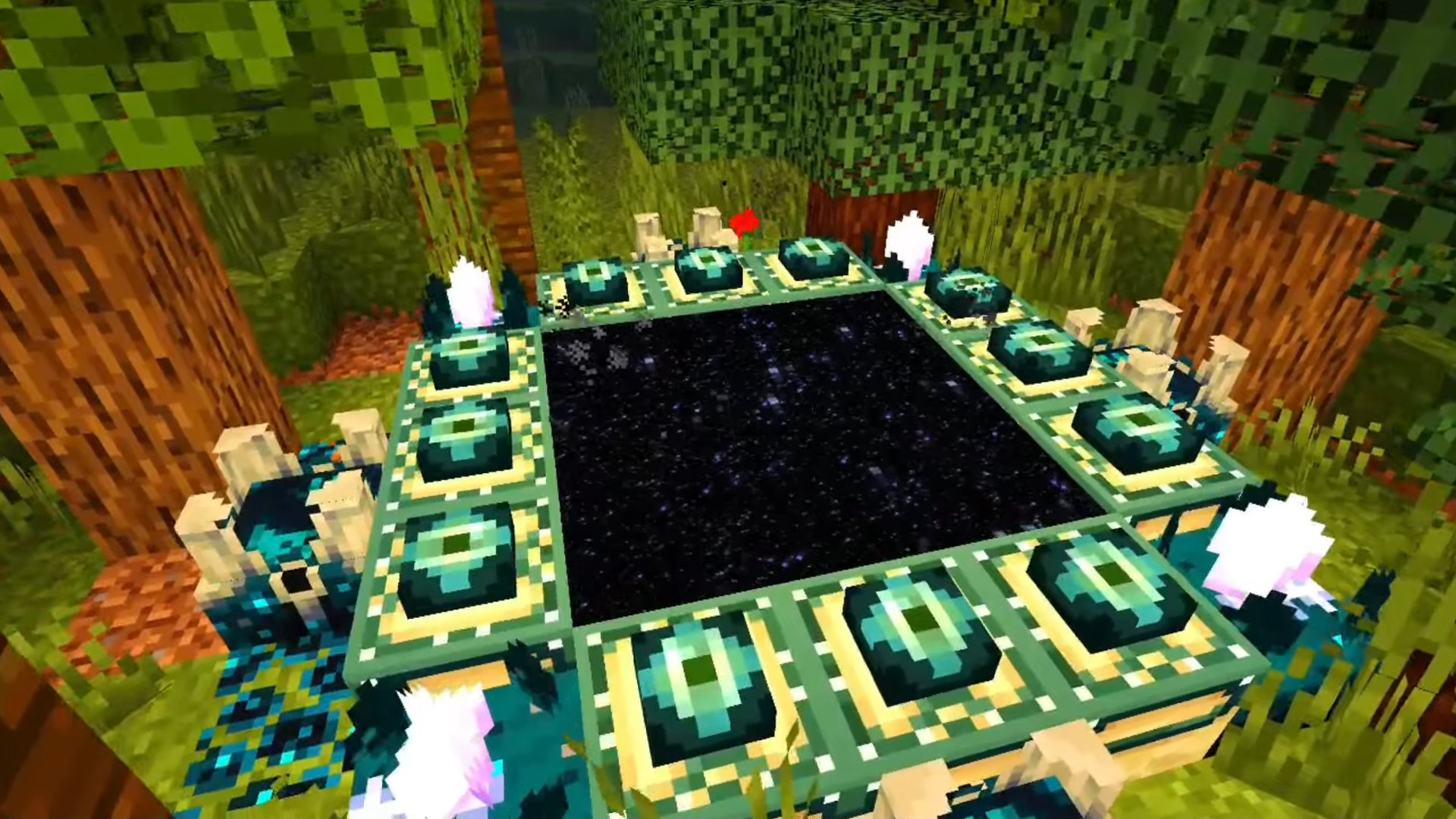
BSL Y Shader The best new shader for low-end devices — BSL Y brings the beloved BSL look to MCPE 1.21.31+ without melting your phone. Features: Specifically optimized for low-end devices BSL-inspired soft lighting and pastel skies Pretty water effects at a tiny performance cost Smart optimizations that keep FPS stable Why You'll Love It: 1 Premium shader looks on budget hardware 2 No more choosing between beauty and playability 3 Quick install, instant upgrade How to Get Started: 1 Download the BSL Y Shader. 2 Install it in Minecraft PE. 3 Open your world and enjoy the new experience. Big shader energy, small device friendly!
Read the full details and screenshots
Open this resource in CraftyBox