
CRAFTYBOX
Preparing your block world
正在准备你的方块世界
First visit setup
首次访问设置
CRAFTYBOX
Preparing your block world
正在准备你的方块世界
First visit setup
首次访问设置

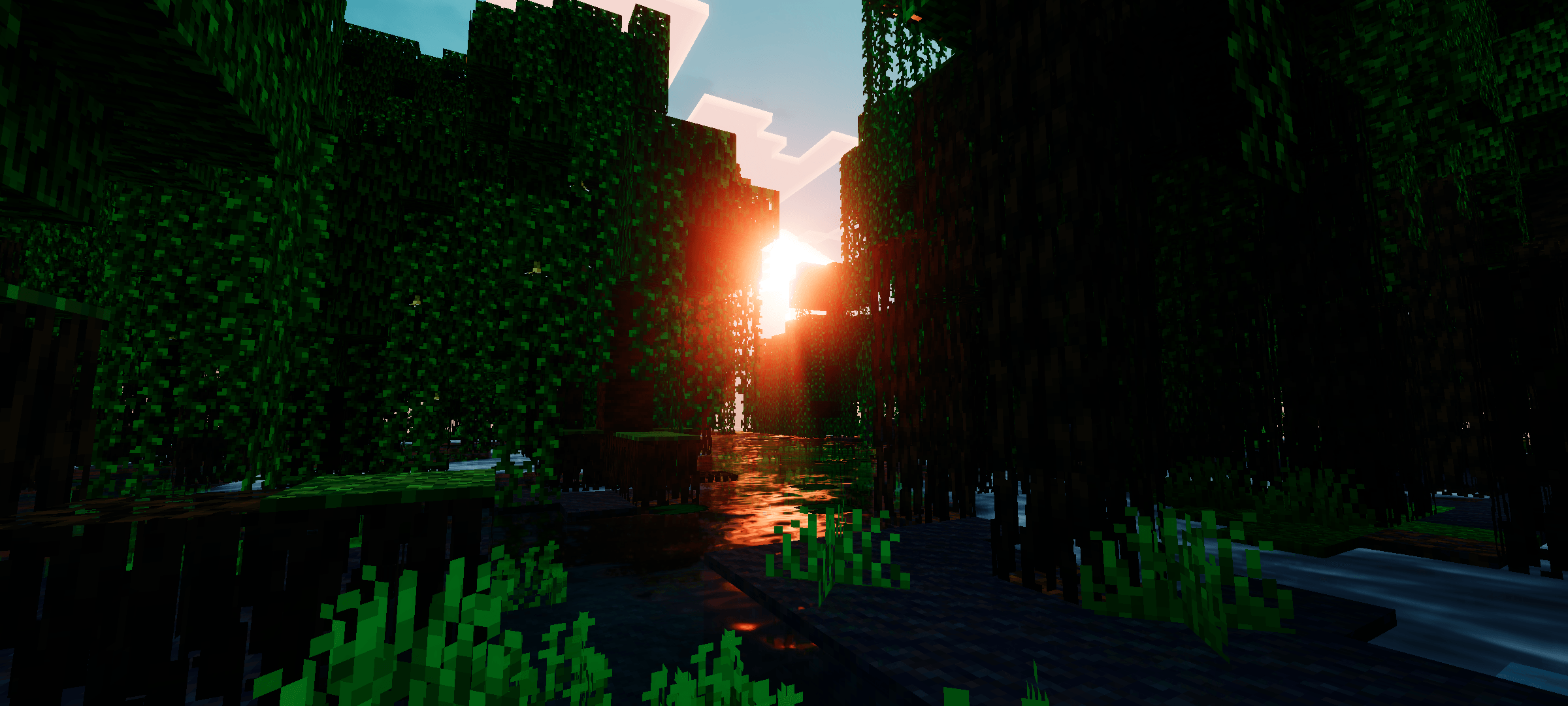
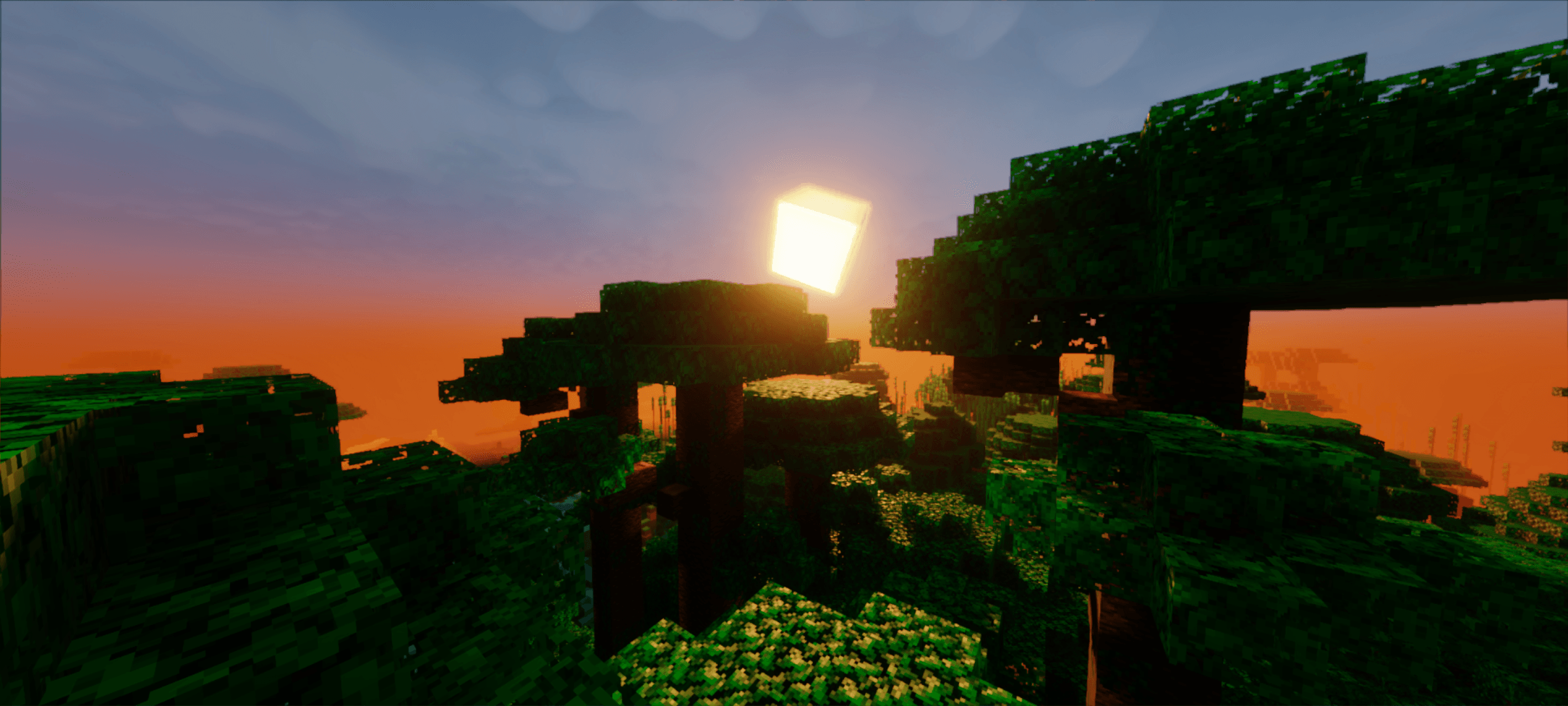
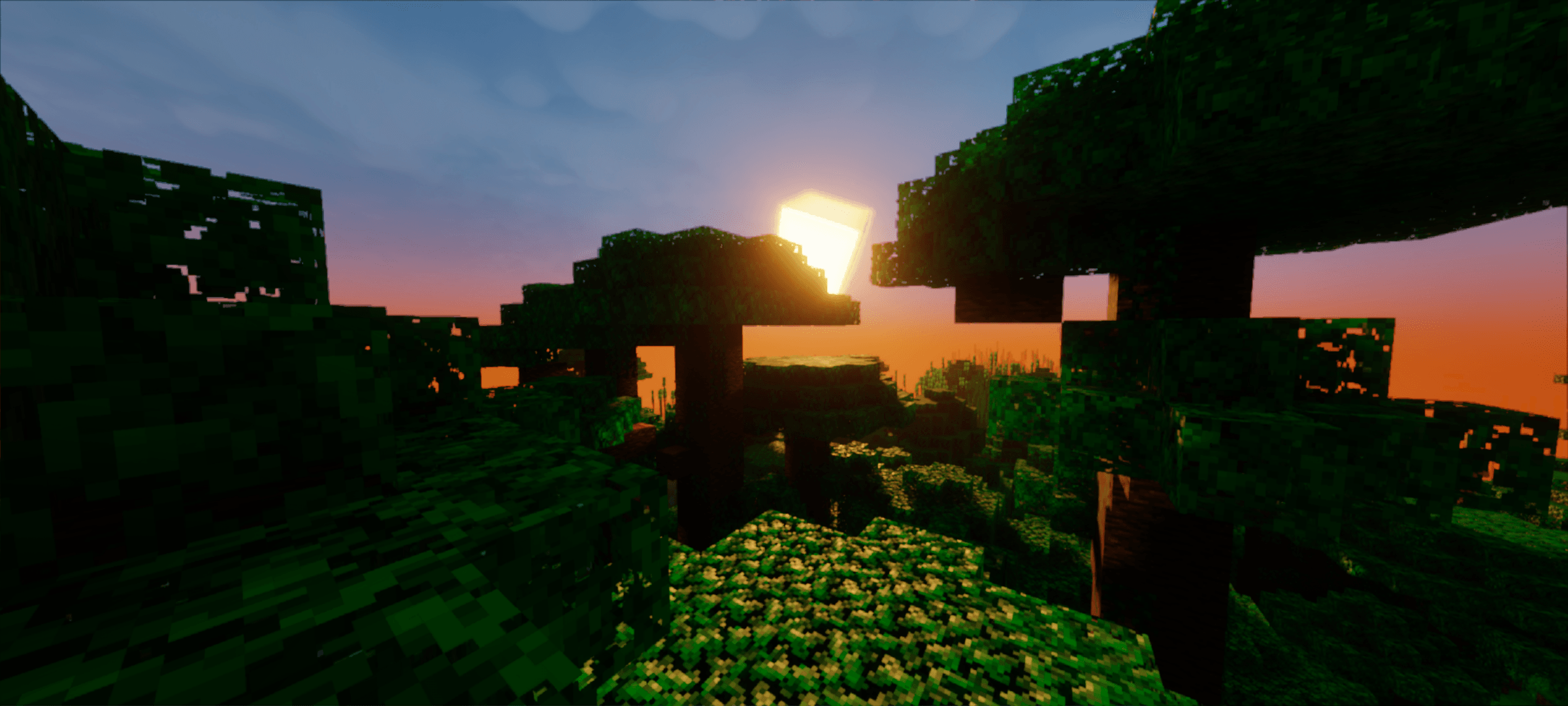
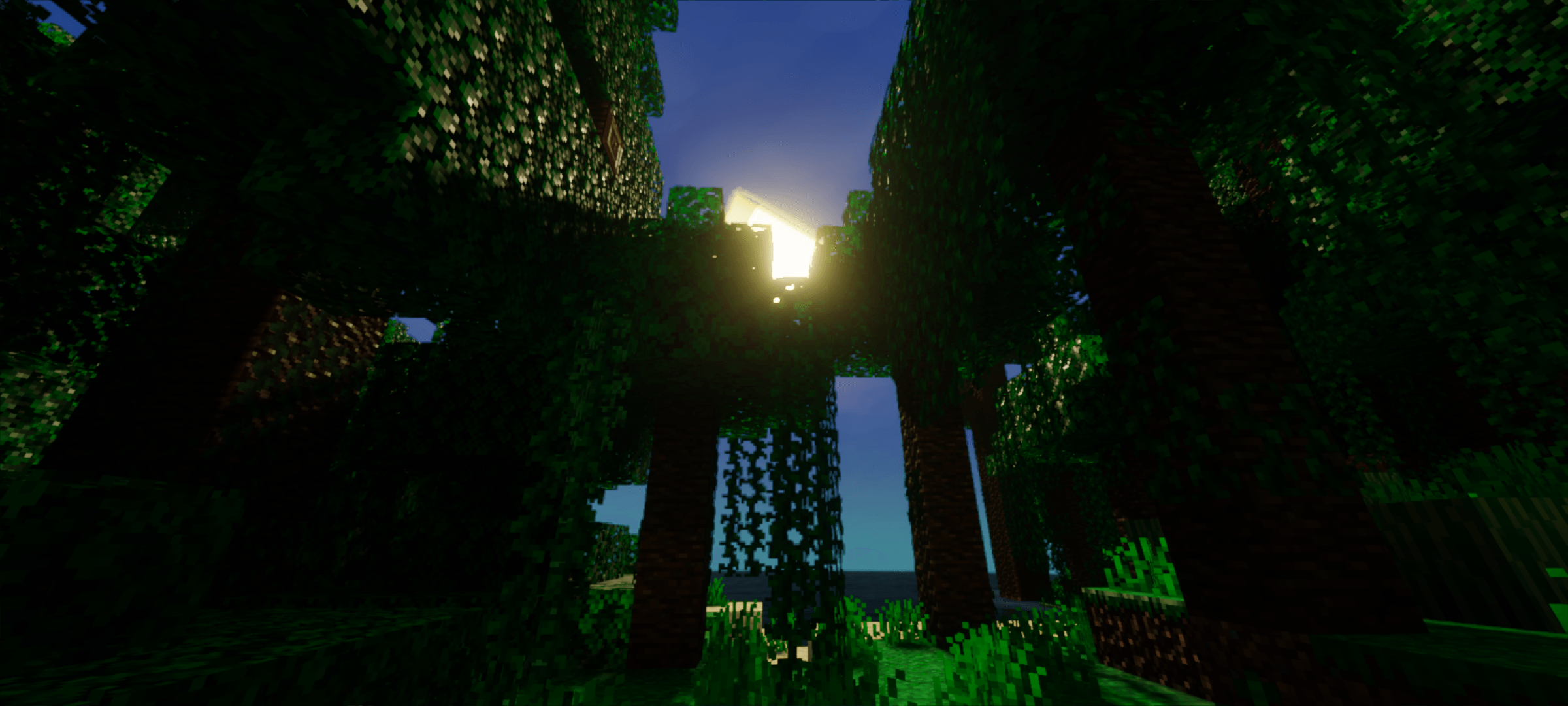
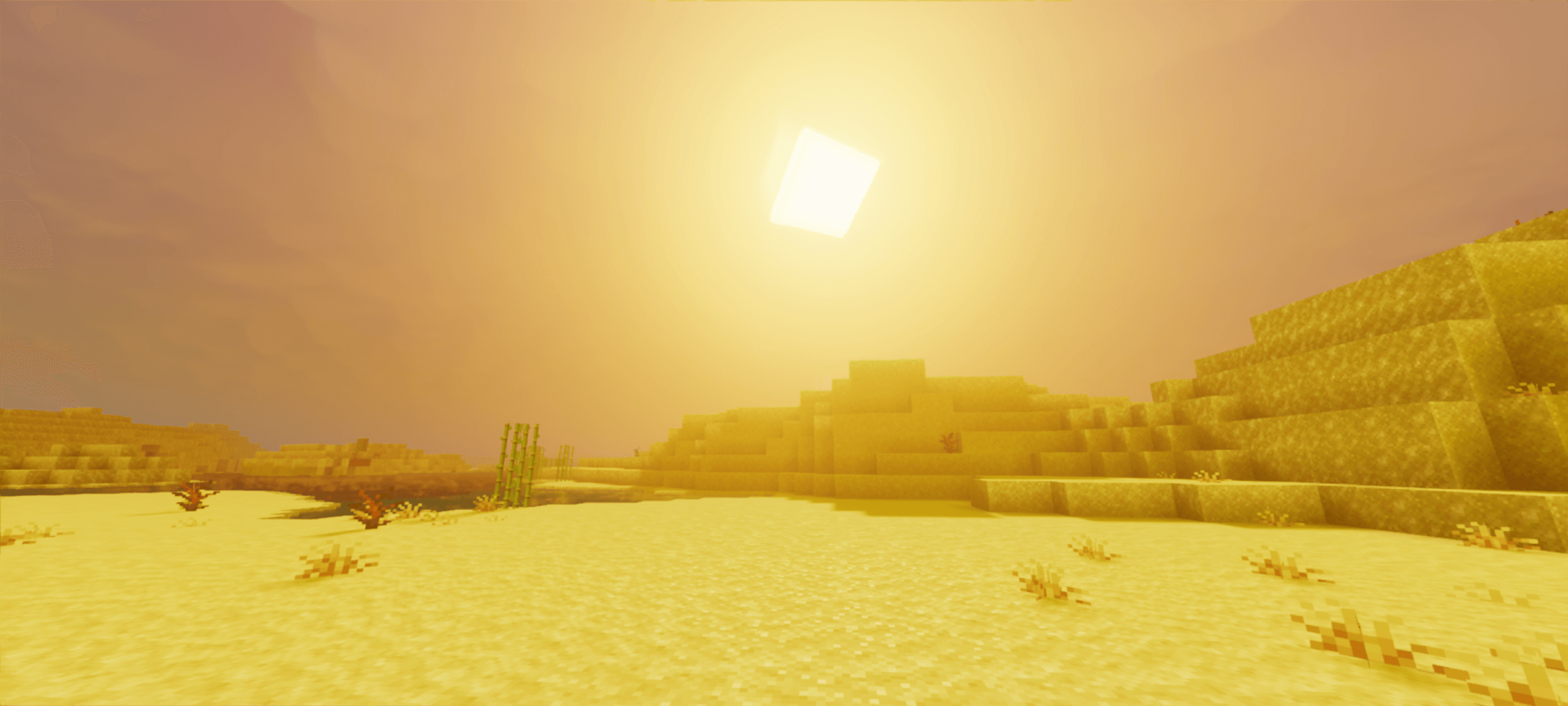
CineDream Plus Shader Turn your worlds into a dreamy movie set with the cinematic tones and soft bloom of CineDream Plus for MCPE 1.26+. Features: Film-grade color grading with gentle bloom Dreamy atmospheric lighting across all times of day Soft depth and glow around light sources Tuned for MCPE/Bedrock 1.26+ RenderDragon Why You'll Love It: 1 Instantly cinematic footage and screenshots 2 Soft, dreamlike mood for builds 3 Smooth playback on Bedrock devices How to Get Started: 1 Download the CineDream Plus Shader. 2 Install it in Minecraft PE. 3 Open your world and enjoy the new experience. Roll camera on your own Minecraft movie.
Open this resource in CraftyBox