
CRAFTYBOX
Preparing your block world
正在准备你的方块世界
First visit setup
首次访问设置
CRAFTYBOX
Preparing your block world
正在准备你的方块世界
First visit setup
首次访问设置
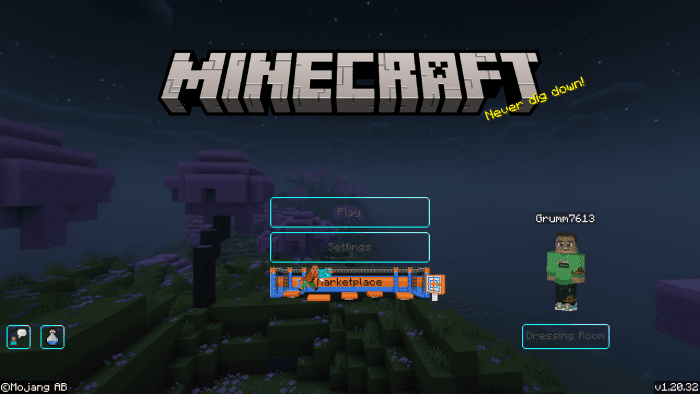
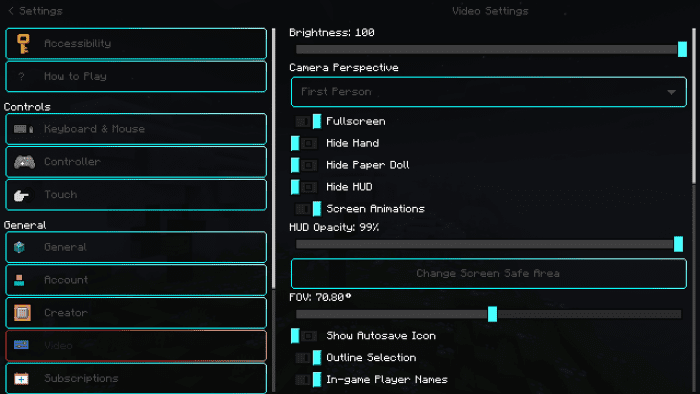
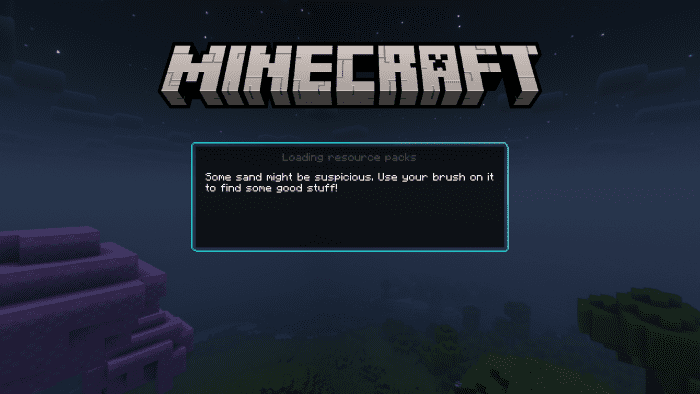
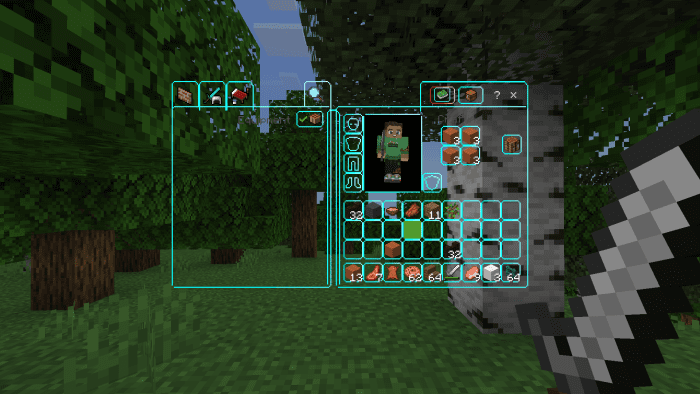
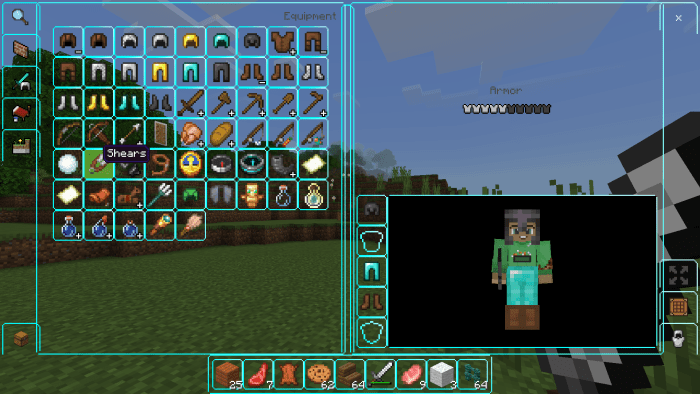
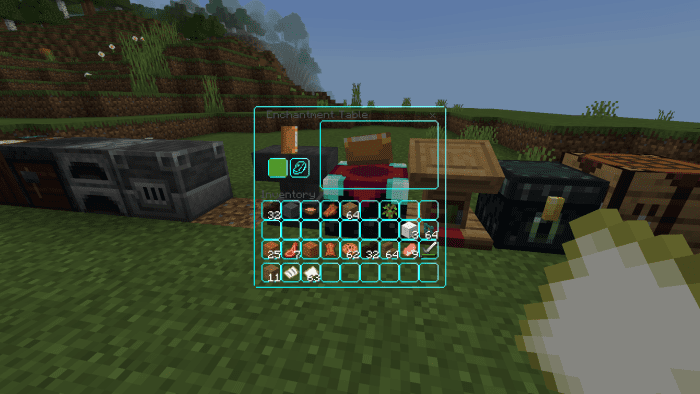
Clean UI Pack A fresh coat of polish for every menu! Clean UI redesigns Minecraft PE's interface with a sleek, minimal look — smoother buttons, tidier screens, and less visual noise. Features: Minimal, modern redesign of menus and HUD Cleaner buttons and readable text on all devices Faster navigation with an uncluttered layout Subtle transparency effects for a premium feel Why You'll Love It: 1 The game instantly feels newer and more polished 2 Menus are easier on the eyes during long sessions 3 Works everywhere without touching gameplay How to Get Started: 1 Download the Clean UI Pack. 2 Install it in Minecraft PE. 3 Open your world and enjoy the ne
Read the full details and screenshots
Open this resource in CraftyBox