
CRAFTYBOX
Preparing your block world
正在准备你的方块世界
First visit setup
首次访问设置
CRAFTYBOX
Preparing your block world
正在准备你的方块世界
First visit setup
首次访问设置
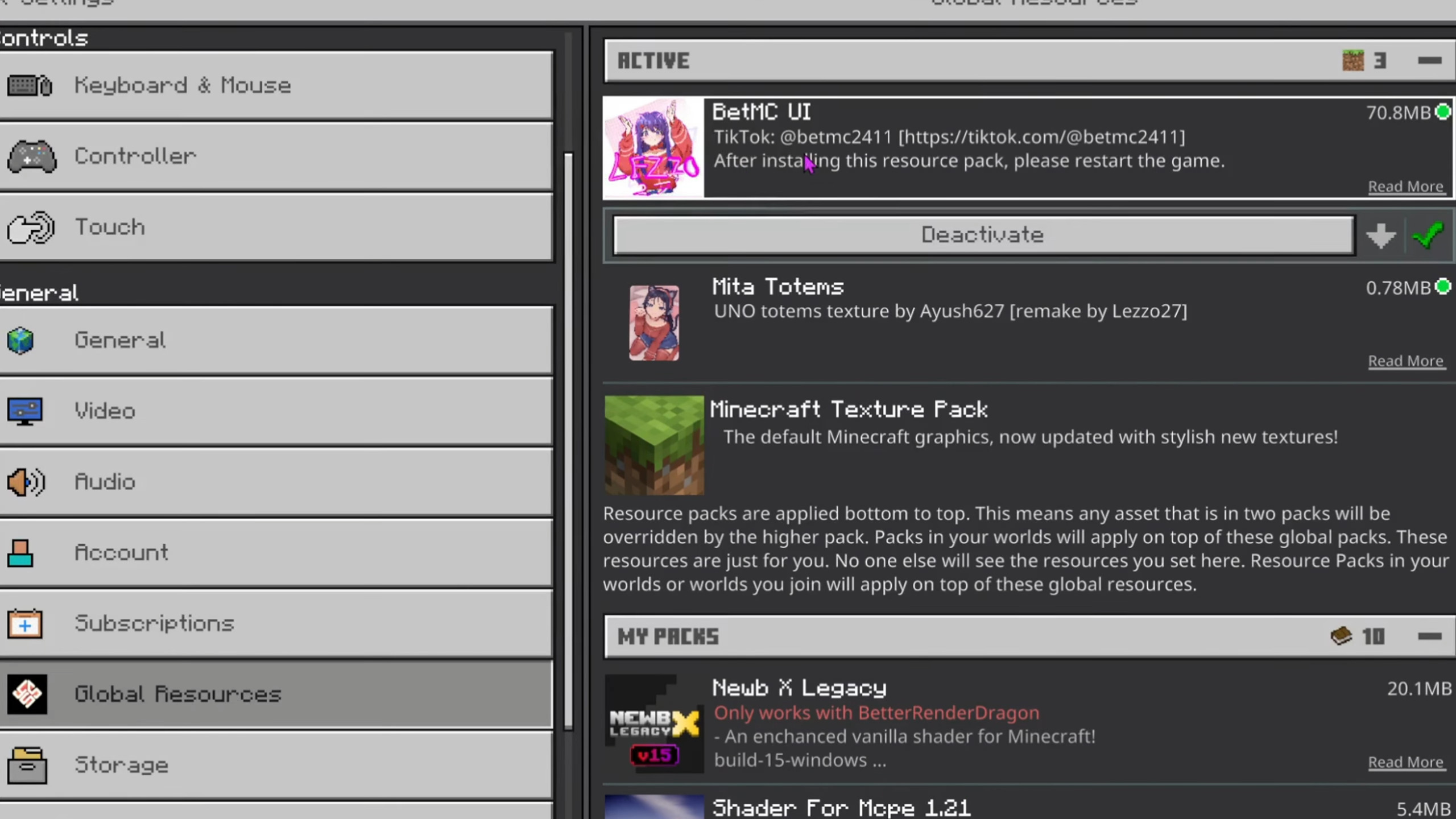
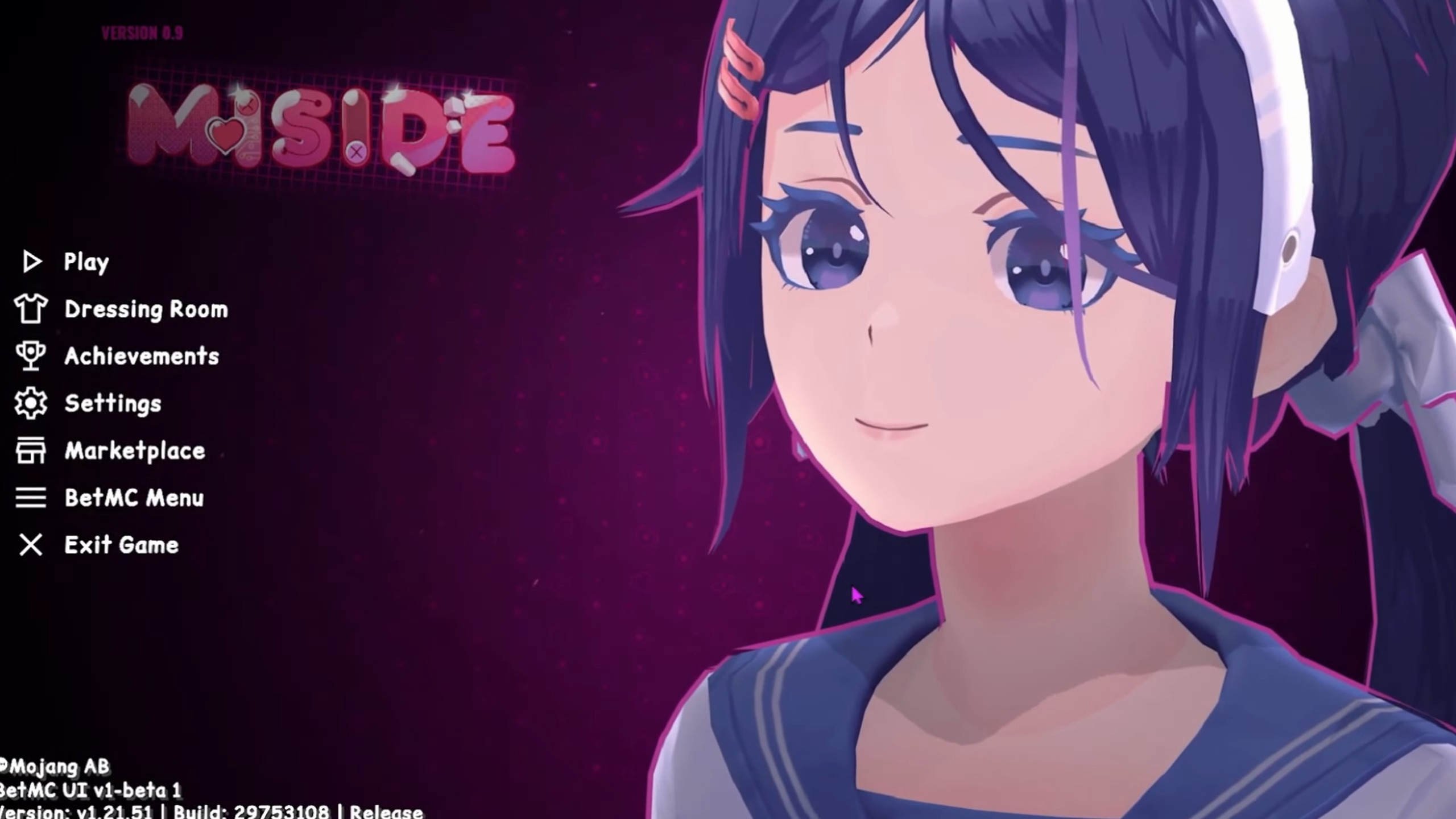
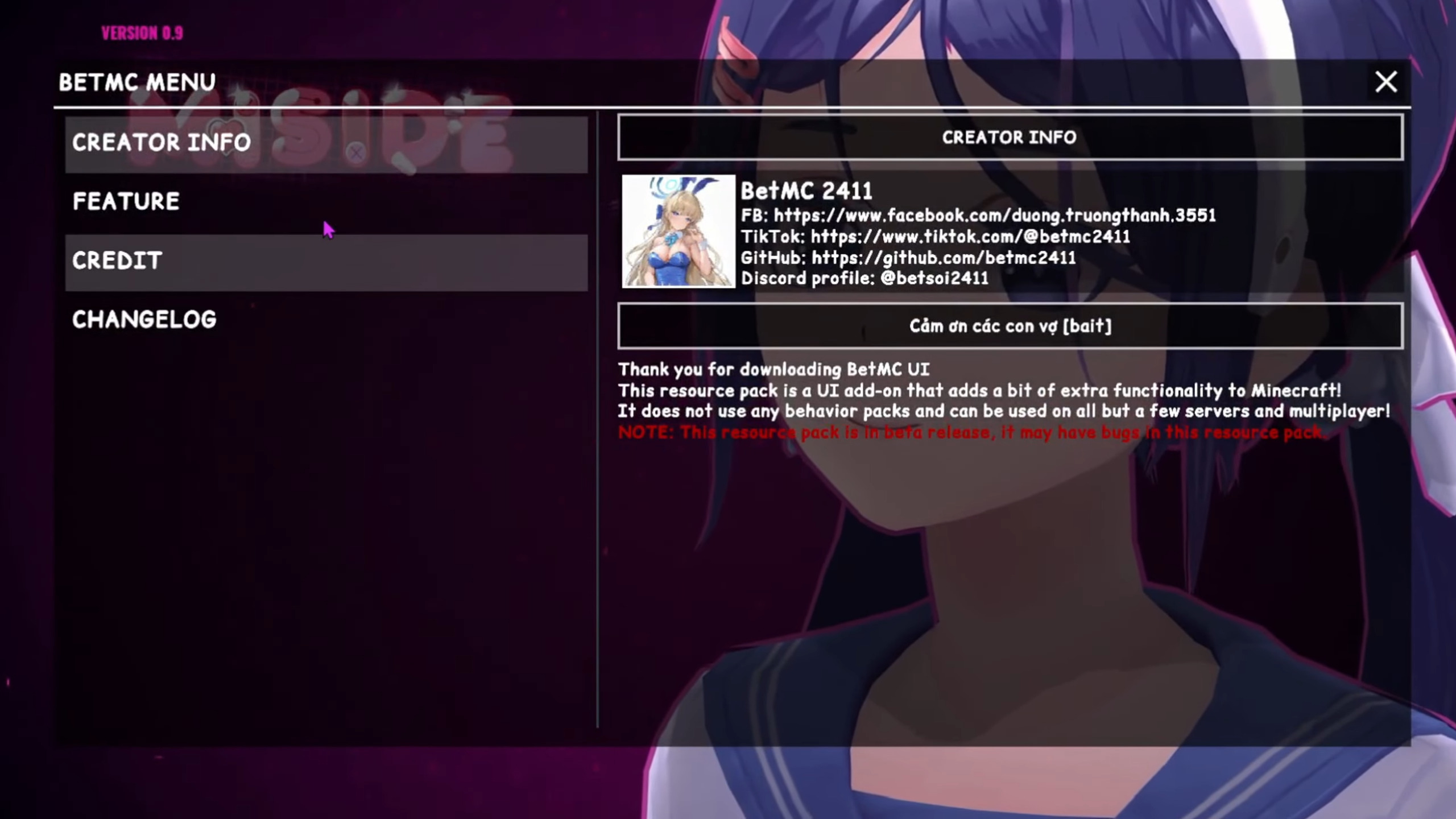
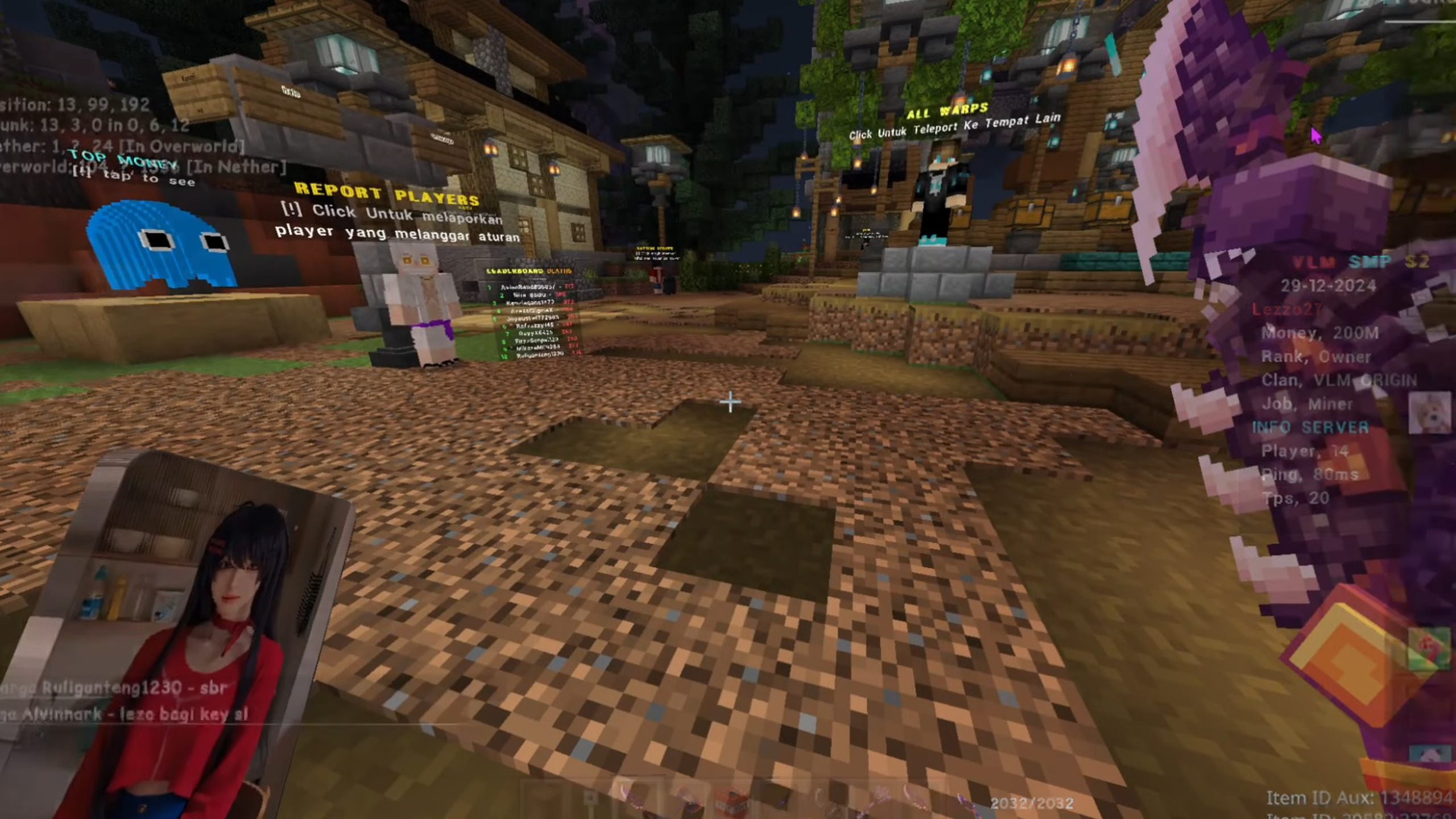
Mita UI Pack Refresh your Bedrock interface with the Mita UI Pack, a clean and charming redesign of every menu you touch. Features: Beautifully restyled buttons, panels and screens across the game A cohesive theme that makes menus feel modern and polished Smooth, uncluttered layouts for faster navigation Fully client-side, so it works in any world or server Why You'll Love It: 1 Your everyday menus finally look as good as your builds 2 Easier to find what you need with a tidier interface 3 Adds personality to Minecraft PE without changing gameplay How to Get Started: 1 Download the Mita UI Pack. 2 Install it in Minecraft PE. 3 Open your world and enj
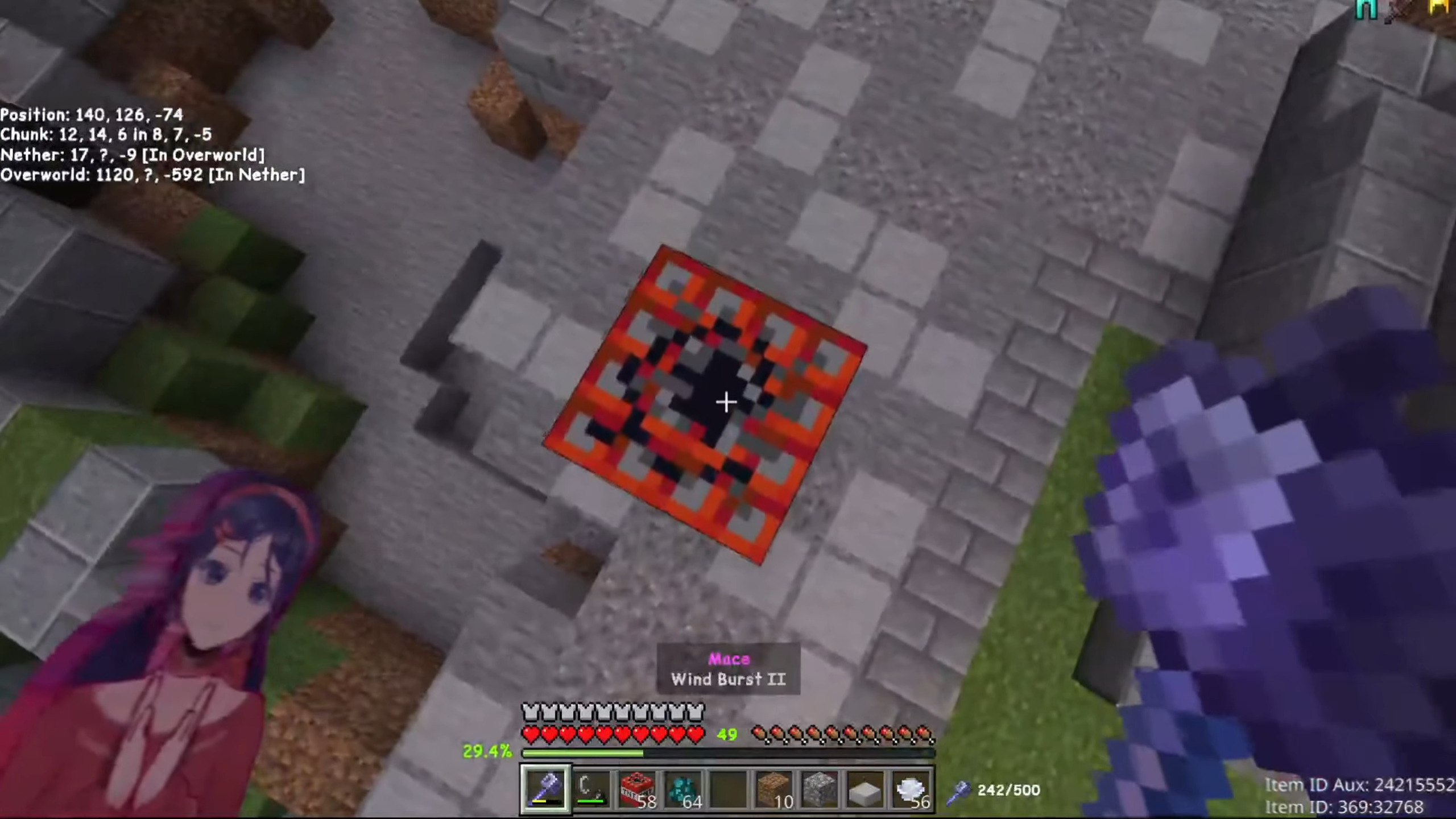
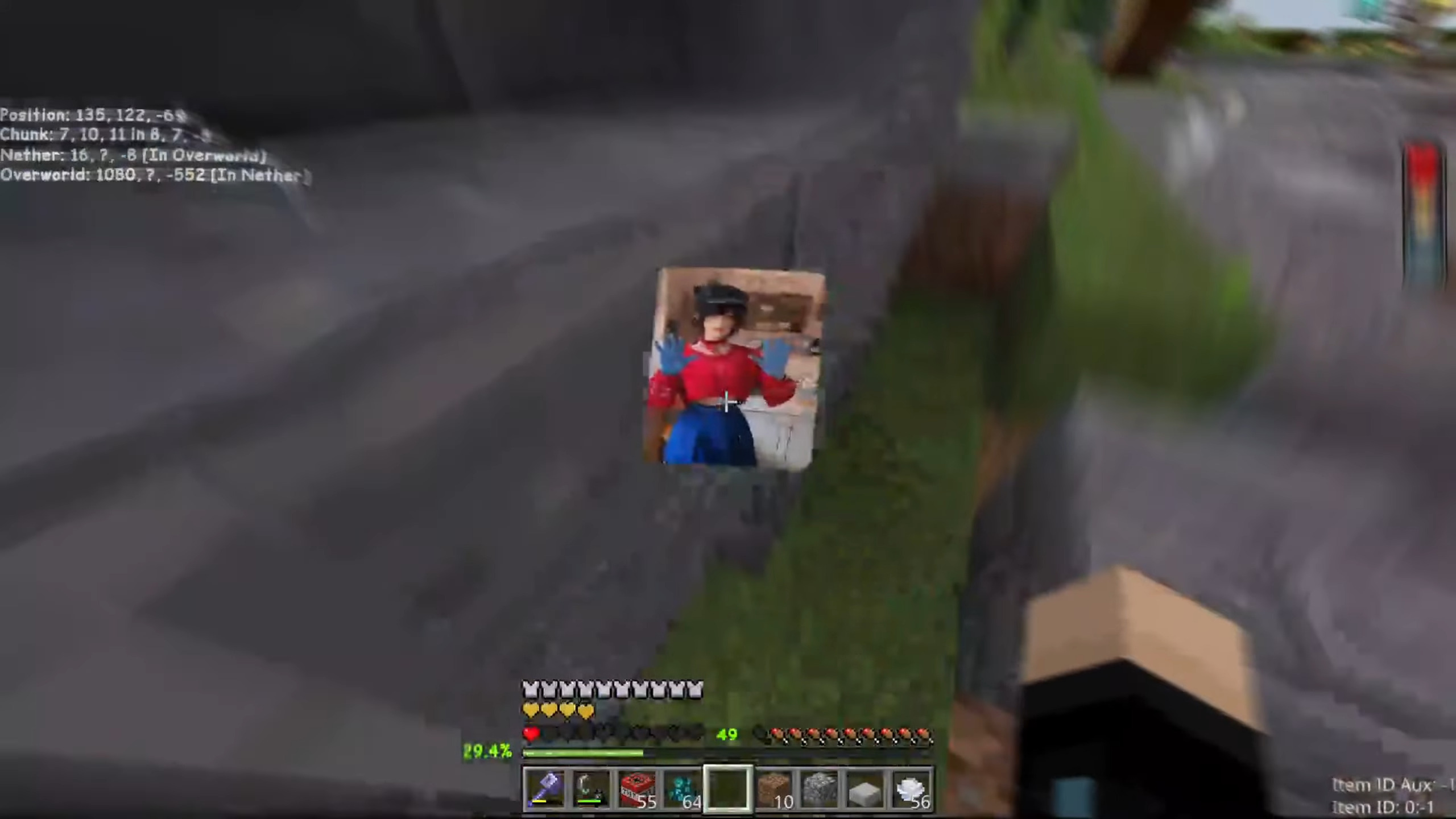
Read the full details and screenshots
Open this resource in CraftyBox