
CRAFTYBOX
Preparing your block world
正在准备你的方块世界
First visit setup
首次访问设置
CRAFTYBOX
Preparing your block world
正在准备你的方块世界
First visit setup
首次访问设置
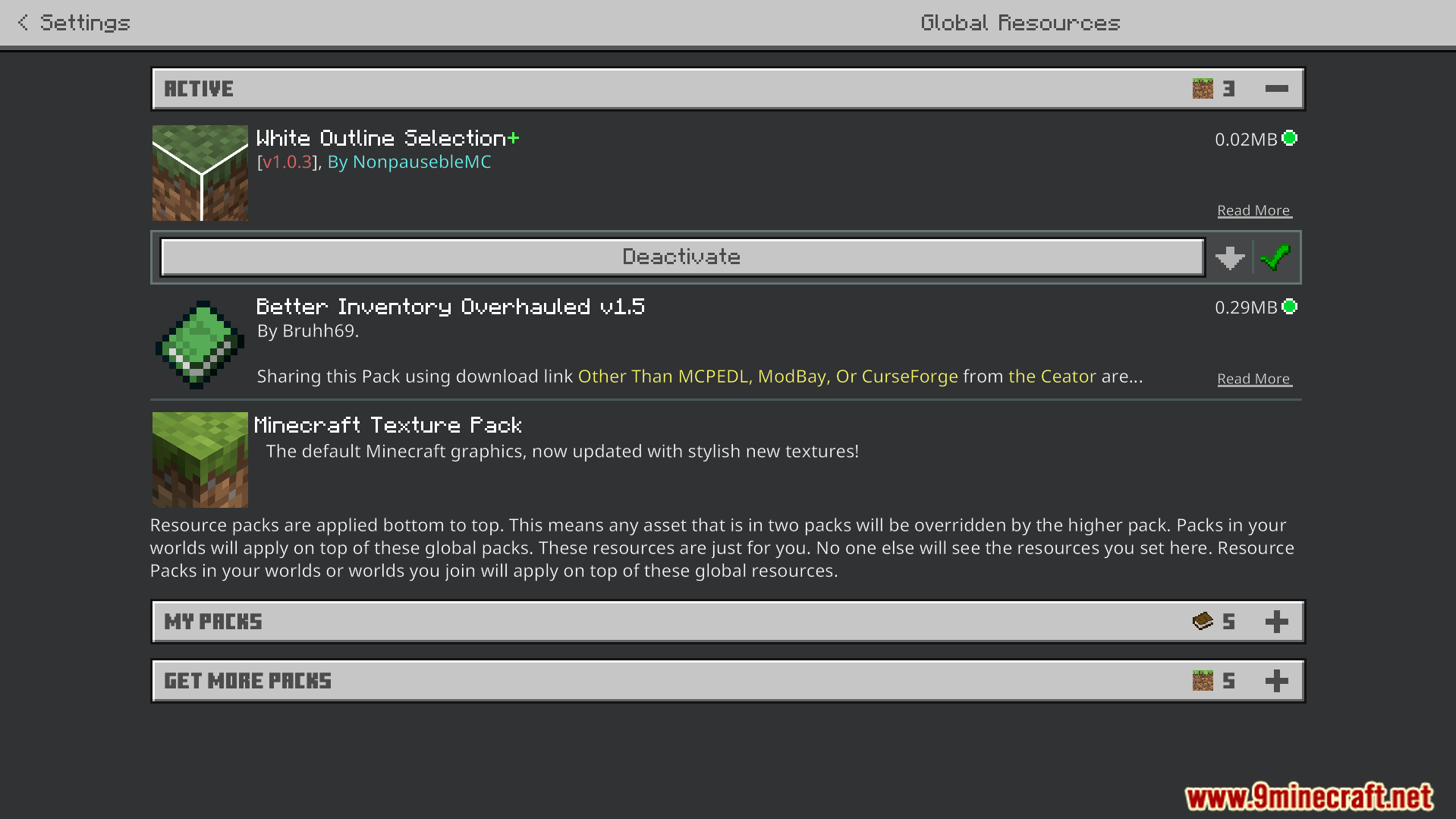
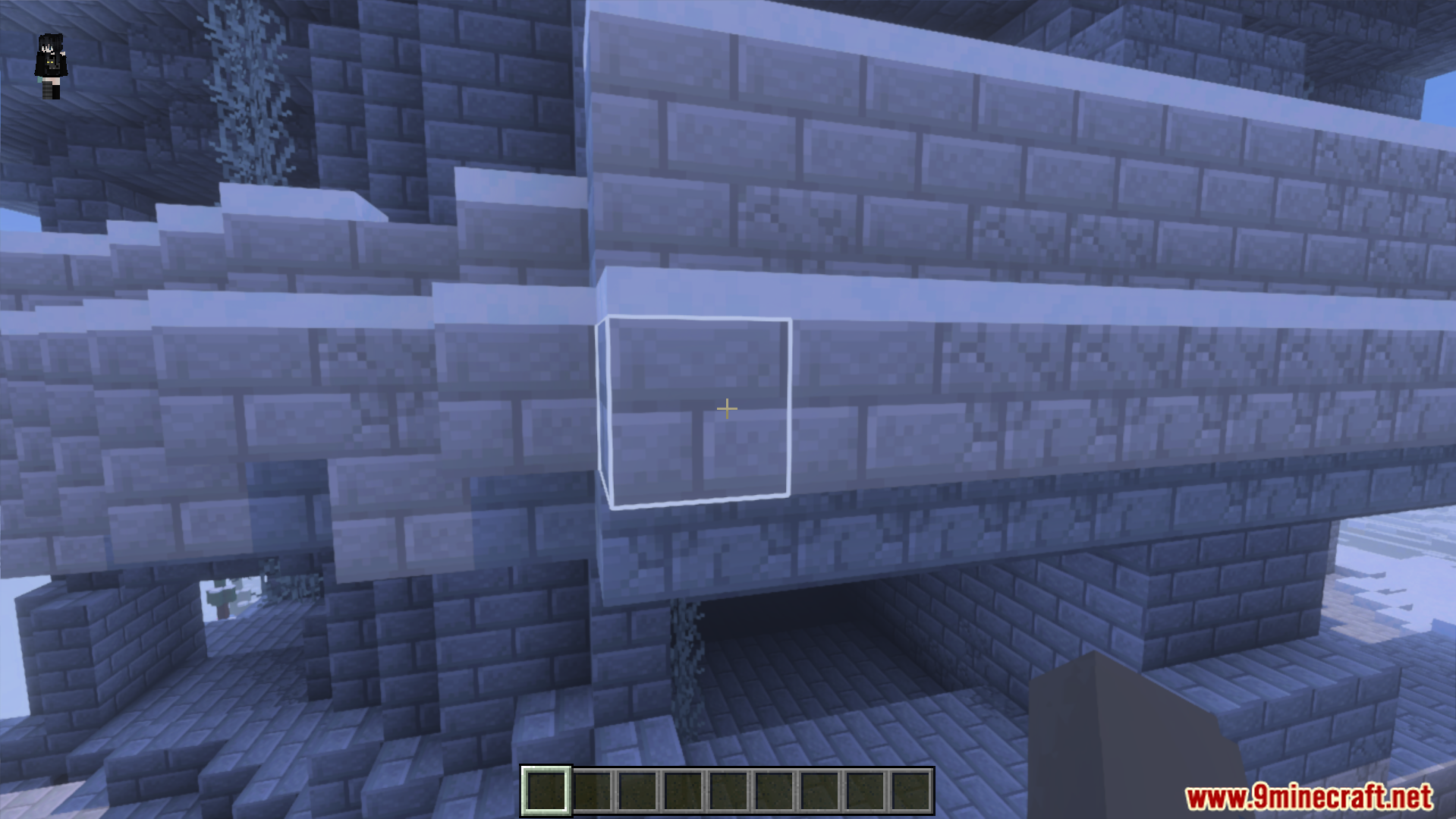
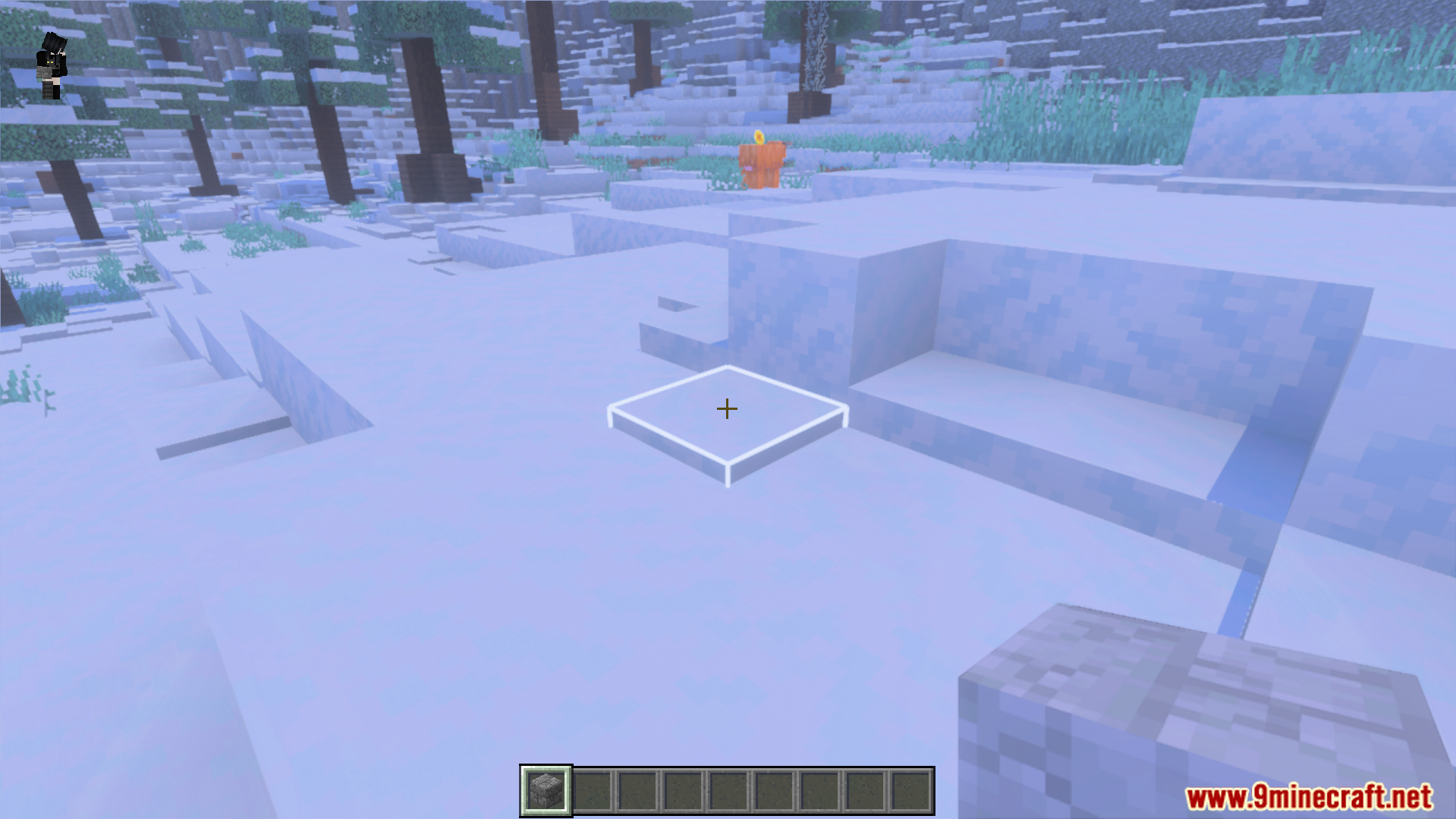
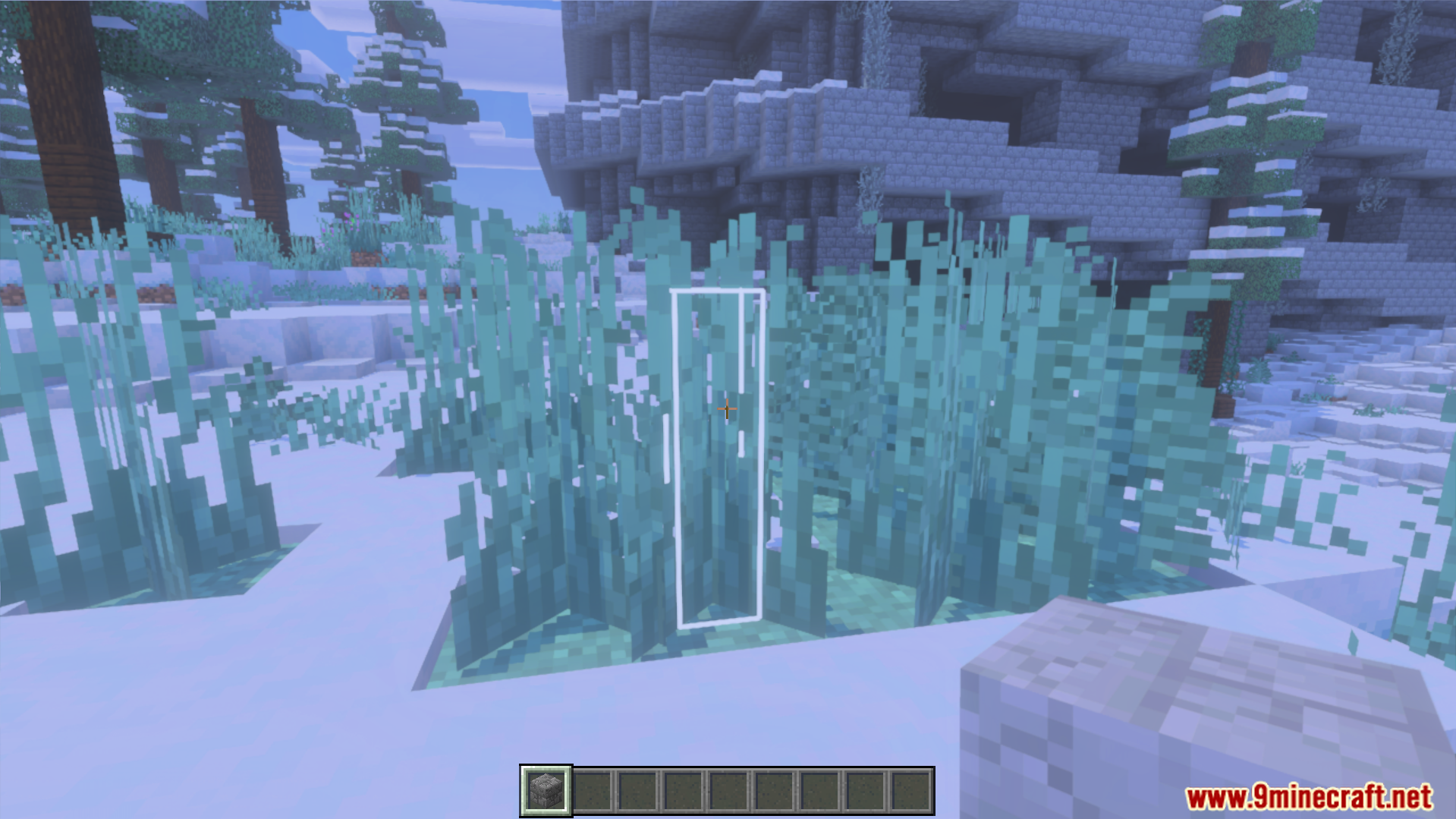
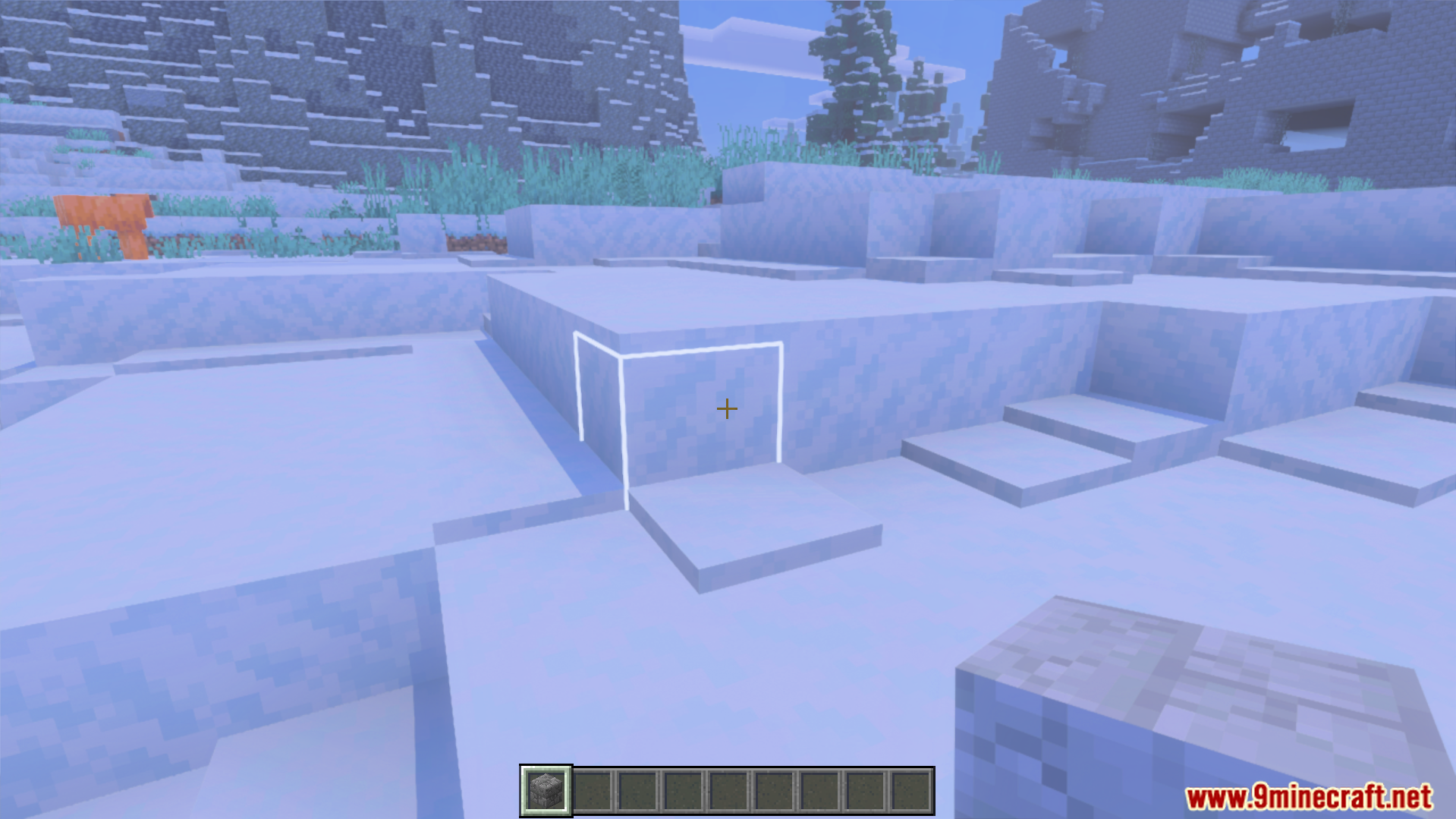
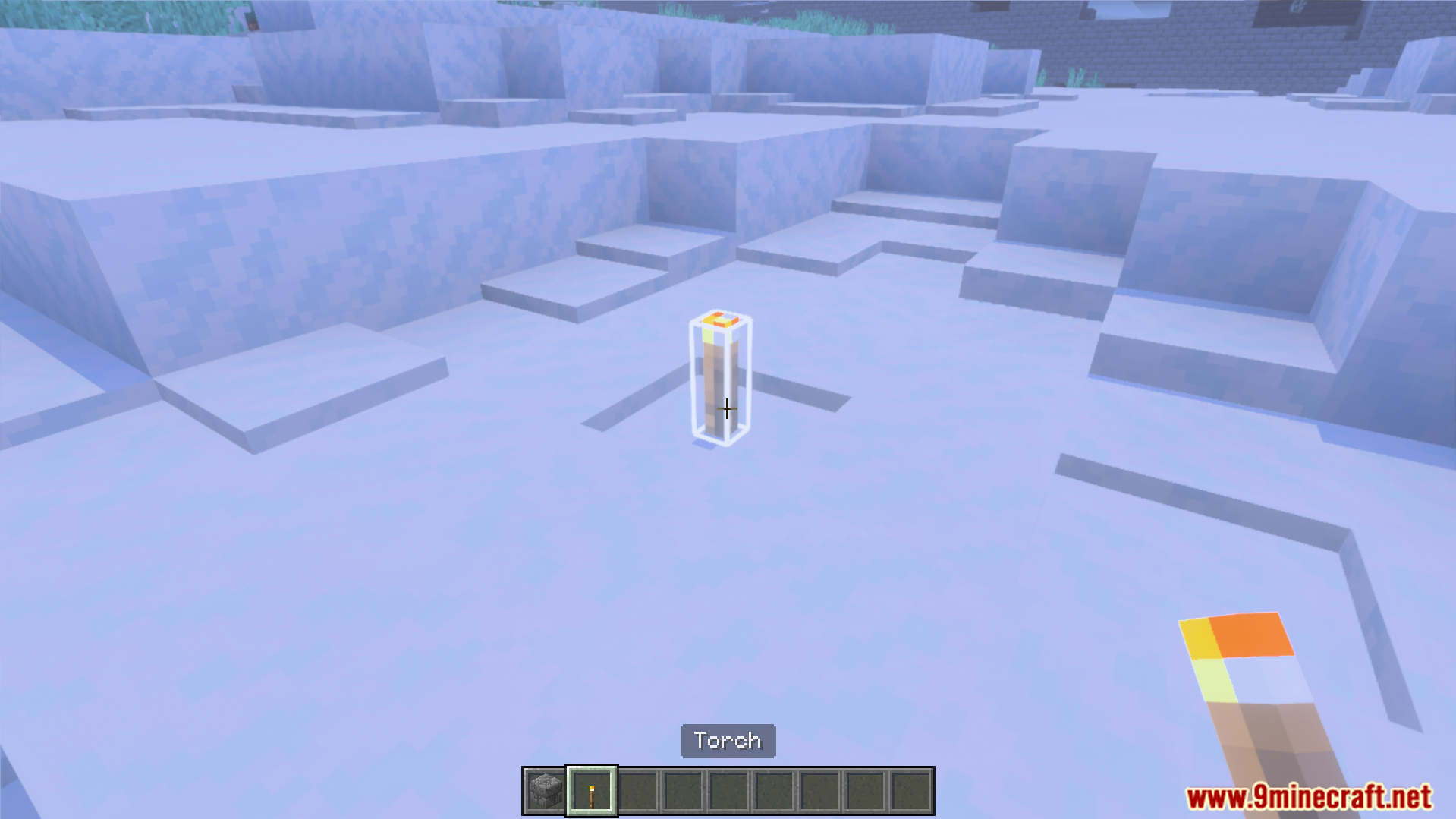
White Outline Selection Plus Texture Pack Replace the faint default block outline with a bright, bold white selection box for crisp precision building. Features: Bright white block selection outline Clear, high-contrast edges for accurate placement Lightweight tweak that won't hurt performance Works with every block in the game Why You'll Love It: 1 See exactly which block you're targeting 2 Perfect for detailed building and redstone 3 Reduces misplacements in tight spaces How to Get Started: 1 Download the White Outline Selection Plus Texture Pack. 2 Install it in Minecraft PE. 3 Open your world and enjoy the new experience. Build with pinpoint ac
Read the full details and screenshots
Open this resource in CraftyBox