
CRAFTYBOX
Preparing your block world
正在准备你的方块世界
First visit setup
首次访问设置
CRAFTYBOX
Preparing your block world
正在准备你的方块世界
First visit setup
首次访问设置
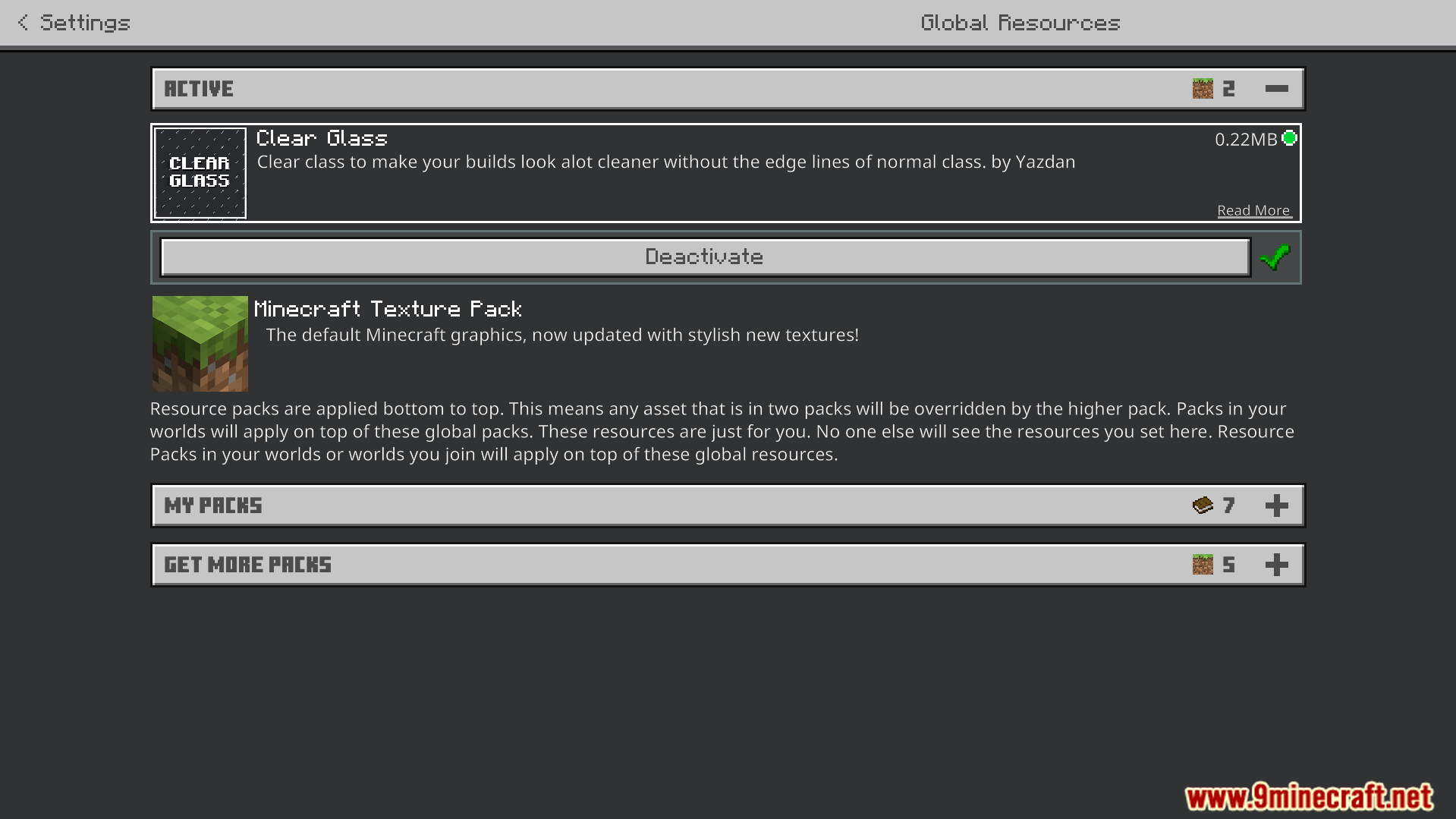
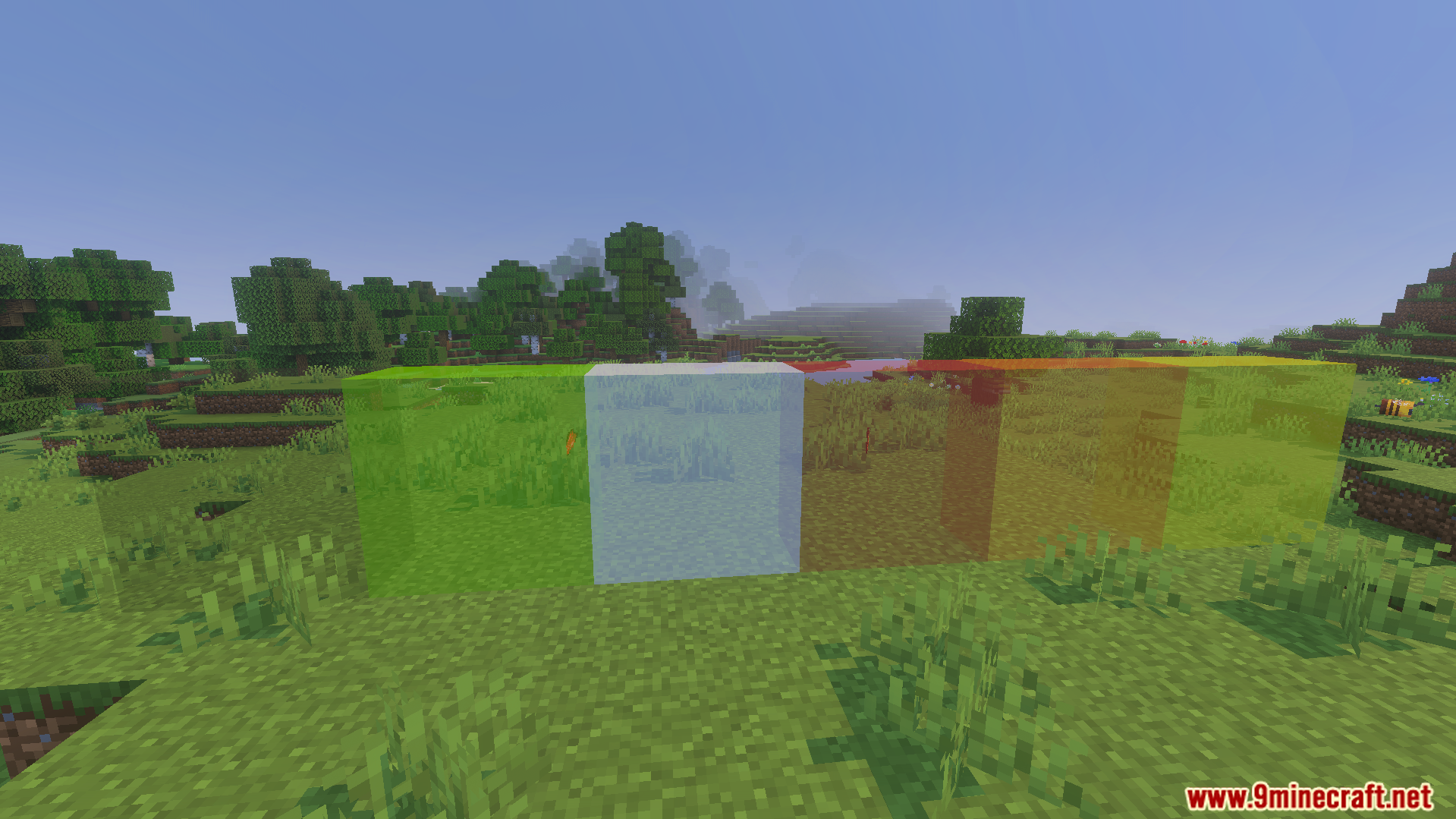
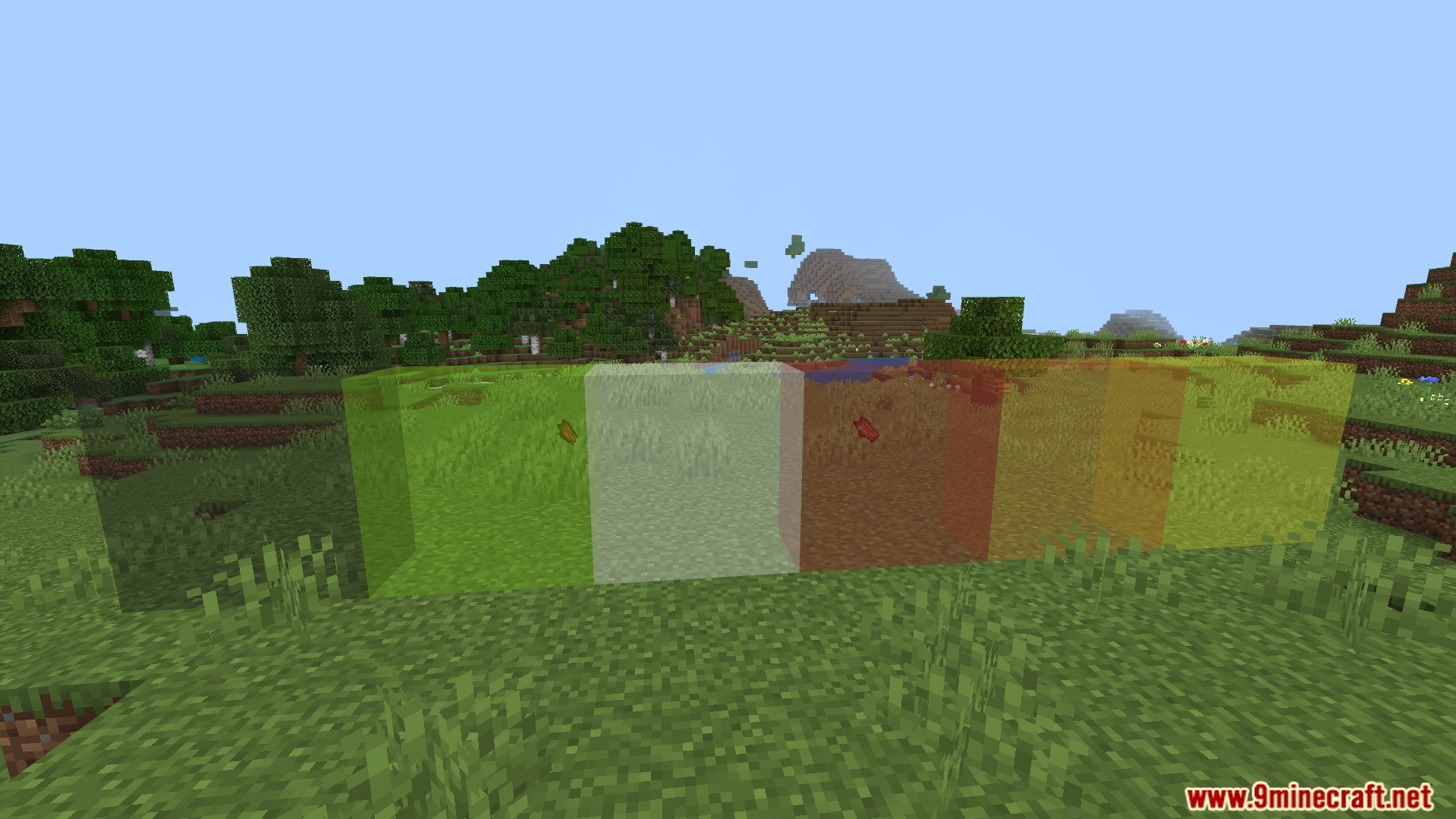
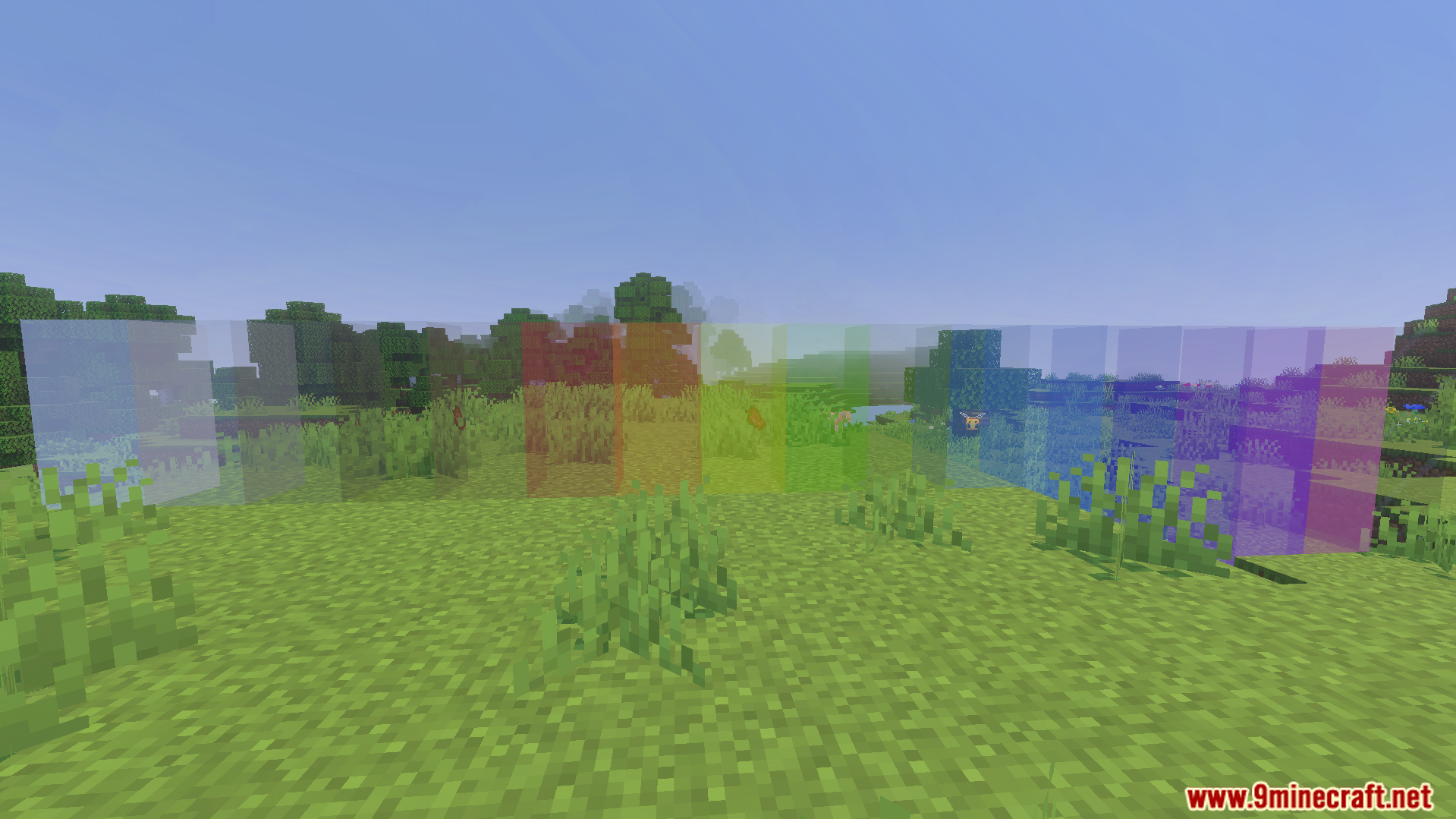
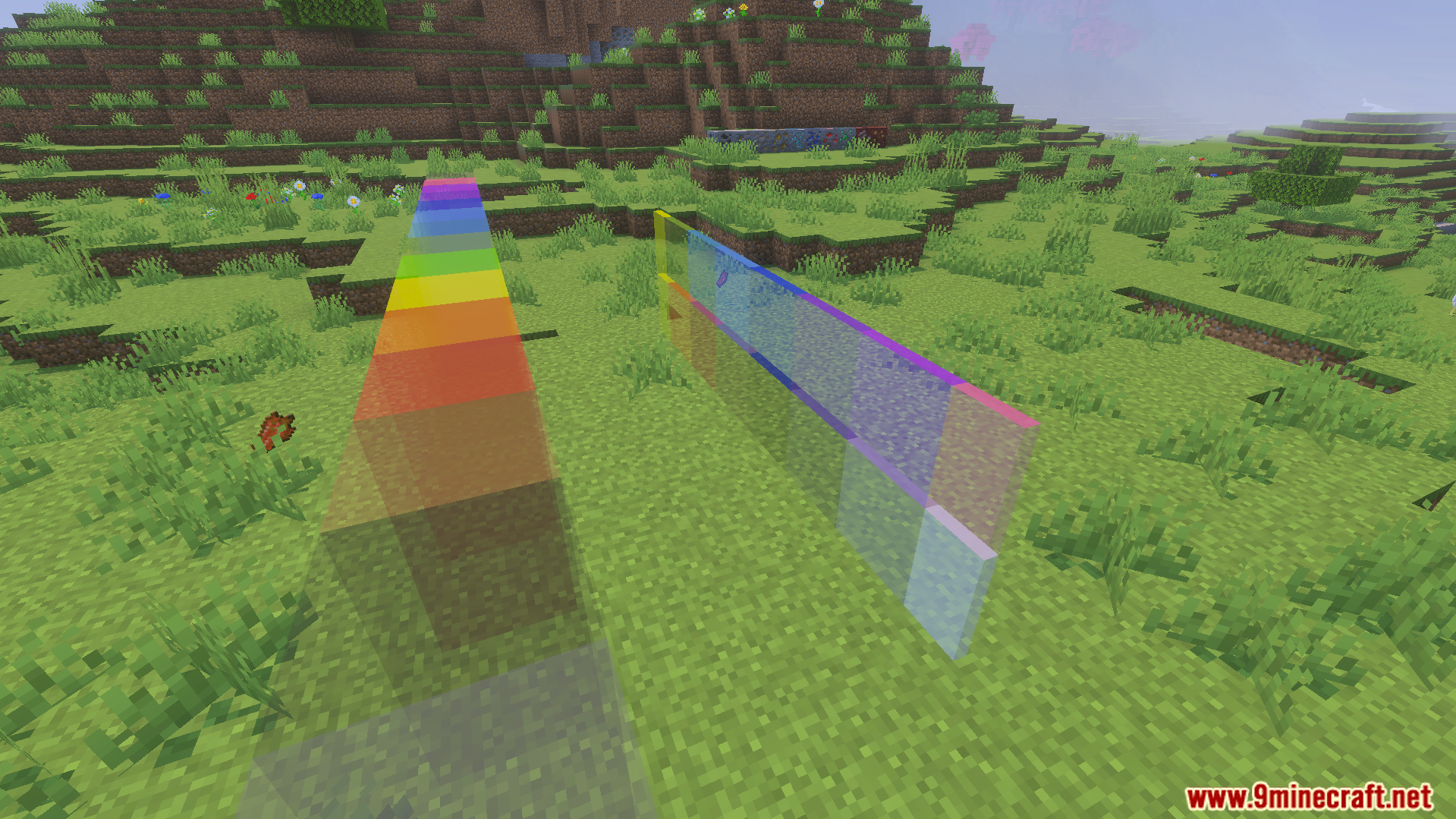
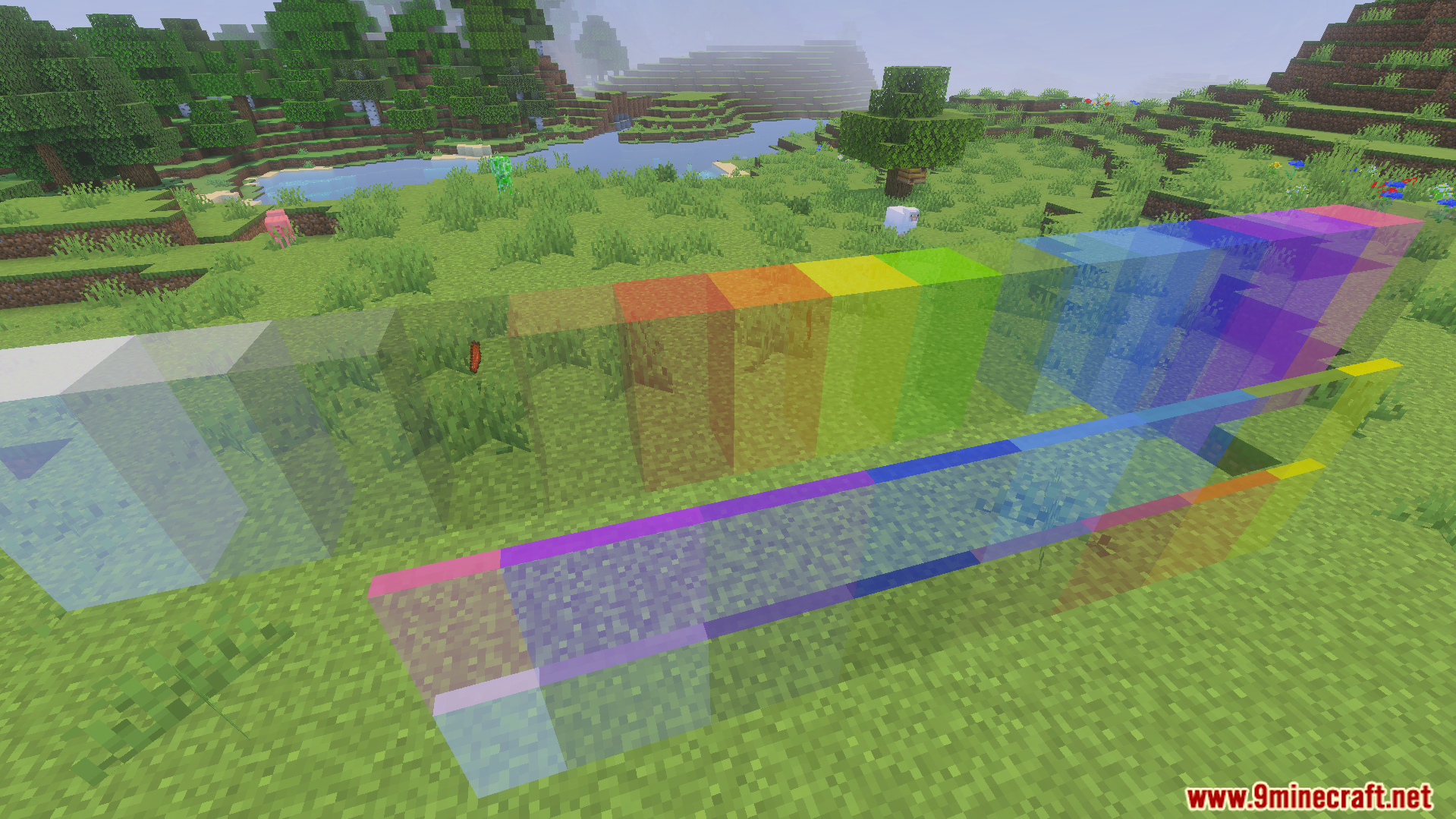
Clear Glass Texture Pack Enjoy perfectly clear windows by removing the borders and tint from glass for a crystal-clean view. Features: Borderless, crystal-clear glass Removes the frame around glass panes Perfect for windows and greenhouses Cleaner views across your builds Why You'll Love It: 1 Flawless windows with no ugly borders 2 Ideal for modern and glass-heavy builds 3 Simple upgrade with big visual payoff How to Get Started: 1 Download the Clear Glass Texture Pack. 2 Install it in Minecraft PE. 3 Open your world and enjoy the new experience. See the world clearly through borderless glass!
Open this resource in CraftyBox