
CRAFTYBOX
Preparing your block world
正在准备你的方块世界
First visit setup
首次访问设置
CRAFTYBOX
Preparing your block world
正在准备你的方块世界
First visit setup
首次访问设置
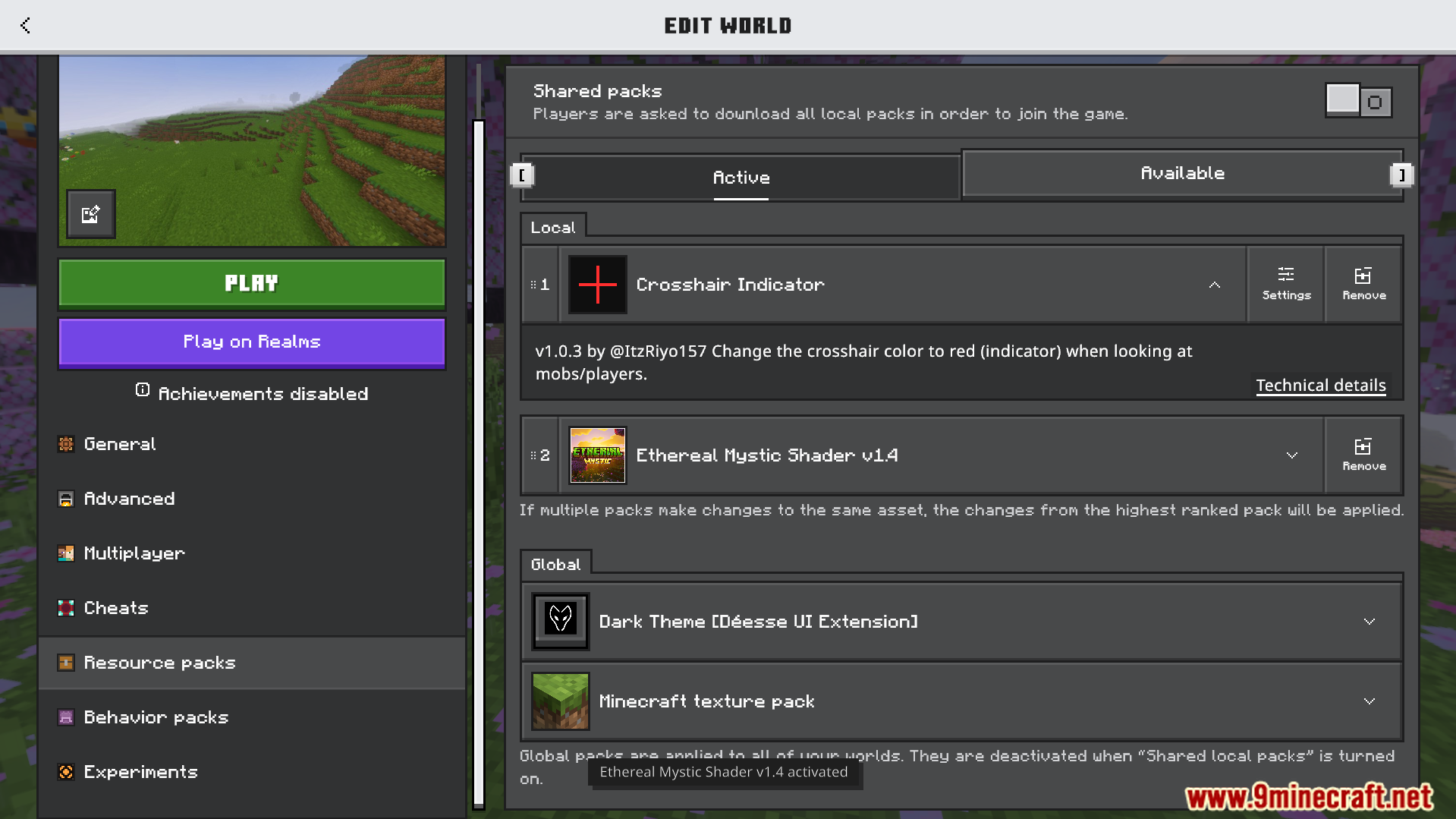
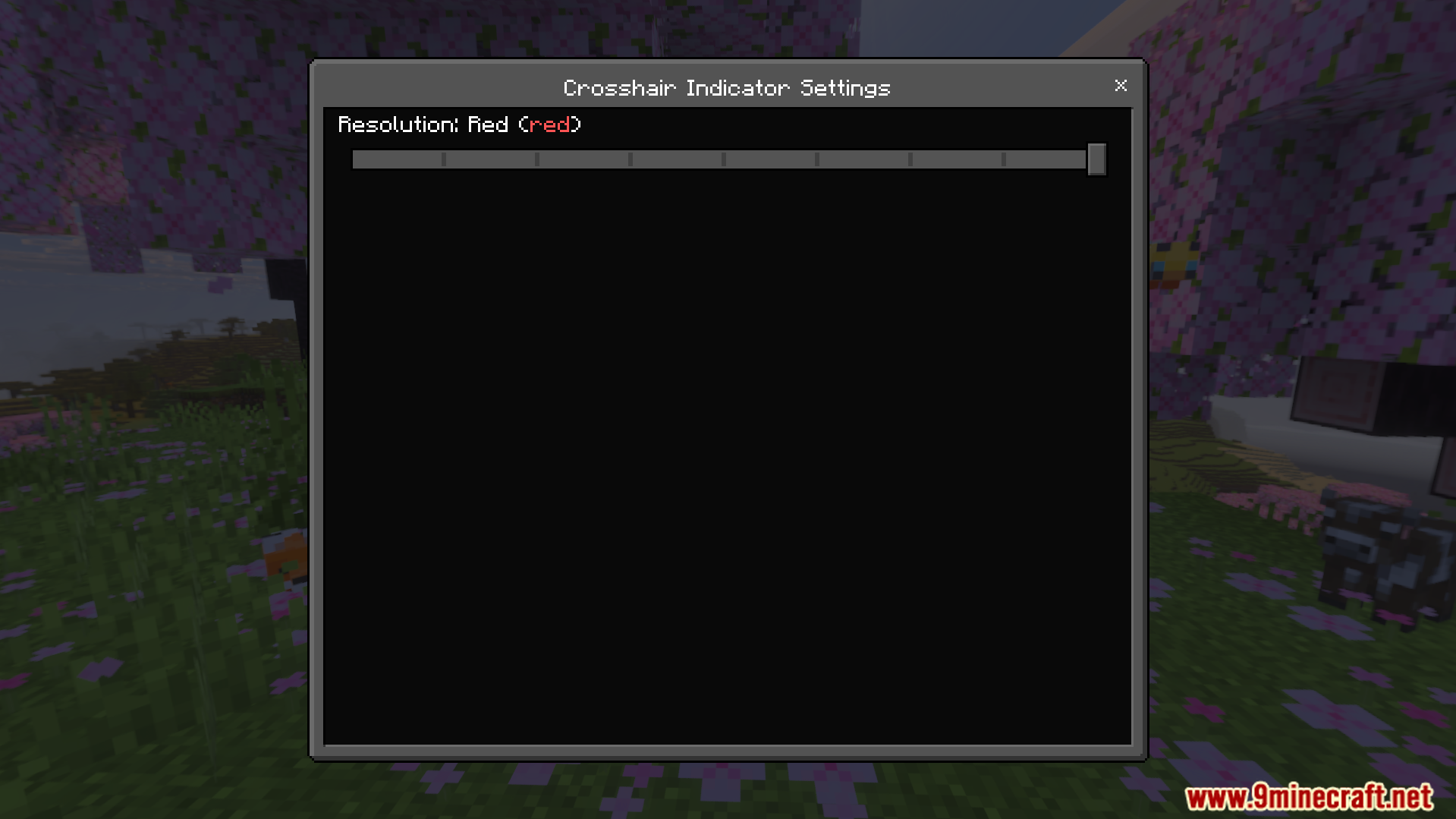
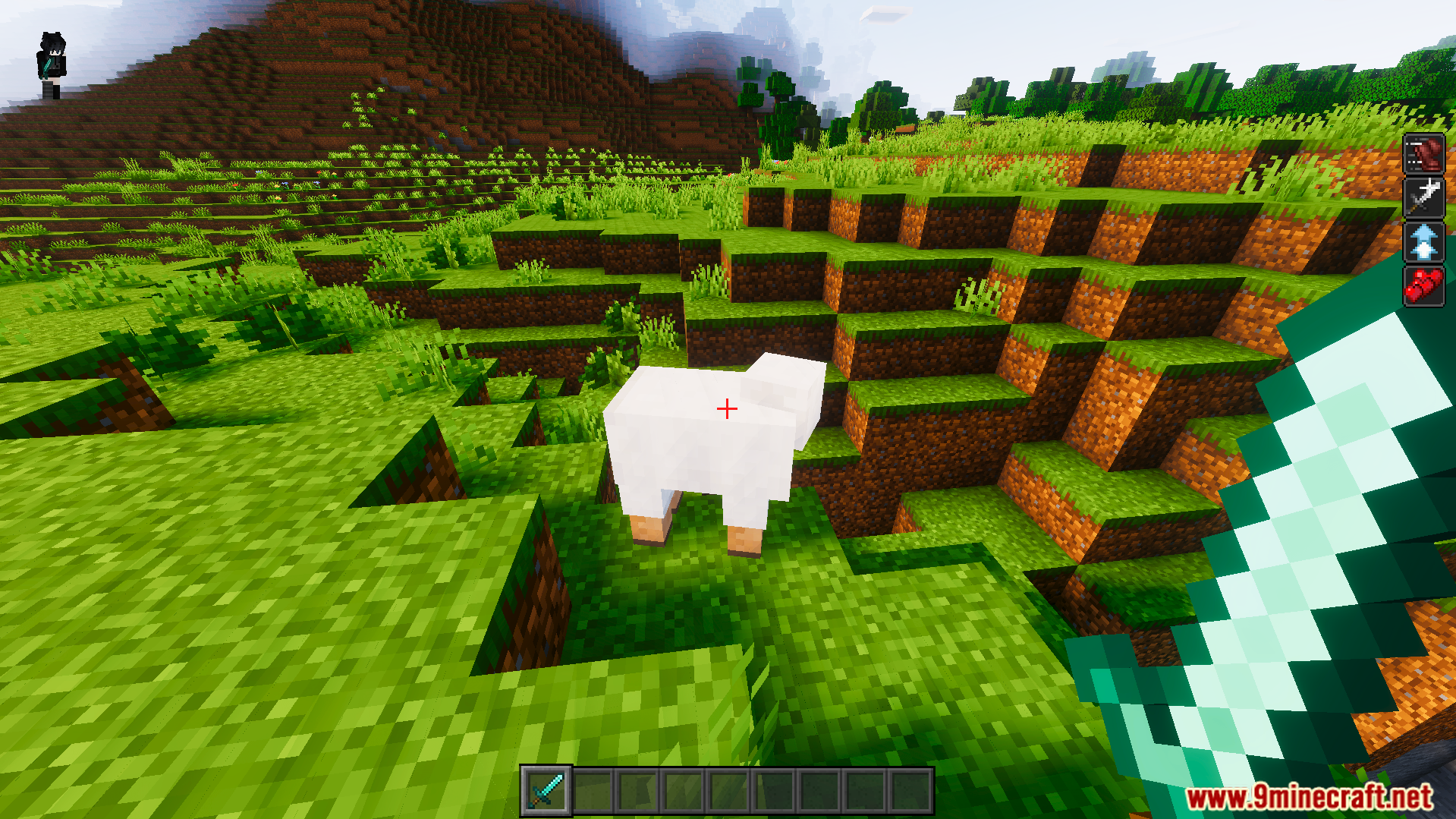
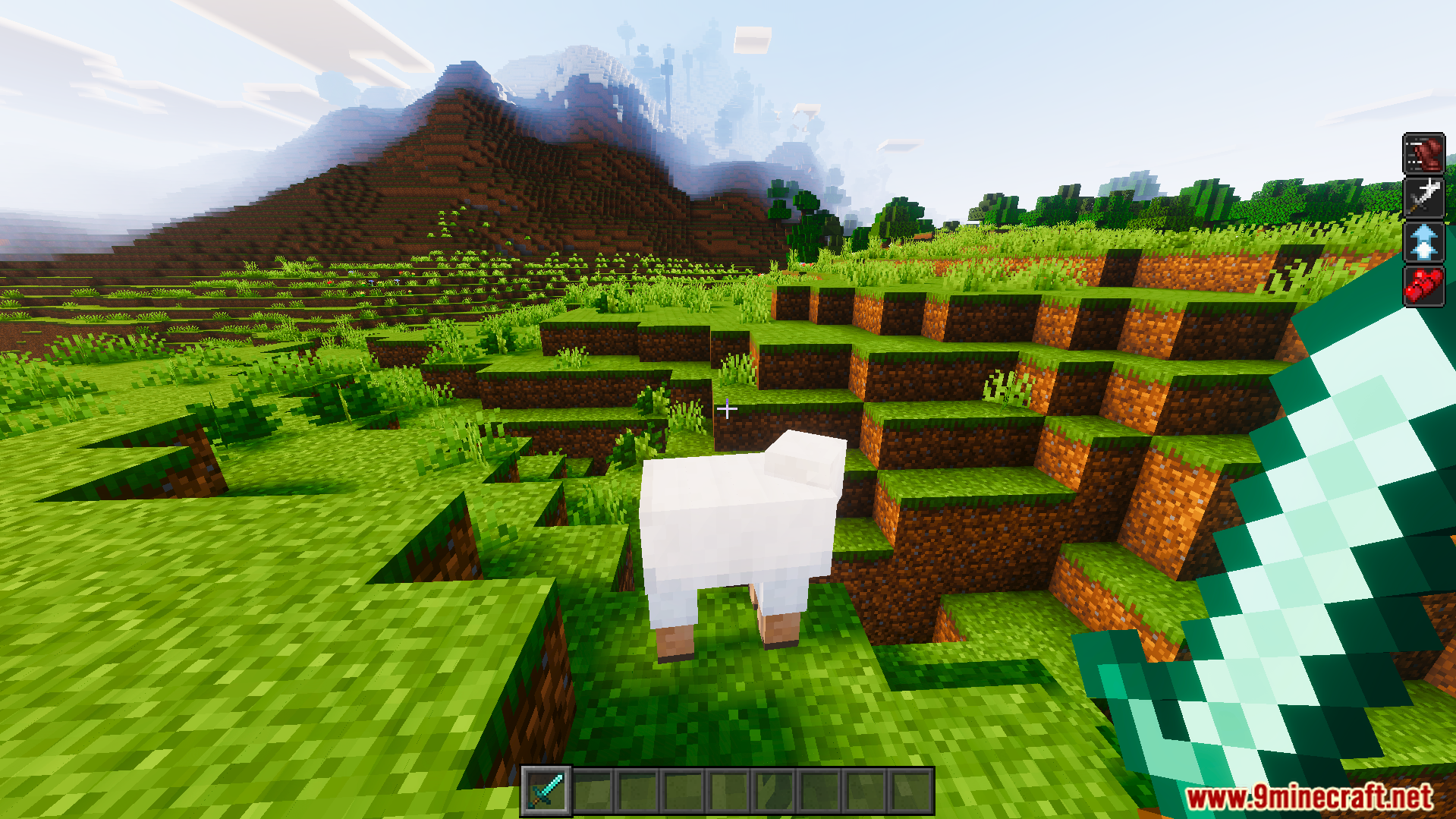
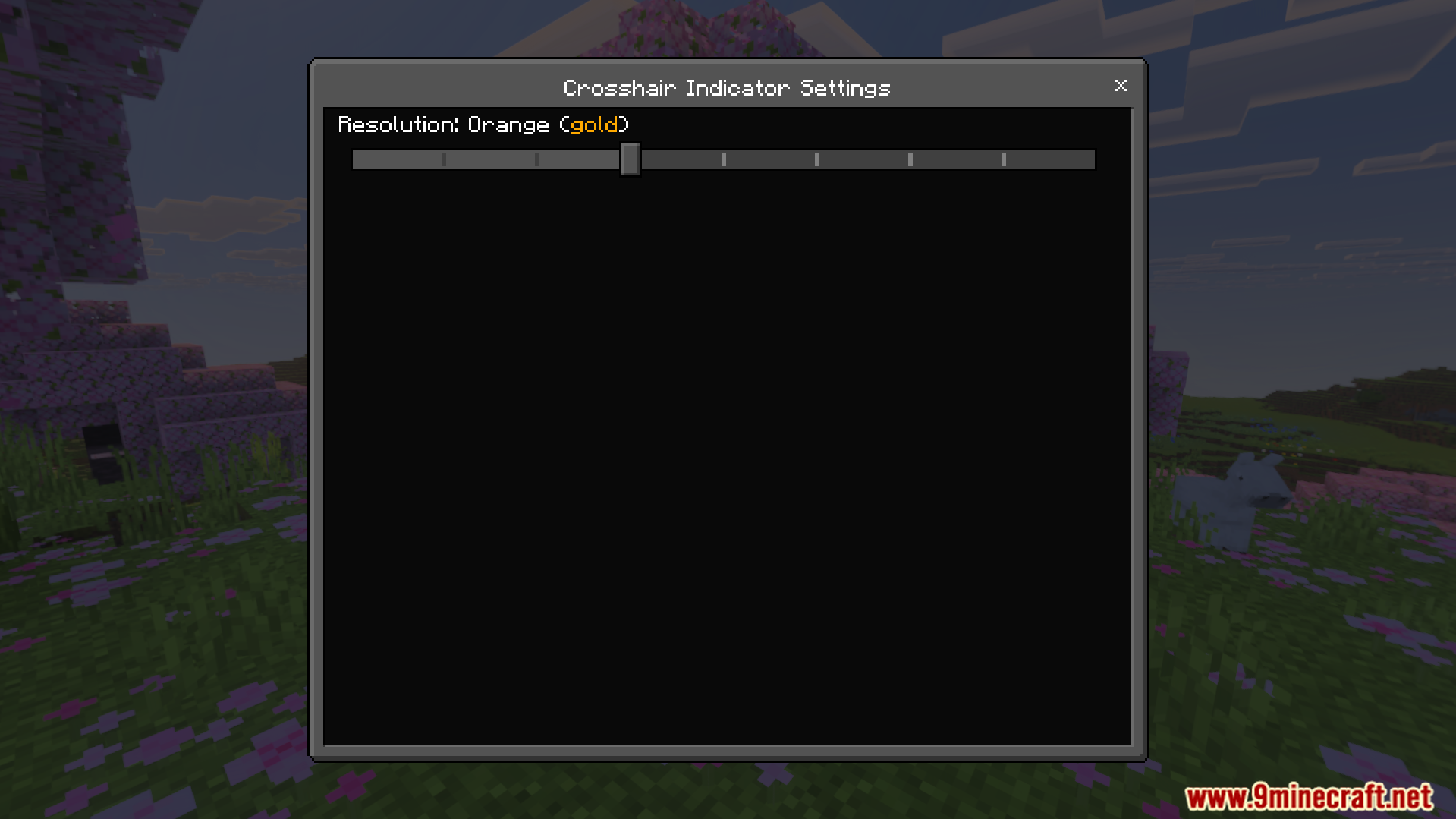
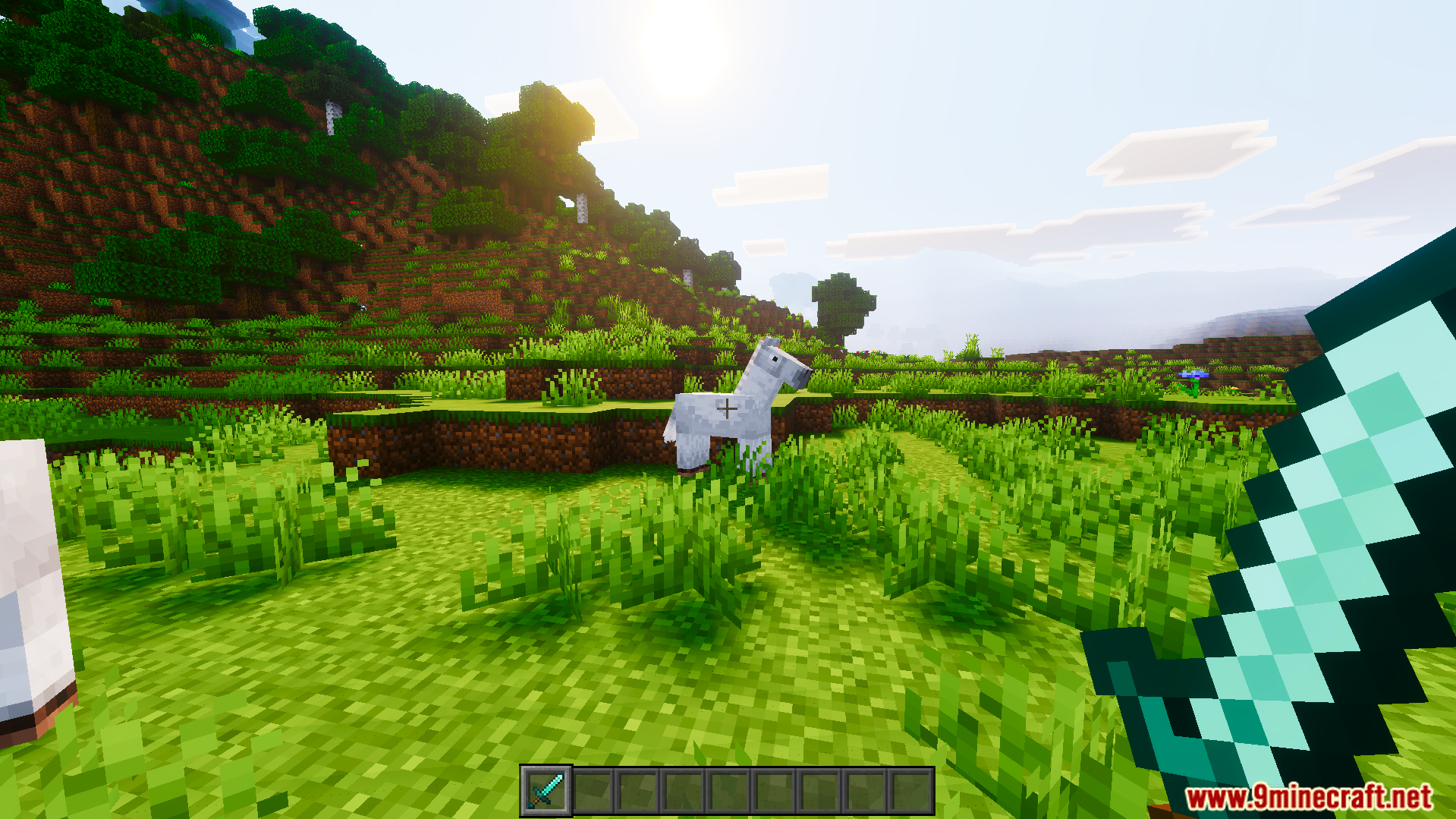
Crosshair Indicator Texture Pack Land every hit at the perfect moment — a red crosshair indicator shows exactly when your attack is fully charged. Features: Crosshair turns red when your hit is ready Master combat timing for maximum damage Clean, minimal design that never blocks your view Supports Bedrock 26.x and 1.21 Why You'll Love It: 1 Instantly improves your PvP hit timing 2 No more wasted half-charged swings 3 Subtle visual that works with any texture pack How to Get Started: 1 Download the Crosshair Indicator Texture Pack. 2 Install it in Minecraft PE. 3 Open your world and enjoy the new experience. See red, swing true — perfect timing is n
Open this resource in CraftyBox