
CRAFTYBOX
Preparing your block world
正在准备你的方块世界
First visit setup
首次访问设置
CRAFTYBOX
Preparing your block world
正在准备你的方块世界
First visit setup
首次访问设置
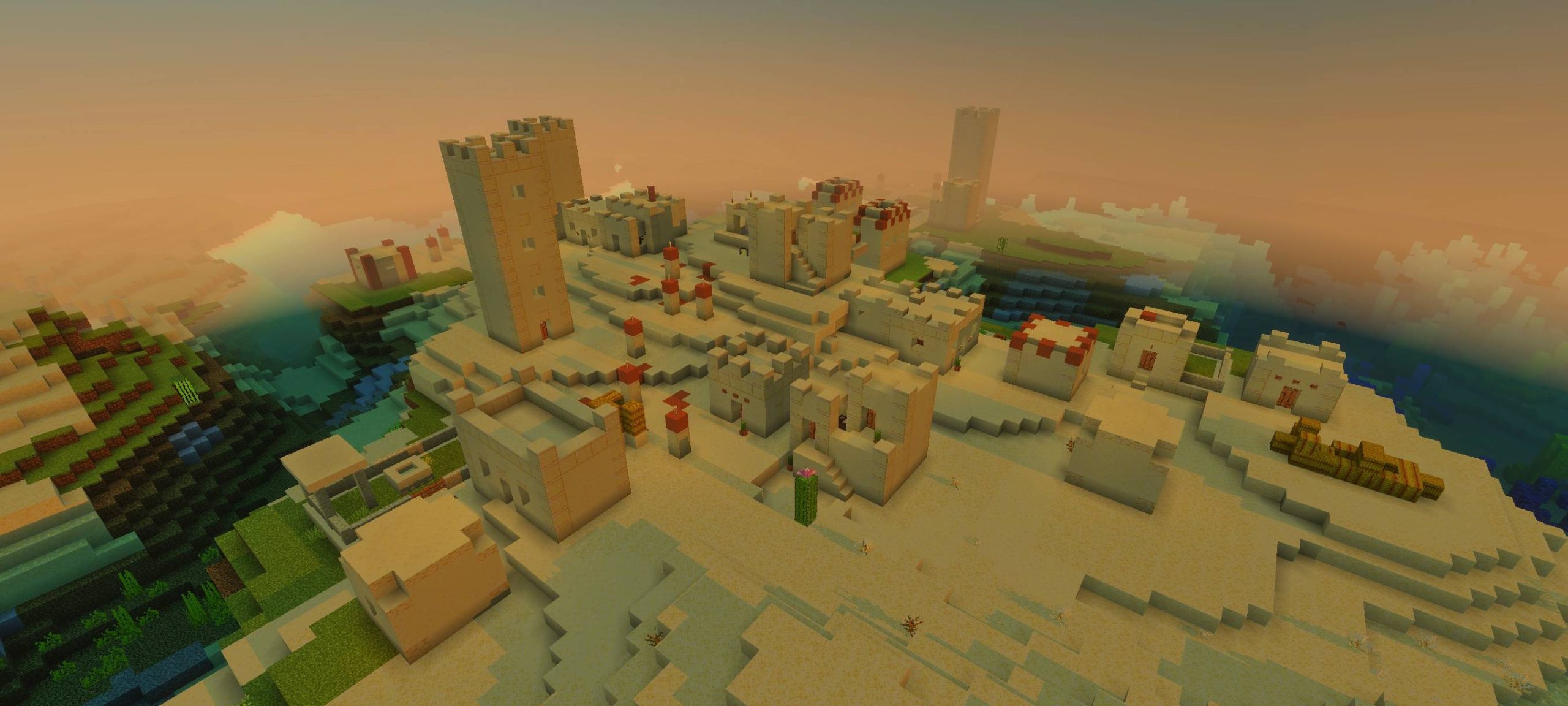
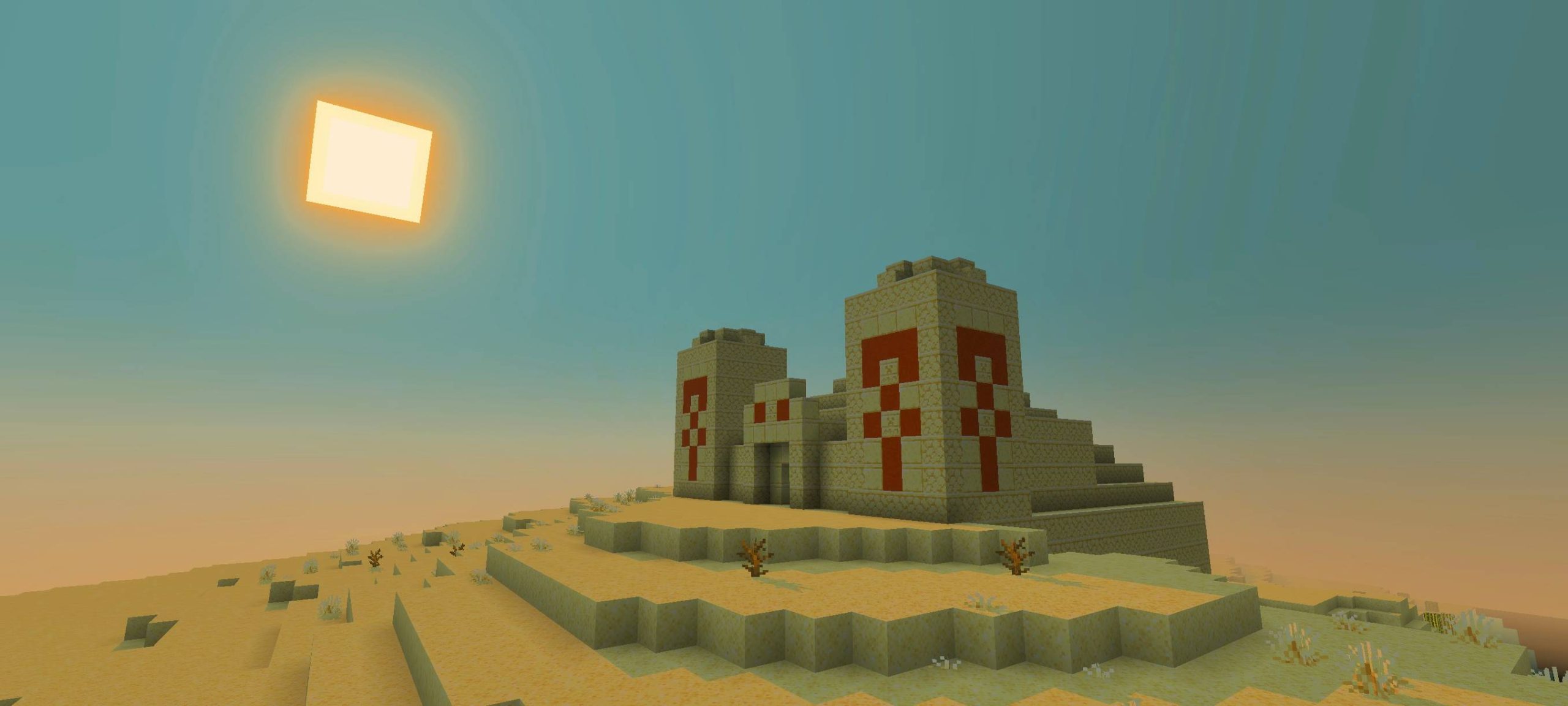
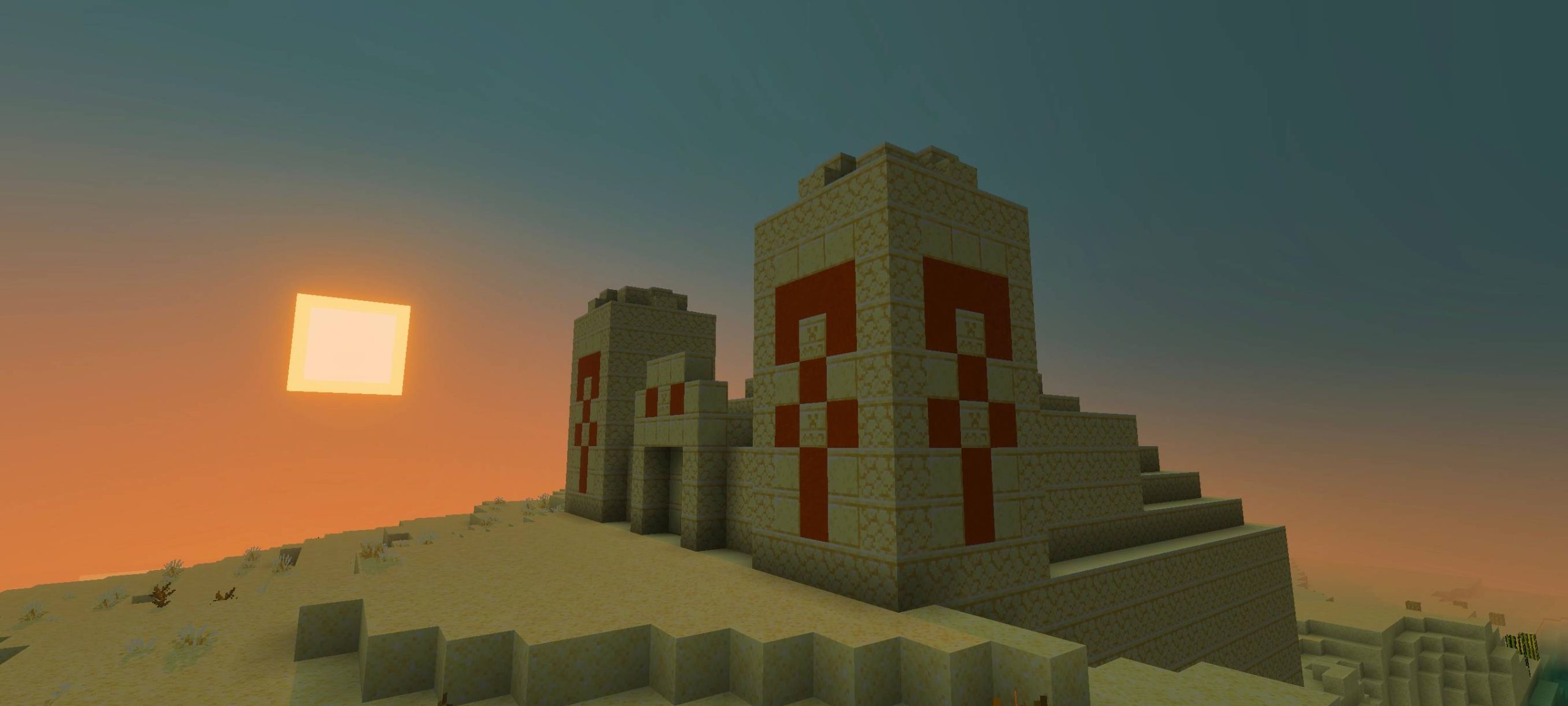
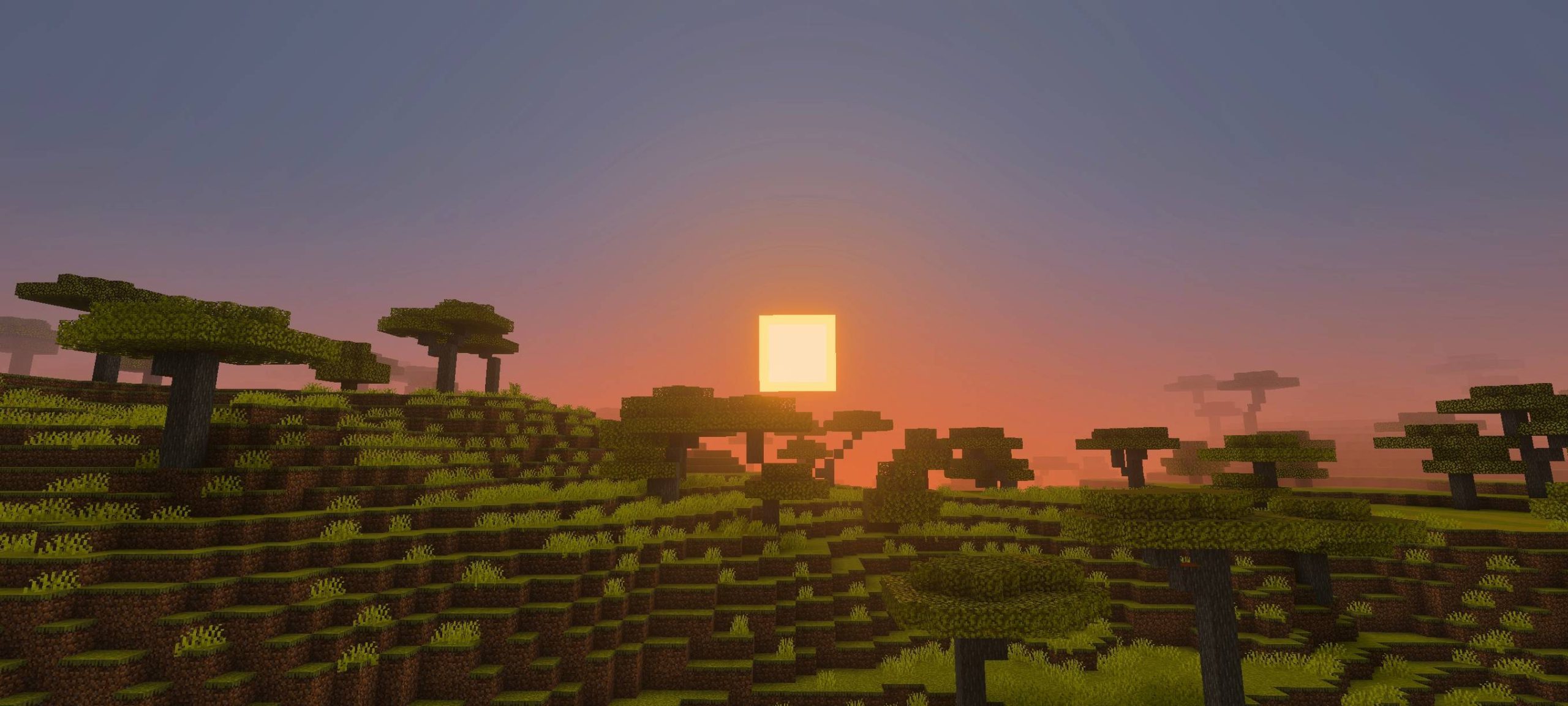
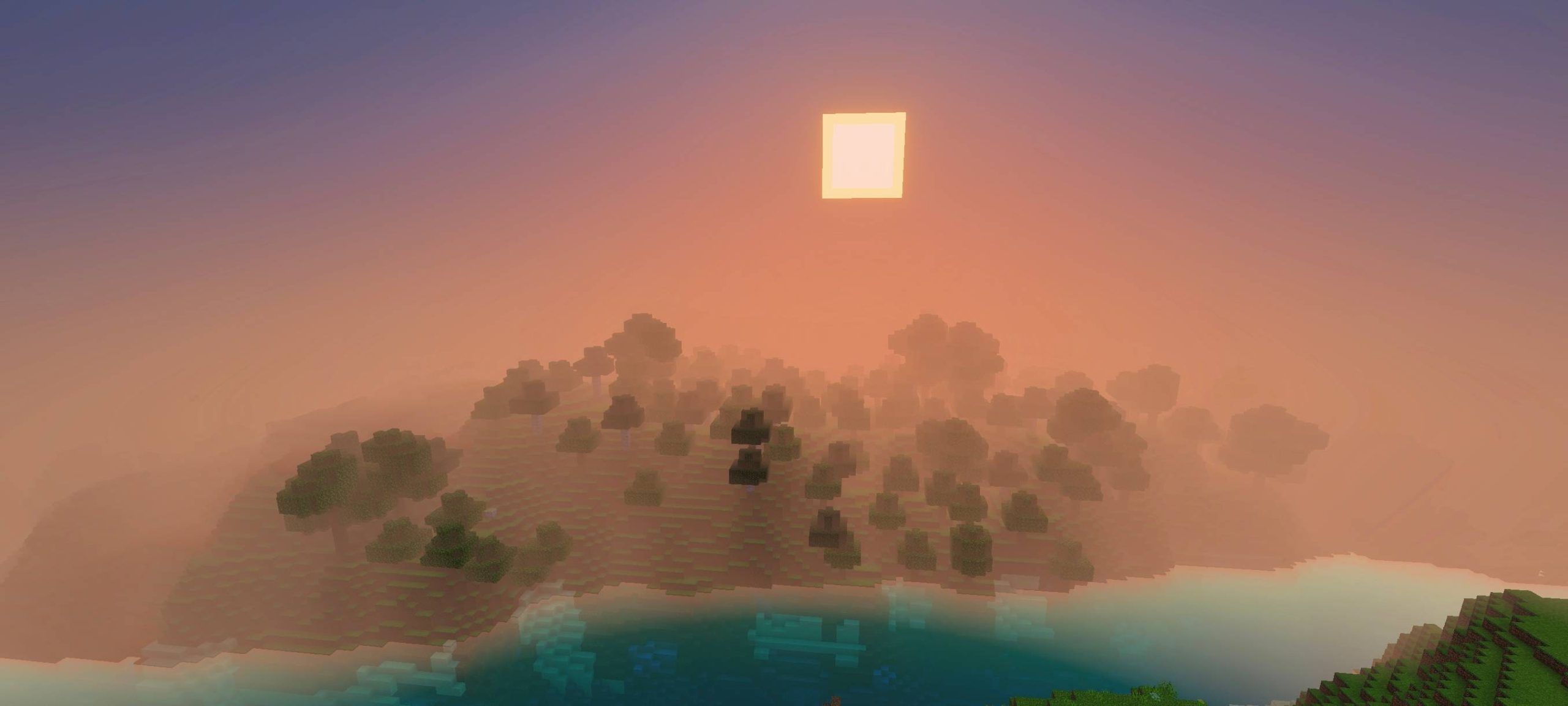
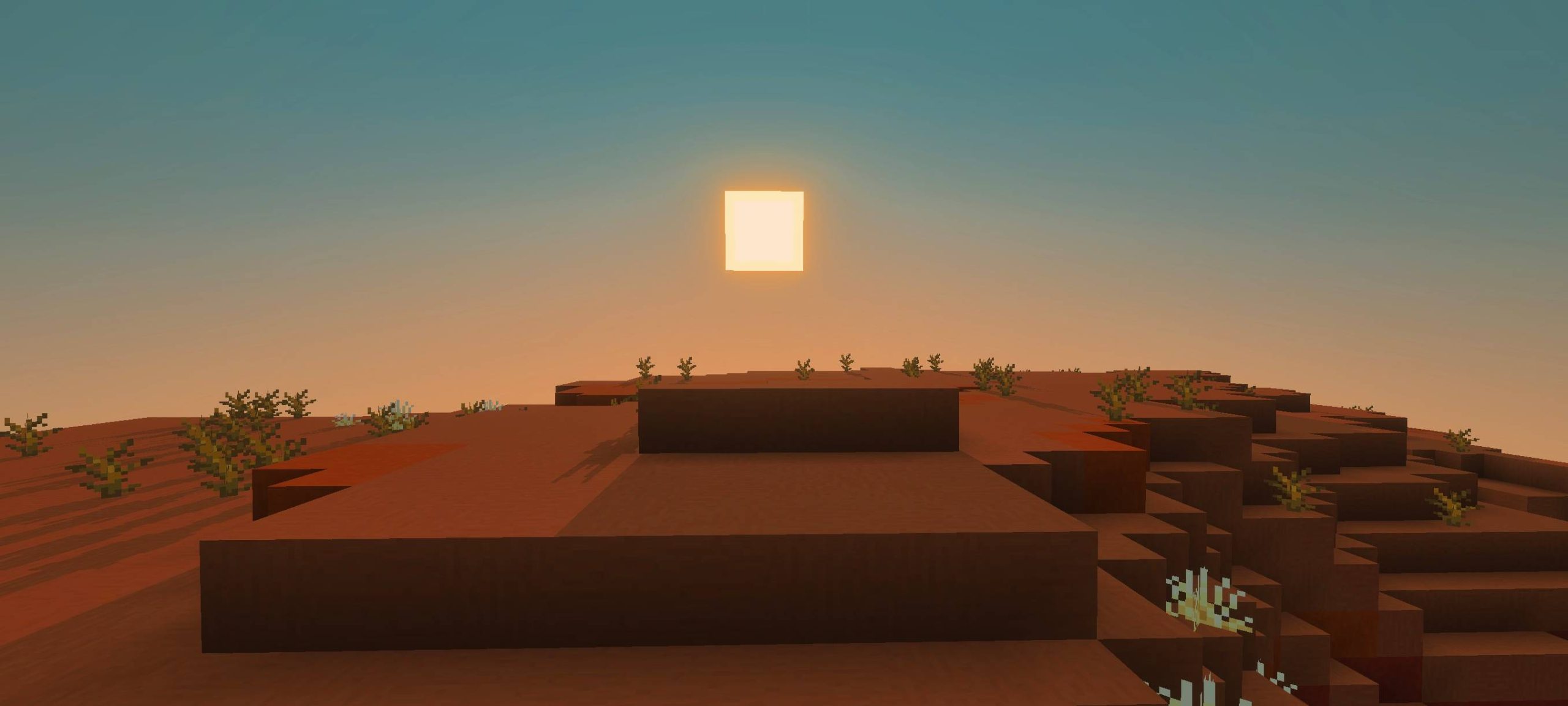
Dawn Shader Dawn Shader for MCPE/Bedrock 1.21+ is all about golden hour — soft morning light, glowing horizons, and skies you'll want to stop and stare at. Features: Breathtaking sunrise and sunset lighting Softer clouds and warmer ambient tones Gentle bloom that gives mornings a dreamy glow Balanced performance for everyday mobile play Why You'll Love It: 1 Every new day in your world starts with a view 2 Warm tones make builds feel cozy and inviting 3 Subtle enough for long survival sessions How to Get Started: 1 Download the Dawn Shader. 2 Install it in Minecraft PE. 3 Open your world and enjoy the new experience. Wake up to a more beautiful M
Read the full details and screenshots
Open this resource in CraftyBox