
CRAFTYBOX
Preparing your block world
正在准备你的方块世界
First visit setup
首次访问设置
CRAFTYBOX
Preparing your block world
正在准备你的方块世界
First visit setup
首次访问设置
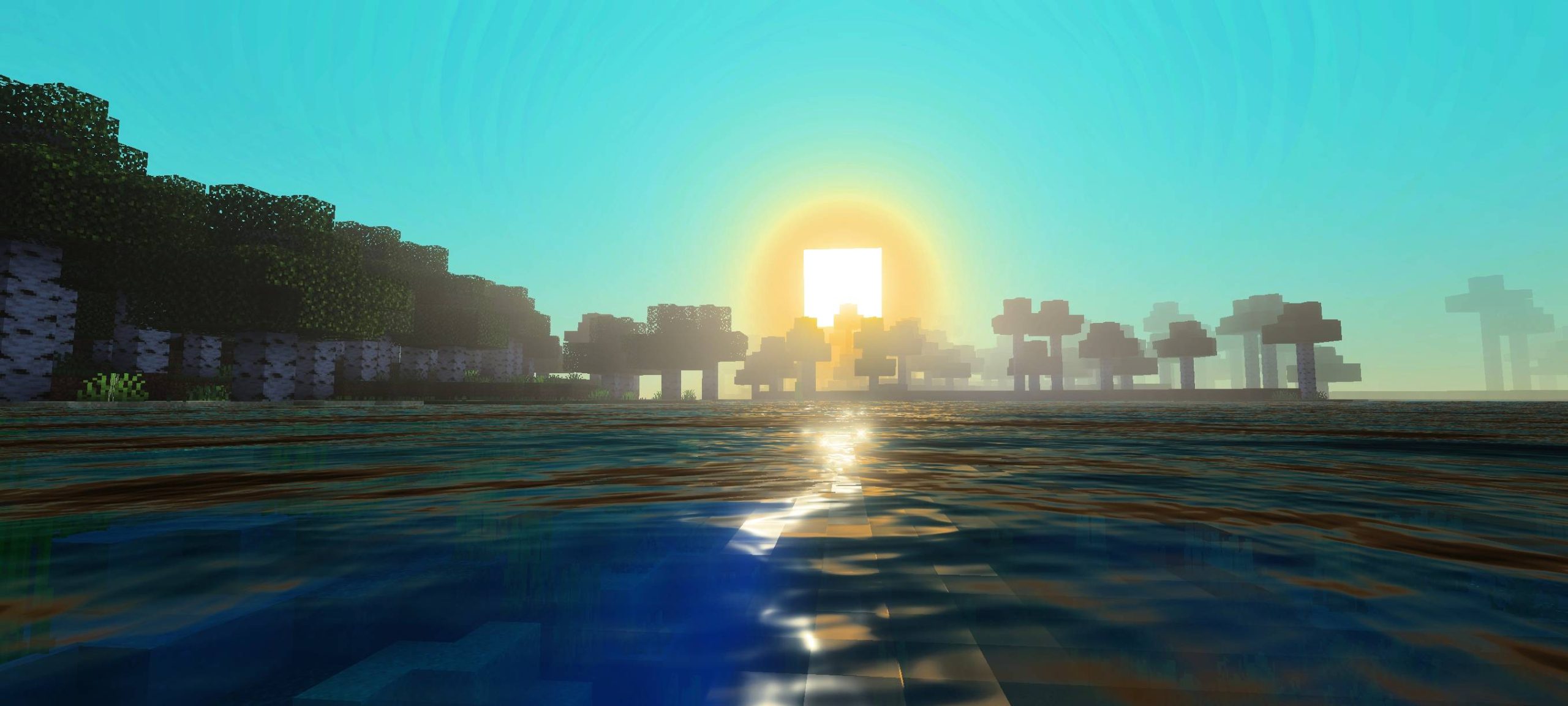
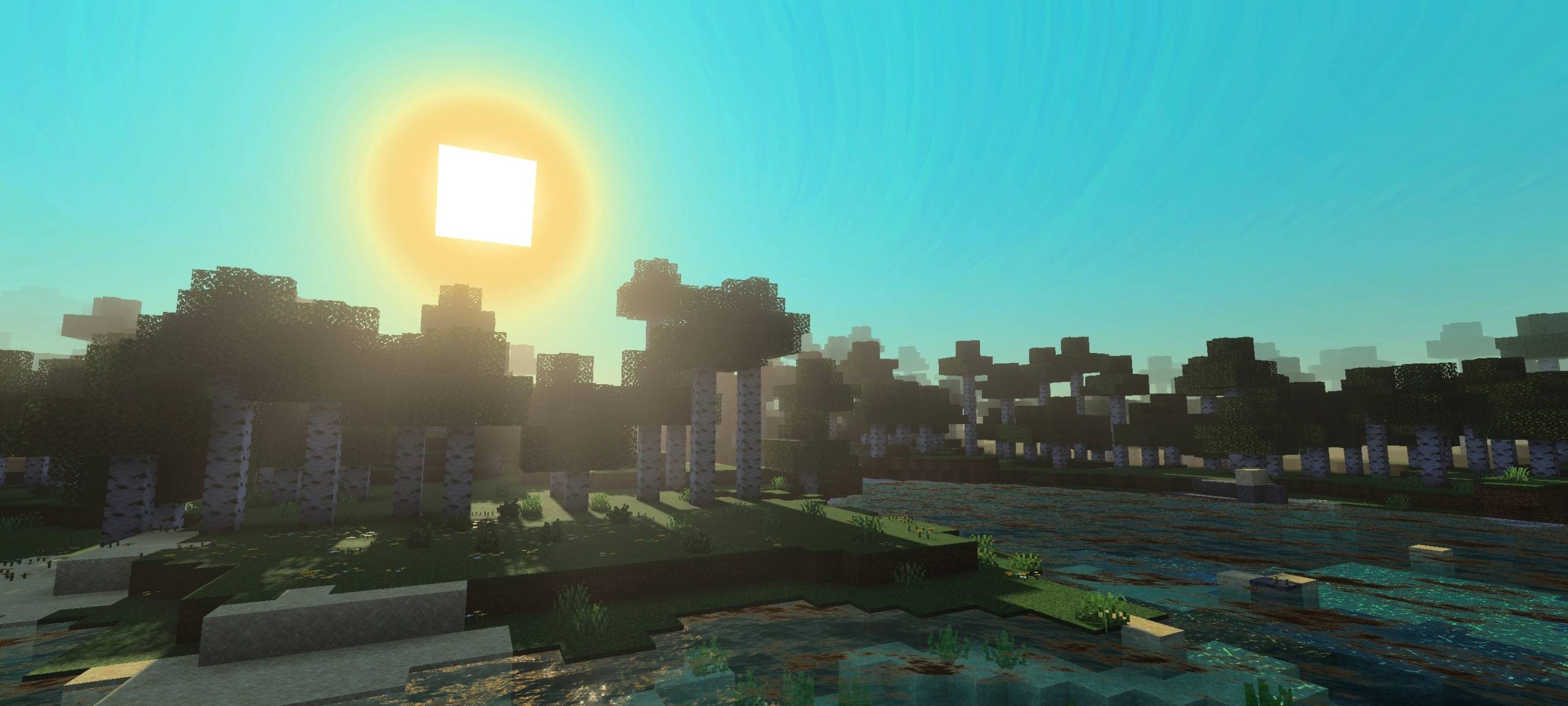
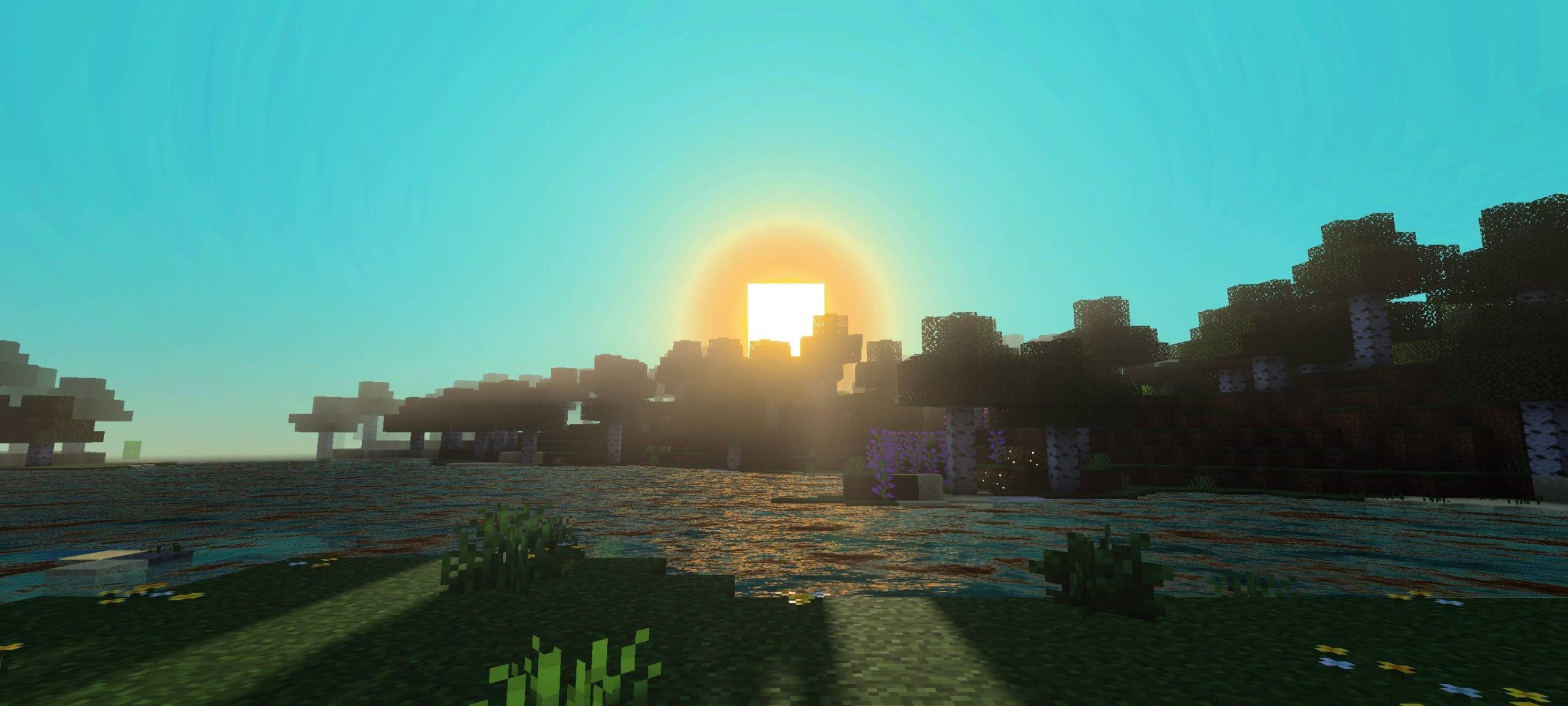
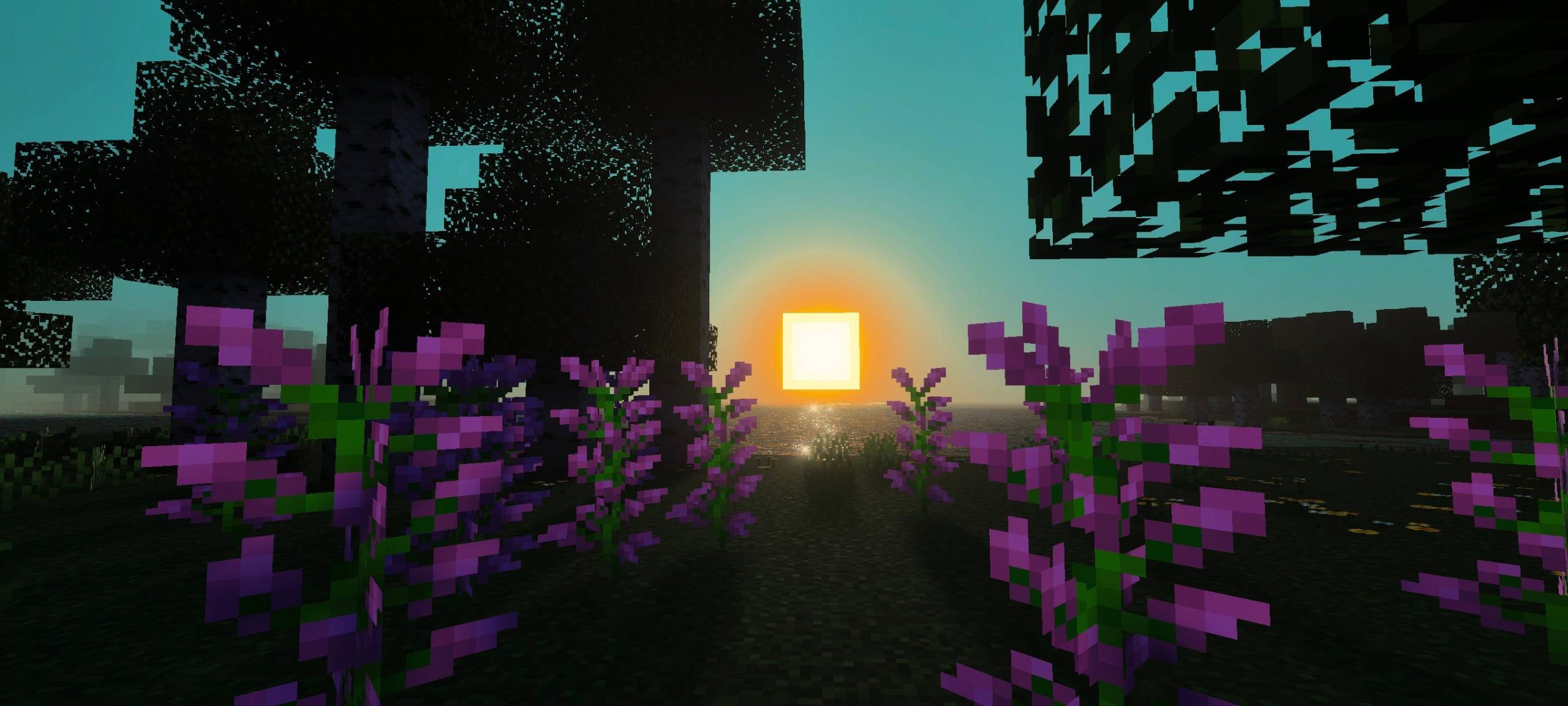
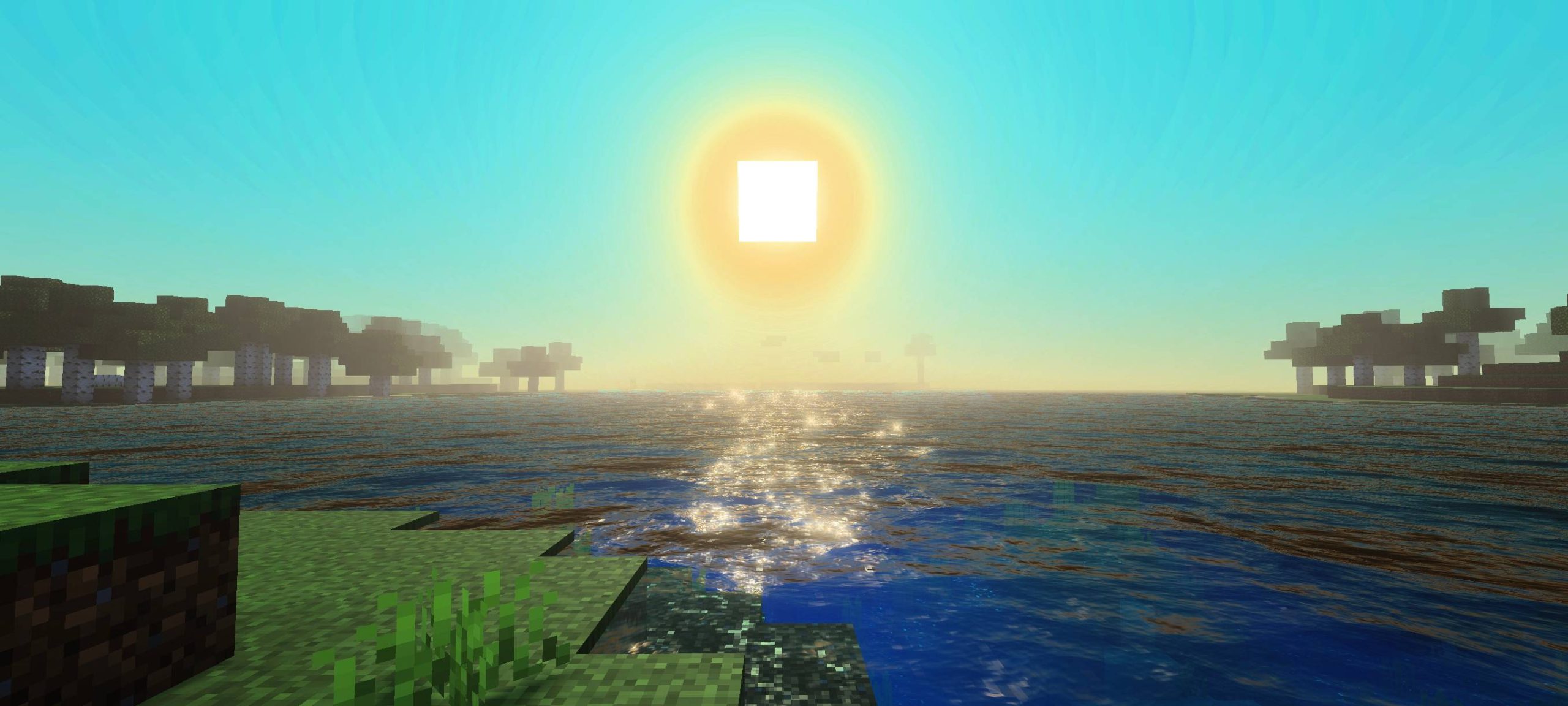
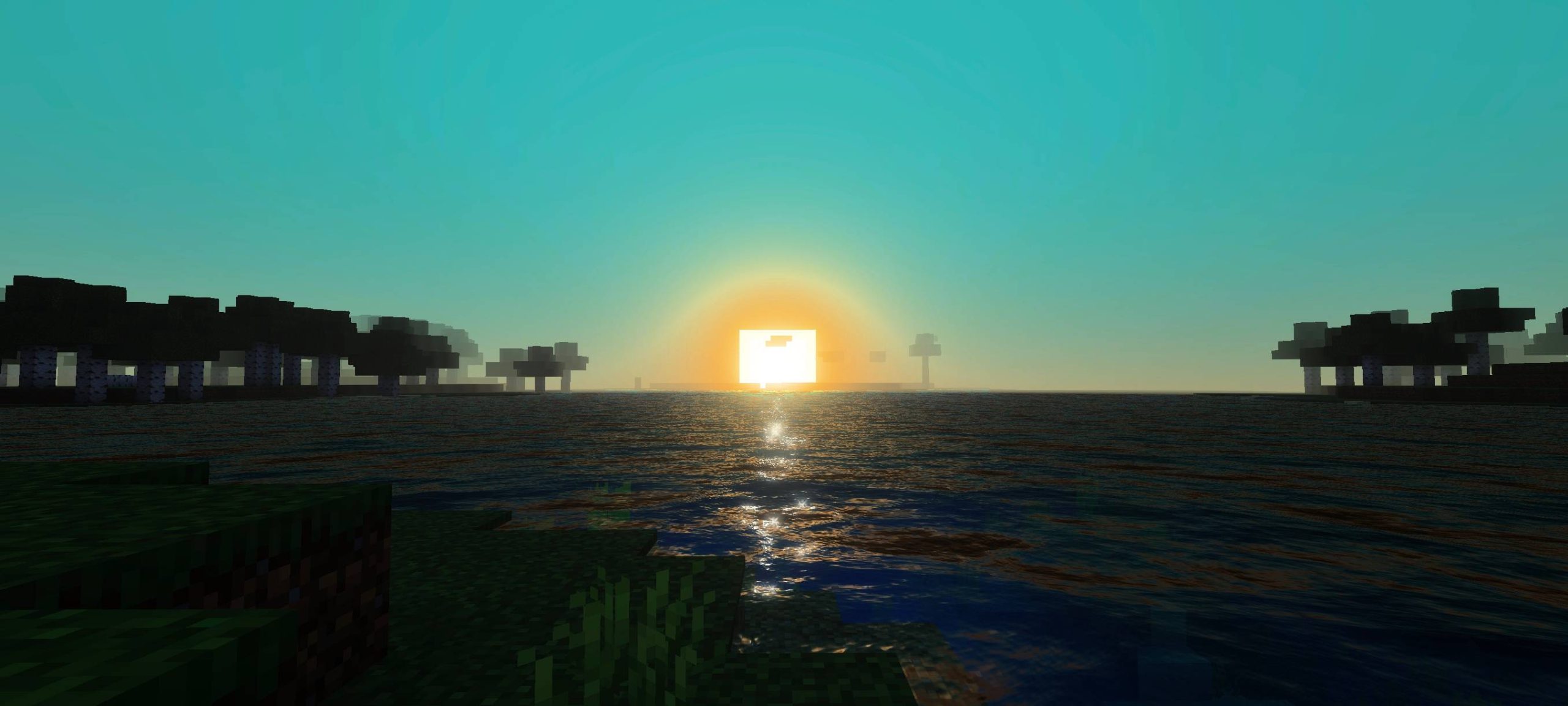
Dynamic Shader Dynamic Shader keeps MCPE/Bedrock 1.21+ in constant motion, with lighting and skies that shift naturally as your day unfolds. Features: Dynamic lighting that changes smoothly through the day cycle Evolving skies with moving clouds and shifting tones Distinct moods for morning, noon, dusk, and night Efficient effects that keep gameplay responsive Why You'll Love It: 1 No two moments in your world look exactly alike 2 Day-night transitions feel cinematic and natural 3 Adds life to your world without heavy hardware demands How to Get Started: 1 Download the Dynamic Shader. 2 Install it in Minecraft PE. 3 Open your world and enjoy the new
Read the full details and screenshots
Open this resource in CraftyBox