
CRAFTYBOX
Preparing your block world
正在准备你的方块世界
First visit setup
首次访问设置
CRAFTYBOX
Preparing your block world
正在准备你的方块世界
First visit setup
首次访问设置
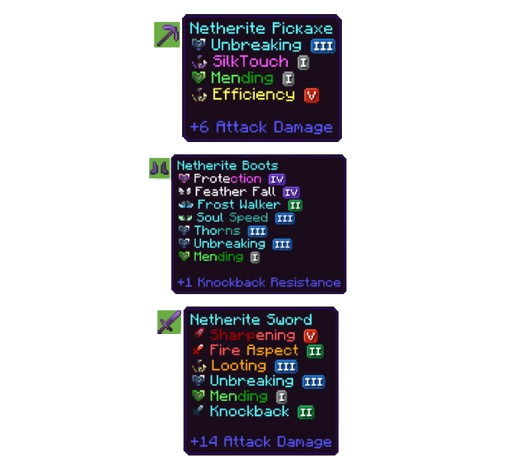
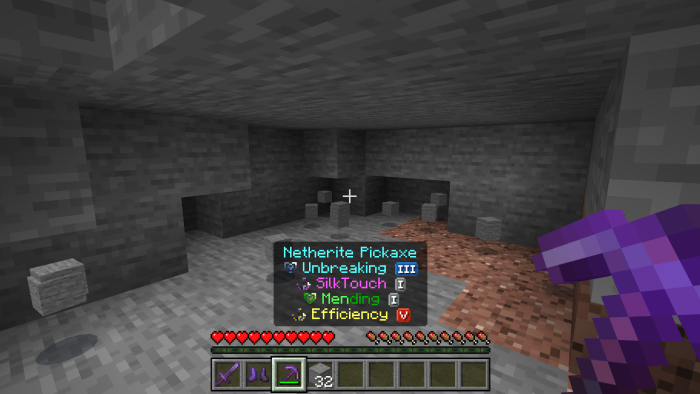
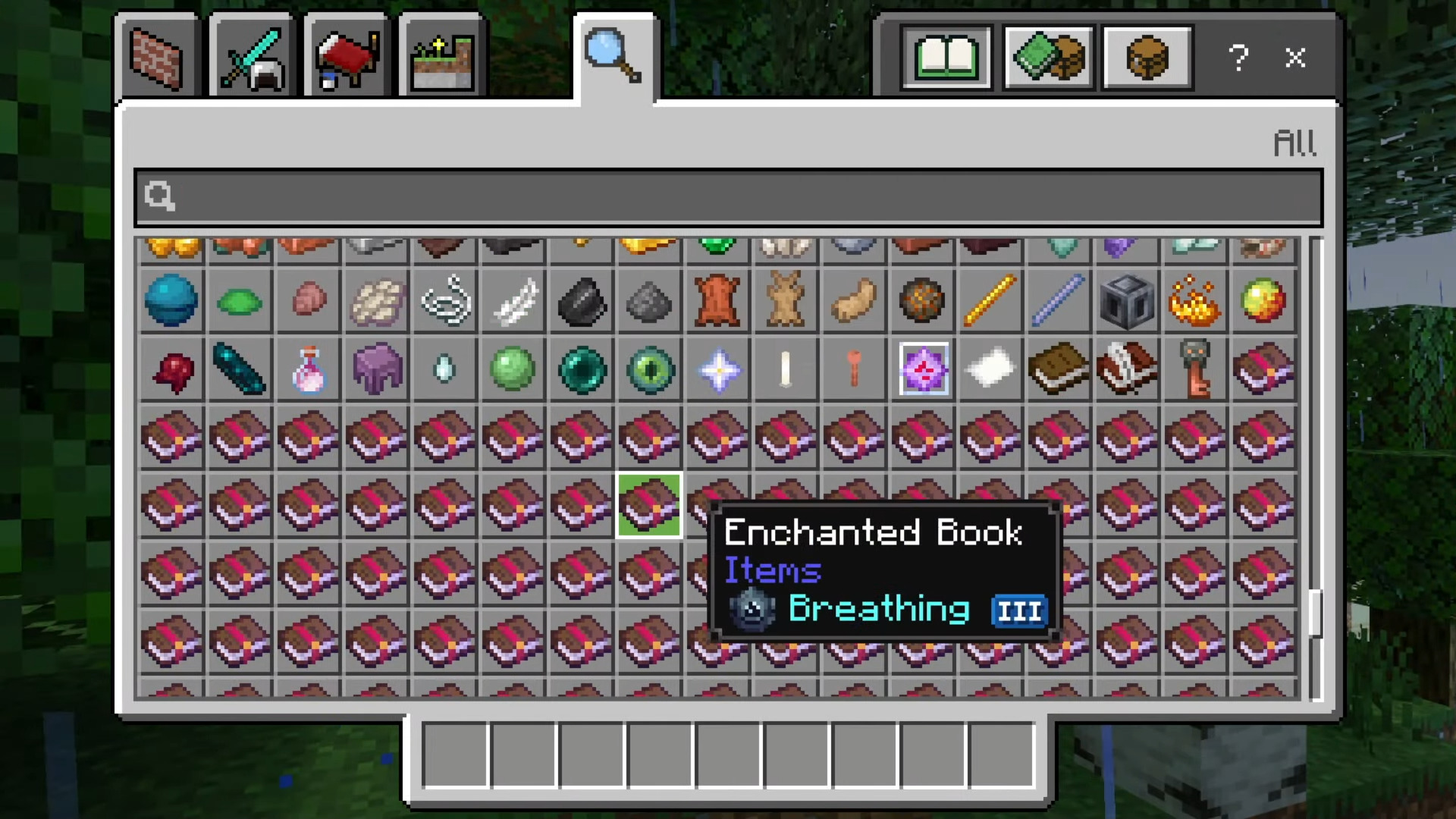
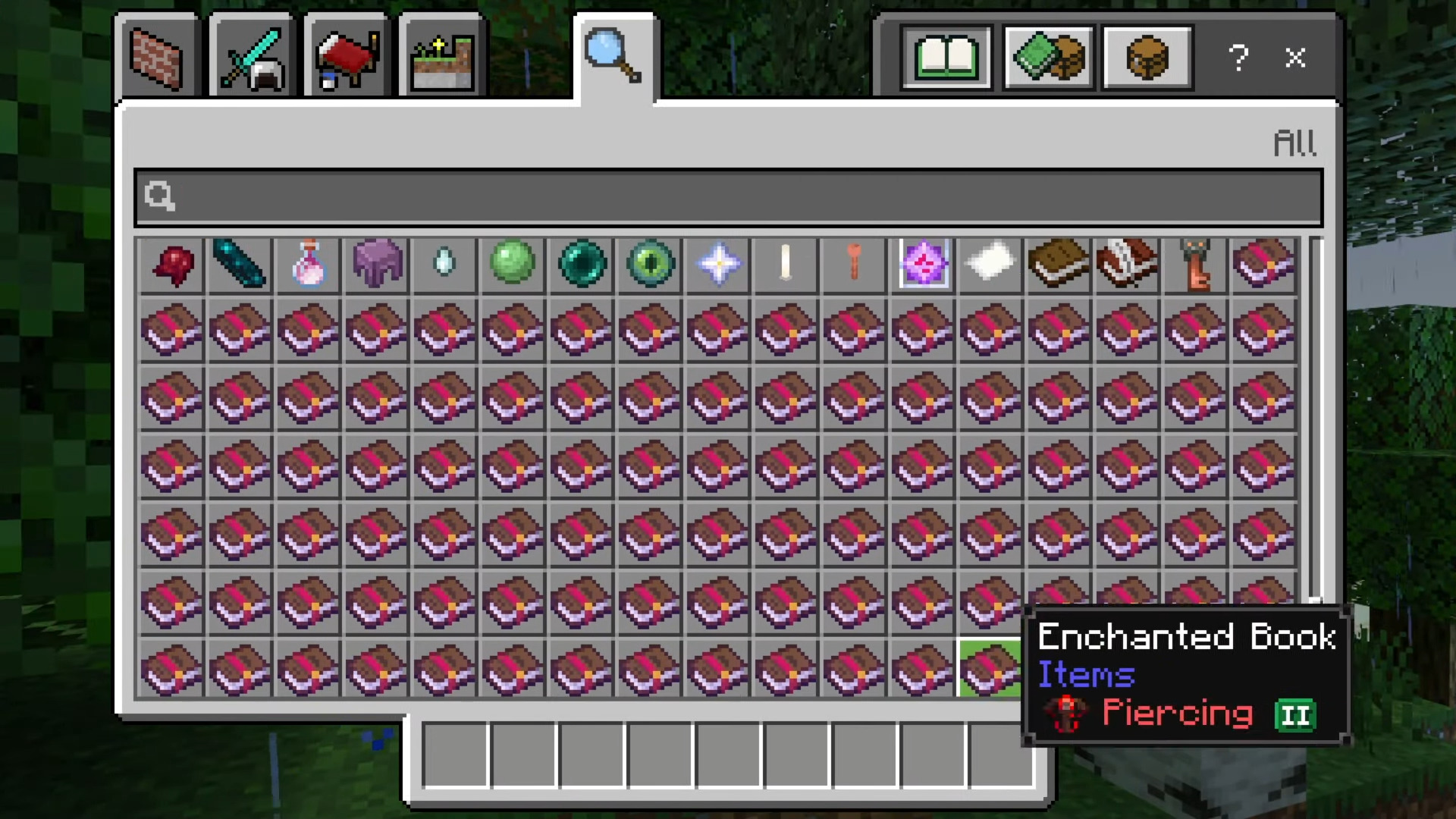
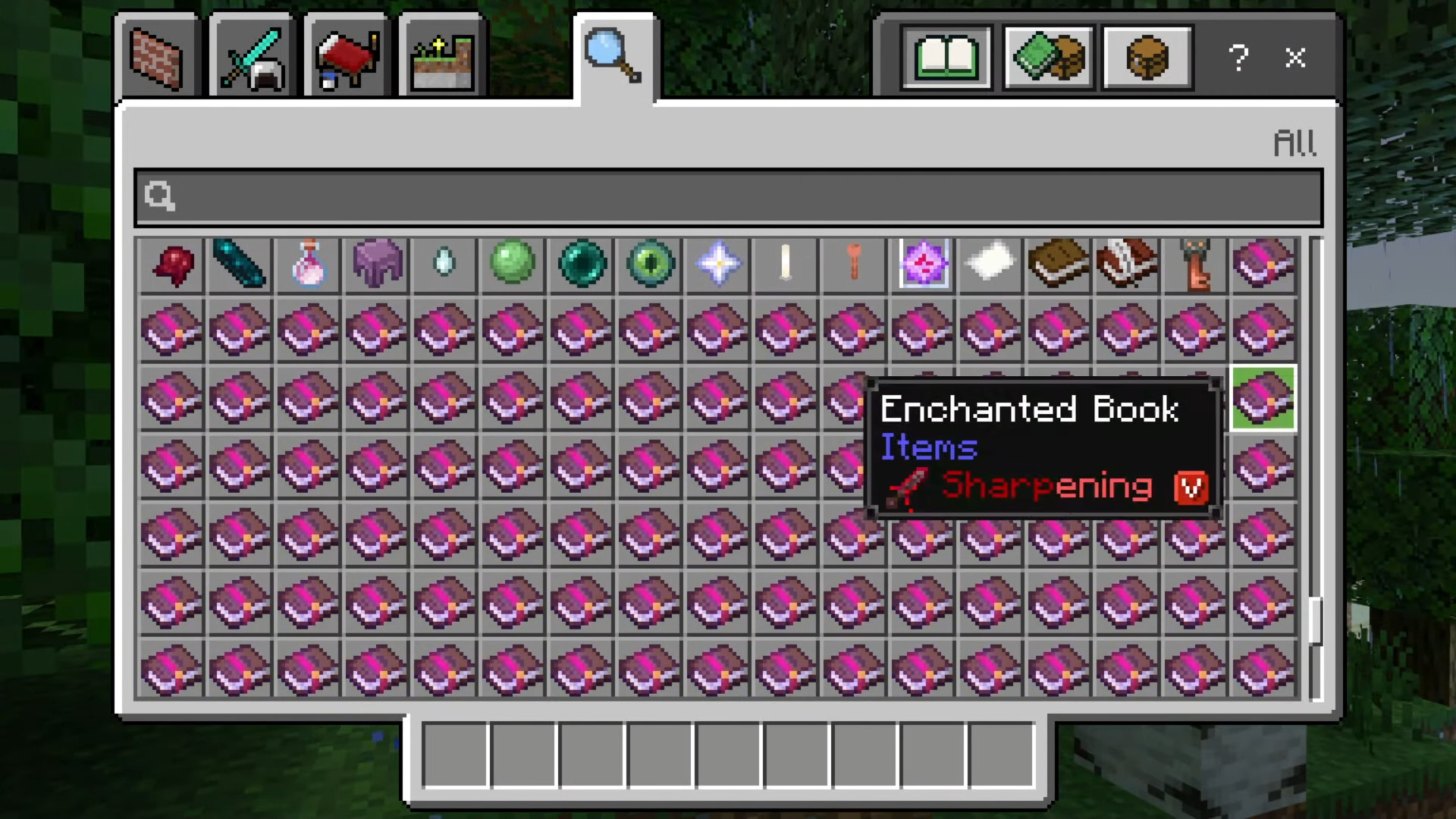
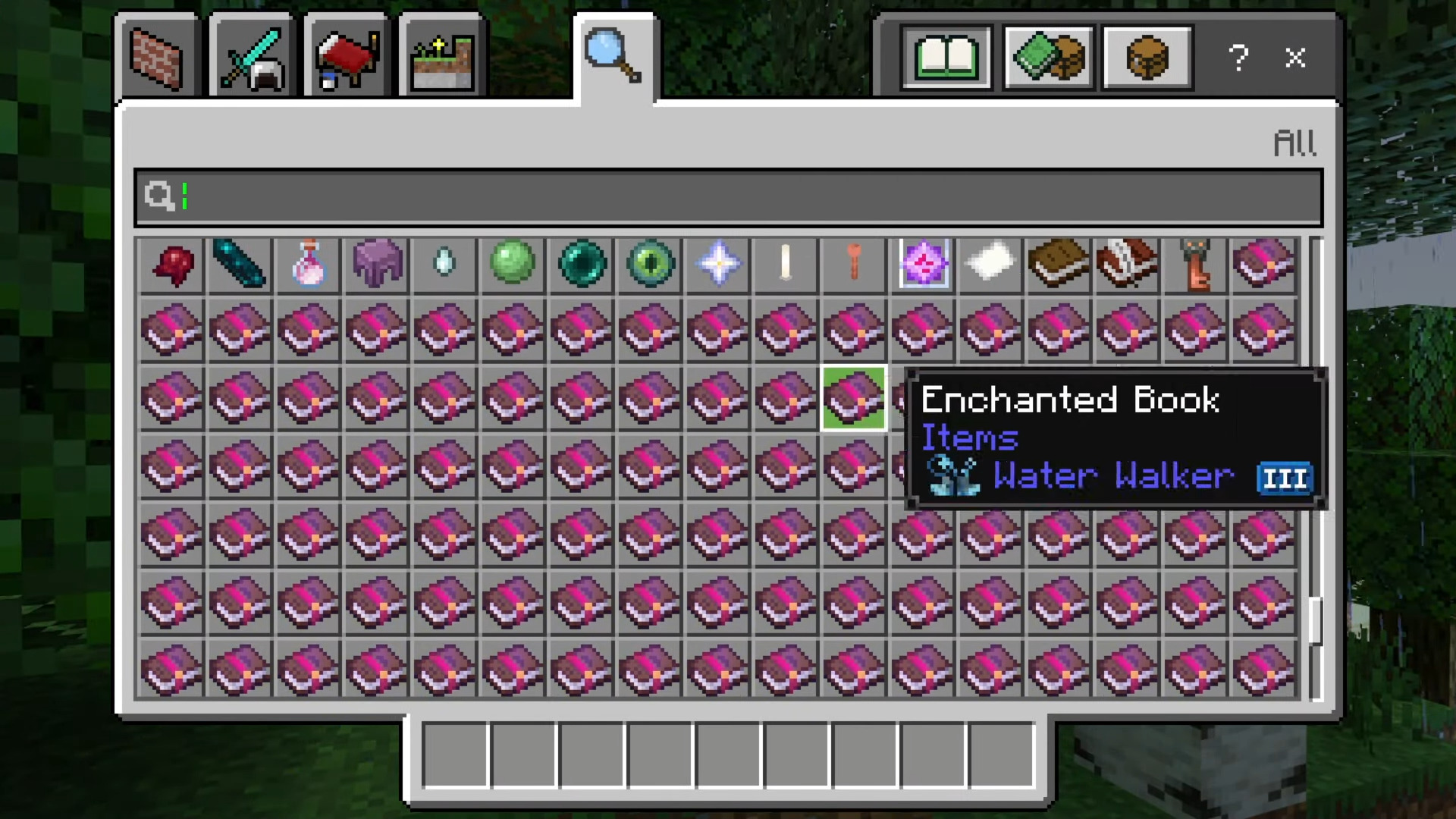
Enchant Icons Texture Pack Stop guessing what your gear does — this pack adds clear visual icons for enchantments right in your menus and item names! Features: Unique icons for every enchantment type Instantly see enchants on weapons, armor, and tools Clean integration with menus and item name displays Works seamlessly on MCPE and Bedrock 1.26+ Why You'll Love It: 1 No more reading long enchantment lists at the anvil 2 Sorting loot and trading becomes lightning fast 3 Lightweight pack with zero performance impact How to Get Started: 1 Download the Enchant Icons Texture Pack. 2 Install it in Minecraft PE. 3 Open your world and enjoy the new experience
Open this resource in CraftyBox