
CRAFTYBOX
Preparing your block world
正在准备你的方块世界
First visit setup
首次访问设置
CRAFTYBOX
Preparing your block world
正在准备你的方块世界
First visit setup
首次访问设置
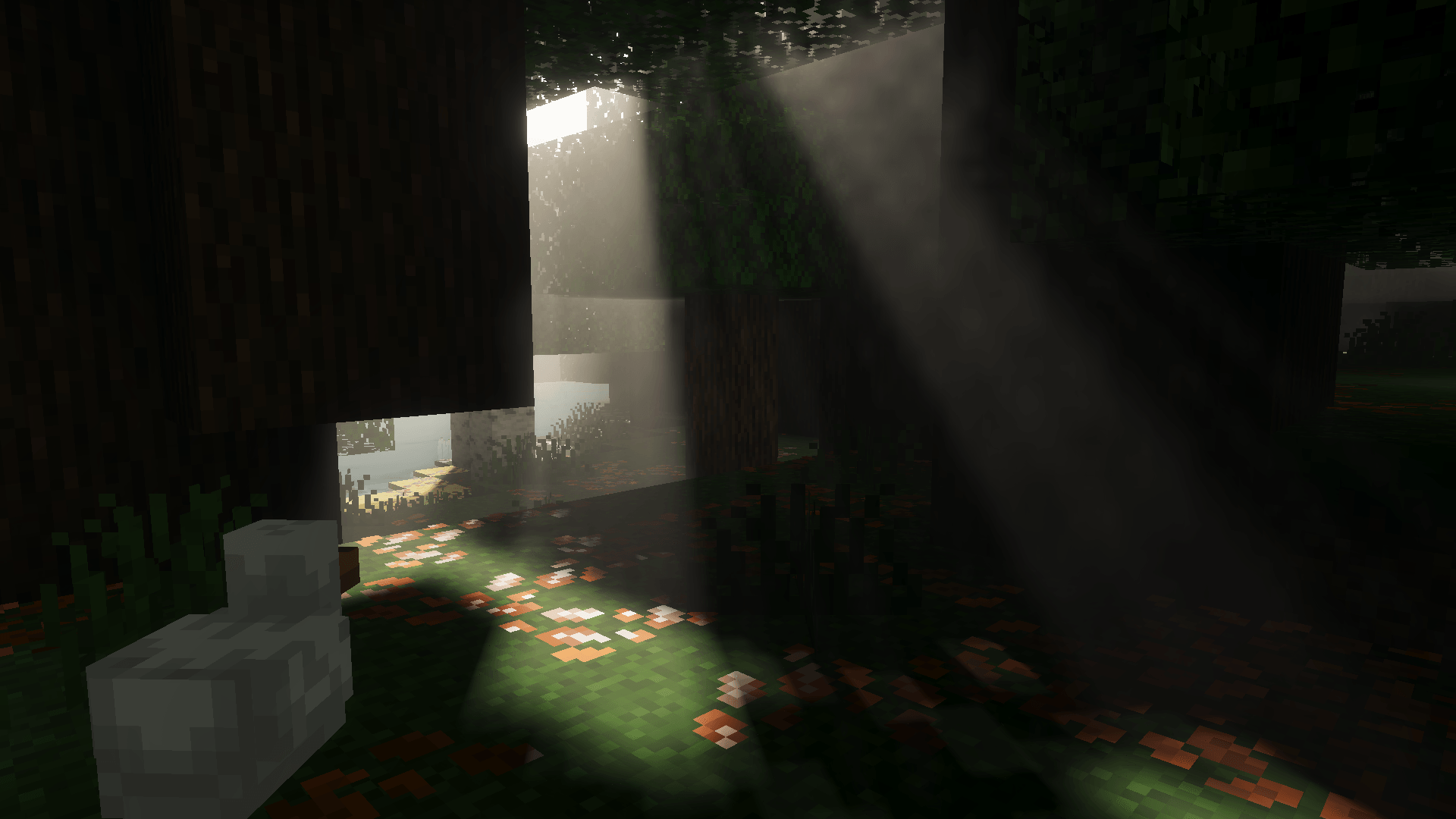
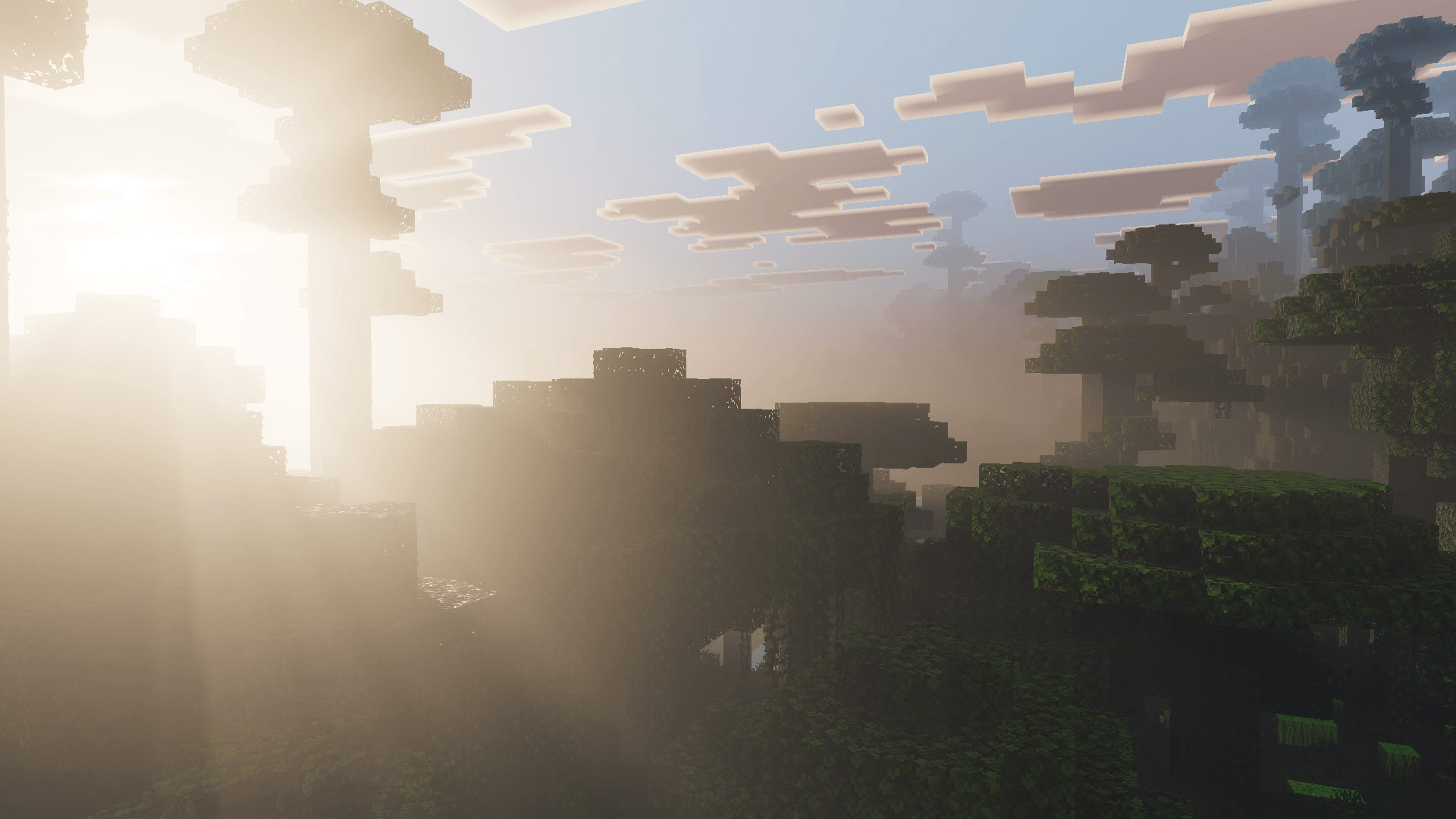
Enhanced Fog Shader Add cinematic depth to every horizon with Enhanced Fog, a shader that layers soft atmospheric mist across your world. Features: Smooth distance fog that gives landscapes real depth Atmospheric haze over mountains, forests and oceans Adjustable mood, from misty mornings to eerie nights Lightweight effect that runs well on most devices Why You'll Love It: 1 Screenshots gain instant cinematic atmosphere 2 Distant terrain fades beautifully instead of popping in 3 Subtle enough for survival, dramatic enough for builds How to Get Started: 1 Download the Enhanced Fog Shader. 2 Install it in Minecraft PE. 3 Open your world and enjoy the n
Read the full details and screenshots
Open this resource in CraftyBox