
CRAFTYBOX
Preparing your block world
正在准备你的方块世界
First visit setup
首次访问设置
CRAFTYBOX
Preparing your block world
正在准备你的方块世界
First visit setup
首次访问设置
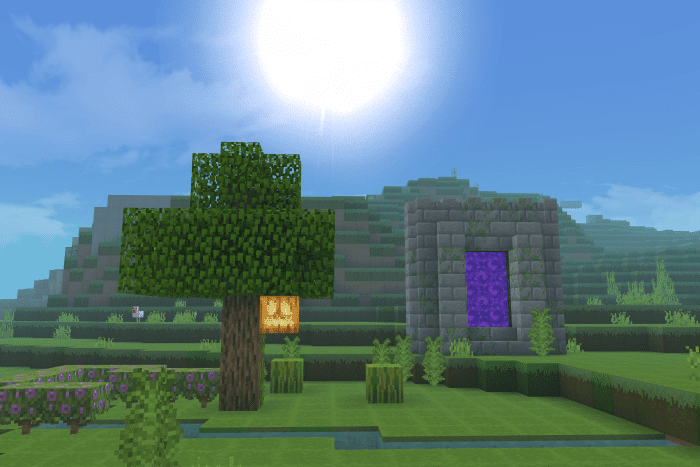
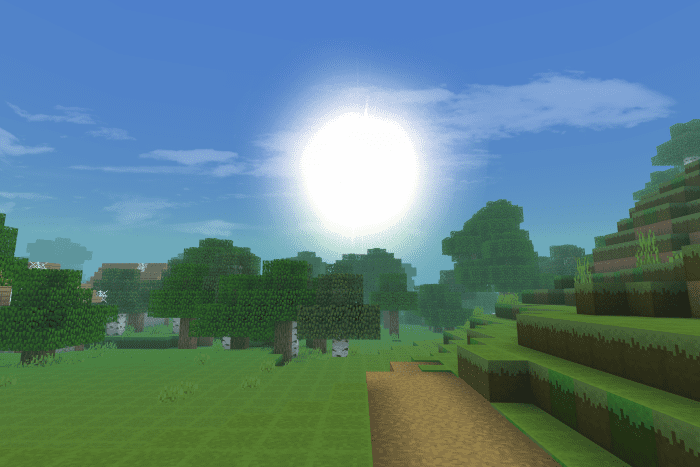
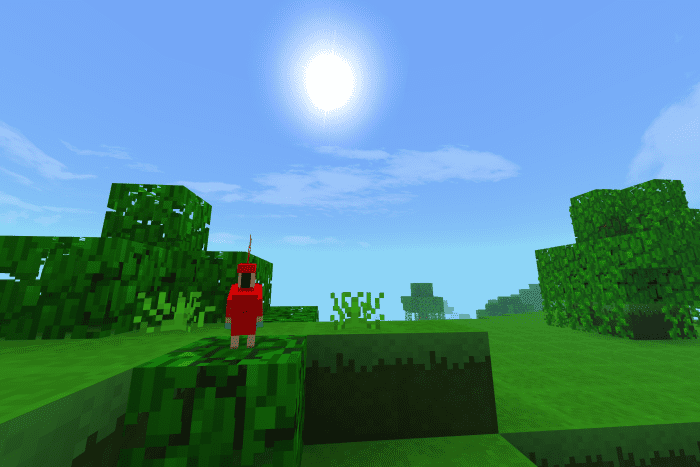
Eternal Shader Eternal Shader brings RTX-style visuals to RenderDragon on MCPE/Bedrock 1.26+ — ray-traced-looking light and reflections without needing an RTX card. Features: RTX-inspired lighting, glow, and reflection effects Built for the RenderDragon engine on modern versions Shimmering water and realistic sky illumination Smart optimization to keep the eye candy playable Why You'll Love It: 1 Ray-tracing vibes on ordinary phones and tablets 2 Jaw-dropping reflections that transform your builds 3 Works where legacy shaders can't even load How to Get Started: 1 Download the Eternal Shader. 2 Install it in Minecraft PE. 3 Open your world and enjoy t
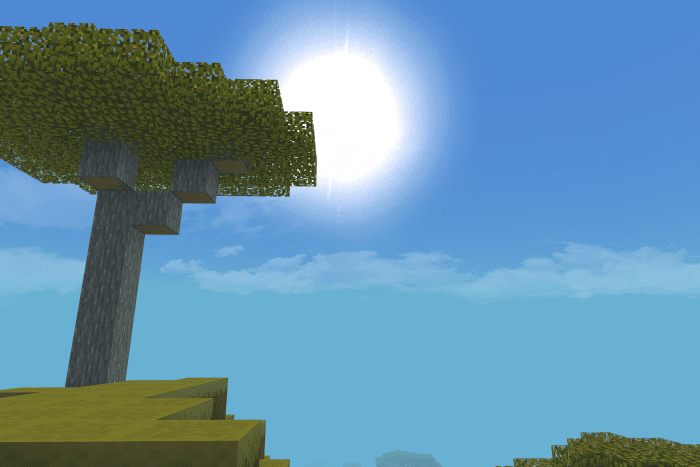
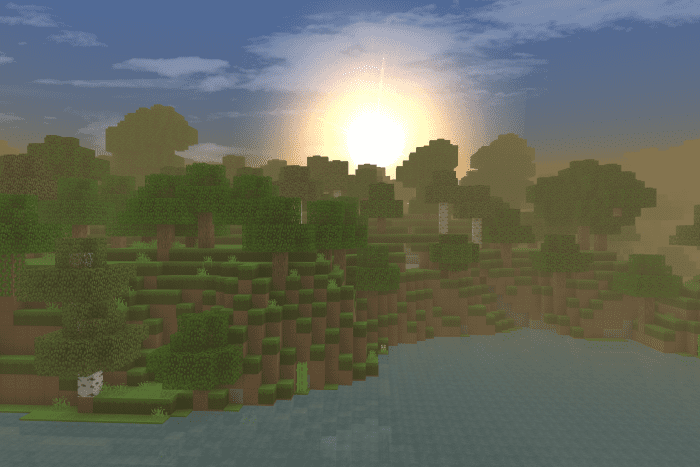
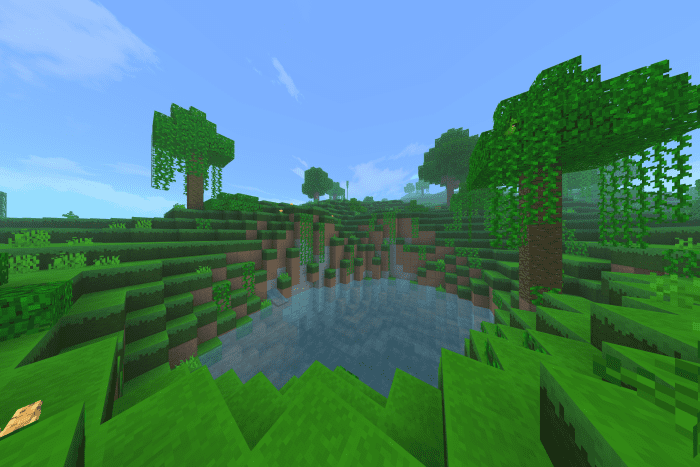
Read the full details and screenshots
Open this resource in CraftyBox