
CRAFTYBOX
Preparing your block world
正在准备你的方块世界
First visit setup
首次访问设置
CRAFTYBOX
Preparing your block world
正在准备你的方块世界
First visit setup
首次访问设置
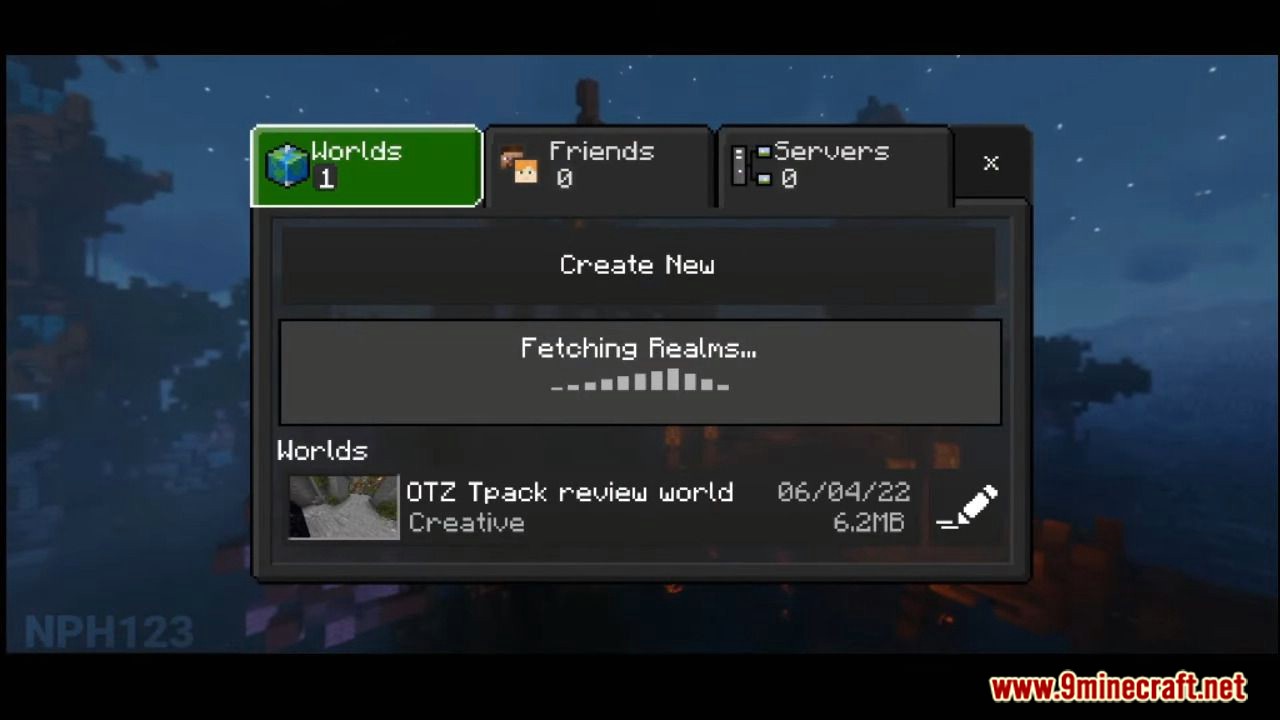
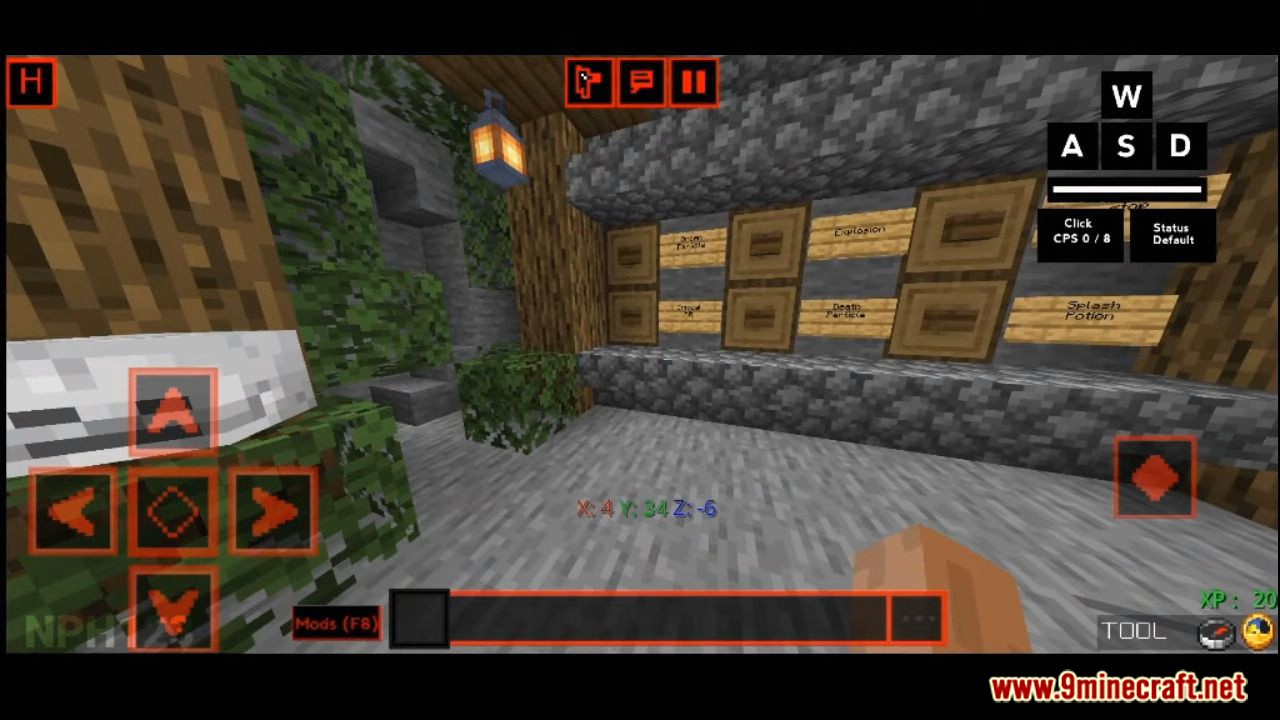
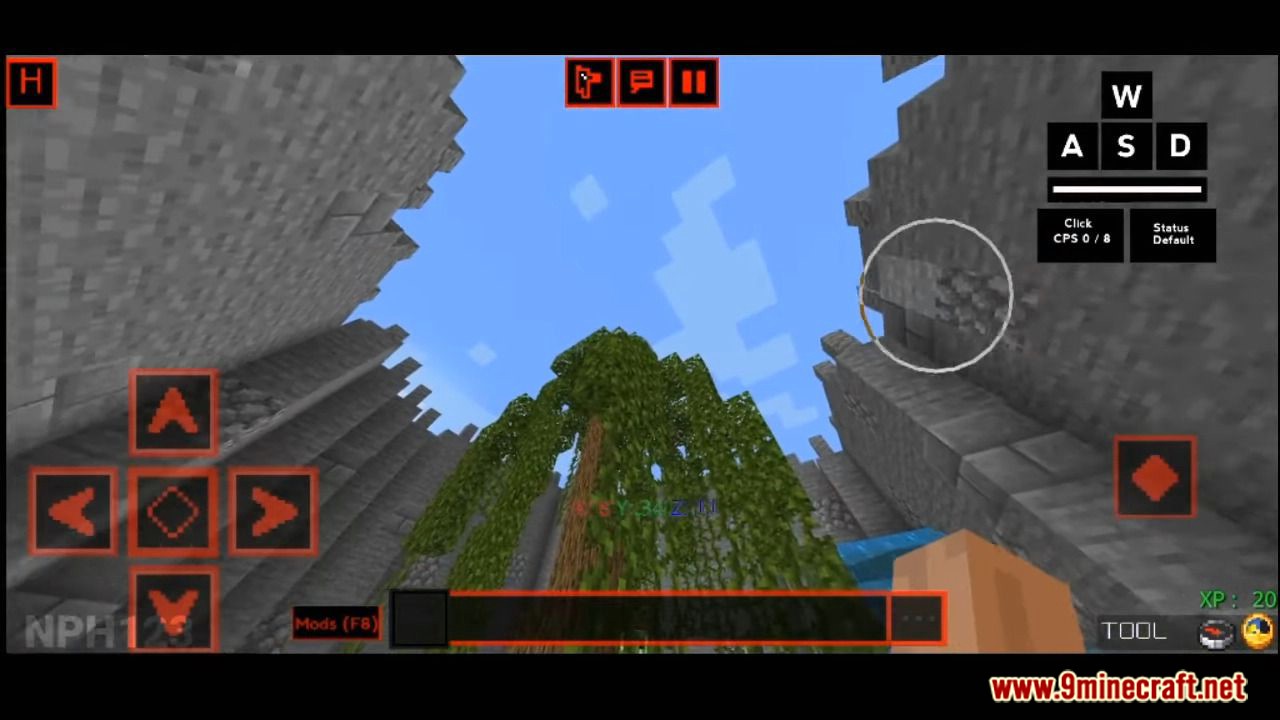
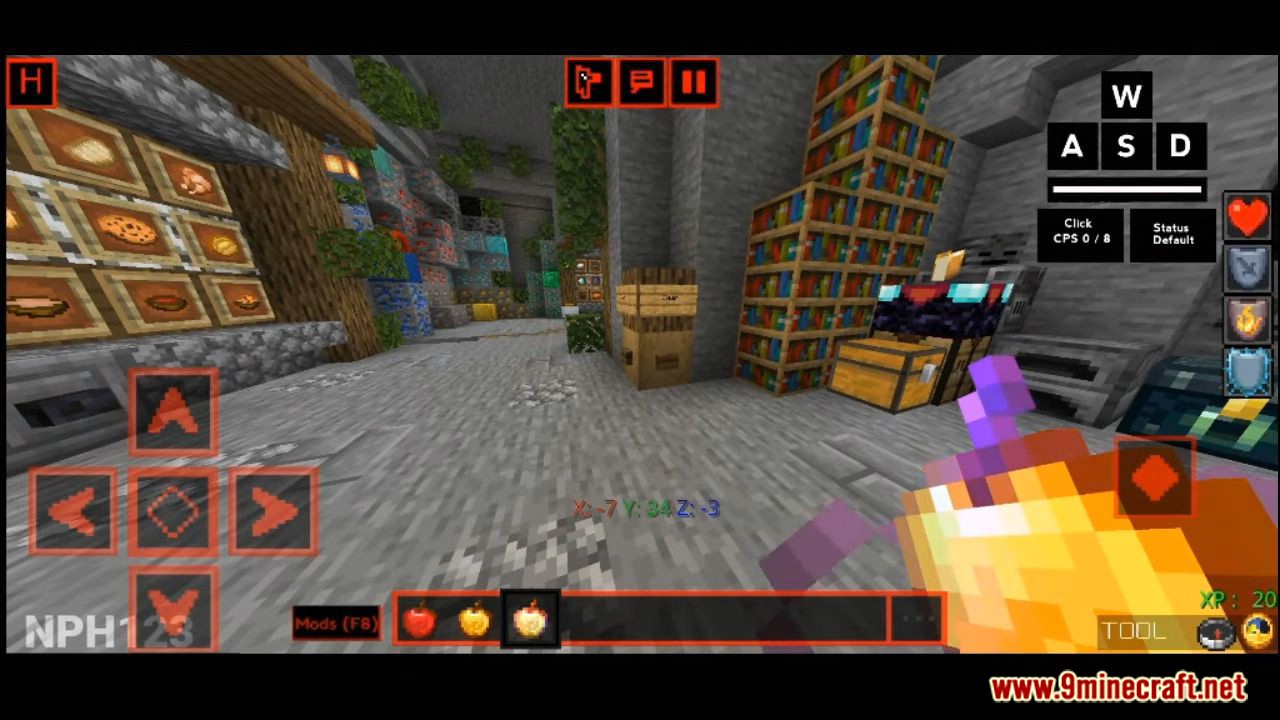
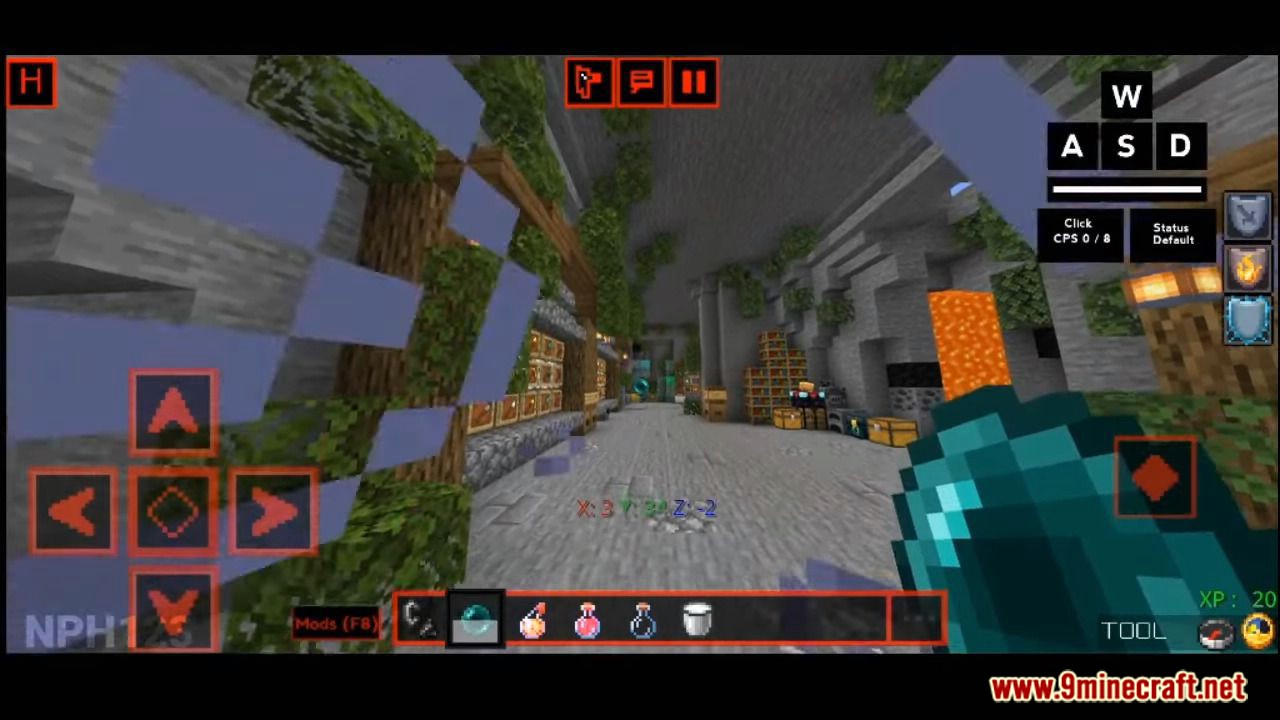
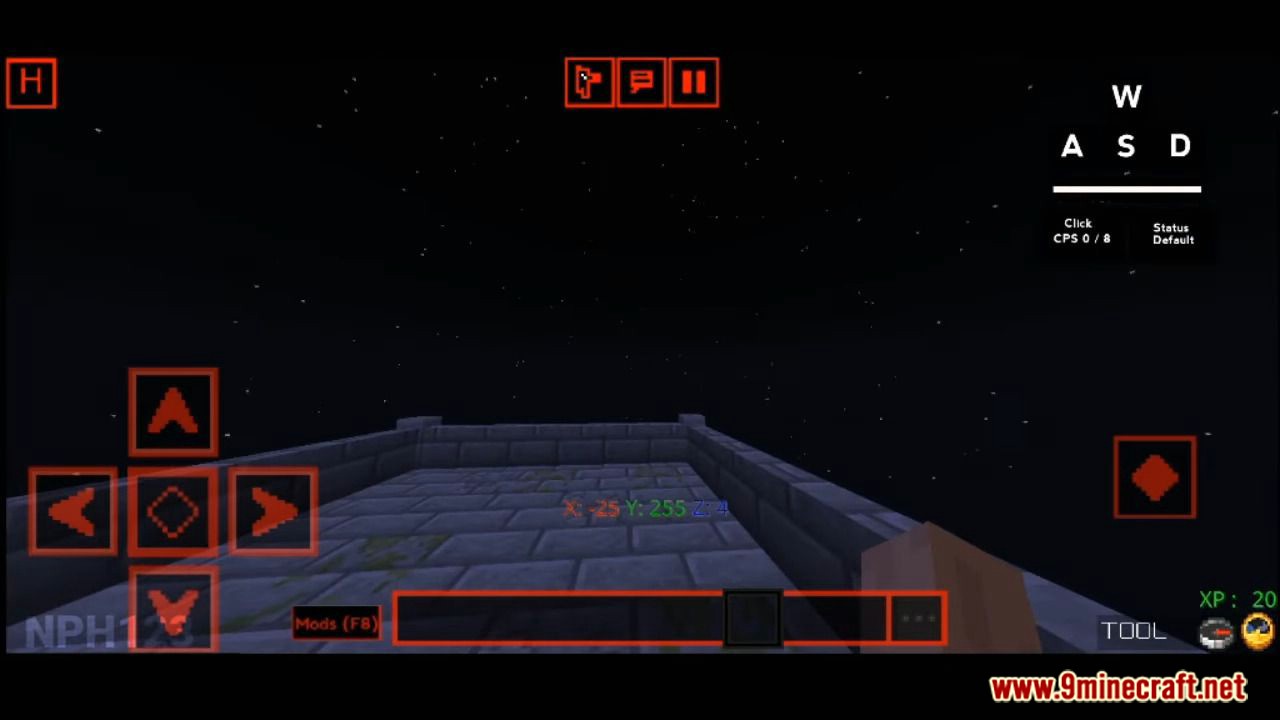
Evoker UI Pack Give your entire game interface a sleek makeover — Evoker UI redesigns your menus, adds a handy mod menu and even boosts your FPS. Features: A stunning redesigned interface for all game menus Built-in mod menu with quick-access options FPS boost optimizations for smoother gameplay Clean animations and modern styling throughout Why You'll Love It: 1 Your menus finally look as good as your builds 2 Extra frames per second on low-end devices 3 Faster navigation with a smarter, cleaner layout How to Get Started: 1 Download the Evoker UI Pack. 2 Install it in Minecraft PE. 3 Open your world and enjoy the new experience. A beautiful UI an
Open this resource in CraftyBox