
CRAFTYBOX
Preparing your block world
正在准备你的方块世界
First visit setup
首次访问设置
CRAFTYBOX
Preparing your block world
正在准备你的方块世界
First visit setup
首次访问设置
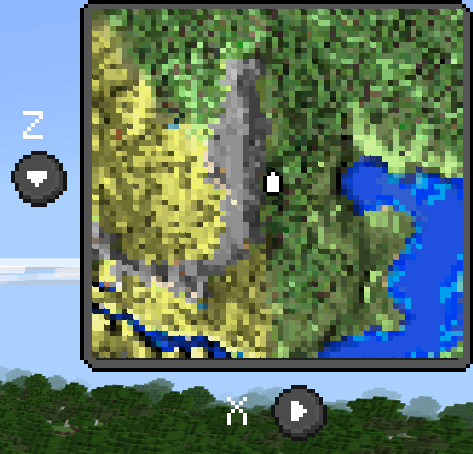
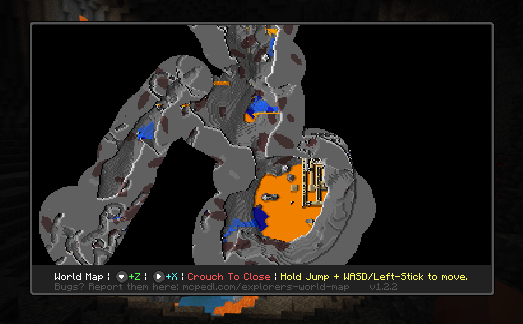
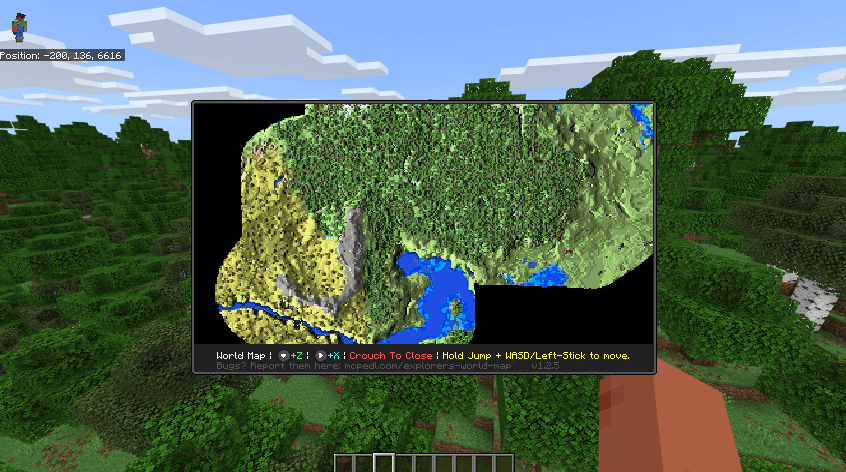
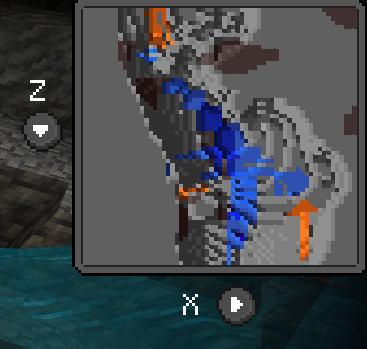
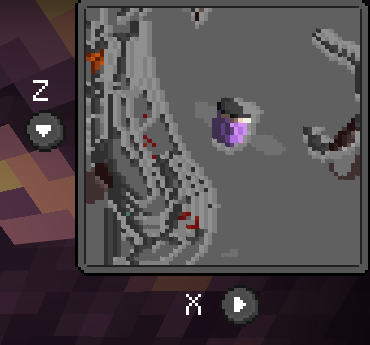
Explorer's World Map & Minimap Navigate your survival worlds easily with a fully interactive map and customizable minimap system in Minecraft PE. Features: In-game world map UI with shared exploration Real-time HUD minimap with scale options Dedicated cave mode for underground scouting Waypoint system and custom configuration commands Why You'll Love It: 1 Never get lost exploring vast multiplayer worlds again. 2 Keep track of important locations with custom waypoints. 3 Easily toggle and configure settings with simple commands. How to Get Started: 1 Download the Explorer's World Map & Minimap. 2 Install it in Minecraft PE. 3 Open your world and enjoy
Read the full details and screenshots
Open this resource in CraftyBox