
CRAFTYBOX
Preparing your block world
正在准备你的方块世界
First visit setup
首次访问设置
CRAFTYBOX
Preparing your block world
正在准备你的方块世界
First visit setup
首次访问设置
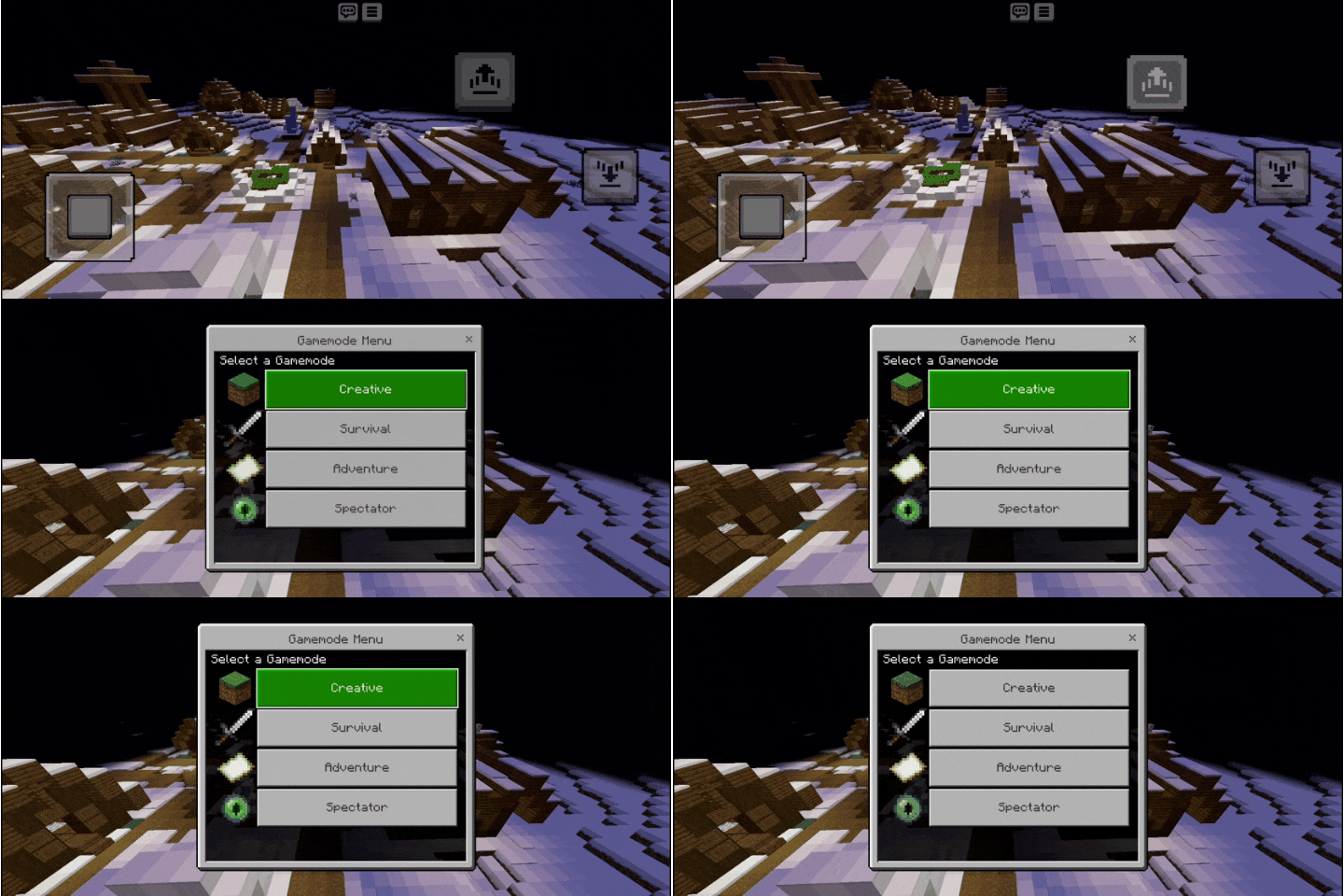
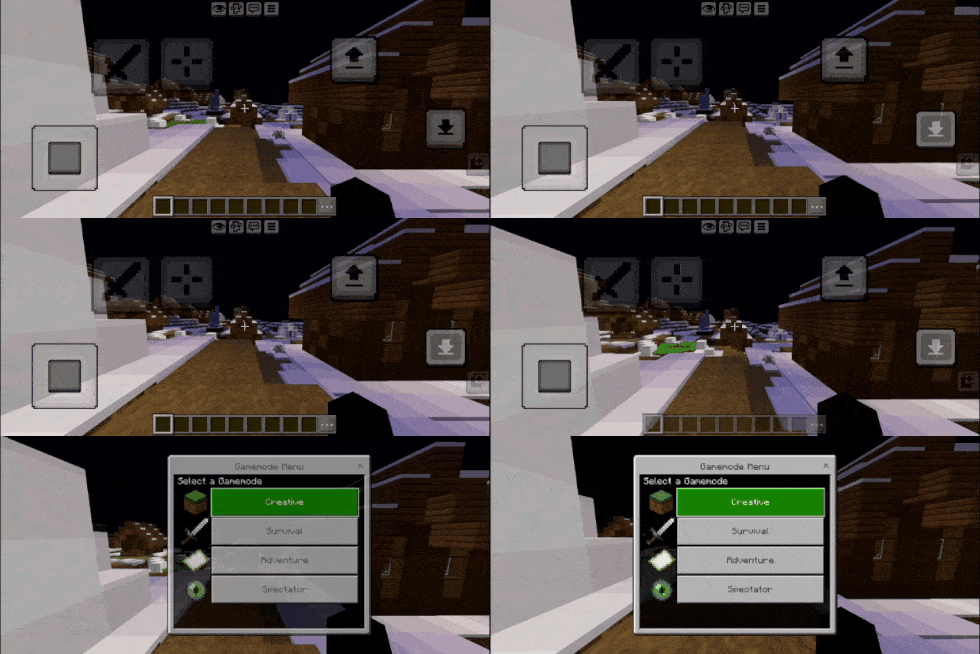
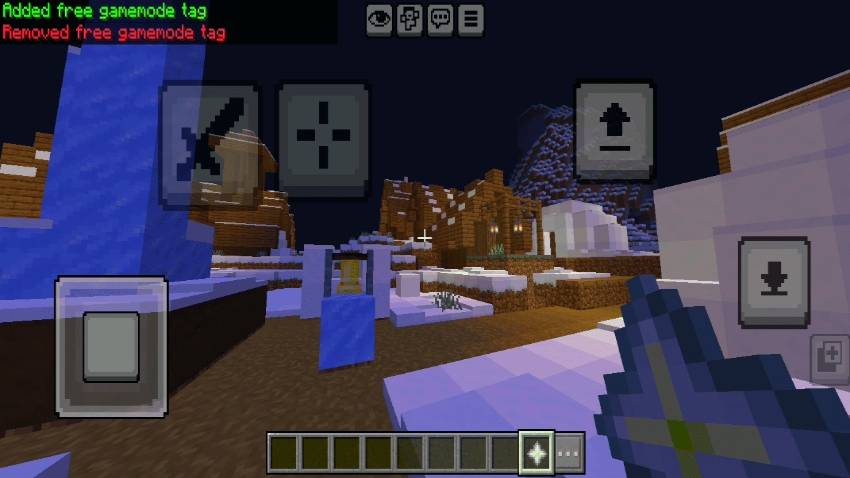
Fast Gamemode Enjoy quick game mode switching inspired by Java Edition right inside Minecraft Bedrock with a simple hotkey menu! Features: Instant game mode switching menu triggered by Shift + Jump Special creative mode tag item for easy setup Seamless transition support for survival, creative, and spectator modes Clean, minimalist user interface for maximum efficiency Why You'll Love It: 1 Save time switching between game modes during building and testing. 2 Lightweight and easy to activate for all players. 3 Smooth user experience matching Java Edition features. How to Get Started: 1 Download the Fast Gamemode. 2 Install it in Minecraft PE. 3 Open y
Read the full details and screenshots
Open this resource in CraftyBox