
CRAFTYBOX
Preparing your block world
正在准备你的方块世界
First visit setup
首次访问设置
CRAFTYBOX
Preparing your block world
正在准备你的方块世界
First visit setup
首次访问设置
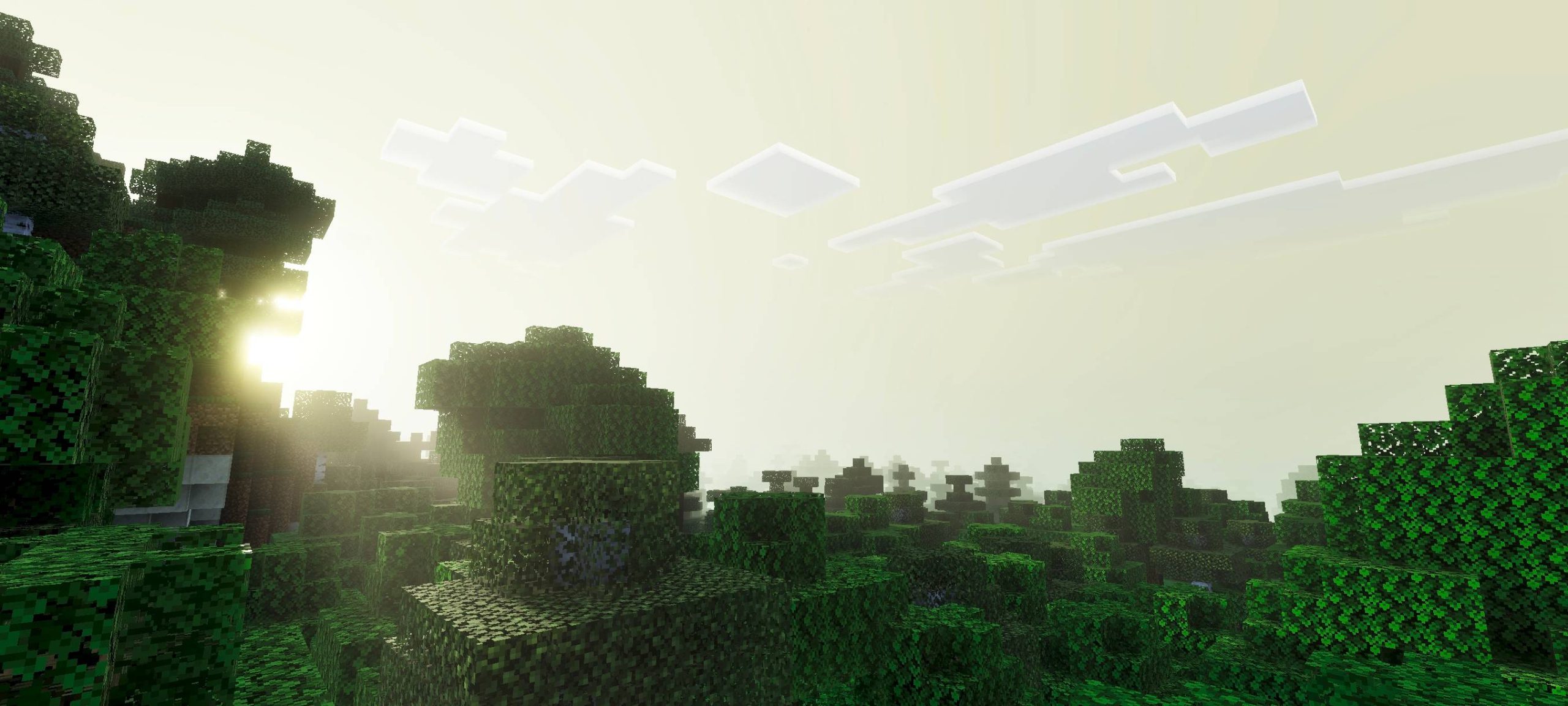
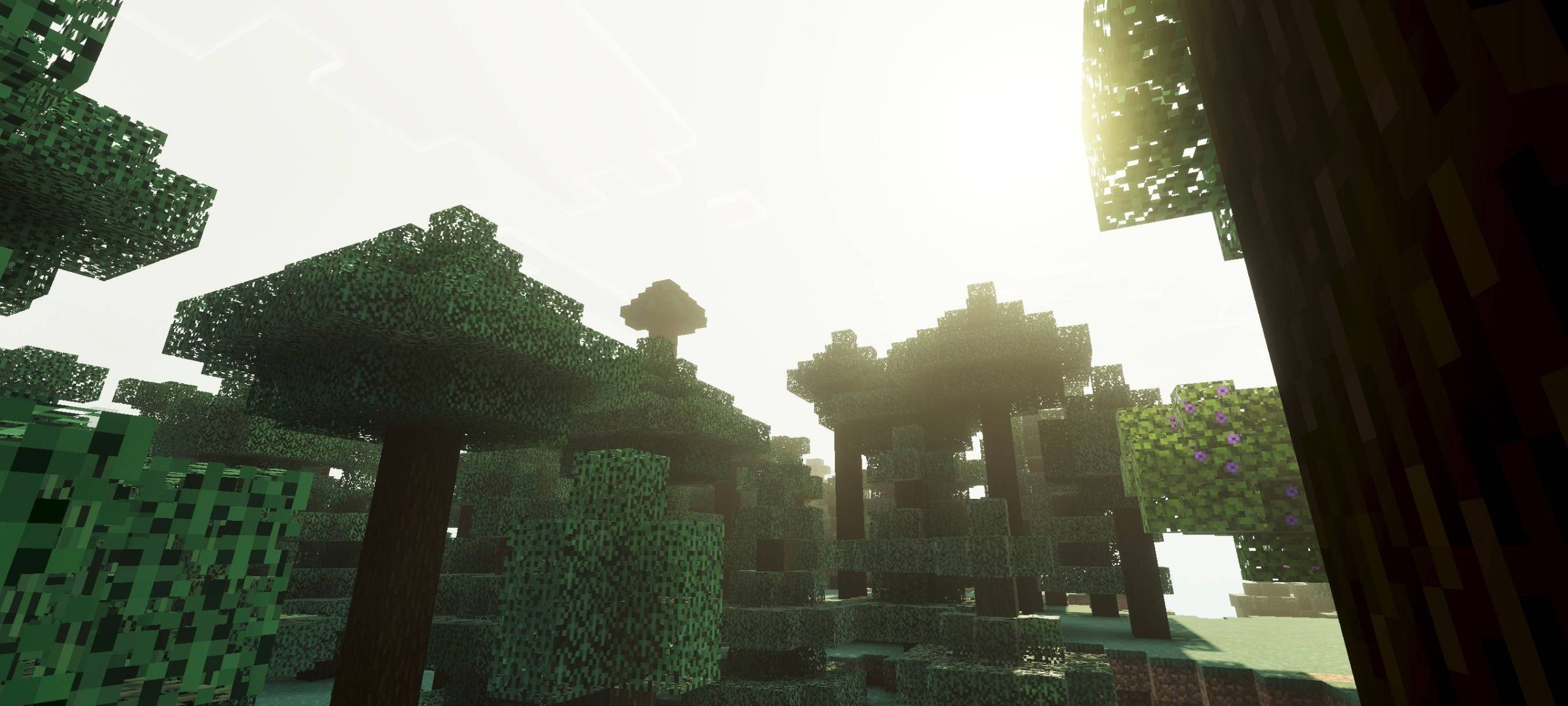
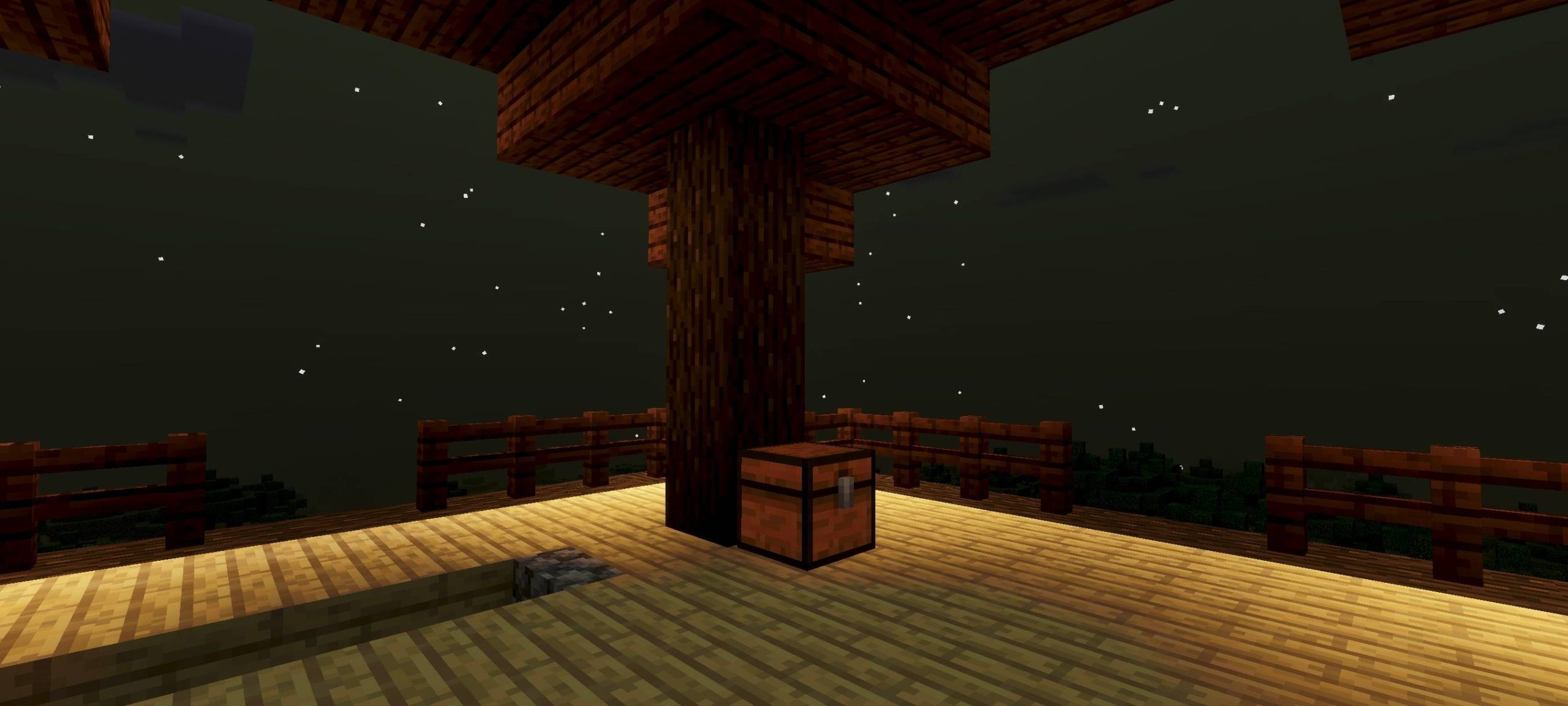
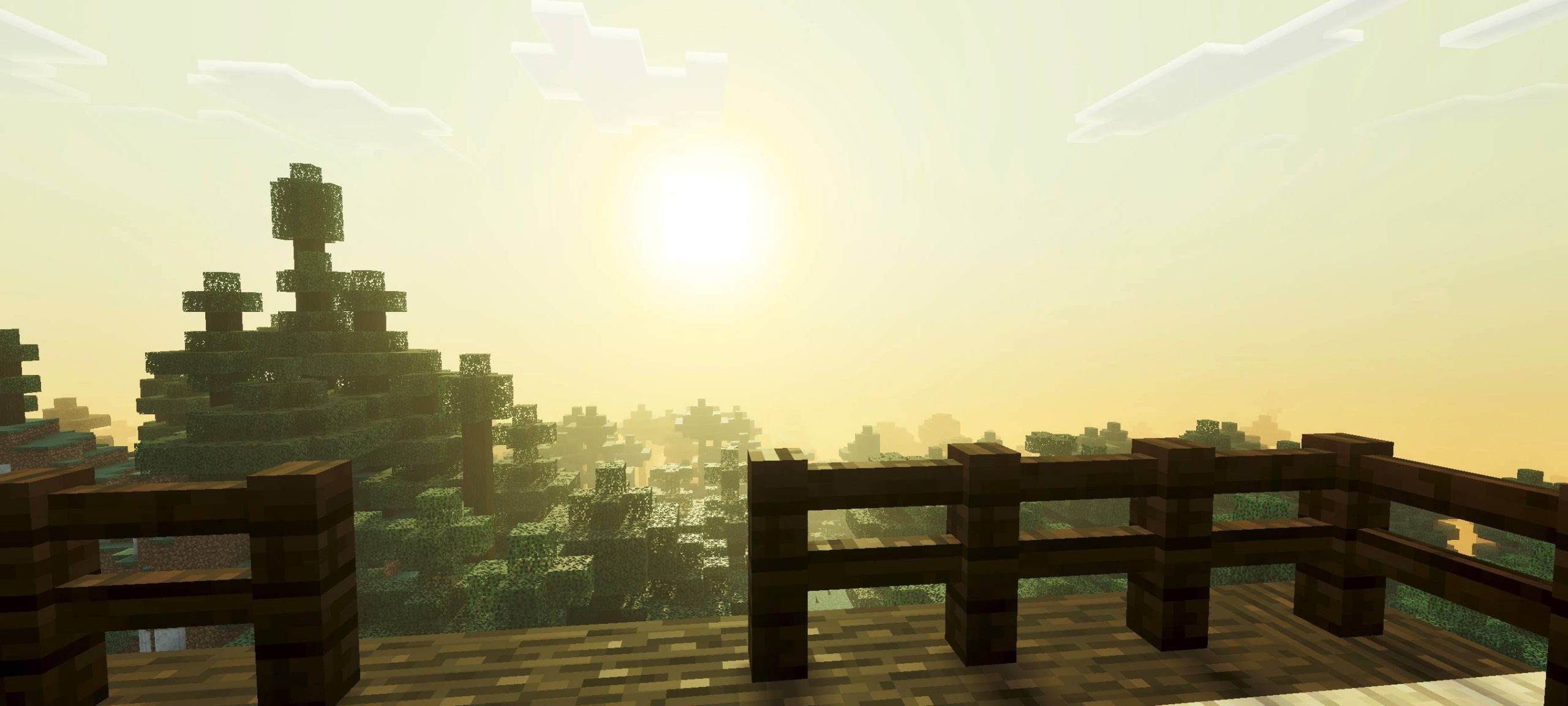
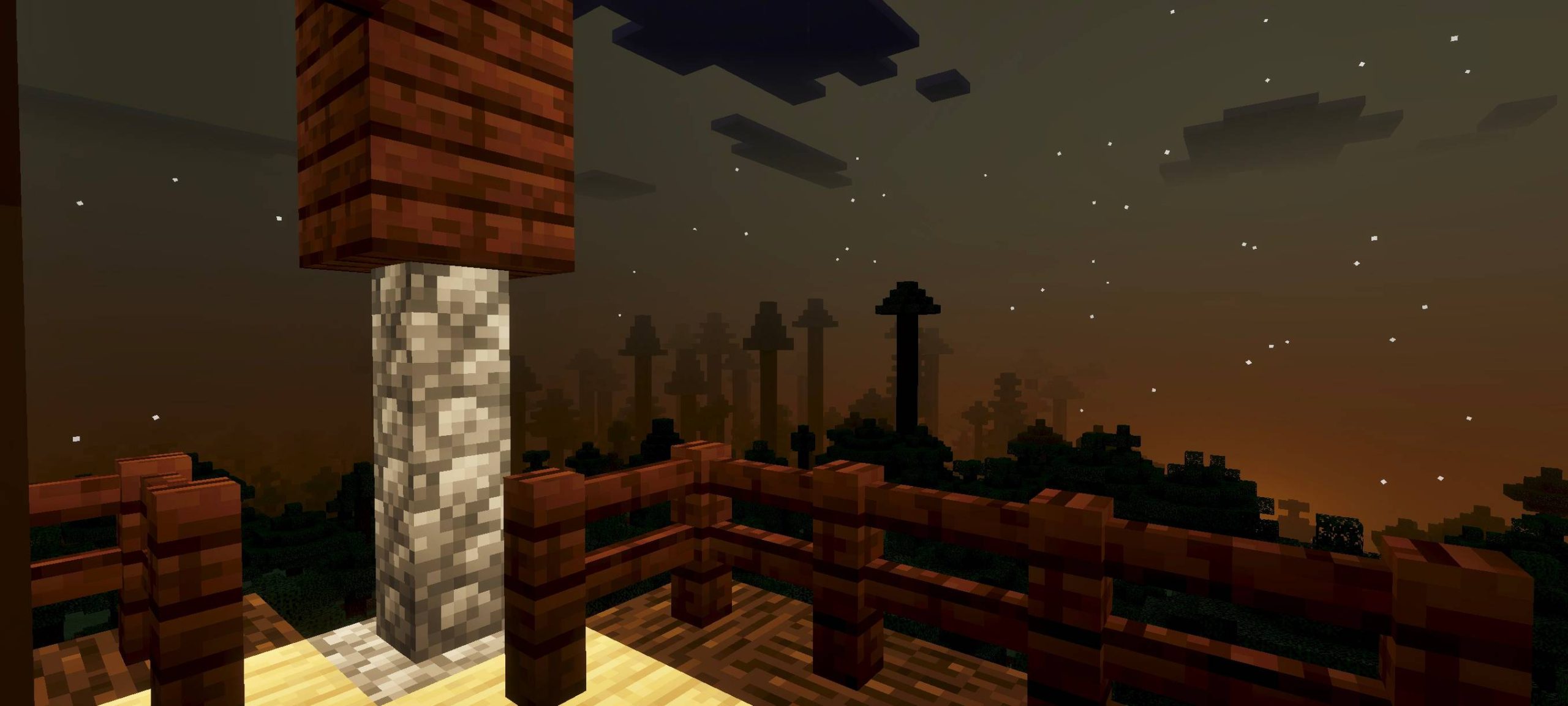
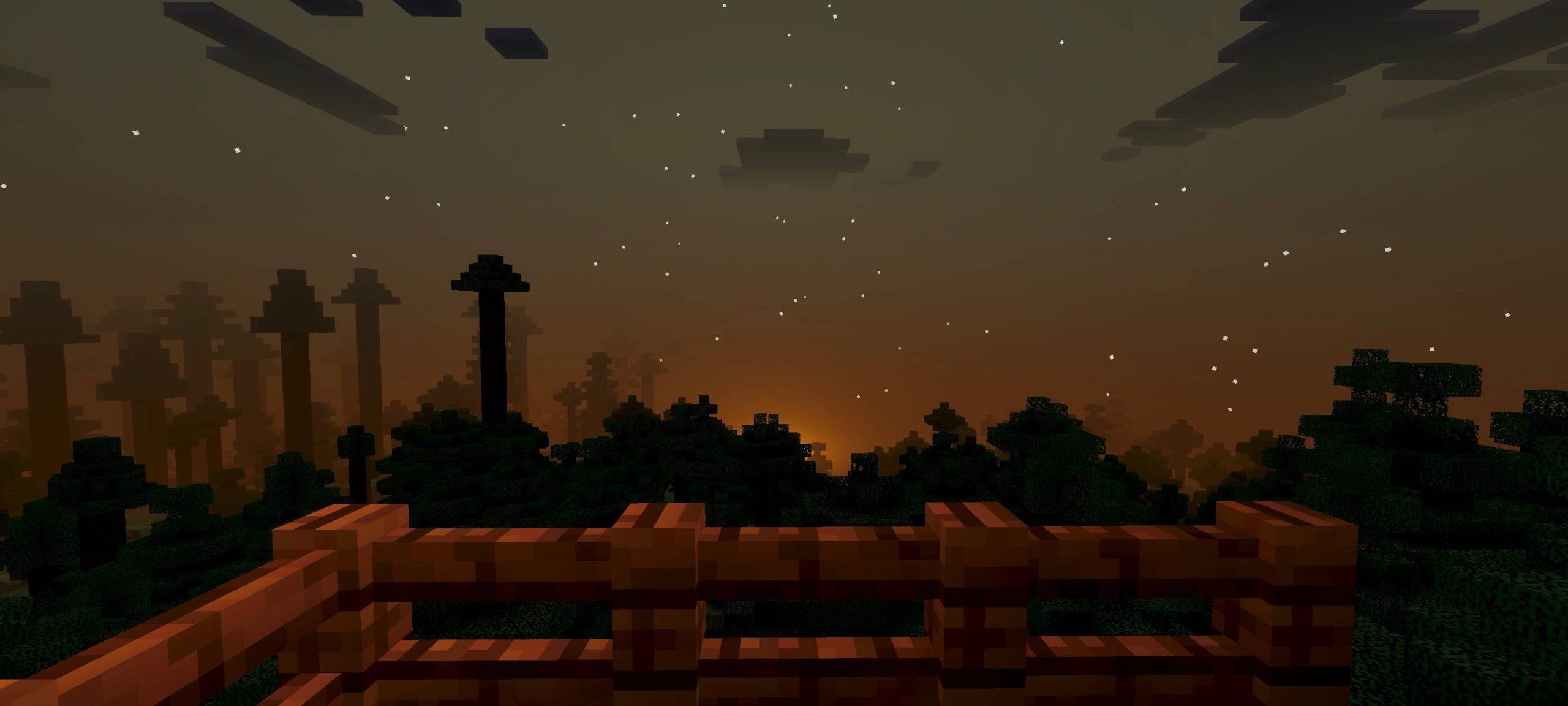
Flora Visual Shader Transform your Minecraft PE world into a lush, vibrant paradise with breathtaking plant life and enhanced natural beauty! Features: Realistic and dynamic flora animations Swaying grass, leaves, and underwater plants Enhanced colors and vibrancy for all vegetation Improved lighting effects that make nature pop Why You'll Love It: 1 Dive into an incredibly immersive natural environment 2 Enjoy stunning, detailed landscapes and biomes 3 Experience Minecraft's world as never before, full of life How to Get Started: 1 Download the Flora Visual Shader. 2 Install it in Minecraft PE. 3 Open your world and enjoy the new experience. Bring
Read the full details and screenshots
Open this resource in CraftyBox