
CRAFTYBOX
Preparing your block world
正在准备你的方块世界
First visit setup
首次访问设置
CRAFTYBOX
Preparing your block world
正在准备你的方块世界
First visit setup
首次访问设置
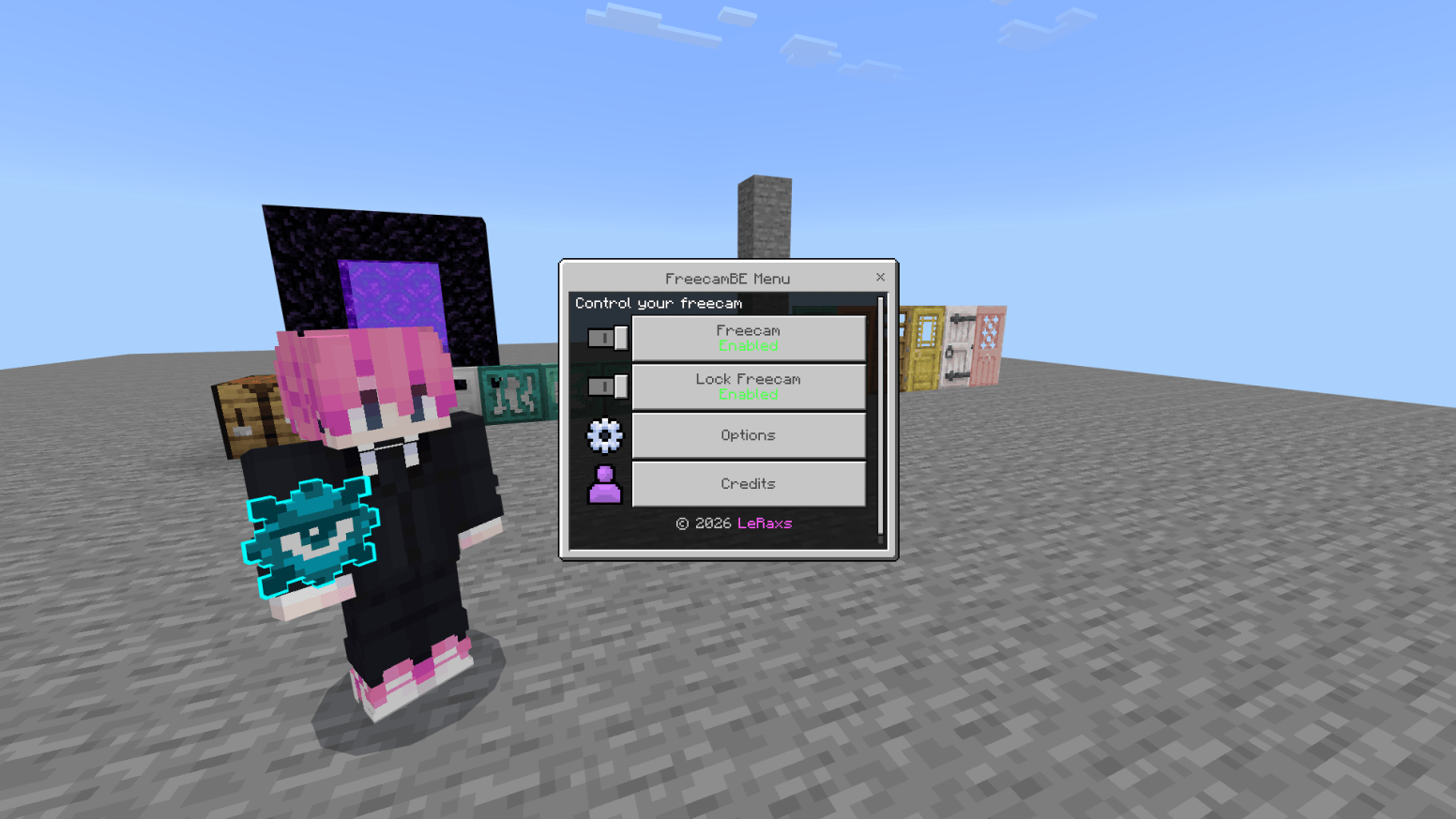
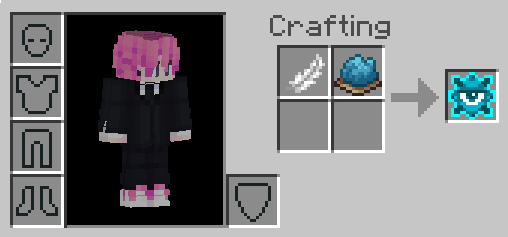
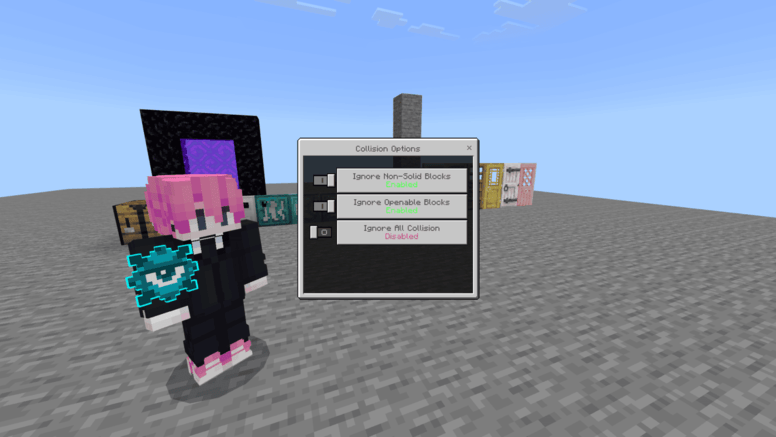
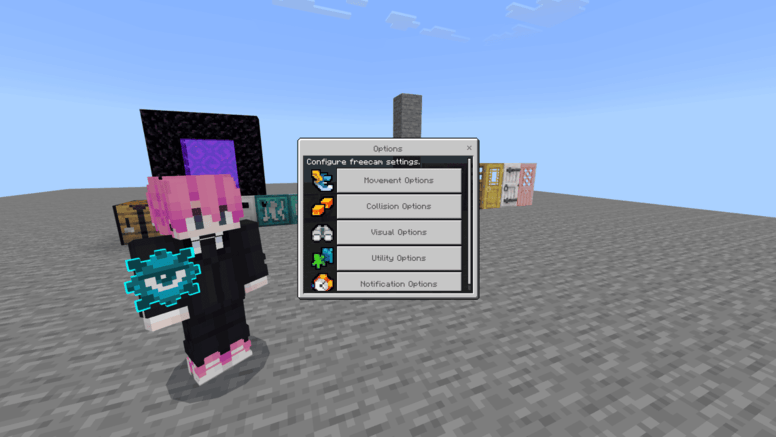
FreecamBE Move the camera freely without moving your player and fly through blocks to easily inspect your world. Features: Freecam controls with adjustable horizontal and vertical speed Collision settings to pass through non-solid or all blocks Camera lock to freeze position and rotation Multi-language support across dozens of translations Why You'll Love It: 1 Fly through walls and terrain effortlessly. 2 Customize speeds and collision rules to fit your playstyle. 3 Inspect builds or caves without risking your player character. How to Get Started: 1 Download the FreecamBE. 2 Install it in Minecraft PE. 3 Open your world and enjoy the new experience.
Read the full details and screenshots
Open this resource in CraftyBox