
CRAFTYBOX
Preparing your block world
正在准备你的方块世界
First visit setup
首次访问设置
CRAFTYBOX
Preparing your block world
正在准备你的方块世界
First visit setup
首次访问设置
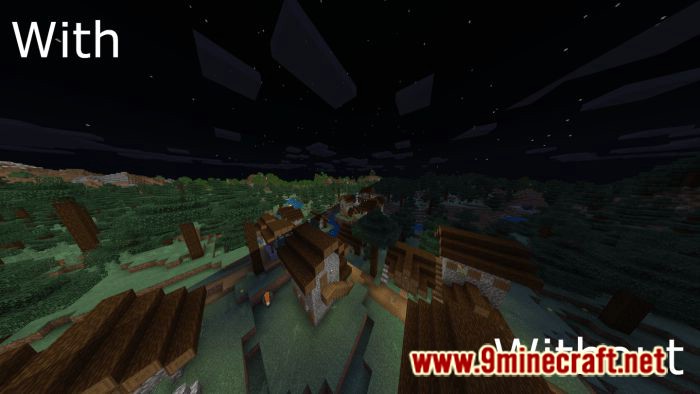
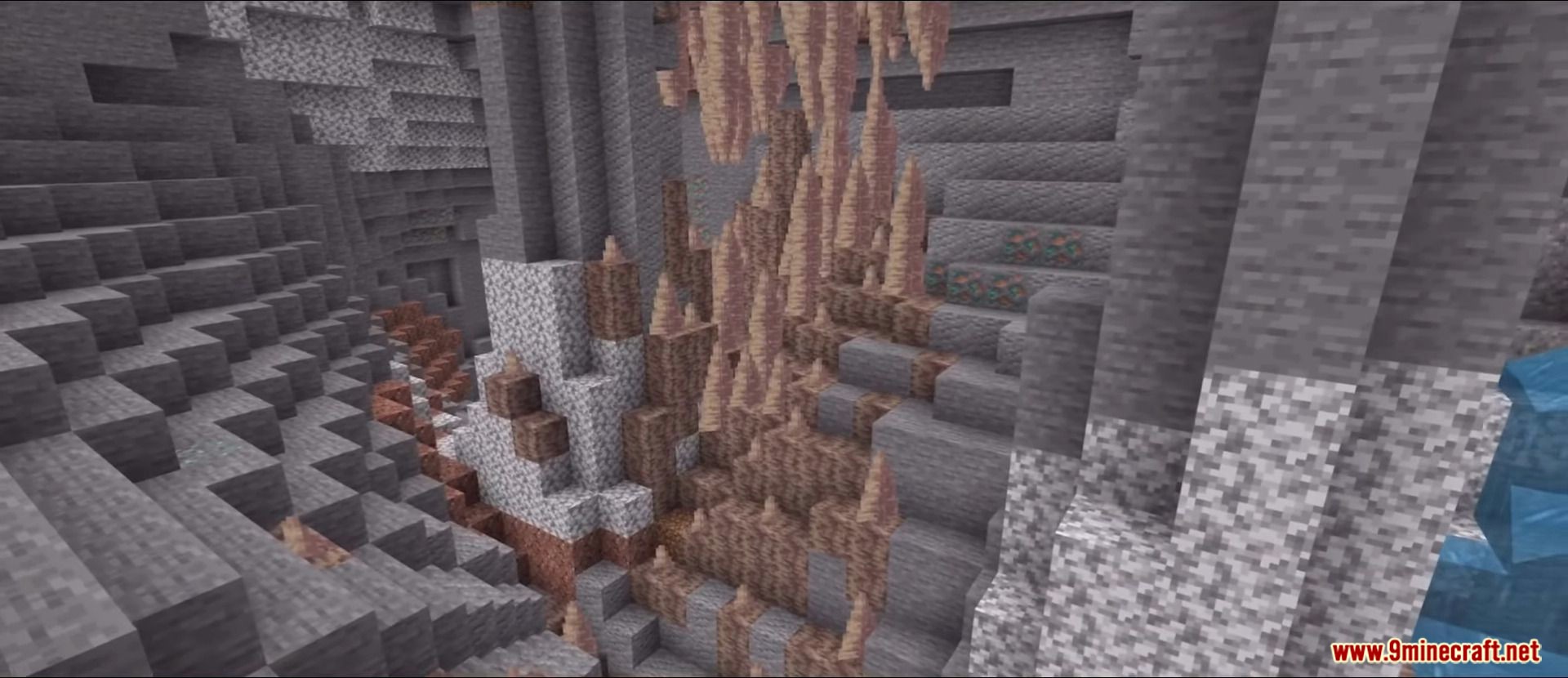
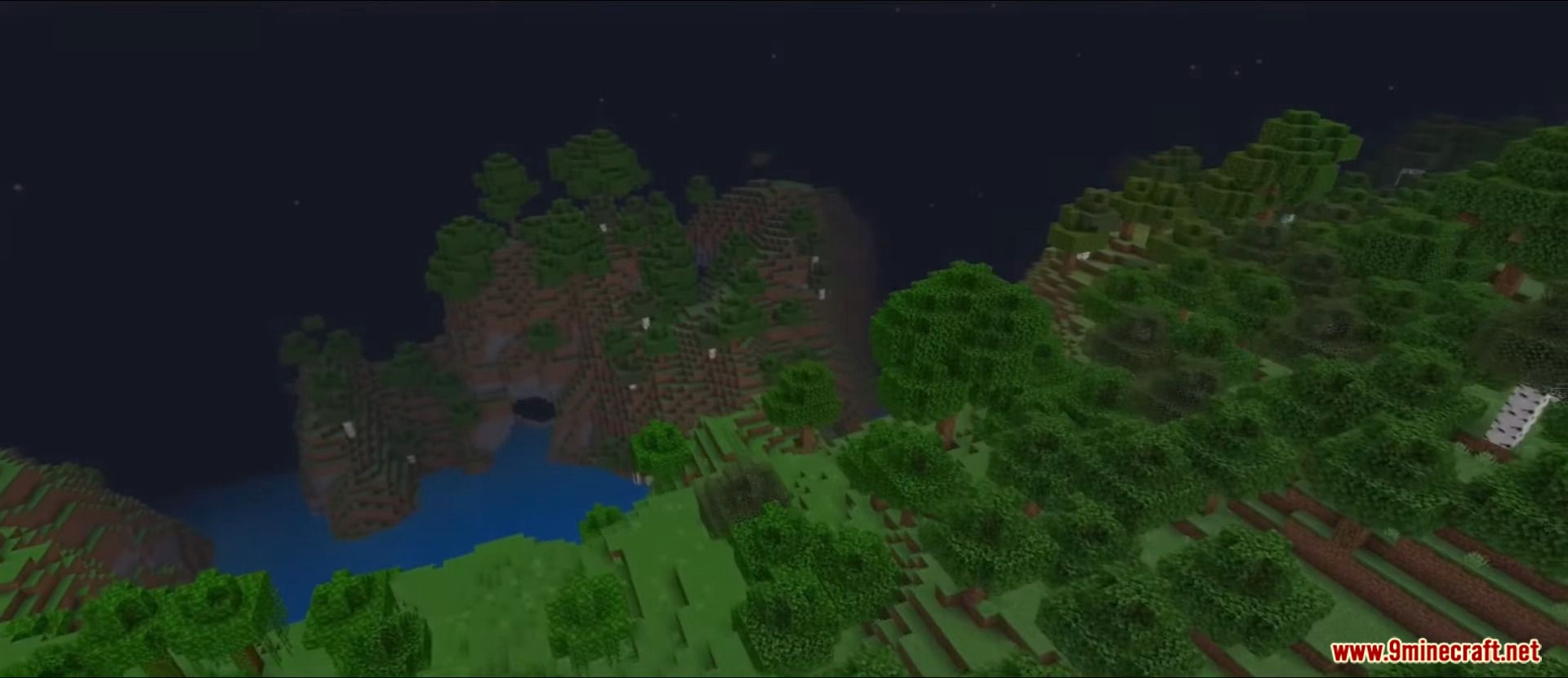
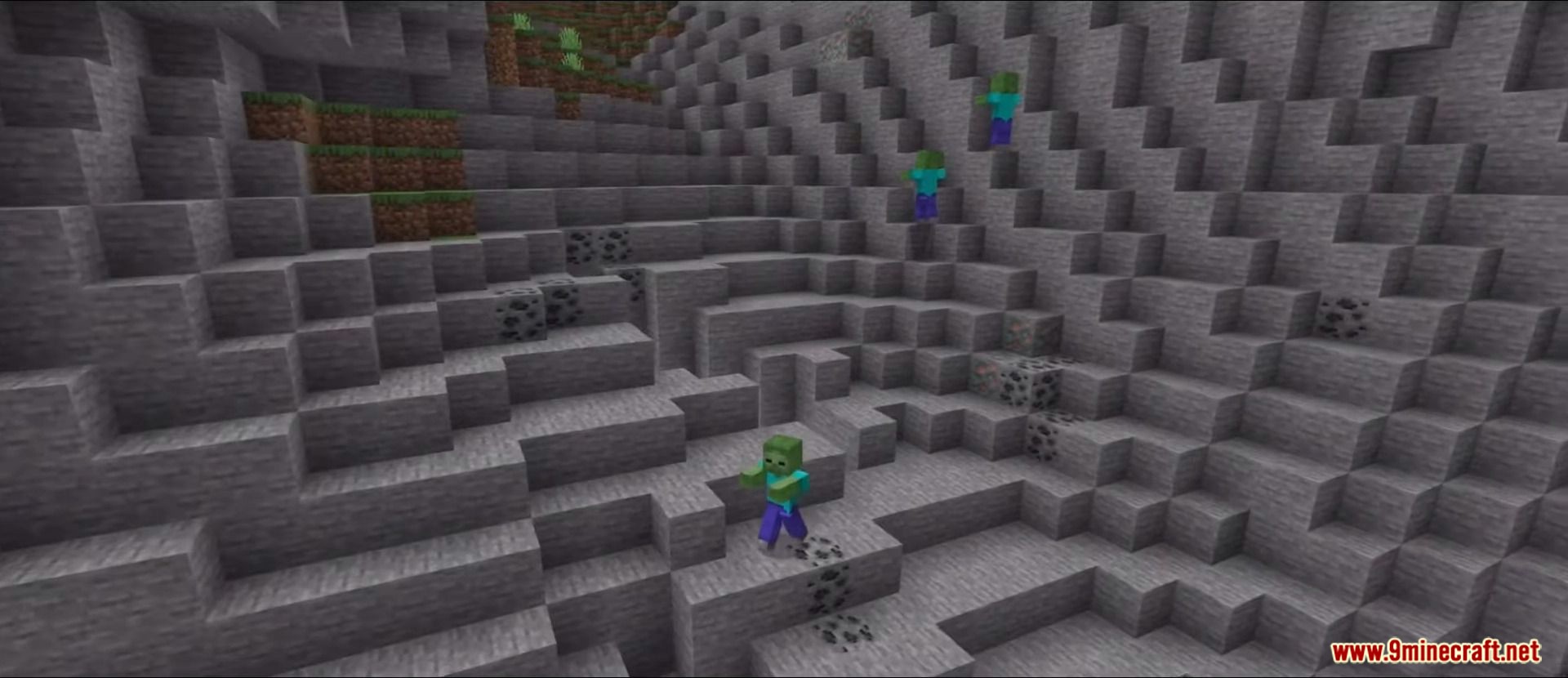
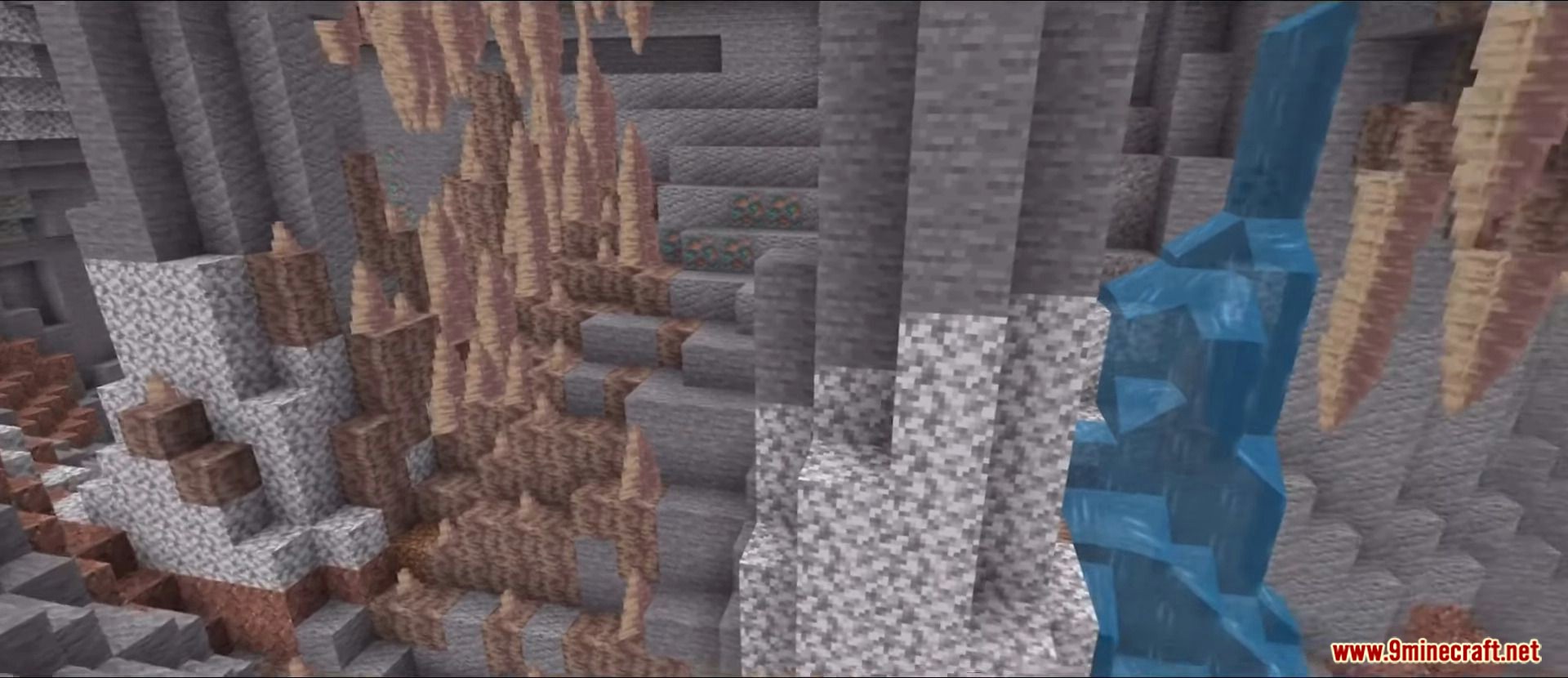
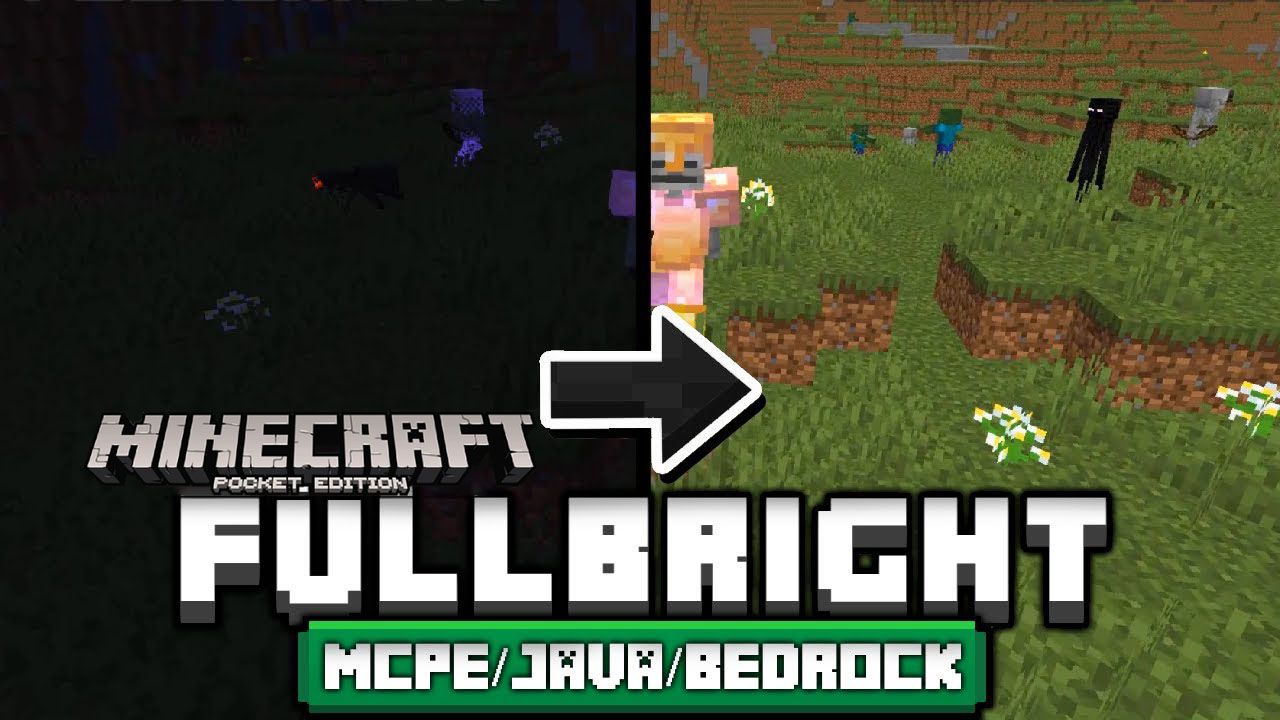
FullBright Texture Pack Say goodbye to darkness forever — FullBright lights up every corner of your Bedrock world as if the sun never sets. Features: Maximum brightness everywhere, day and night Crystal-clear visibility in caves and the Nether No potions, torches or night vision effects required Zero performance cost on any device Why You'll Love It: 1 Never fumble through a dark cave again 2 See hostile mobs coming from a mile away 3 Install once and forget about lighting problems How to Get Started: 1 Download the FullBright Texture Pack. 2 Install it in Minecraft PE. 3 Open your world and enjoy the new experience. Brighten up — your world just
Open this resource in CraftyBox