
CRAFTYBOX
Preparing your block world
正在准备你的方块世界
First visit setup
首次访问设置
CRAFTYBOX
Preparing your block world
正在准备你的方块世界
First visit setup
首次访问设置
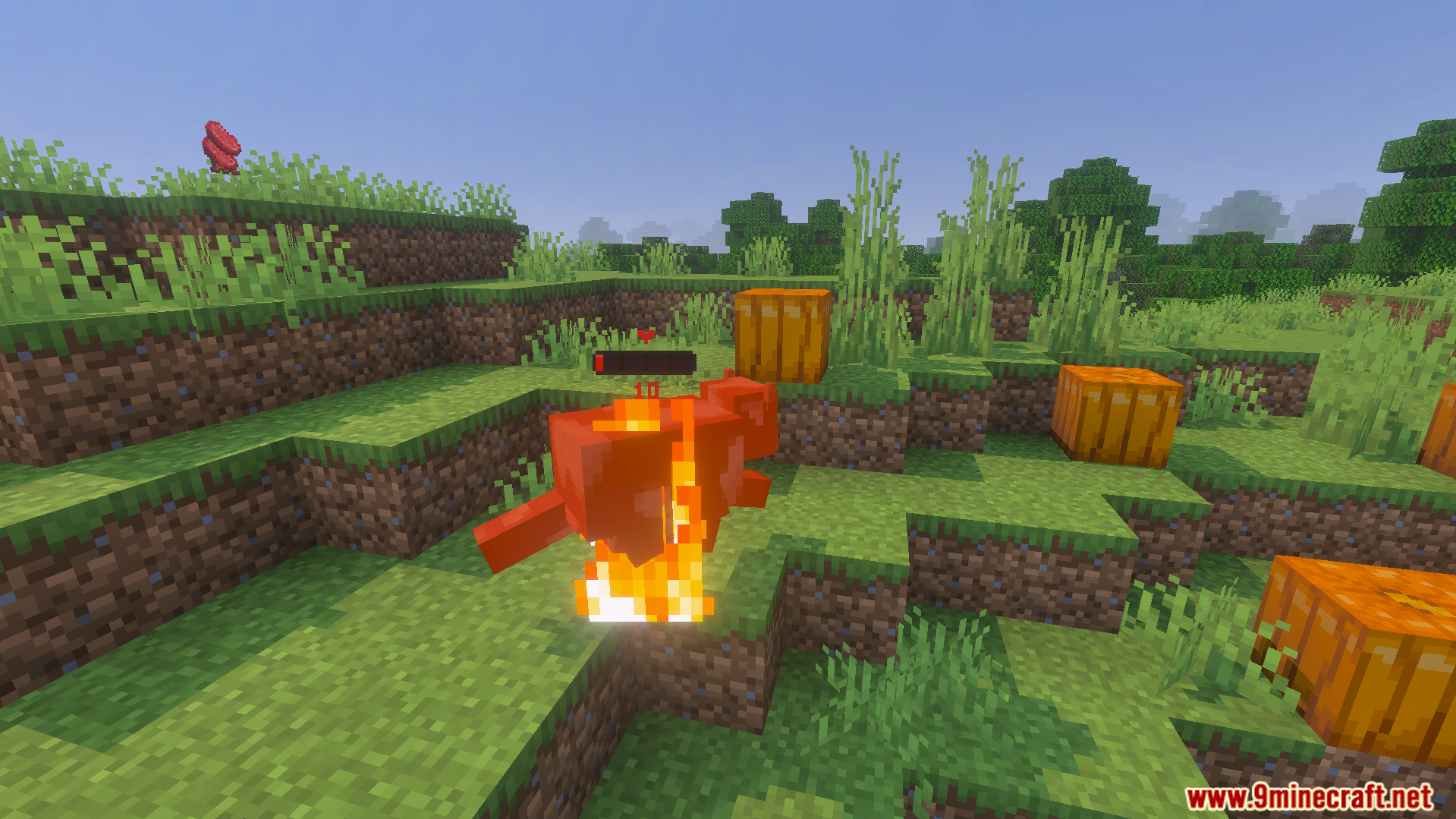
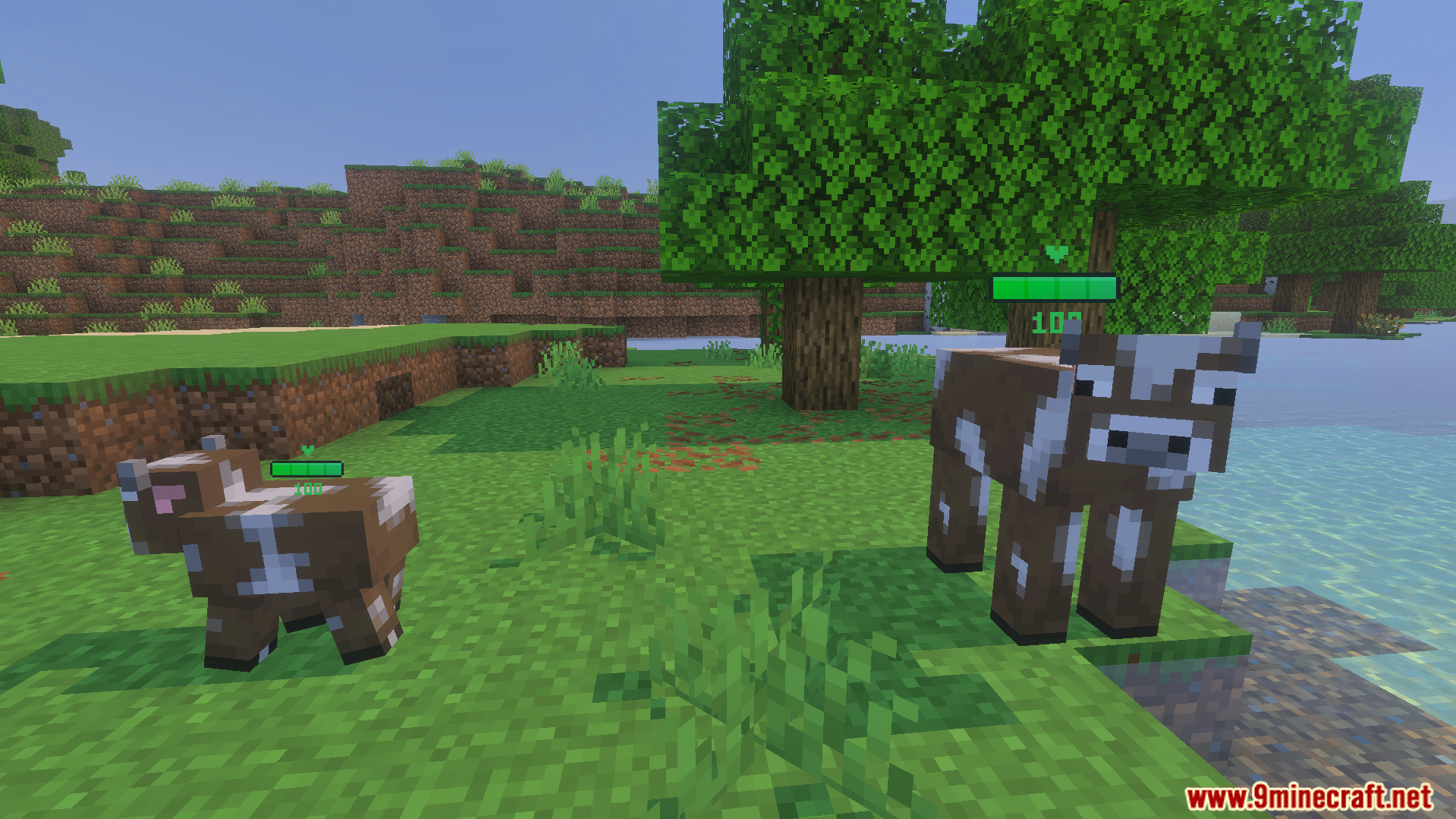
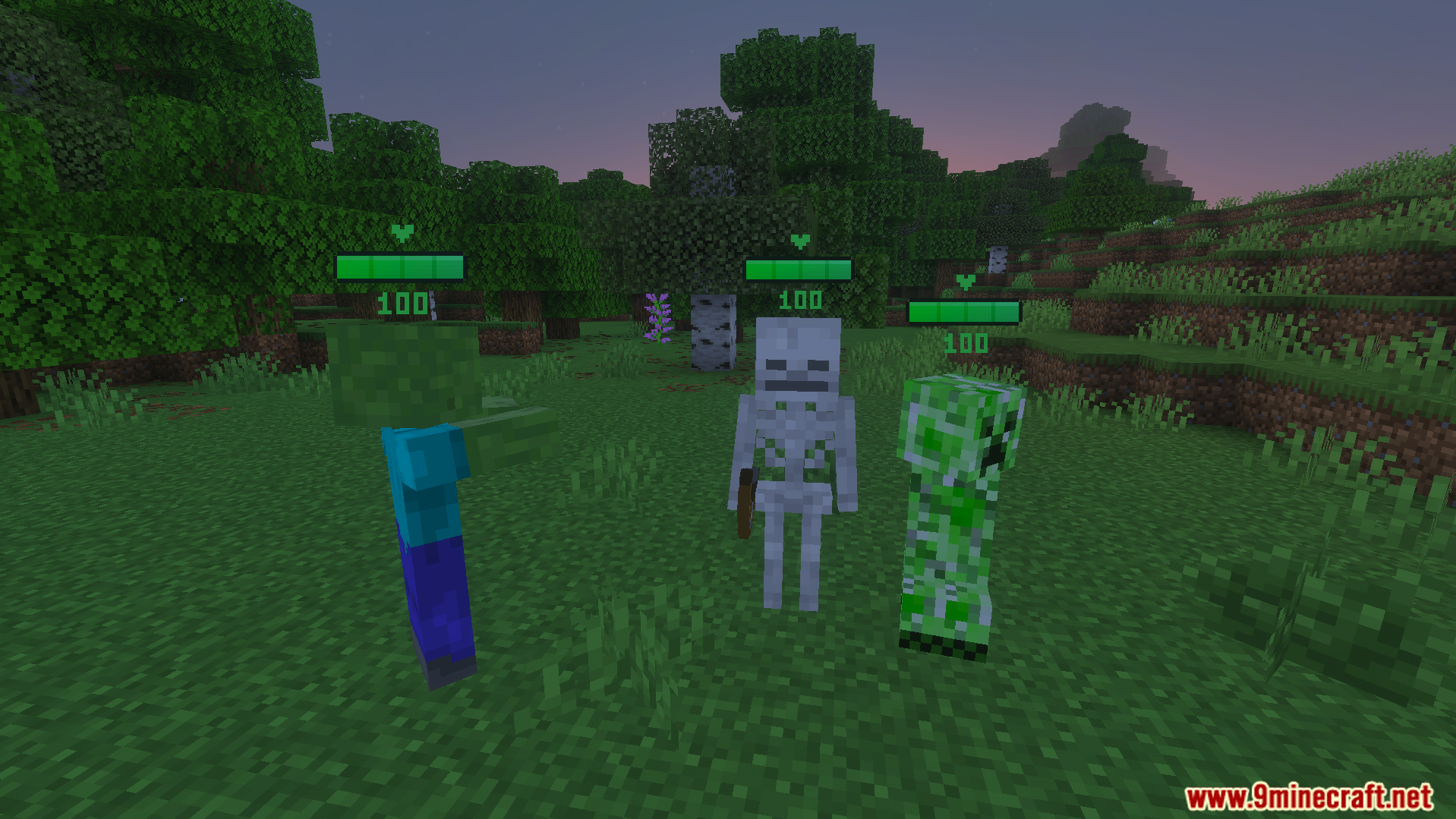
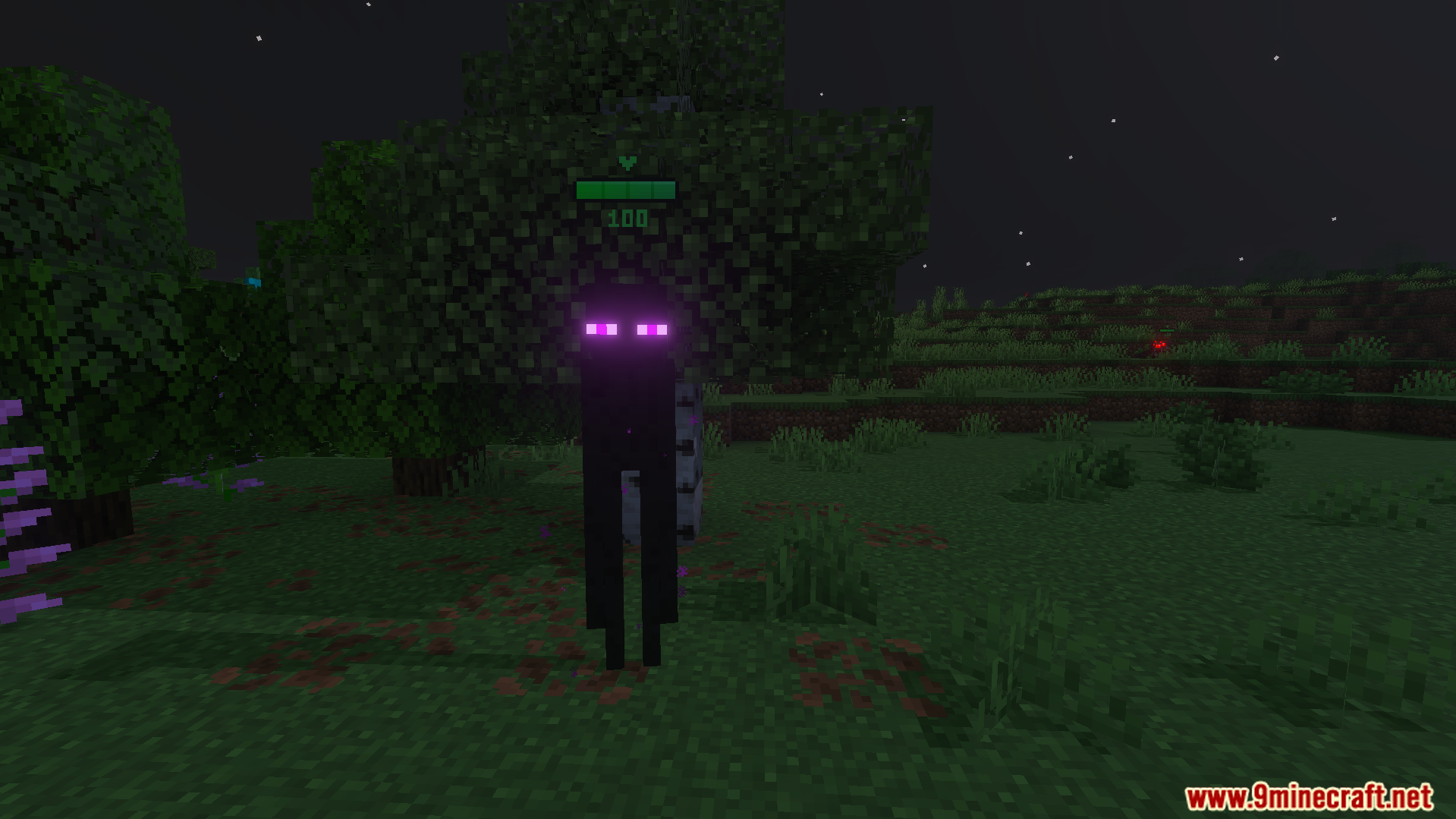
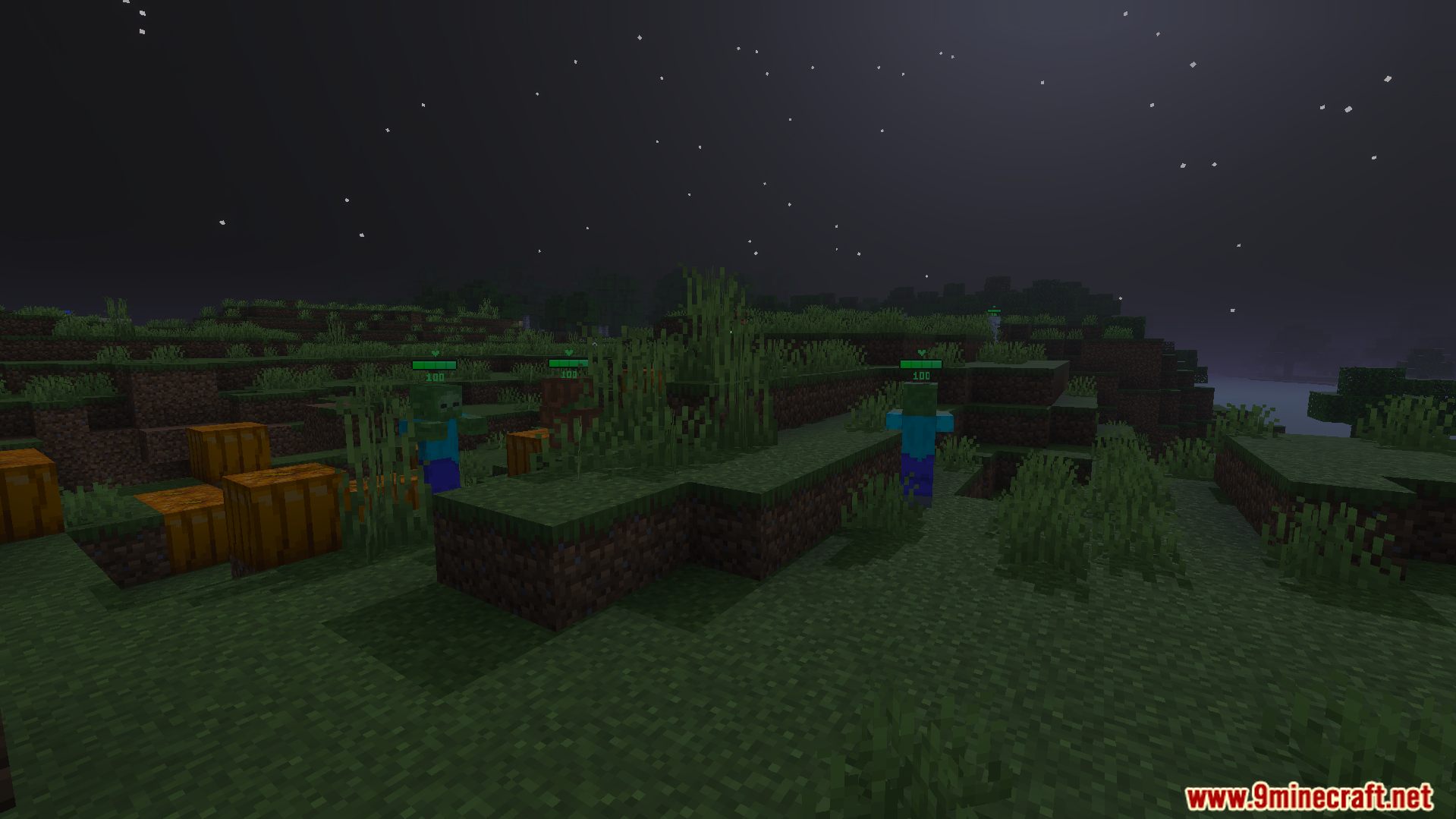
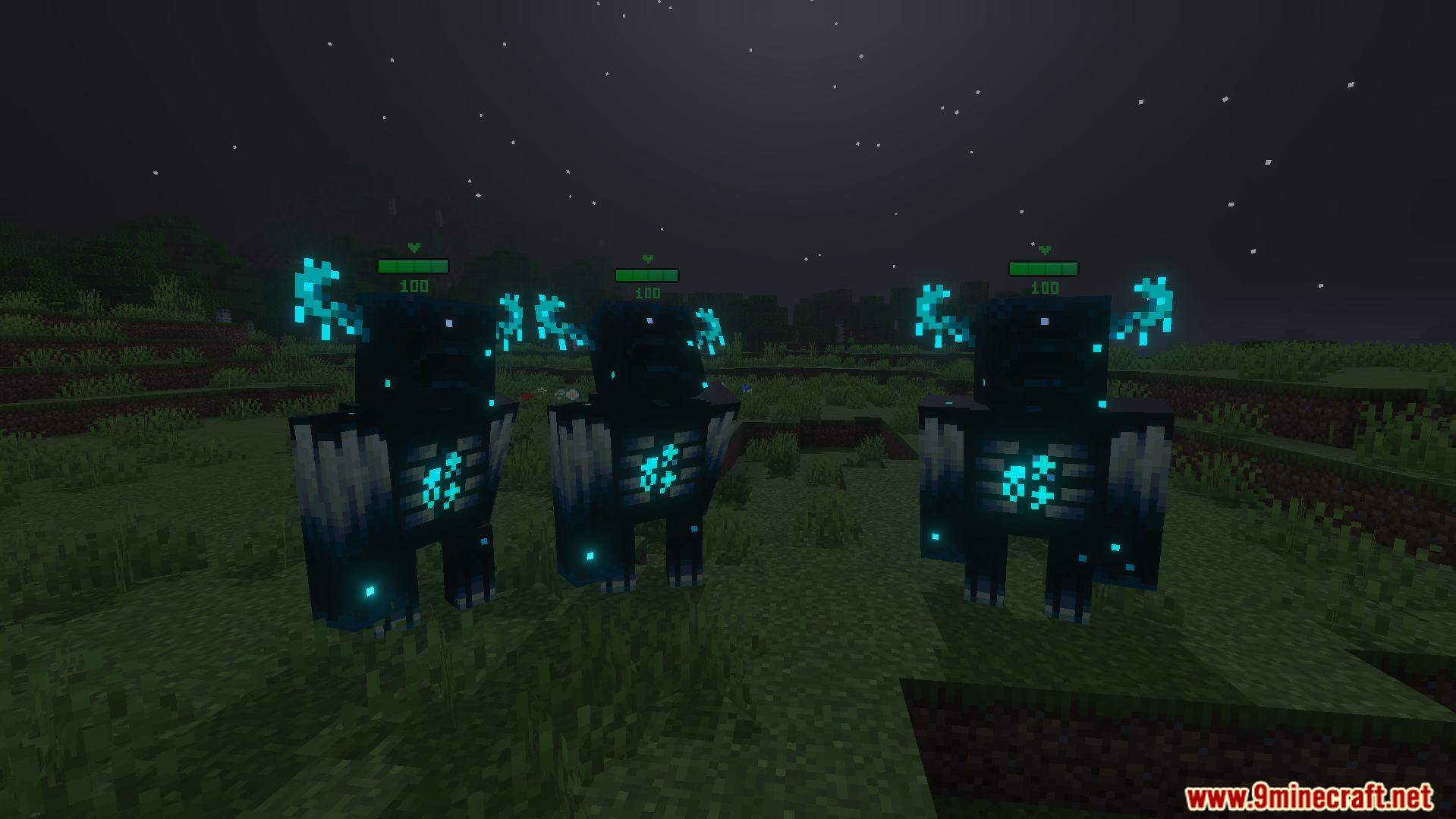
Health Bar Indicator Texture Pack Know exactly how much fight is left in every foe — real-time health bars float above mobs as you battle. Features: Live health bars displayed above every mob Instant damage feedback with every hit you land Clean, readable bars that don't clutter your screen Works on hostile and passive mobs alike Why You'll Love It: 1 Combat becomes tactical when you can read enemy health 2 Perfect for boss fights and tough mob encounters 3 Lightweight pack with zero gameplay disruption How to Get Started: 1 Download the Health Bar Indicator Texture Pack. 2 Install it in Minecraft PE. 3 Open your world and enjoy the new experience.
Open this resource in CraftyBox